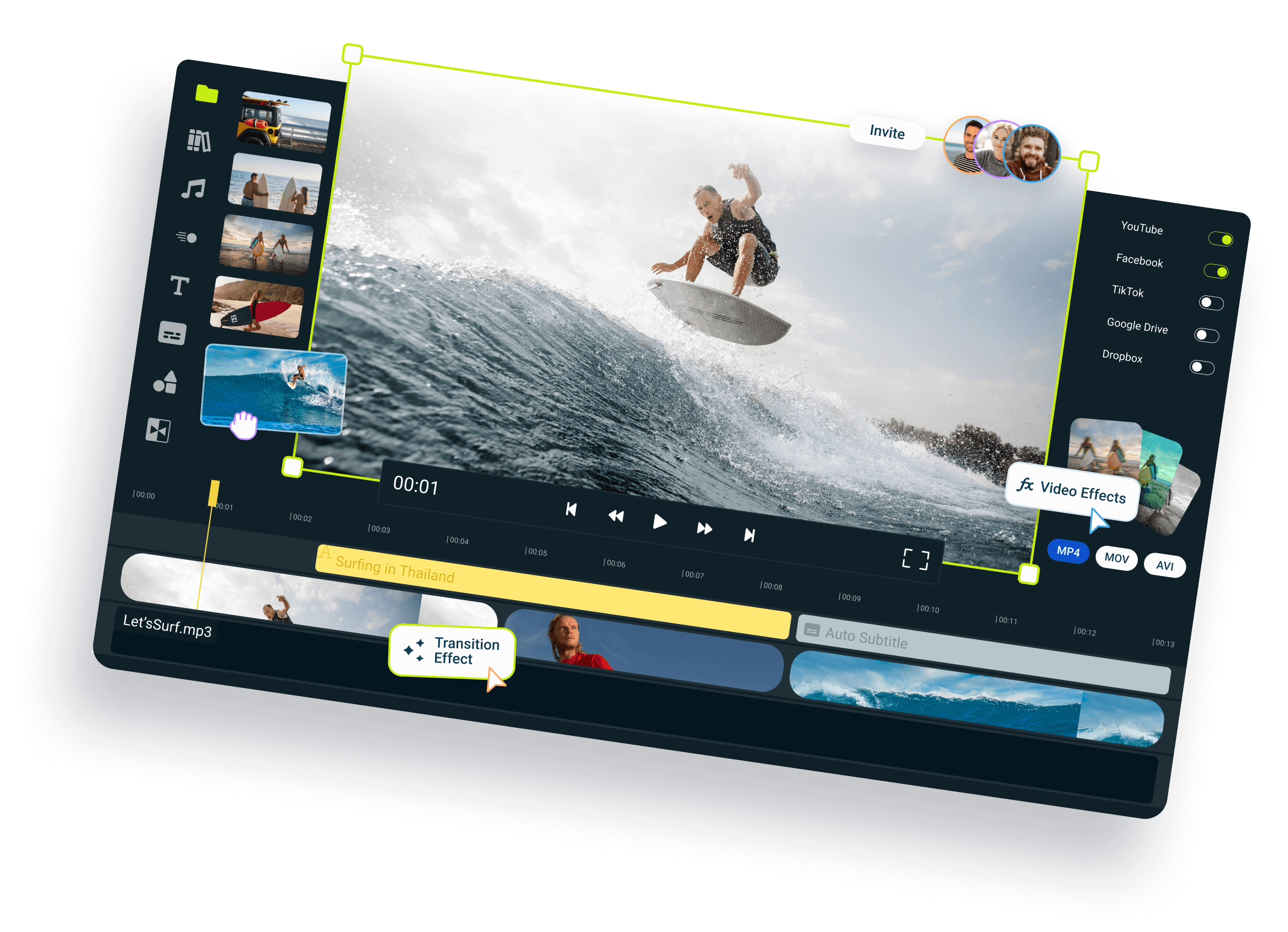
Flixier vs CapCut:
Which one is
better for you?
Compare features, AI tools, and pricing to find your perfect video editor.
Over 1 million creators use Flixier every day including brands like:





Feature breakdown:
Flixier vs CapCut
See how Flixier and CapCut compare across editing performance, AI automation, collaboration, and pricing, so you can pick one that fits your workflow.
| Category | Feature |  |  |
| Editing | Cloud-based editor
| ✅ Yes | ✅ Yes |
| Timeline editing & layering | ✅ Full Control | ⚠️ Basic timeline on the web version, stronger on mobile | |
| Screen & webcam recording | ✅ Built-in | ❌ Available only on the desktop app | |
| Edit by transcript | ✅ Yes | ✅ Yes | |
| AI & Automation | Auto subtitles
| ✅ Yes | ✅ Yes |
| AI voiceovers | ✅ Yes | ⚠️ Limited to 13 languages | |
| Voice Clone | ✅ Yes | ❌ Not available on the web version | |
| AI image & video generator | ✅ Yes | ✅ Yes | |
| AI audio enhancer | ✅ Yes | ❌ Not available on the web version | |
| AI credits | ✅ Yes | ❌ Not available | |
| Collaboration | Team reviews and edits | ✅ Yes | ✅ Yes |
| Version history & shared libraries | ✅ Yes | ✅ Yes | |
| Team collaboration included | ✅ Yes | ✅ Yes | |
| Performance & Speed | Cloud rendering | ✅ Fast | ✅ Fast |
| Browser compatibility | ✅ Works on all modern browsers | ⚠️ Works only on Google Chrome | |
| 4K Exports | ✅ Available | ✅ Available | |
| Pricing ** | Monthly Plan | $23/month | ⚠️ $19,99/month *prices can vary by region |
One Tool For Every
Type of Content
Flixier helps creators move faster without losing control of their story. Record, edit, and publish in one place, with no downloads, no waiting, and no friction. It cuts the grunt work so you can stay in flow and focus on what you do best: creating videos that connect.

Social Media Videos

Ad Creatives

Customer Testimonials

Product Demos & Explainers

Marketing & Ad Videos

Training & Team Videos
WhereFlixier’s AIwins
Unlike any tool
you've used before




Flixier has come a long way since the very beginning and continues to amaze me with how easy it is to use, its high quality for the price, and now the addition of Al will push this product even further to becoming one of the best modern video editors.

Still have questions? We got you!
Can I export videos in 4K with Flixier?
Yes, you can. Flixier lets you export in 4K on all paid plans, and everything is rendered in the cloud, so your computer won’t slow down.
Which tool gives the most accurate subtitles and translations?
Flixier does a great job here. You can generate subtitles in over 103 languages and dialects, then quickly review and adjust them right in the editor if needed.
How does collaboration work in Flixier?
It’s super simple. You can invite teammates, leave comments, and edit together in real time, just like in Google Docs. Everything stays in sync automatically.
Is there an export limit?
Each plan includes plenty of export minutes, and you can re-export as often as you need. Higher plans offer even more flexibility if you’re editing often.
Can I try Flixier before paying?
Yes! You can explore the full editor for free, no credit card needed. It’s a great way to see how everything works before choosing a plan.
Are there limits on subtitles or translations?
Every plan includes automatic subtitles and translations. Paid plans give you more monthly minutes and language options, so you can work on larger or multilingual projects without worry.
Can I switch from CapCut to Flixier easily?
Yes! You can import existing media and continue editing instantly in your browser. Flixier's layout is intuitive, so you'll feel right at home.
Does Flixier work well for teams or agencies?
Absolutely. You can share projects, leave feedback, and stay in sync, all without uploading or downloading files.