Edit Facebook Videos Online
Create, edit, and publish videos for Facebook Feed, Reels, and Stories, right in your browser. No downloads required.
Over 500,000 creators use Flixier every day including brands like:





How to Edit Your Video for Facebook
Make Facebook Videos for Any Feed
Use Premade Facebook Presets
Skip the guesswork on sizing. Flixier has built-in presets for Facebook Feed (1:1 and 16:9), Reels and Stories (9:16 at 1080x1920), so your export is resized correctly the first time.
Add Transitions and Music
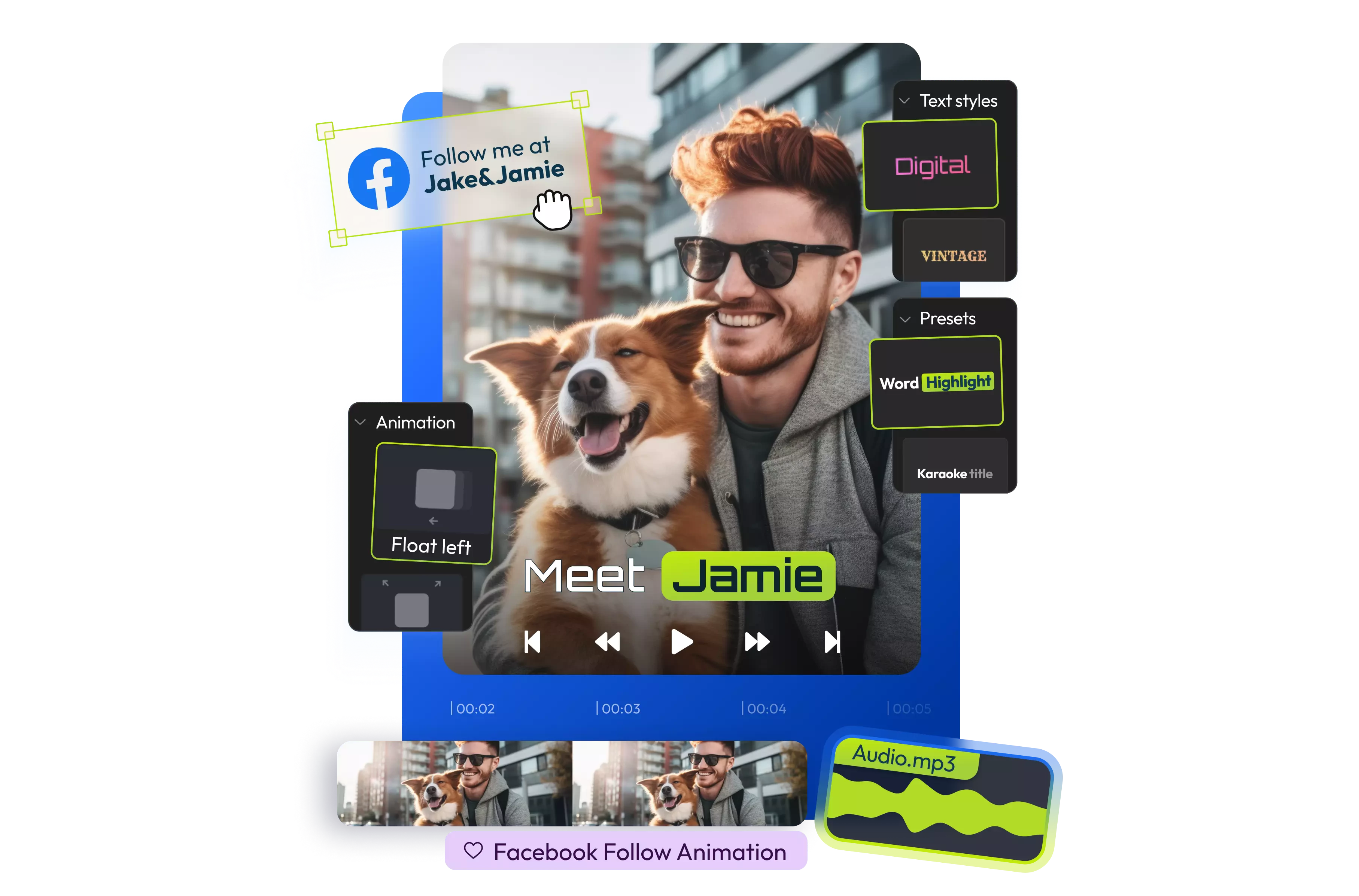
Put personalized text overlays, transitions, music, and filters on your Facebook video to make it stand out in a crowded feed, all on the same timeline where you're editing.
Place Calls to Action for Viewers
Encourage your users to follow your page or your other social media accounts by placing strategic prompts directly on your video.
Keep Videos Short for Engagement
Trim your video down to the length that performs best. Shorter, tighter edits tend to hold viewers’ interest better than a video padded out to hit a maximum runtime.
Everything you need to create and finish AI videos
Why Use Flixier to Edit Facebook Videos
Resize for Any Facebook Ratio
Reframe the same clip for Feed, Reels, Stories, or your cover video, instead of re-editing from scratch for each format.
Caption for Autoplay
Add captions automatically so your video stands out even when it appears randomly in someone’s feed playing on mute.
Translate in 130+ Languages
Automatically translate your captions as well in more than 130 languages to capture the attention of global audiences as well.
Publish Directly to Facebook
Export your finished video straight to Facebook without saving and re-uploading it through another app first.
Unlike any tool
you've used before


“I have over 11 years in the broadcast industry, building teleproductive facilities, using high-end editing equipment. And this is better than anything else I've used in my lifetime.”

Still have questions?
We got you!
No. Facebook doesn't let you re-edit a video once it's posted. You'll need to remove the original post and upload a new, edited version instead.
Feed videos work best at 1:1 or 16:9. Reels and Stories use a vertical 9:16 frame at 1080x1920, and your cover video should match your Page's cover photo dimensions.
Facebook Reels can run up to 3 minutes (180 seconds), though some accounts may still see a 90-second limit depending on the rollout. Either way, shorter videos tend to perform better, so it's worth trimming down rather than maxing out the runtime.
Not required, but strongly recommended. Facebook autoplays video muted, so without captions, most viewers scrolling past won't hear your audio at all.
Flixier has a free plan that allows for up to 2GB of storage, 10 minutes of exports, and 5 minutes of subtitles per month. If you need more, there are also paid subscriptions available that offer more, and even some unlimited options. Check out our pricing plans for more information.
Articles, tools and tips
Reframe one video for Feed, Reels, and Stories, and add captions so it holds your audience’s attention.
