Convert Videos to Any Format Online
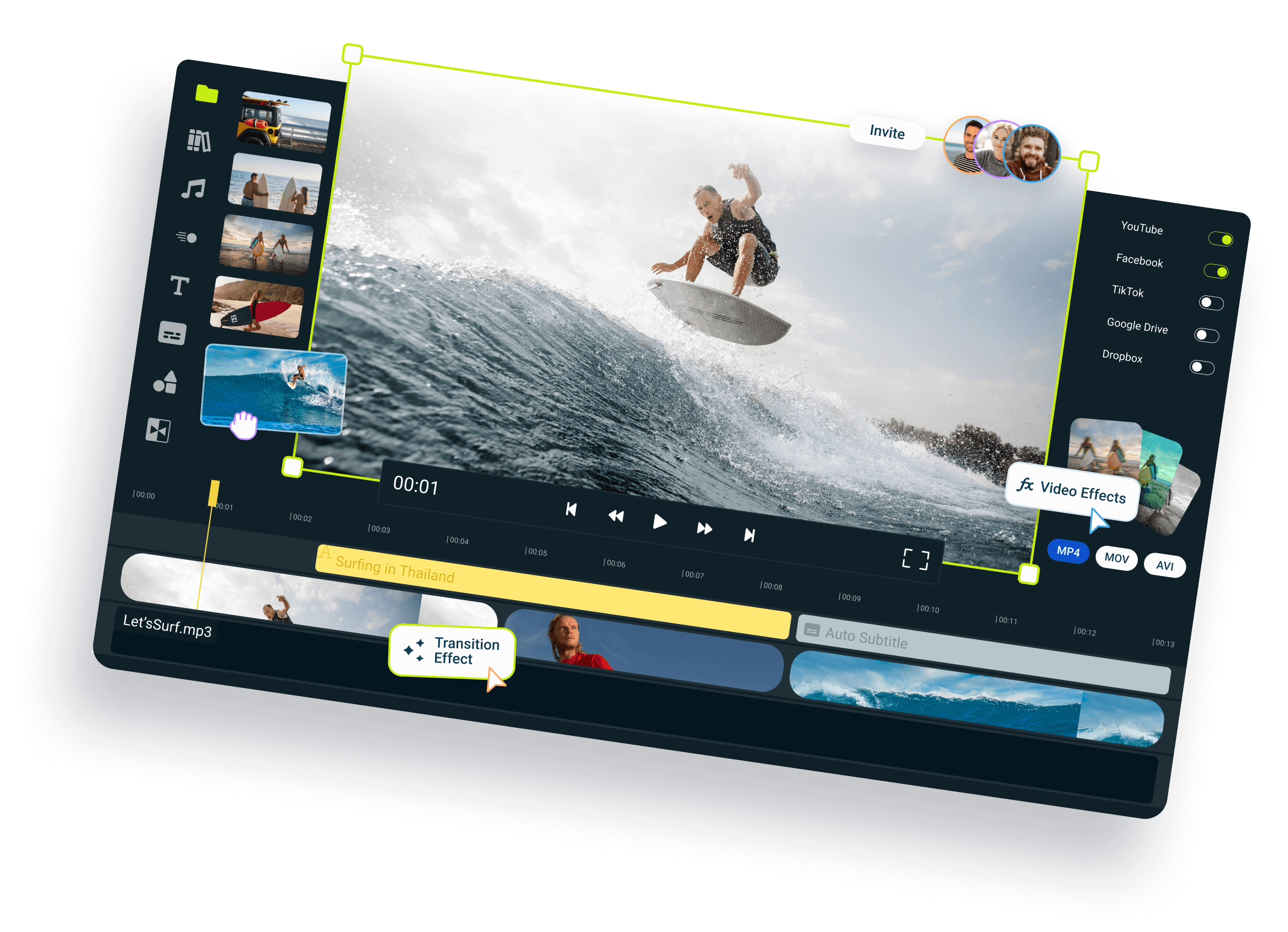
Switch between different video formats instantly with our free online video converter. Flixier's browser-based tool allows you to convert MOV, MKV, WebM, and MP4 files without installing any software.
Over 1 million creators use Flixier every day including brands like:








How to convert any video to MP4
Convert Video Formats Directly in Your Browser
Eliminate Compatibility Errors
Eliminate stubborn cross-platform playback errors by converting your files to globally accepted video formats. Flixier’s browser-based video format converter handles smooth MOV to MP4 tasks in seconds.
Save Time and Storage
No more waiting around to upload large videos. Because our video converter utility works entirely inside your local browser, your files open instantly without using any data.
Convert Files Locally
Experience total privacy and lightning-fast speeds with a video converter that processes data locally. Your media never gets uploaded to external servers because all data translation happens on your device.
Adjust File Sizes
Flixier allows you to optimize videos and compress after converting your assets to fit strict email or messaging attachments. You can also dive into our timeline to edit converted videos to perfection.
Who This Online Video Converter Is For:

Marketers
Reformat heavy commercial clips and promotional footage into web-friendly files that play smoothly on mobile. Shrink your marketing assets down to optimize loading speeds.
See How It WorksEducators

Podcasters

Social Creators
Everything you need to create
and finish AI videos
Still have questions?
We got you!
How do I convert a video to MP4 online?
To convert a video instantly, drop your video file into the converter widget located in the hero section at the top of this page. Choose MP4 as your target format and hit the save button to process and download your converted video file in seconds.
What video formats can I convert?
Our online video converter supports MP4, MOV, MKV, and WebM videos.
Can I convert a video without losing quality?
Yes, absolutely. Flixier's video converter uses smart transcoders that preserve the visual quality of your video as much as possible.
Is there a file size limit for conversion?
Our platform is built to handle large video files easily, letting you process massive high-definition clips without hitting annoying storage walls. Because the conversion happens locally on your device, you don't have to wait through long upload queues.
Is the online video converter free?
Flixier provides an entirely free, browser-accessible conversion tool with zero software installation or signup requirements. You can convert files then jump right into our advanced cloud suite for in-depth editing at any time.
Can I convert AnyDesk videos to MP4?
Yes. You can upload AnyDesk-recorded files directly into Flixier and convert them to MP4 in just a few clicks.
Can I convert iPhone videos to MP4?
Absolutely. Import your iPhone’s MOV files and the converter will turn them into MP4 quickly and automatically.