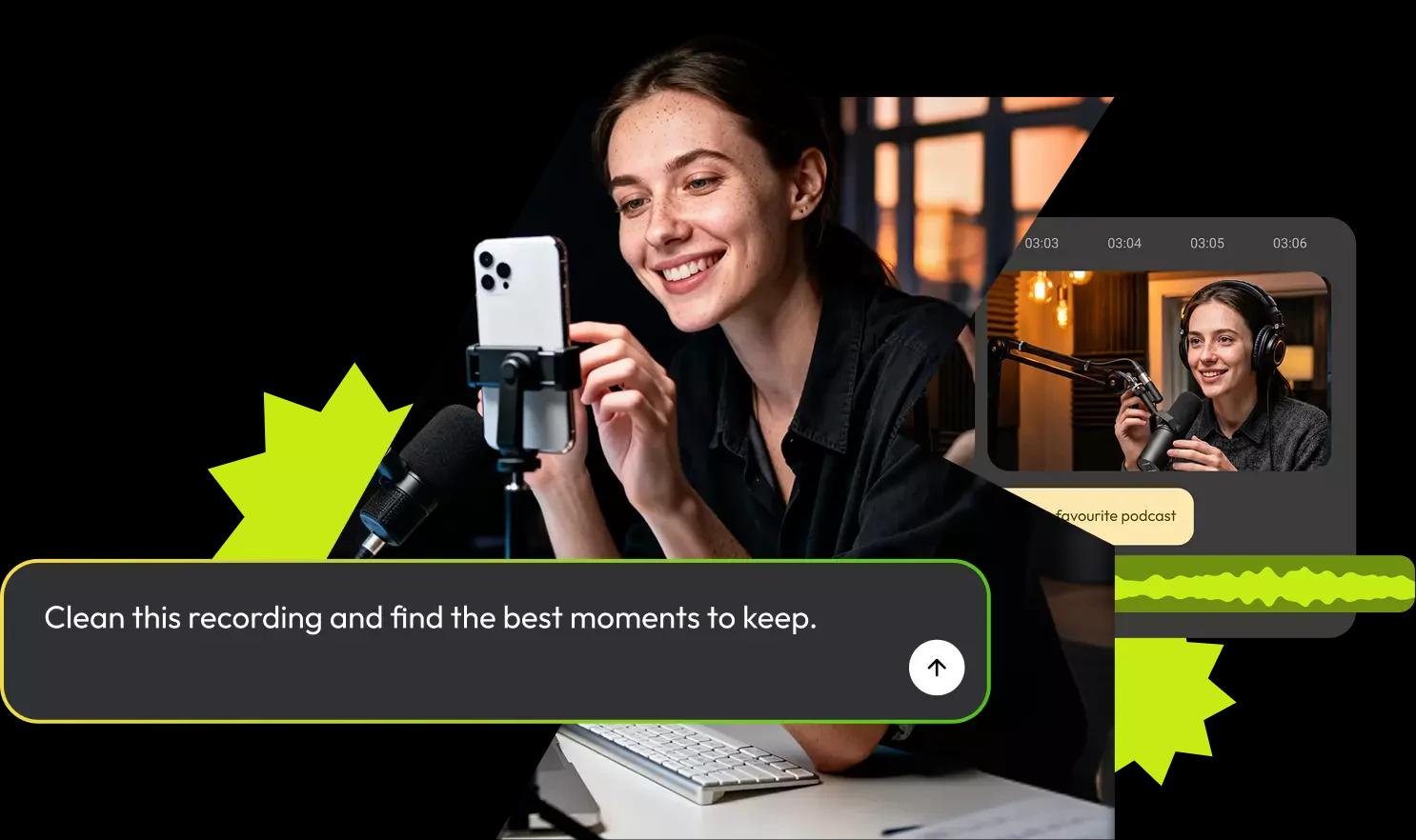
The AI Video Editing Assistant That Builds Your First Cut
Eva reads your transcript and turns raw footage into a finished first cut or a set of clips, based on what you tell her. The editing is already underway before you open the timeline.

From raw footage to something worth opening
Built for the videos you already make

Podcasts

Webinars

Interviews

Lesson recordings

Talking-head videos

Long-form recordings
The timeline is still yours to finish it your way
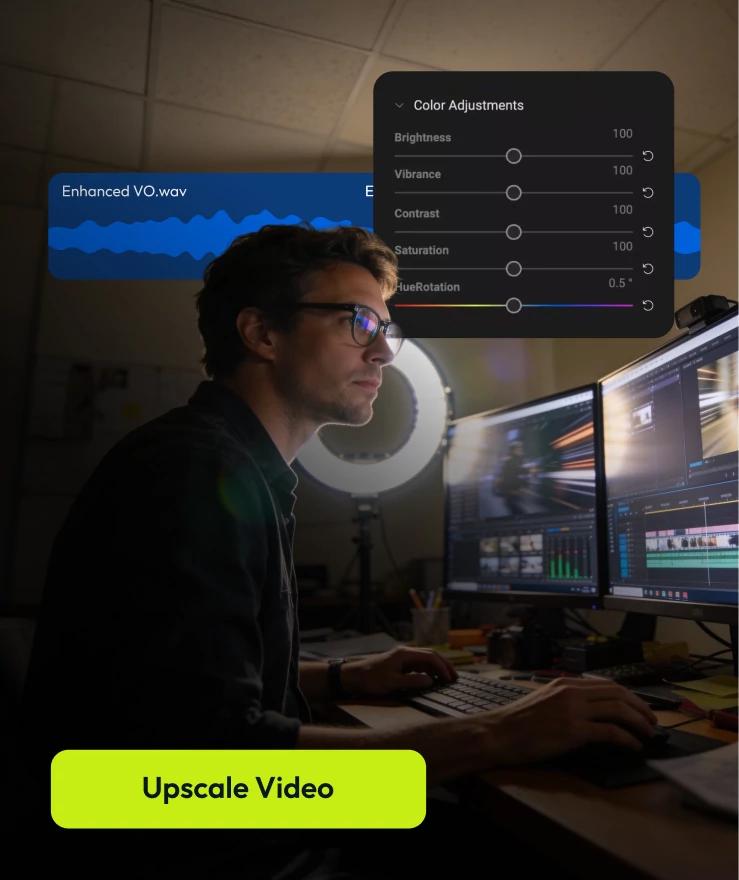
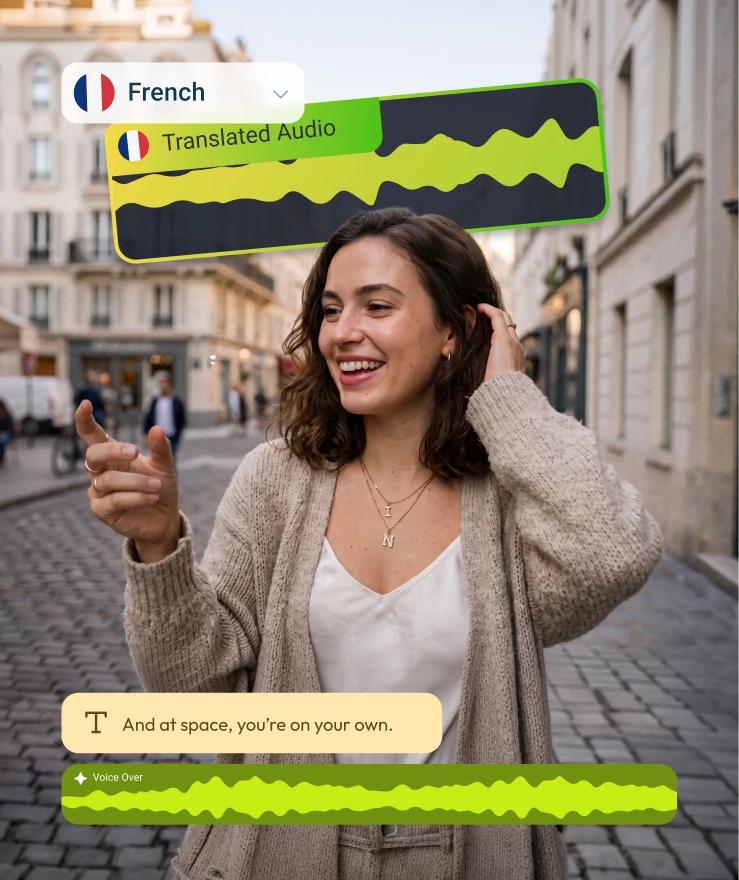
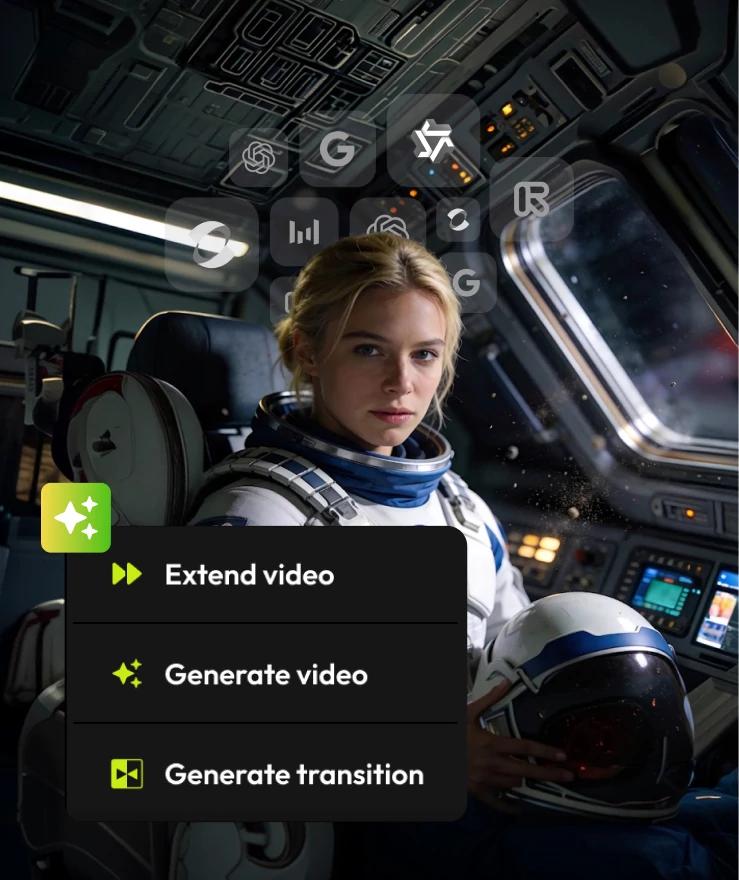
Built for teams that create videos together

Review & collaborate
Leave comments on the timeline and move faster without the back and forth.

Stay on brand
Apply shared logos, fonts, and colors across every video with a team brand kit.

Publish anywhere
Deliver finished videos confidently with exports ready for every platform.
“We tend to spend too much time on editing and not enough on the creative process itself. Eva reads the transcript and does that heavy lifting for you in Flixier.”

Cam Harvey
Creator

4.5 / 5 Rating

4.0 / 5 Rating

4.7 / 5 Rating

4.4 / 5 Rating
Made for the way you already create
Video Creators
Podcasters
Online Educators and Course Creators
Marketing and Business Teams
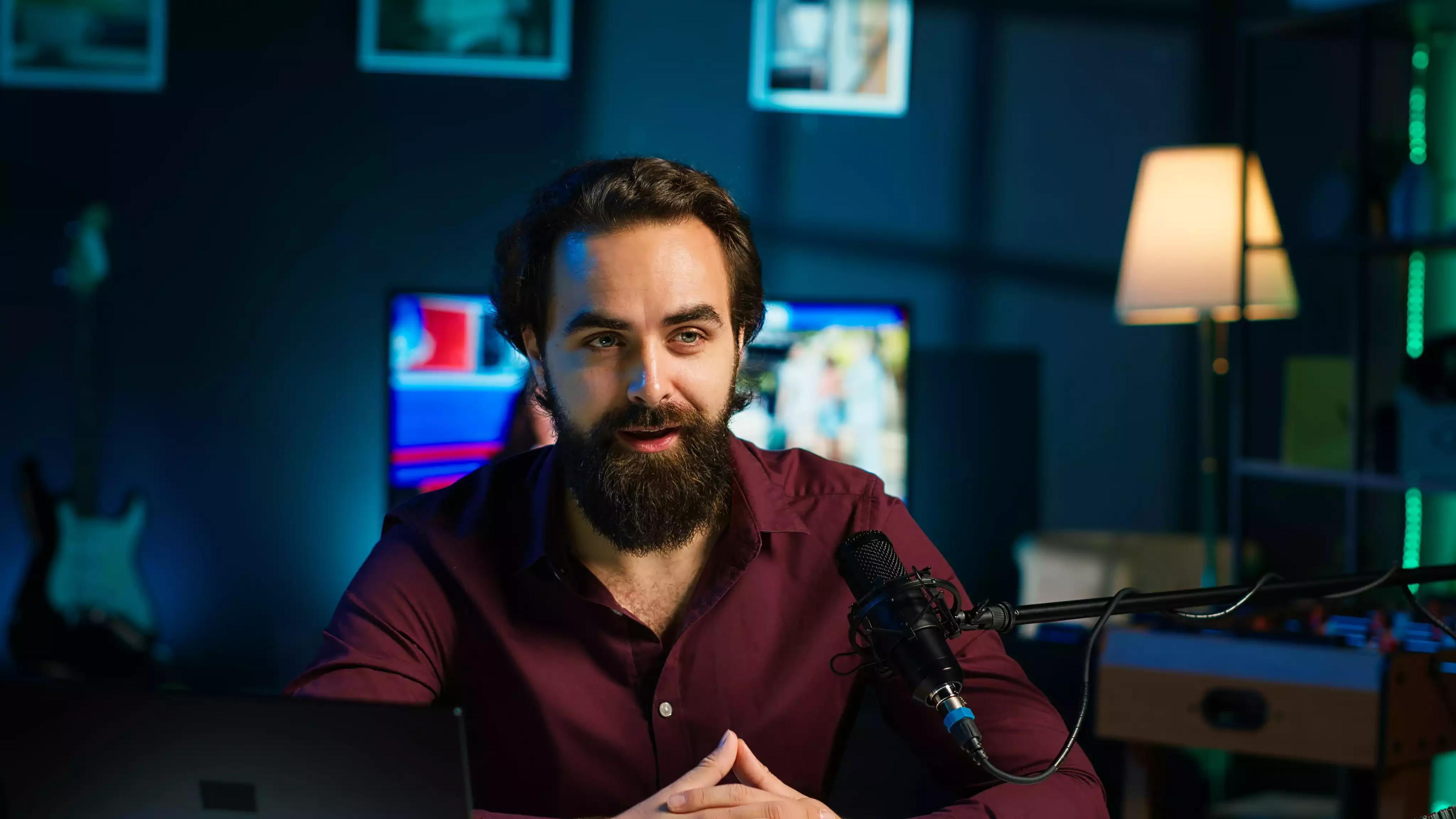
Video Creators
- Your long-form video has three clips worth posting. Eva finds them in the transcript.
Podcasters

Online Educators and Course Creators
Marketing and Business Teams

Still have questions?
We got you!
What does Eva, Flixier's AI editing assistant, actually do?
You tell Eva your intent, what the video needs to be, or what clips you want pulled from it. She reads the transcript to structure a finished first cut, deciding what to keep when you have multiple takes, removing filler words and silences, sequencing what's left, and adding text, captions, and visuals based on what you asked for.
How does Eva's AI video editing work?
You give Eva your intent in plain language, she reads the transcript, decides what to keep, cut, and sequence, and hands you a finished first cut inside the Flixier timeline. For straightforward tasks she handles them immediately. For decisions that could change the shape of your video, she shows you her plan first so you can review before anything changes.
Can Eva turn a long recording into short clips?
Yes. Tell Eva what you want pulled out and she searches the transcript for it, then turns those moments into clips. This works well for repurposing podcasts, webinars, and other long-form recordings into shorter content.
Does Eva work with any video, or does it need specific footage?
Eva works from your transcript, so she's built for footage where people are talking, podcasts, interviews, lessons, webinars, talking-head videos. Without spoken content to read, she has nothing to base your intent on.
What's different about Eva compared to other AI editing assistants?
Unlike AI tools that generate footage from prompts or execute single editing commands, Eva understands your intent and builds a finished first cut from your existing footage. You give her your intent, she reads the transcript, decides what to keep, cut, and sequence, and hands you a finished first cut or a set of clips inside the Flixier timeline for you to take further.
Is Eva good enough for someone with no video editing experience?
Yes. You don't need editing skills or technical knowledge, you tell Eva your intent in plain language, and she handles the rest. If you want more control, the full Flixier timeline is right there to take it further.