GIF to Video
Convert an animated GIF into an MP4 video you can edit, add sound to, and share on social media. Upload your GIF and finish everything in your browser without installing anything.
Over 500,000 creators use Flixier every day including brands like:





How to Convert a GIF to Video
Convert GIF to MP4
Share Your GIF as a Video
Some platforms and video editors work better with MP4 files than animated GIFs. Convert your GIF to MP4, then download it or publish it to a connected social media account.
Add Sound to Your GIF
GIFs do not include audio, but the MP4 version can. Add music to your GIF, include a sound effect, or record a voice-over before exporting the video.
Resize It for Social Media
Resize the video for TikTok, Instagram, YouTube, or another platform. Adjust the GIF inside the new frame and add a background when the original animation does not fit.
Edit Before You Export
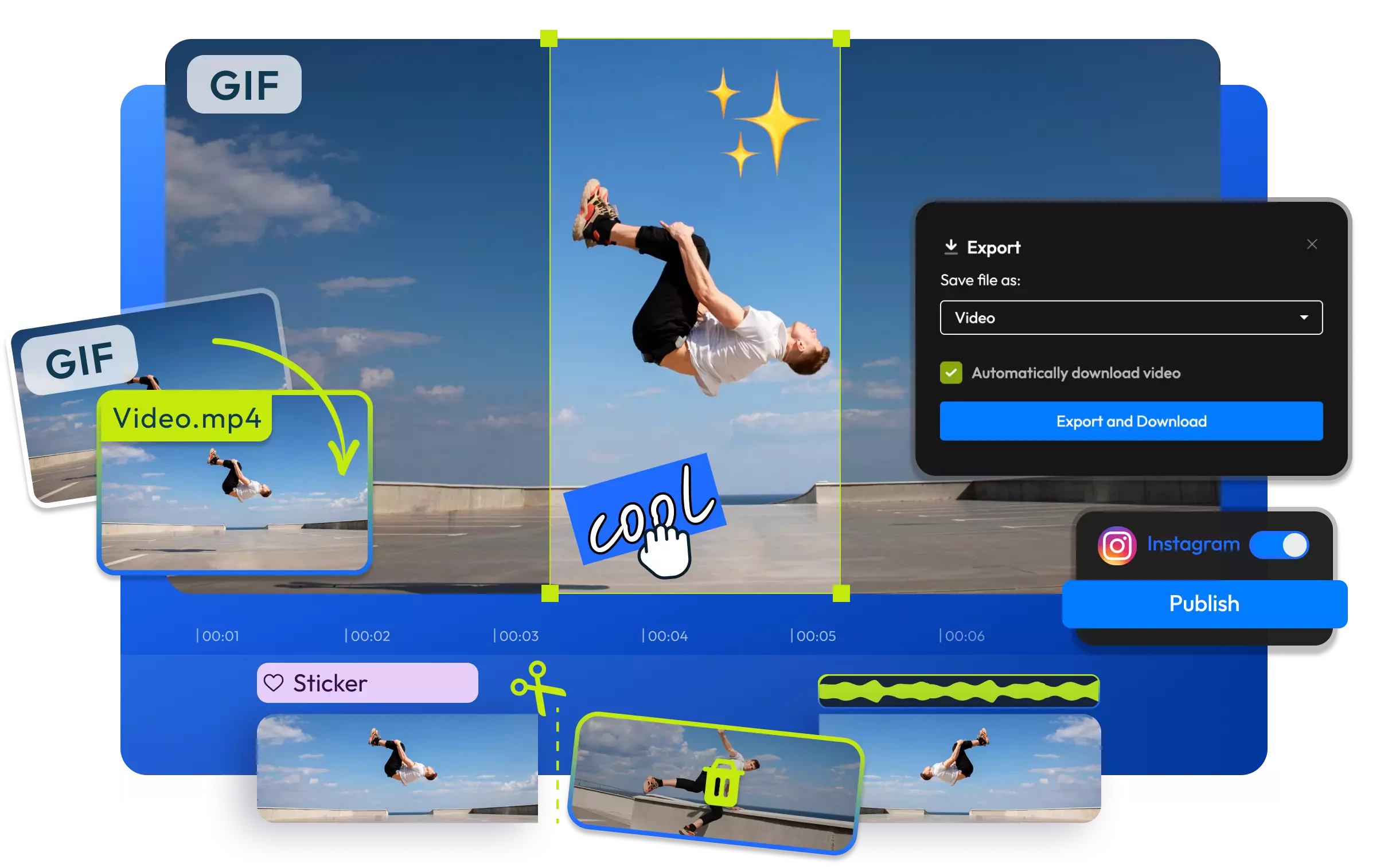
Trim the animation, change its speed, or add text, images, and subtitles. Preview the result on the timeline, then export the finished video as an MP4.
Everything you need to create and finish AI videos
Still have questions?
We got you!
Yes, upload your animated GIF to Flixier, add it to the timeline, and export it as a video. Flixier converts the animation into an MP4 you can download, edit, or share online.
MP4 works with more video editors, media players, and social media platforms. Converting your GIF also allows you to add music, sound effects, voice-overs, and other video elements.
Yes, add your GIF to the timeline, then upload a song, choose stock music, or add sound effects. Adjust the audio alongside the animation before exporting everything as an MP4.
Yes, the animation becomes part of the exported MP4 video. The resulting file plays like a regular video and can include audio, text, images, and other edits.
Yes, you can convert a GIF to video with Flixier's Free plan. Free exports include a watermark and follow the plan's current limits.
An MP4 does not always loop automatically because playback depends on the platform where you share it. If you want the animation to repeat inside the video, duplicate the clip on the timeline before exporting.
Upload your GIF, make any final edits, and export it as an MP4 for social media or other video projects.
