Promo Video Maker Online
Create a promo video without leaving your browser. Start from an AI template, or have our AI editing assistant create a draft in seconds based on your footage.
Over 500,000 creators use Flixier every day including brands like:





How to Make a Promo Video Online
Everything You Need to Build a Promo Video
Start From an Engaging Template
Choose a video template built for your industry directly from our AI gallery, swap in your own footage and text, and your promo video is ready in minutes.
Create Promo Videos With AI
Generate original images, videos, voiceovers, or logos from a text description when you don't have a production crew, a designer, or a narrator available.
Keep Every Video On-Brand
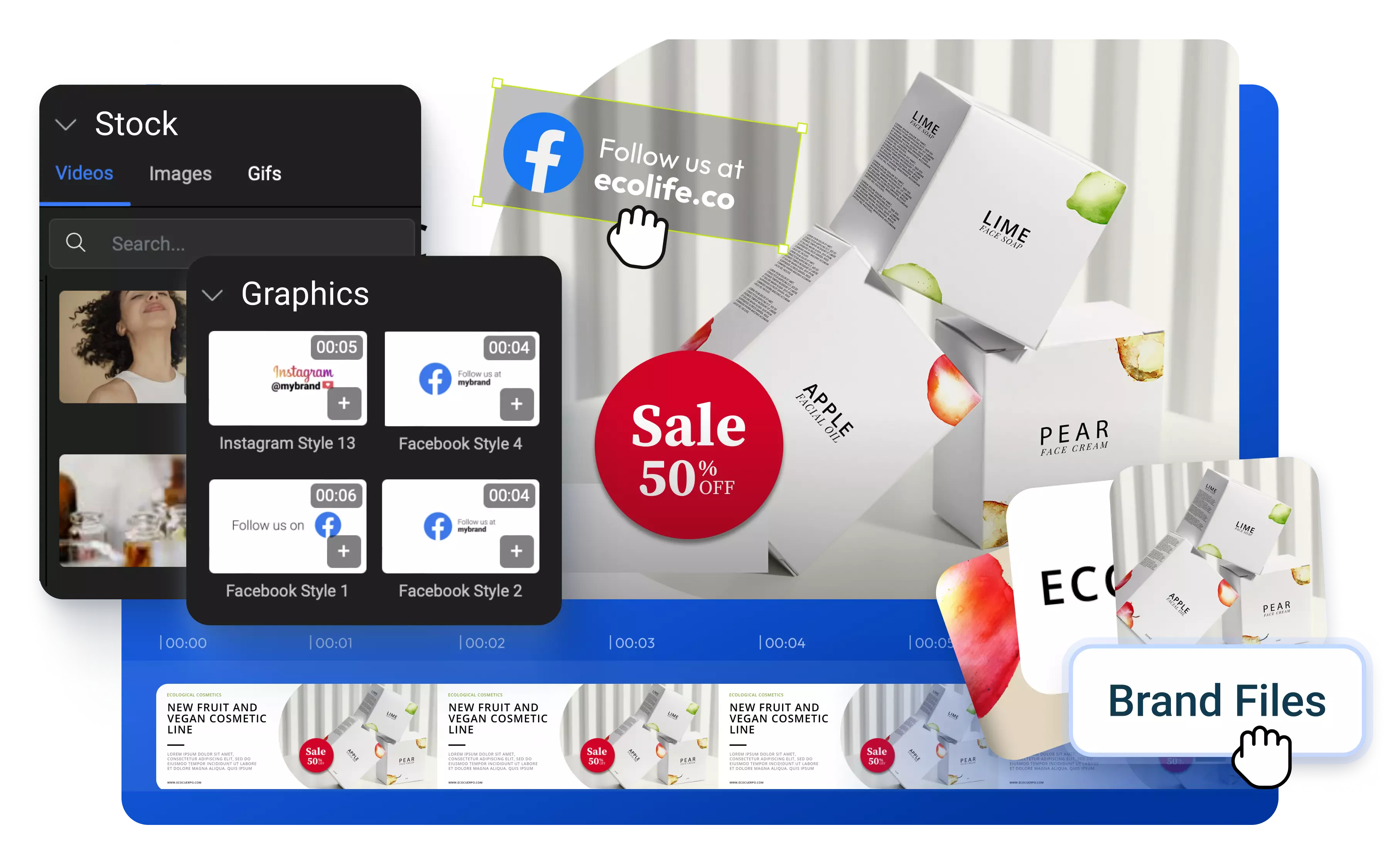
Upload your logo, fonts, and color palette once, then apply them across every campaign with the Brand Kit so your promo videos always look authentically yours, not a generic template.
Resize for Every Platform in One Click
Turn a horizontal video into a vertical TikTok clip or square Instagram post instantly, so you can effortlessly reuse your videos on different platforms.
Everything you need to create and finish AI videos
Why Use Flixier to Make Promo Videos
Turn One Long Recording Into Many Promo Clips
Tell Eva what to look for in a webinar, sales event, or interview, and she'll scan the transcript, find those moments, and hand you ready-to-use clips. No need to scrub through hours of footage yourself.
Keep Your CTA in Frame
Use safe zones to see exactly where each platform's UI, like profile icons, captions, or buttons, will overlap your video, so your logo and call-to-action never get cropped out after publishing.
Get Feedback Without Leaving the Project
Share a project link and collect real-time feedback from teammates or clients, so revisions happen in the same file instead of over email threads.
Edit Without Switching Tools
Trim, brand, caption, and export your promo video in the same browser tab, without bouncing between a separate audio tool, resizer, or stock footage site.
Unlike any tool
you've used before


“I have over 11 years in the broadcast industry, building teleproductive facilities, using high-end editing equipment. And this is better than anything else I've used in my lifetime.”

Still have questions?
We got you!
Start with a template built for your industry, then swap in your footage, logo, and brand colors. If you don't have product footage, upload a photo of what you're selling and generate a video around it with AI. Add stock music, animated titles, and a CTA, then export or publish straight to Instagram, TikTok, or YouTube without leaving the tab.
Upload your media, arrange it on the timeline, and add the event details that matter: date, location, logo, and a link. Flixier's templates are built to hold this information clearly, so nothing gets missed before you publish.
Yes. Beyond generating voiceovers, images, or logos from a text prompt, Flixier's AI assistant Eva can also turn a longer recording, much like a webinar, interview, or event, into ready-to-use promo clips by reading the transcript for the moments you ask for.
Flixier has a free plan that includes the core editor, templates, and your own uploaded assets, so you can build and preview a full project before paying anything. The free plan does come with storage and export time limits, as detailed on the Pricing page.
Run your track through Flixier's AI audio enhancer to remove background noise and level out volume automatically, with no manual clip-by-clip adjustment. Clear audio keeps your CTA audible, which affects how well a promo video actually converts.
Articles, tools and tips
Start from a template, brand it in one pass with safe zones built in, and export a version ready for every platform you post to.
