The fastest way to finish a video.
Everything a professional-looking video needs, right in your browser.
Over 500,000 creators use Flixier every month, including teams at
 Vodafone





 Import or RecordUntitled (click here to rename)MOExport
 Veo 3 · 4 s · generated
All the tools you need to edit
Cut out what you don't want, add text and music, fix the sound, add a logo, and publish in minutes. All in a browser tab. No installs, and renders happen in the cloud instead of on your laptop.
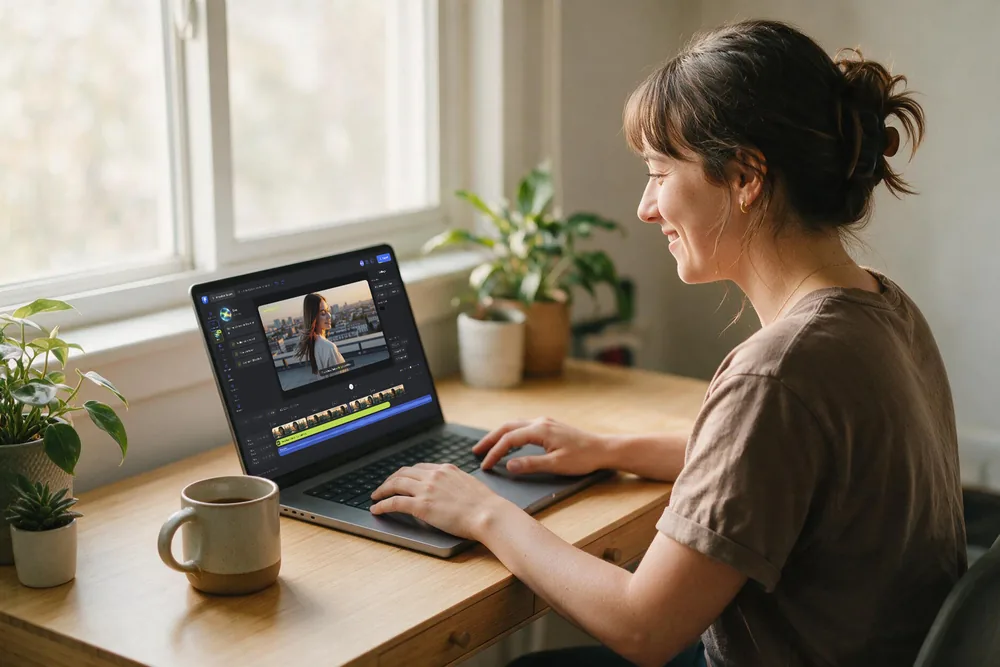
Easily Edit
Several video and audio tracks at once, frame by frame when it matters, and a premium stock library for everything you did not get to shoot.
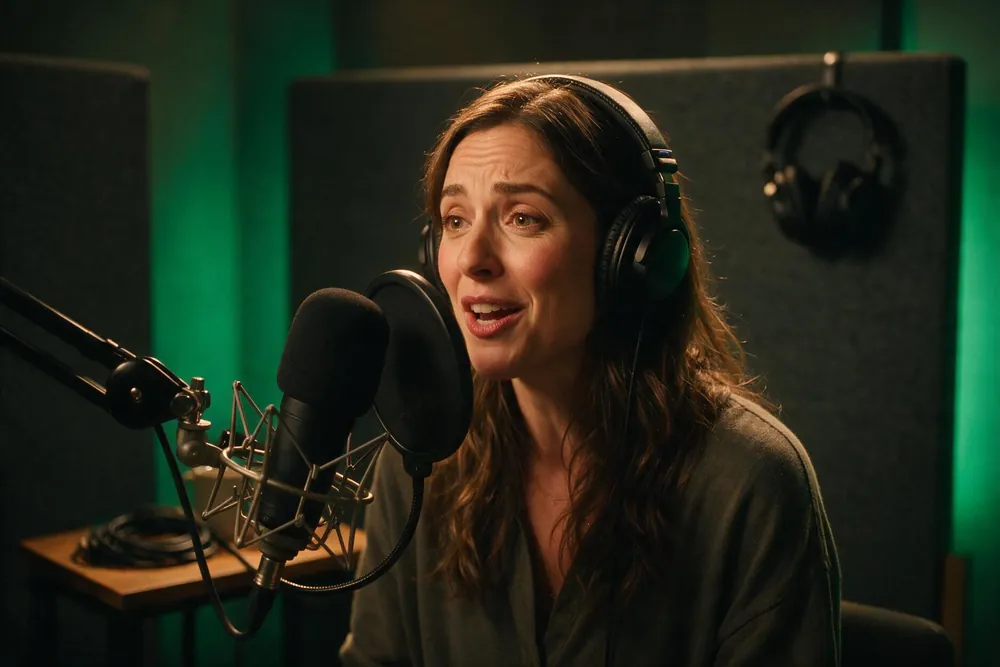
Sound, text and looks
Clean the audio in one click, caption it without typing, put your brand's fonts and colours on every title, and adjust the picture until it looks the way you want.
Export anywhere
Send it straight to YouTube, TikTok or Drive. Rendering runs on our machines, not yours, so a full-length export is done in minutes on any laptop.
Add files straight from
Skip the part of editing nobody enjoys
The first cut is mostly mechanical. The same decisions, on every project. Tell Eva what the video needs to be and Eva makes them for you, then hands the cut back for the part that actually needs you.
the first cut
- Rough cut, made from what is actually said
- Filler words and dead air removed
- Structure that follows the content, not the clock
- Captions, titles and your brand kit applied
Say it the way you would say it to an editor. No commands, no settings.
Eva finds the clipsworth posting
- Describe the moment, Eva goes and finds it
- A two hour webinar becomes five short clips
- Resized and captioned for where they are going
- Without rewatching a minute you did not need
Everything Eva does lands in the timeline from step one. Change any of it.
Nothing filmed? Eva makes the whole thing.
One sentence in, a finished video out. Eva writes the script, chooses the right model for every shot, generates the visuals, records the voiceover, lays the music under it and cuts the whole thing together. Not a four second clip, and not a pile of files to assemble yourself.
Script
Written for your topic, at the length you asked for.
Shots
Every scene on the model that suits it, chosen for you. No comparing, no guessing, no credits burned finding out.
Voice and music
Voiceover recorded and a track laid under it, both timed to the cut.
Assembled
Captioned, cut together, and handed over as one finished video you can still change.
Or generate one shot at a time, mid edit
Need a cutaway, a wider angle, a bridge between two scenes? Generate it from the frame you are on, extend a clip past where it ended, or let the transition between two shots be made for you. All without leaving the project.
Pick the model that fits the shot, or let Eva pick it for you.
No noise.
No waiting.
Flixier renders in the cloud, so a full-length export finishes in minutes even from a Chromebook or a five-year-old laptop. Your machine stays cool and quiet, and you keep working while it renders.
No installs.
No limits.
Flixier runs entirely in your browser. Chromebook, old MacBook, or a work laptop you're not allowed to install software on. Same full editor, nothing to download.
What you can make with Flixier
From a YouTube upload to a training video for the whole company, and most things in between.

YouTube videos
Cut the long version, then pull the shorts out of it without re-uploading anything.

Short videos for Reels, TikTok and Shorts
Resize to 9:16 and add the captions in the same pass.
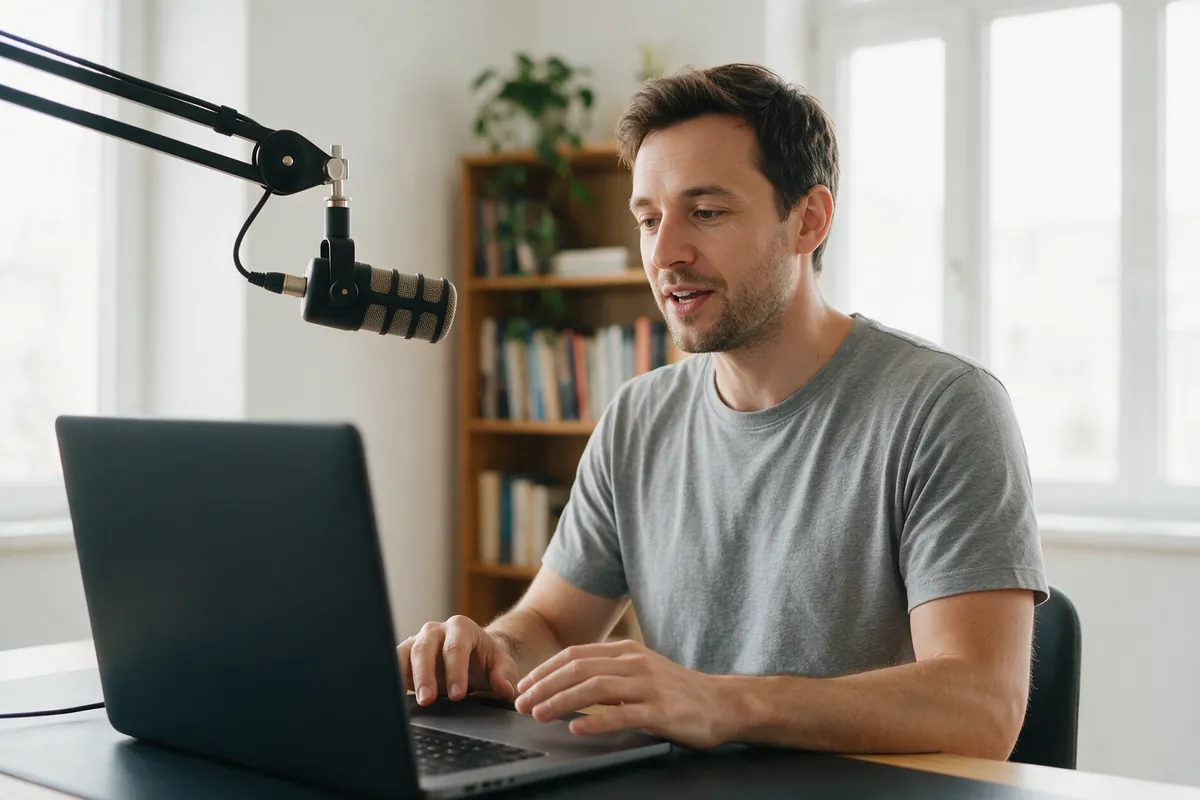
Online course lessons
Cut the retakes, add captions, and keep every lesson looking the same.
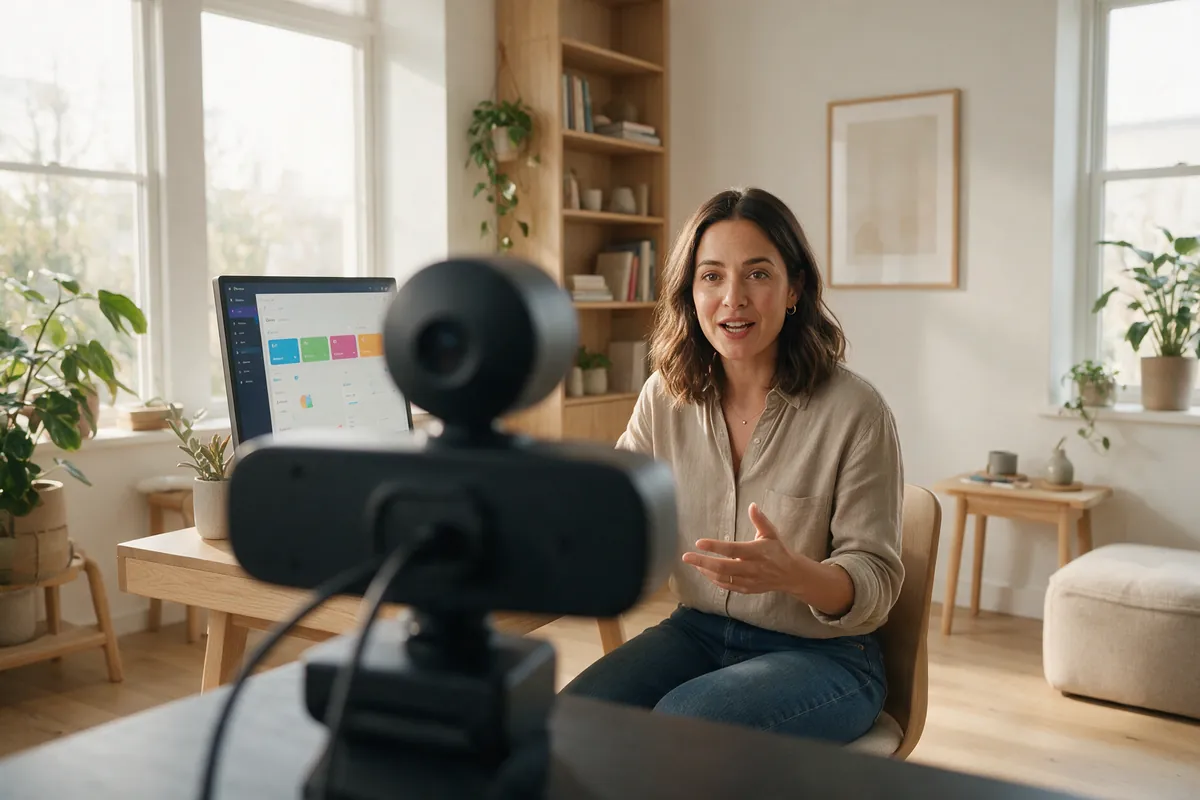
Product demos
Record your screen and webcam, then drop in an AI voiceover.

Training and onboarding
Brand kit, shared templates, and reviewer comments left on the video itself.

Podcast episodes
Turn the recording into a video version, with the clips for social.
Or just grab the one tool you need
Most people arrive with a single job to do. Start there. The rest of the editor is waiting when you need it.
Built for teams that ship videos together
Stay on brand, review in one place, and move projects from draft to published without slowing down.
For Business
Faster turnaround for everything your organisation needs on video.
- Advanced production workflows
- Enterprise-level security
- Dedicated support team
Review & collaborate
Comments land directly on the timeline, at the second they refer to. No more feedback spread over five email threads.

Stay on brand
Shared logos, fonts and colours in a team brand kit every editor pulls from, so the tenth video looks like the first.
Publish anywhere
Export presets for every platform your team publishes to, or publish straight out of the editor.
“Most AI tools stop after generation. Flixier is the first place where I can actually turn those outputs into a finished video.”
“I have over 11 years in the broadcast industry, building teleproductive facilities, using high-end editing equipment. And this is better than anything else I've used in my lifetime.”


Flexible plans for every workflow
Free
Try it free. No card needed.- 10 min video export / month
- 5 min of subtitles / month
- 720p resolution
- 2 GB storage
- Limited stock library
- Flixier watermark
- Ask Eva for Help
Starter
For the occasional editor.- 60 min video export / seat / month
- 120 min of subtitles / seat / month
- Full HD 1080p resolution
- 20 GB storage / seat
- Limited stock library
- No watermark
- Ask Eva for Help
Creator
For serious, regular creators.- 10,000 AI creditsincluded
- 60,000 AI credits+50,000
- 110,000 AI credits+100,000
- 160,000 AI credits+150,000
- 210,000 AI credits+200,000
- 260,000 AI credits+250,000
- 310,000 AI credits+300,000
- Unlimited video exports
- 1500 min of subtitles / seat / month
- 4K resolution
- 250 GB storage / seat
- 4M+ stock assets
- No watermark
- Ask Eva for Help
- Edit with Eva
- AI video gen inside the timeline
- Edit by transcript
- Brand Kit
- Unlimited Collaborators
Business
No limits. No compromises.- 30,000 AI creditsincluded
- 80,000 AI credits+50,000
- 130,000 AI credits+100,000
- 180,000 AI credits+150,000
- 230,000 AI credits+200,000
- 280,000 AI credits+250,000
- 330,000 AI credits+300,000
- Unlimited video exports
- Unlimited subtitle exports
- 4K resolution
- Unlimited storage
- 4M+ stock assets
- No watermark
- Ask Eva for Help
- Edit with Eva
- AI video gen inside the timeline
- Edit by transcript
- Brand Kit
- Unlimited Collaborators
- Priority chat support
Frequently
Asked
Questions
Finish the video you keep putting off.
Open a tab and start. Nothing to install, and rendering happens in the cloud, so even a long export is done in minutes.
