Script to Video AI
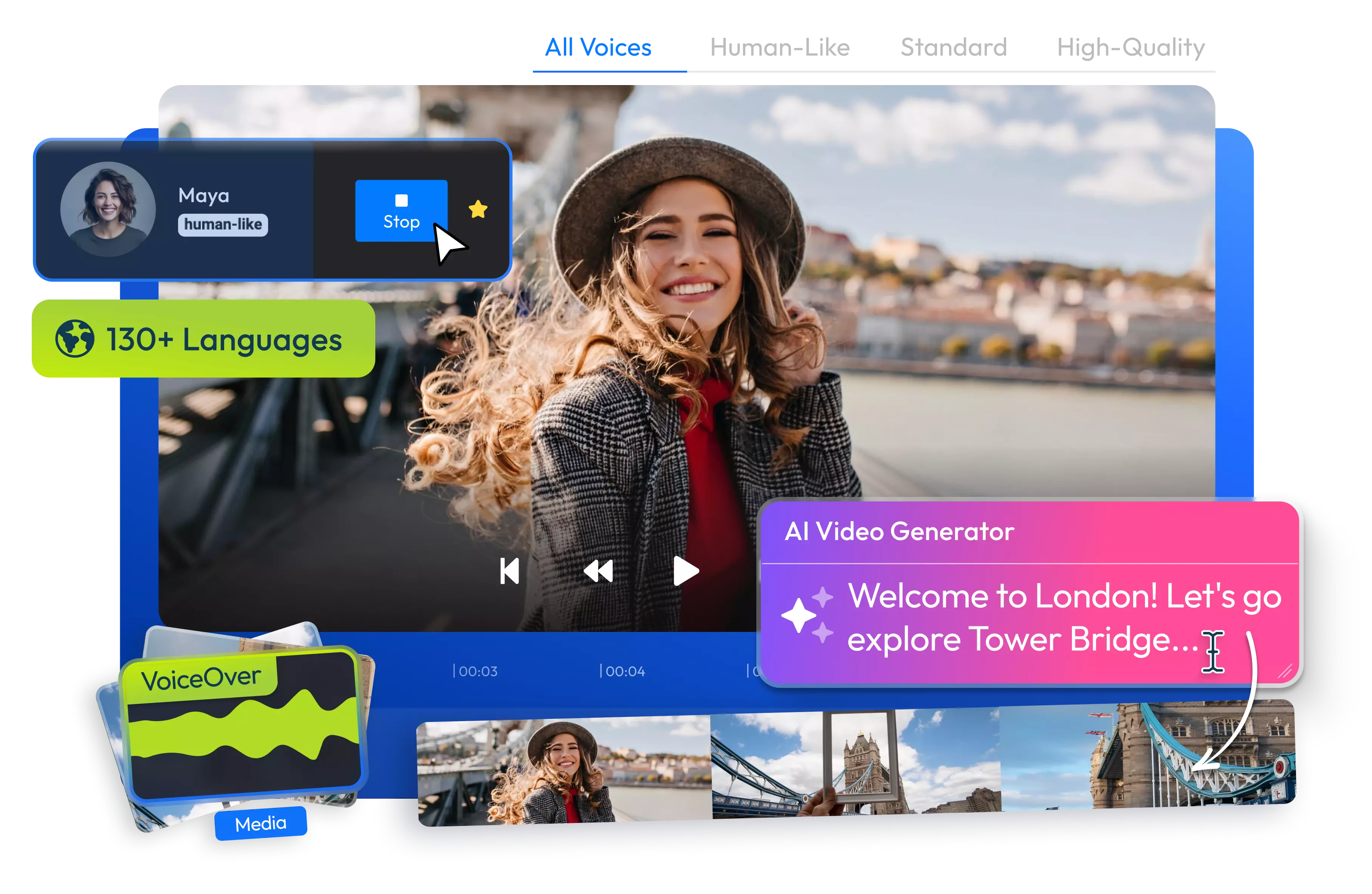
Flixier's script to video AI turns a written script into a finished video. Share your script with Eva, Flixier's AI editing assistant, and let her split it into scenes, generate footage for each, and add a synced AI voiceover.
Over 500,000 creators use Flixier every day including brands like:





How to Turn a Script Into a Video with AI
Create Any Video from Your Script
Generate Multiple Scenes from Your Script
Eva, Flixier’s AI video editing assistant, takes your script, or writes one for you, and splits it into scenes. Eva then generates footage for each scene and places it on the timeline as its own clip.
Add an AI Voiceover
Pick a voice preset from ElevenLabs or clone your own voice for the narration. Eva syncs the AI voiceover to every scene, so what's said always matches what's on screen.
Edit on the Same Timeline
When one scene misses, you can fix it instead of regenerating the whole video. Tell Eva what to change or edit it yourself on the timeline, and the rest of the video stays as it is.
Create Videos for Any Platform
Use the same workflow for a YouTube explainer or a short video for TikTok and Instagram Reels. Flixier lets you generate for multiple aspect ratios or crop your video after it’s done.
Everything you need to create and finish AI videos
Why Use Flixier to Turn Scripts Into Videos
Mix AI Videos and Your Own Footage
With Flixier, you can import your own footage and add AI clips at any point during it. Your videos stay recognizably yours, even with AI-generated footage around them.
Tighten the Narration with Eva
Recording the voiceover yourself? Tell Eva to remove long pauses, filler words and restarted sentences, and she'll read the context first, so a pause you left on purpose stays where it is.
Add Captions and Text
Ask Eva to add captions, text or your brand assets, and the changes land in the same project. You can adjust them afterwards like any other edit.
Stay in Control of Every Edit
Eva makes her changes right on the timeline, and none of them are final. You can always adjust where a cut lands or bring back anything she removed at any point.
Unlike any tool
you've used before


“I have over 11 years in the broadcast industry, building teleproductive facilities, using high-end editing equipment. And this is better than anything else I've used in my lifetime.”

Still have questions?
We got you!
Yes. In Flixier, Eva, the AI editing assistant, takes your script, splits it into scenes, generates footage for each one and adds a synced AI voiceover. The result is an editable project on the timeline rather than a finished file you can't change, so you can fix any scene before exporting.
Share your script with Eva and she builds the scenes, footage and voiceover. To add more on screen, ask her to add captions, text or your brand assets to specific scenes. Each scene is its own clip on the timeline, so you can build up one scene without touching the others.
Yes. Along with ElevenLabs voices, Eva can narrate your script with a clone of your own voice. That way every video sounds like you, and changing the script doesn't mean recording the narration again. It works well for creators and brands who want the same narrator across all their videos.
Yes. Every scene is its own clip, and everything Eva makes stays editable. Tell her what to change in one scene or adjust it yourself, and every other scene stays exactly as it was, so you fix one scene instead of the whole video.
No. Flixier's script to video AI builds your video from footage and a voiceover, not AI presenters or talking avatars. If you want a real person on screen, record or import your own clip and add it to any scene, then keep the AI voiceover or narrate it yourself.
Articles, tools and tips
Fix any scene by asking our AI assistant or editing it directly on the timeline, then publish your finished video straight to TikTok, Instagram or YouTube.
