Flixier vs Animoto:
Which one is
better for you?
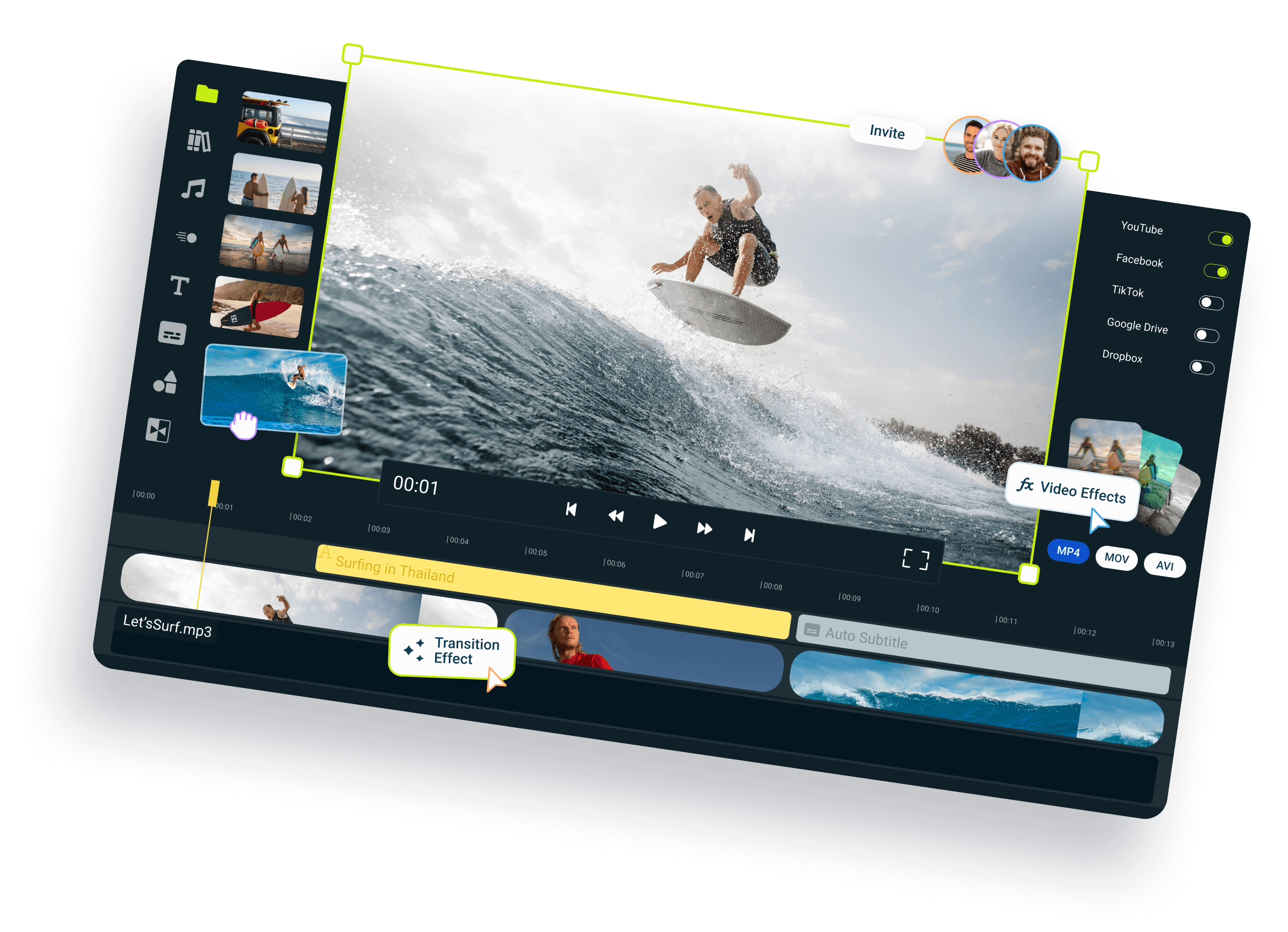
Flixier and Animoto are both browser-based video creation tools, but they are built for different workflows. Animoto focuses on template-based video creation for marketing, social media, slideshows, and business content, using pre-designed layouts and scene-based editing. Flixier provides a full timeline editor where you can generate, edit, record, subtitle, and publish videos from the same project. Instead of building videos around templates, Flixier gives you more control over editing, AI-powered workflows, and video production from start to finish.
Over 1 million creators use Flixier every day including brands like:





Feature breakdown:
Flixier vs Animoto
The main differences come down to editing flexibility, AI capabilities, and workflow depth. Animoto is designed for creating marketing videos, slideshows, presentations, and social media content using templates and scene-based editing. It includes screen recording, voiceovers, collaboration, and an online editor, making it a good fit for straightforward video creation. Flixier offers a full timeline-based workflow with transcript editing, AI video generation, voice cloning, subtitles, audio enhancement, and multi-track editing in the same project. While both tools run in the browser and support collaboration, Flixier is better suited for users who need more editing control and AI-powered production workflows beyond template-based video creation.
| Category | Feature |  |  |
| Editing | Cloud-based editor | ✅ Full online editor | ✅ Online editor |
| Timeline editing & layering | ✅ Full Control | ⚠️ Scene-based editor | |
| Screen & webcam recording | ✅ Yes | ✅ Yes | |
| Edit by transcript | ✅ Yes | ❌ No | |
| AI & Automation | AI generation on the timeline | ✅ Yes | ❌ No |
| Multi-model AI video generation | ✅ Yes | ❌ No | |
| AI image & video generator | ✅ From prompt to video/image | ❌ No | |
| AI voiceovers | ✅ Yes | ✅ Yes | |
| Voice Clone | ✅ Yes | ❌ No | |
| AI audio enhancer | ✅Yes | ❌ No | |
| Auto subtitles | ✅ Yes | ❌ No | |
| AI credits | 10,000 AI Credits | ❌ No | |
| Collaboration | Team reviews and edits | ✅ Yes | ✅ Yes |
| Version history & shared libraries | ✅ Included | ❌ No | |
| Team collaboration included | ✅ Yes | ✅ Yes | |
| Performance & Speed | Cloud rendering | ✅ Yes | ✅ Yes |
| Browser compatibility | ✅ Works on all modern browsers | ✅ Works on all modern browsers | |
| App switching | ✅ One-tab workflow | ✅ One-tab workflow | |
| 4K Exports | ✅ Available | ✅ Available | |
| Pricing ** | Monthly Plan | $39/month | $29/month |
| Annual Plan | $18/month *billed annually | $19/month *billed annually |
One tool for every
type of content
Flixier helps creators move faster without losing control of their story. Record, edit, and publish in one place, with no downloads, no waiting, and no friction. It cuts the grunt work so you can stay in flow and focus on what you do best: creating videos that connect.

Social Media Videos

Ad Creatives

Customer Testimonials

Product Demos & Explainers

Marketing & Ad Videos

Training & Team Videos
Where Flixier's AI wins:
Unlike any tool
you've used before




I have over 11 years in the broadcast industry, building teleproductive facilities, using high-end editing equipment. And this is better than anything else I've used in my lifetime.

Still have questions? We got you!
Can I export videos in 4K with Flixier?
Yes, you can. Flixier lets you export in 4K on all paid plans, and everything is rendered in the cloud, so your computer won’t slow down.
Which tool gives the most accurate subtitles and translations?
Flixier does a great job here. You can generate subtitles in over 103 languages and dialects, then quickly review and adjust them right in the editor if needed.
How does collaboration work in Flixier?
It’s super simple. You can invite teammates, leave comments, and edit together in real time, just like in Google Docs. Everything stays in sync automatically.
Is there an export limit?
Each plan includes plenty of export minutes, and you can re-export as often as you need. Higher plans offer even more flexibility if you’re editing often.
Can I try Flixier before paying?
Yes! You can explore the full editor for free, no credit card needed. It’s a great way to see how everything works before choosing a plan.
Are there limits on subtitles or translations?
Every plan includes automatic subtitles and translations. Paid plans give you more monthly minutes and language options, so you can work on larger or multilingual projects without worry.
Can I switch from Animoto to Flixier easily?
Yes! You can import existing media and continue editing instantly in your browser. Flixier's layout is intuitive, so you'll feel right at home.
Does Flixier work well for teams or agencies?
Absolutely. You can share projects, leave feedback, and stay in sync, all without uploading or downloading files.