Flixier vs Clipchamp:
Which one is
better for you?
Flixier and Clipchamp are both browser-based video editors with timeline editing and AI features. Clipchamp works well for straightforward editing and recording workflows, while Flixier combines editing, recording, AI generation, subtitles, voiceovers, and publishing inside the same cloud-based timeline.
Over 500,000 creators use Flixier every day including brands like:





Feature breakdown:
Flixier vs Clipchamp
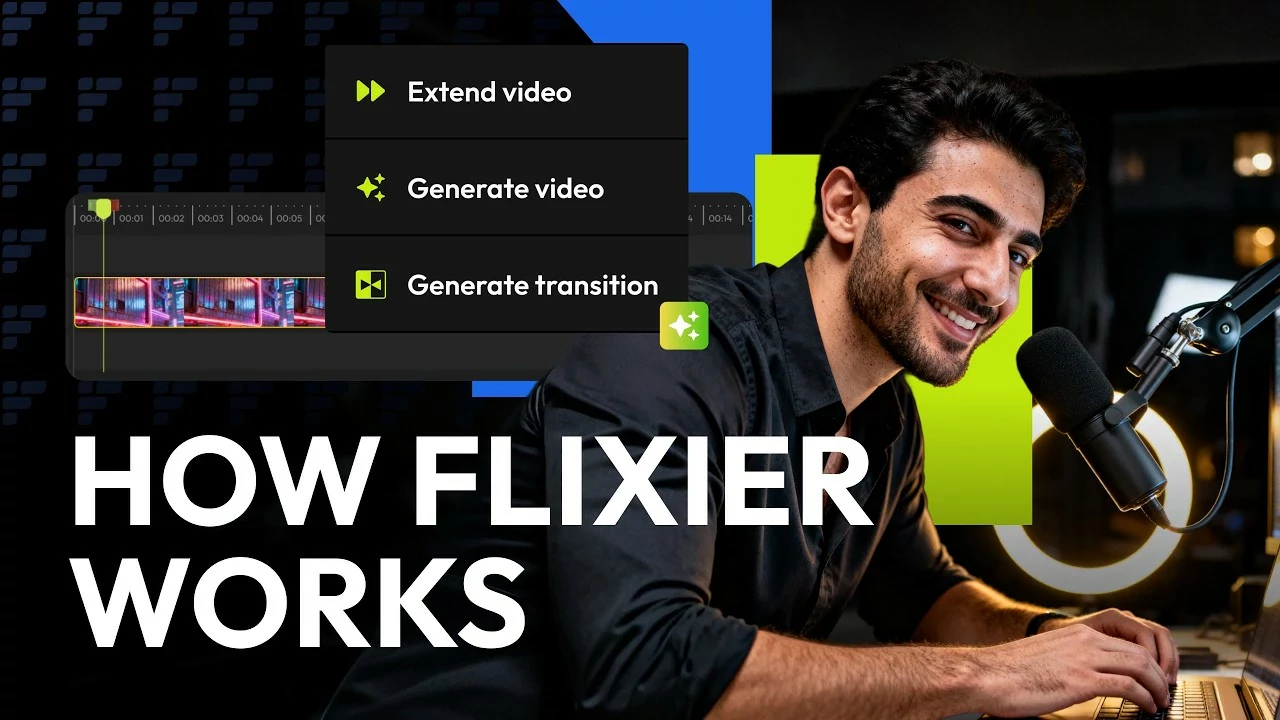
The main differences come down to workflow, AI usage, and collaboration. Both Clipchamp and Flixier support timeline editing, screen and webcam recording, subtitles, AI voice tools, browser-based editing, and cloud workflows, but they are built for different levels of editing flexibility. Clipchamp focuses on simpler editing and recording workflows, while Flixier combines layered timeline editing, AI image and video generation, audio adjustments, collaboration, and fast cloud rendering directly inside the same project, making it easier to manage more advanced video workflows and ongoing revisions.
| Category | Feature |  |  |
| Editing | Cloud-based editor | ✅ Full online editor | ✅ Yes |
| Timeline editing & layering | ✅ Full Control | ✅ Yes | |
| Screen & webcam recording | ✅ Built-in | ✅ Yes | |
| Edit by transcript | ✅ Yes | ✅ Yes | |
| AI & Automation | AI generation on the timeline | ✅ Yes | ❌ No |
| Multi-model AI video generation | ✅ Yes | ❌ No | |
| AI image & video generator | ✅ From script to video/image (from 500 AI credits/month on Free Plan) | ❌ No | |
| AI voiceovers | ✅ Yes | ✅ Yes | |
| Voice Clone | ✅ Yes | ❌ No | |
| AI audio enhancer | ✅Yes | ✅ Yes | |
| Auto subtitles | ✅ Yes | ✅ Yes | |
| AI credits | 10,000 AI Credits | ❌ Not available | |
| Collaboration | Team reviews and edits | ✅ Yes | ⚠️ Included in some Microsoft 365 business and education licenses. |
| Version history & shared libraries | ✅ Included | ⚠️ Included in some Microsoft 365 business and education licenses. | |
| Team collaboration included | ✅ Yes | ⚠️ Included in some Microsoft 365 business and education licenses. | |
| Performance & Speed | Cloud rendering | ✅ Yes | ✅ Yes |
| Browser compatibility | ✅ Works on all modern browsers | ⚠️ Limited to Google Chrome and Microsoft Edge | |
| App switching | ✅ One-tab workflow | ✅ One-tab workflow | |
| 4K Exports | ✅ Available | ⚠️ Available only on Premium Plan | |
| Pricing ** | Monthly Plan | $39/month | ⚠️Premium plan is avilable as part of Microsoft 365 Personal and Family subscriptions |
| Annual Plan | $17/month *billed annually |
One tool for every
type of content
Flixier helps creators move faster without losing control of their story. Record, edit, and publish in one place, with no downloads, no waiting, and no friction. It cuts the grunt work so you can stay in flow and focus on what you do best: creating videos that connect.

Social Media Videos

Ad Creatives

Customer Testimonials

Product Demos & Explainers

Marketing & Ad Videos

Training & Team Videos
Where Flixier’s AI wins
Unlike any tool
you've used before


Flixier has come a long way since the very beginning and continues to amaze me with how easy it is to use, its high quality for the price, and now the addition of Al will push this product even further to becoming one of the best modern video editors.

Still have questions? We got you!
Yes, you can. Flixier lets you export in 4K on all paid plans, and everything is rendered in the cloud, so your computer won’t slow down.
Flixier does a great job here. You can generate subtitles in over 103 languages and dialects, then quickly review and adjust them right in the editor if needed.
It’s super simple. You can invite teammates, leave comments, and edit together in real time, just like in Google Docs. Everything stays in sync automatically.
Each plan includes plenty of export minutes, and you can re-export as often as you need. Higher plans offer even more flexibility if you’re editing often.
Yes! You can explore the full editor for free, no credit card needed. It’s a great way to see how everything works before choosing a plan.
Every plan includes automatic subtitles and translations. Paid plans give you more monthly minutes and language options, so you can work on larger or multilingual projects without worry.
One tab for your whole workflow. Built for creators who want fast edits, full control, and zero friction.
