Turn recordings into videos
you’re proud to share
Capture your screen and webcam, then edit by transcript, refine your layouts, and polish your video in one place. Create videos you feel confident sharing.

Most screen recorders stop at capture
Built-in teleprompter
Edit by transcript
Remove filler words and pauses
Adjust layout after recording
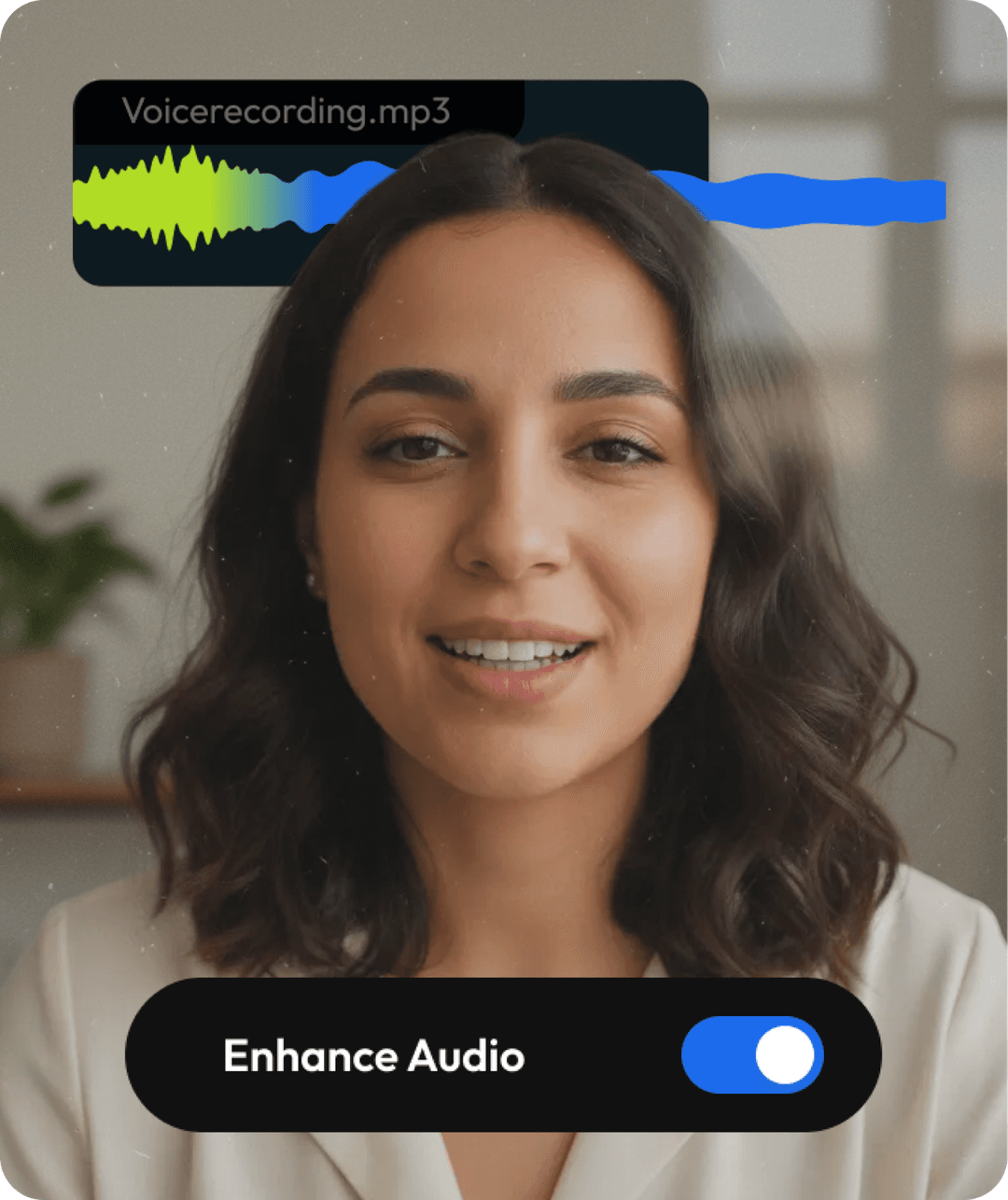
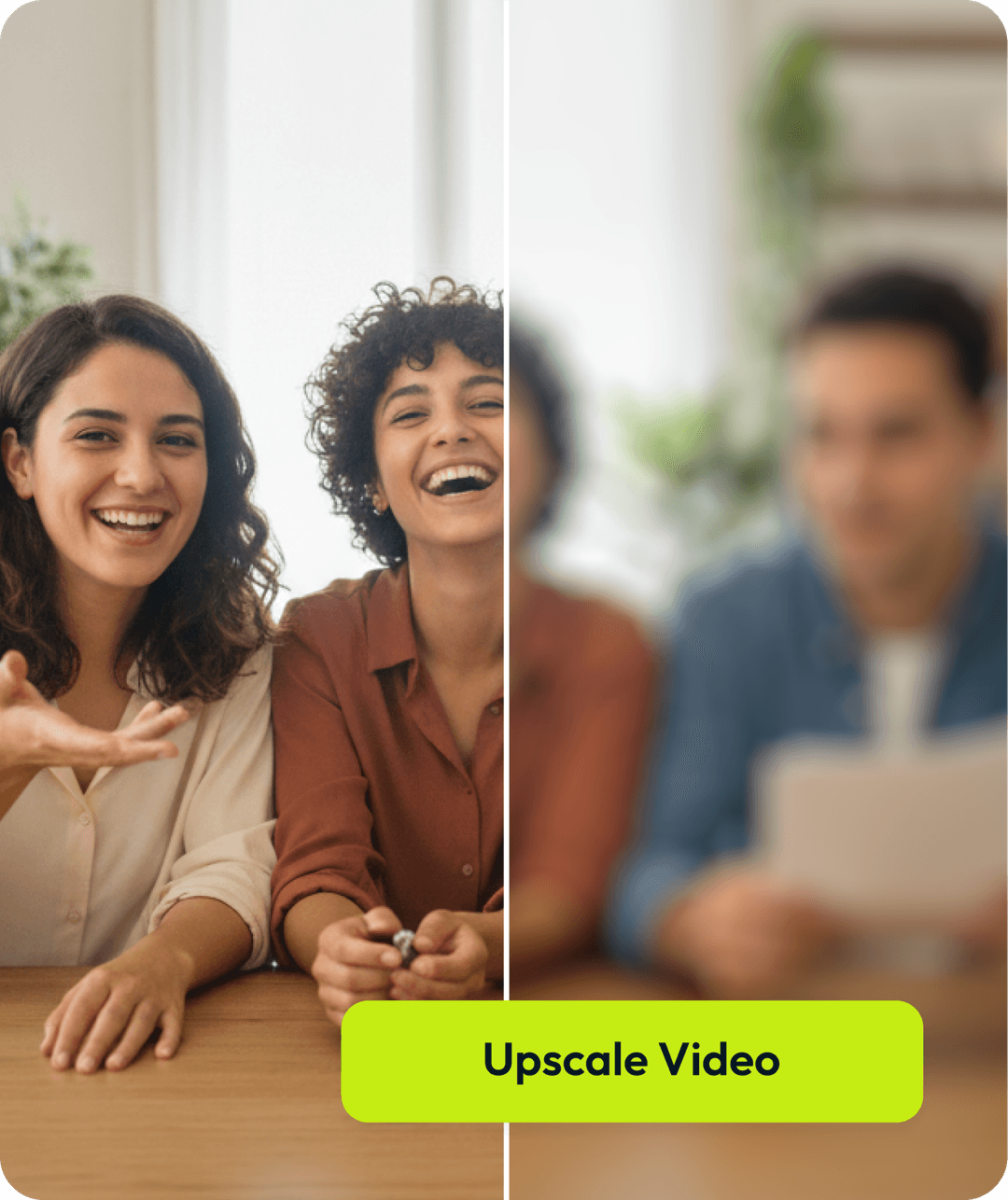
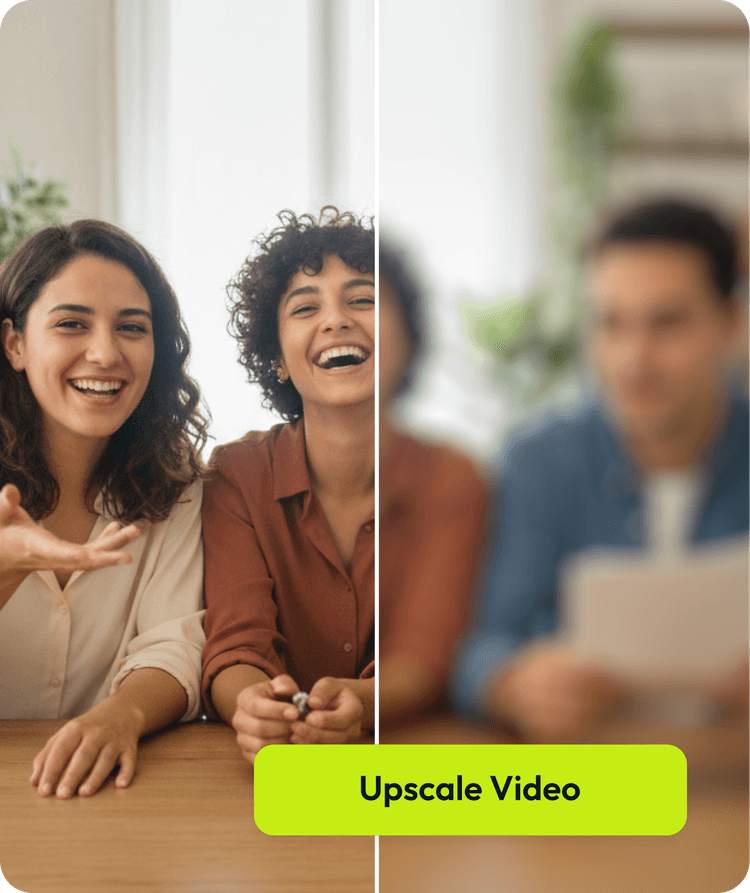
Improve audio and video quality
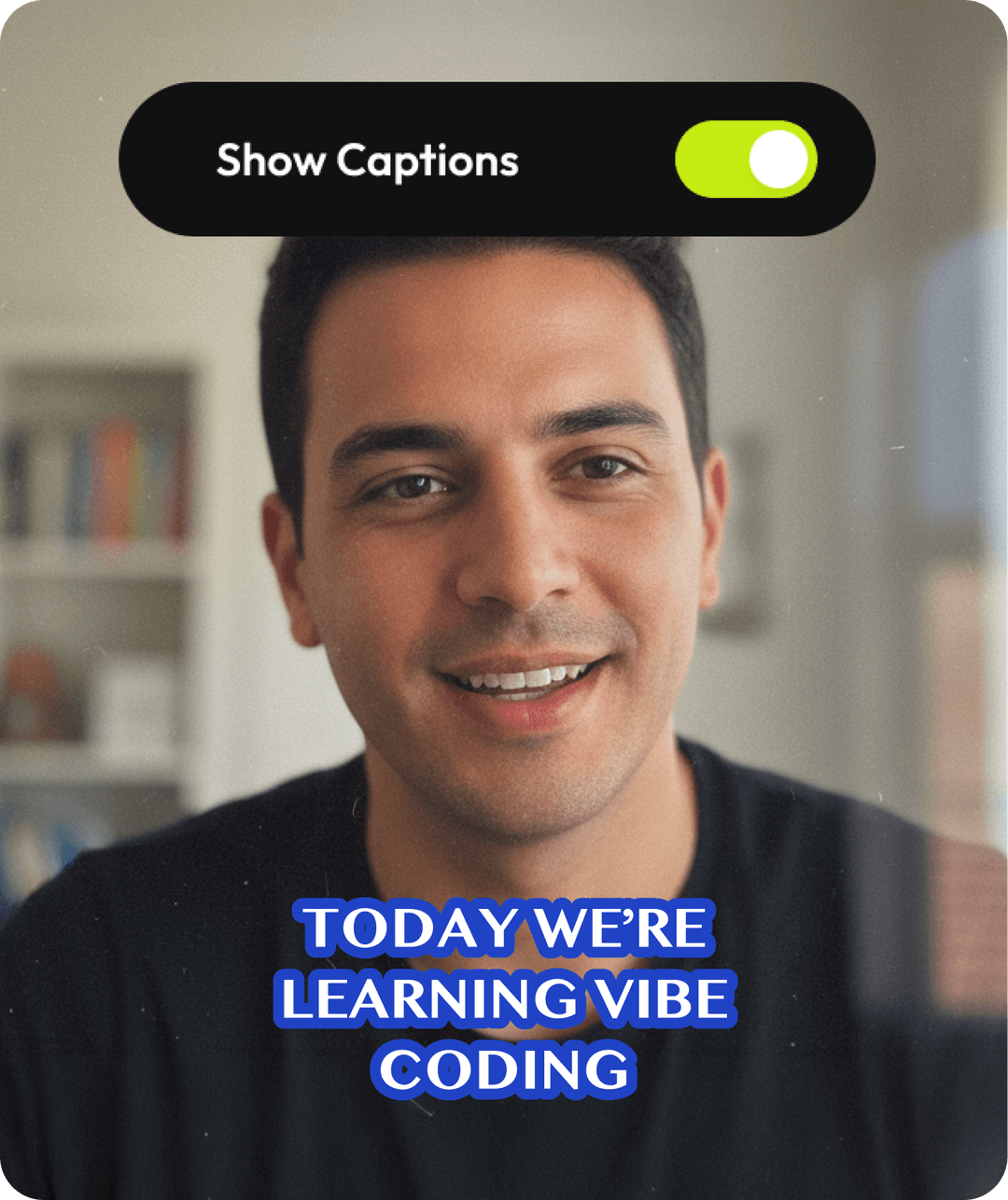
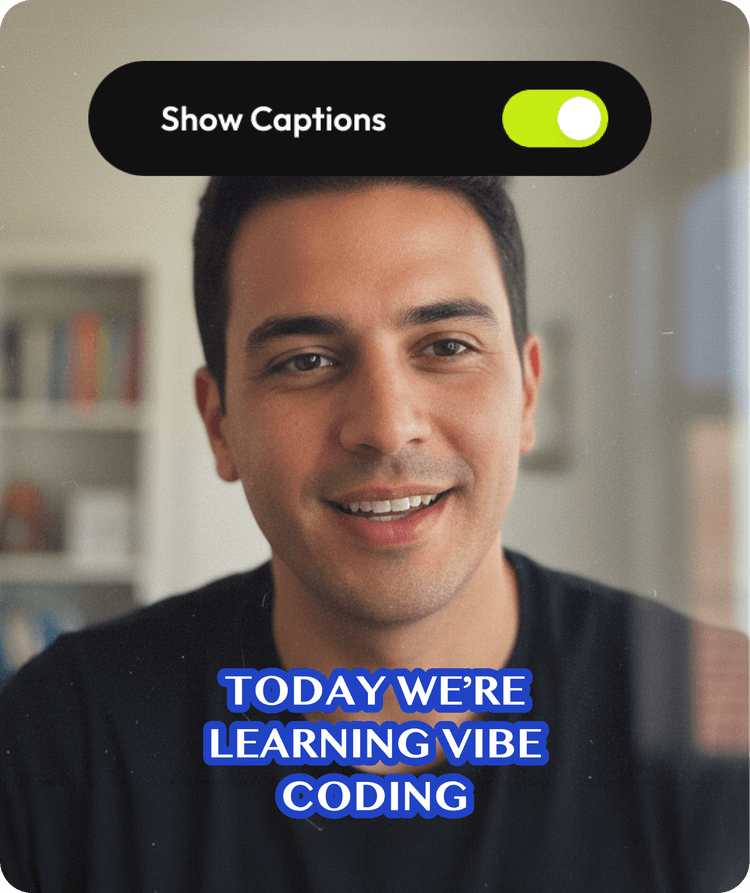
Add captions in the same workflow
Access full editing timeline


Typical Screen Recorder

Limited
Separate tools
Separate tools
From recording to finished video
Built for the videos you already make

Lesson recordings

Product demos

Internal training

Process walkthroughs

Onboarding videos
Feature updates
Finish with confidence
Built for teams that create videos together
Stay on brand, collaborate in real time, and move projects from draft to publish without slowing down

Review & collaborate
Leave comments on the timeline and move faster without the back and forth.

Stay on brand
Apply shared logos, fonts, and colors across every video with a team brand kit.

Publish anywhere
Deliver finished videos confidently with exports ready for every platform.
Unlike any tool
you've used before


I have over 11 years in the broadcast industry, building teleproductive facilities, using high-end editing equipment. And this is better than anything else I've used in my lifetime.

Stephen BuyzeOnline Instructor @ Advanced Global MSP Coaching
Made for people who record often
Educators
Marketers
Teams
Educators
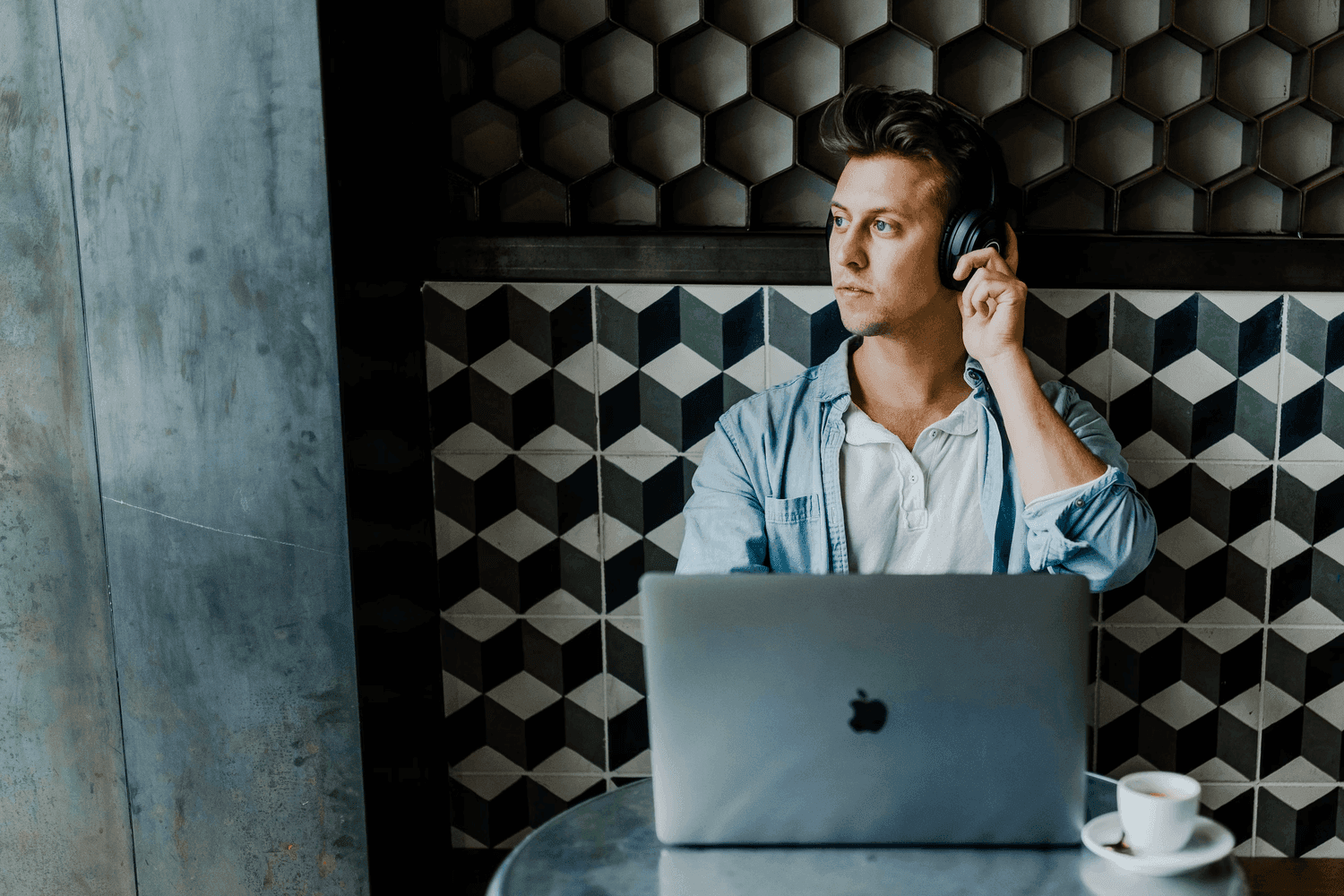
- Record lessons without pressure, then clean up mistakes by editing the transcript. Share structured, captioned videos your students can easily follow.
Marketers
Teams
-webp.webp&w=3840&q=75)
Still have questions?
We got you!
No. You can record your screen and webcam, then edit by editing the transcript. Remove filler words, adjust layouts, and clean up your video without using complex tools. If you need more control, you can switch to the full editor at any time.
Yes. Once you stop recording, you can trim your video, edit the transcript, and adjust the layout. You don’t need to re-record if something looks or sounds off. Everything stays editable.
Yes. Your screen and webcam are recorded on separate tracks. You can switch layouts, resize your camera, and reposition elements after recording. You don’t have to decide the final framing upfront.
No. The teleprompter is optional. You can paste your script, generate one, or record freely without it. It’s there to support you, not restrict how you record.
No. Flixier runs entirely in your browser. You can record, edit, and export without downloading additional software.
Recording
shouldn’t feel like
a commitment
shouldn’t feel like
a commitment
From recording to polished video, without switching tools.
Try it nowNo credit card required
