Audio Enhancer
Improve your recordings with our cloud-powered audio enhancer. Automatically remove background noise or reverb, and normalize volume levels across all audio formats, including MP3, WAV, and FLAC.

Over 1 million creators use Flixier every day including brands like:





Streamline Production with a Professional Online Audio Enhancer
Target and Remove Background Noise
Eliminate persistent environmental distractions that degrade your podcast, webinar, or lesson recordings. Our static denoiser specifically targets and isolates constant noises like car noises, fan hum, or power line interference.
Normalize Volume Levels Automatically
Achieve a consistent acoustic experience across your entire project. The intelligent audio leveler automatically adjusts clip volume, ensuring uniform loudness throughout your timeline to meet broadcasting standards.
Optimize Dialogue for Clarity
Enhance speech intelligibility for podcasts, webinars, and lesson videos. Our specialized speech cleaner mode uses targeted processing to reduce mouth clicks and soften sibilance, ensuring every word is sharp.
Clean and Restore Audio Frequency
Revitalize compromised recordings by restoring the high-frequency brilliance lost during compression or low-bitrate capturing. Use our specialized bandwidth extension model to enhance audio clarity.
How to Use Flixier’s AI Audio Enhancer
Who this is for

Marketers
Create high-converting webinars and product demos with flawless sound. Use the voice isolator to extract clean dialogue from noisy event footage, ensuring your brand message is always heard with professional clarity.
See How It WorksEducators

Podcasters
Social Creators
Need more than an audio enhancer?
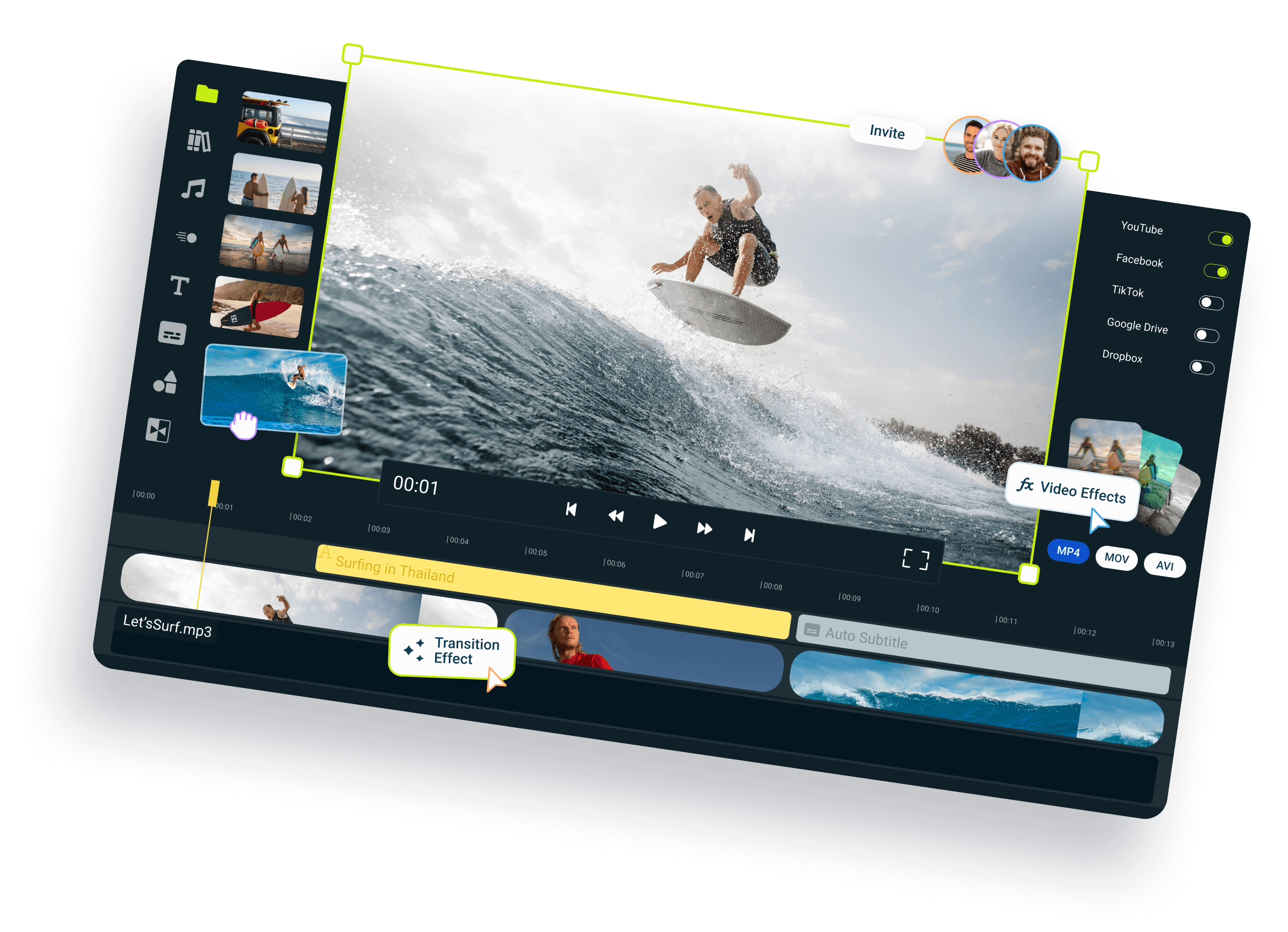
Edit easily
With Flixier you can trim videos or add text, music, motion graphics, images and so much more.
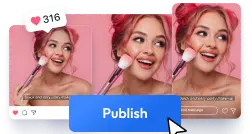
Publish in minutes
Flixier is powered by the cloud so you can edit and publish your videos at blazing speed on any device.

Collaborate in real-time
Easily collaborate on your projects with Flixier, we offer real-time feedback and sharing of projects.

Unlike any tool
you've used before




I have over 11 years in the broadcast industry, building teleproductive facilities, using high-end editing equipment. And this is better than anything else I've used in my lifetime.

Still have questions?
We got you!
How can I fix audio quality?
The most efficient way to fix audio quality is using an intelligent audio enhancer. Flixier uses cloud-powered AI to automatically analyze your recording and apply precise adjustments, including noise reduction, EQ balancing, and volume leveling, to restore clarity and achieve a professional sound in a single click.
How do I make my video sound professional?
Achieving professional video sound requires a combination of cleaning and leveling. You can manually edit the timeline in Flixier or let our AI automatically handle specialized tasks like removing room reverb, reducing background hiss, and ensuring the voice track is prominent and consistent throughout the entire project.
Is there a way to enhance audio online for free?
Yes. You can use Flixier’s online video editor tools for free to adjust volume and apply simple effects directly in your browser. For advanced AI-driven features like breath removal or bandwidth extension, you can generate a free preview to verify the results before committing to a full render.
Can I enhance video sound on a phone?
Yes. Flixier is completely browser-based, allowing you to access the AI audio enhancer on your mobile device without downloading an app. While the full timeline editor is optimized for desktop use, you can easily upload clips, apply basic enhancements, and preview your results directly from your smartphone.
How do I improve audio quality in videos?
Upload your video file to Flixier, drag it to the timeline, and use the AI Audio Enhancer tab. Select the mode that matches your issue, such as the speech cleaner for dialogue or the static denoiser for background hum, to automatically improve the audio track while preserving the synchronized video.
Can I enhance the voice track in my videos online?
Absolutely. Our specialized voice isolator and speech cleaner models are designed to identify human speech and separate it from background clutter. These tools automatically reduce ambient noise, manage breath sounds, and level the volume to make the voice crisp and clear without affecting the video track.