AI Voice Over Generator for Fast, Natural-Sounding Videos
Add AI voiceovers to any video with just a few clicks. Choose from 100+ languages and voices -including narrator, trailer, and character styles- and bring your content to life without recording anything.
Over 500,000 creators use Flixier every month, including teams at
 Vodafone





With Flixier, You Can Say Goodbye To

Recording Voiceovers Takes Too Much Time
Writing scripts, setting up your mic, editing audio… creating voiceovers from scratch takes hours. And if something changes, you have to re-record everything. With Flixier’s AI voice over generator, you can create polished, natural-sounding voiceovers in minutes, and update them instantly without touching a mic.

Your Voice Doesn’t Match the Content
Not everyone wants to use their real voice or even has access to a good microphone. Whether you need a formal narrator, a fun promo tone, or a regional accent, Flixier lets you choose the perfect AI-generated voiceover to match your video’s vibe and audience.

DIY Voiceover Tools Sound Robotic
Free voiceover tools often sound stiff, awkward, or downright unusable. With Flixier, you get high-quality voiceovers that feel human, not like a broken GPS. Choose from dozens of natural voices in 100+ languages, and adjust speed, tone, and emphasis to get it just right.

You’re Wasting Time Switching Tools
Adding voiceovers shouldn’t require four different tools. Flixier lets you generate AI voiceovers, sync them to your video, and publish all in one place. No re-uploads, no audio syncing issues, no bouncing between tabs.
How Flixier AI Voiceover Works
Benefits of Generating AI Voiceovers with Flixier
Add Voice to Video Without Recording
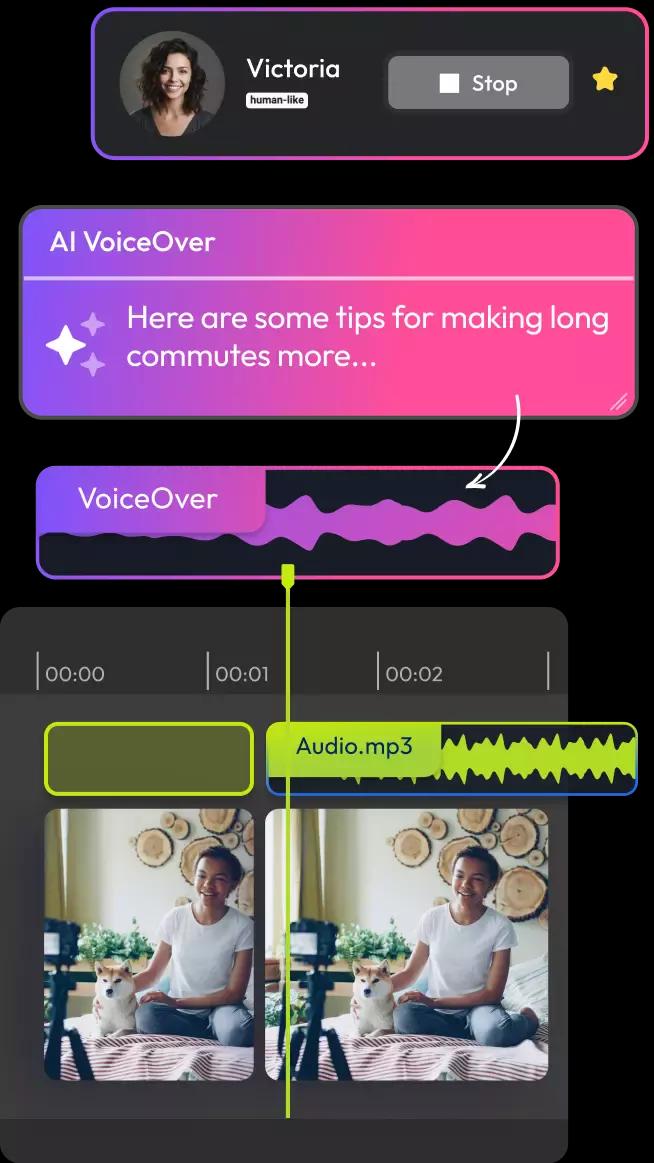
No mic? No problem. Whether you're camera shy, on a deadline, or just want to skip the hassle, Flixier lets you generate professional voiceovers from text. Just paste your script, pick a voice, and you're done. It’s the easiest way to add AI voice to video with zero recording needed.
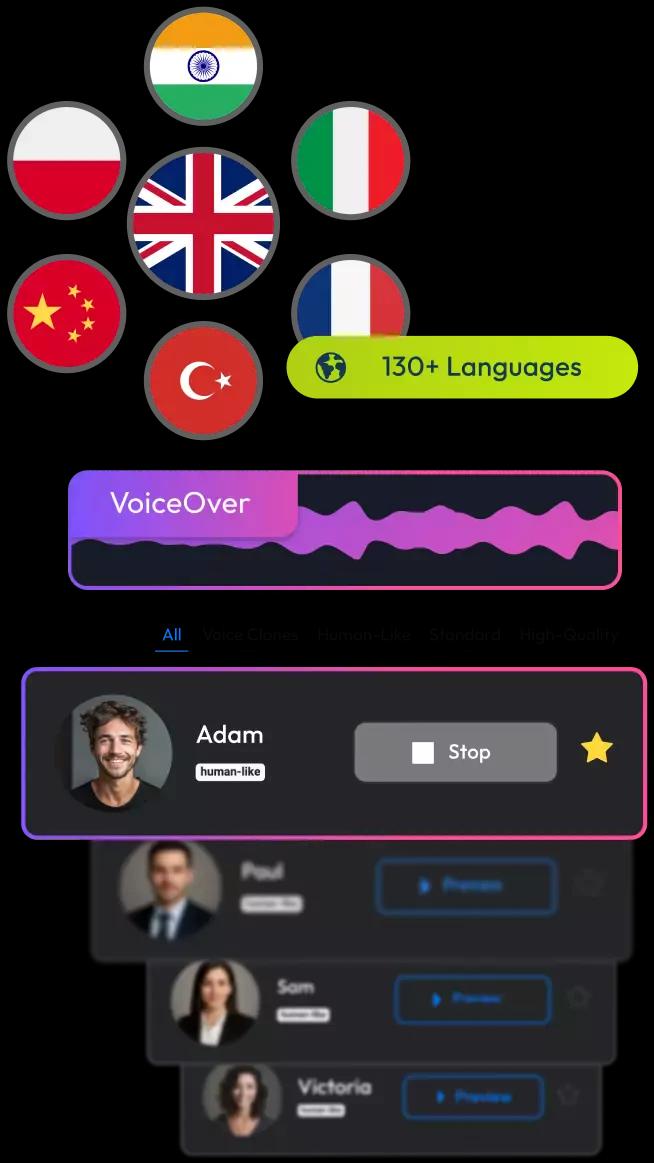
Choose from 100+ Voices in Any Style
From polished narrators to trailer-style voices, Flixier gives you access to a wide range of voiceover AI options. Choose male or female voices, adjust speed and tone, and generate audio in over 100 languages. Whether you're localizing a product demo or making a TikTok, there’s a voice that fits.
Fast, Free Voice Over Generator in the Browser
No installs. No audio syncing. Just log in, generate your voiceover, and export. Flixier’s AI voice over tool runs entirely in your browser, so you can work from anywhere, even on a low-spec device. It's the best way to move fast without compromising on quality.
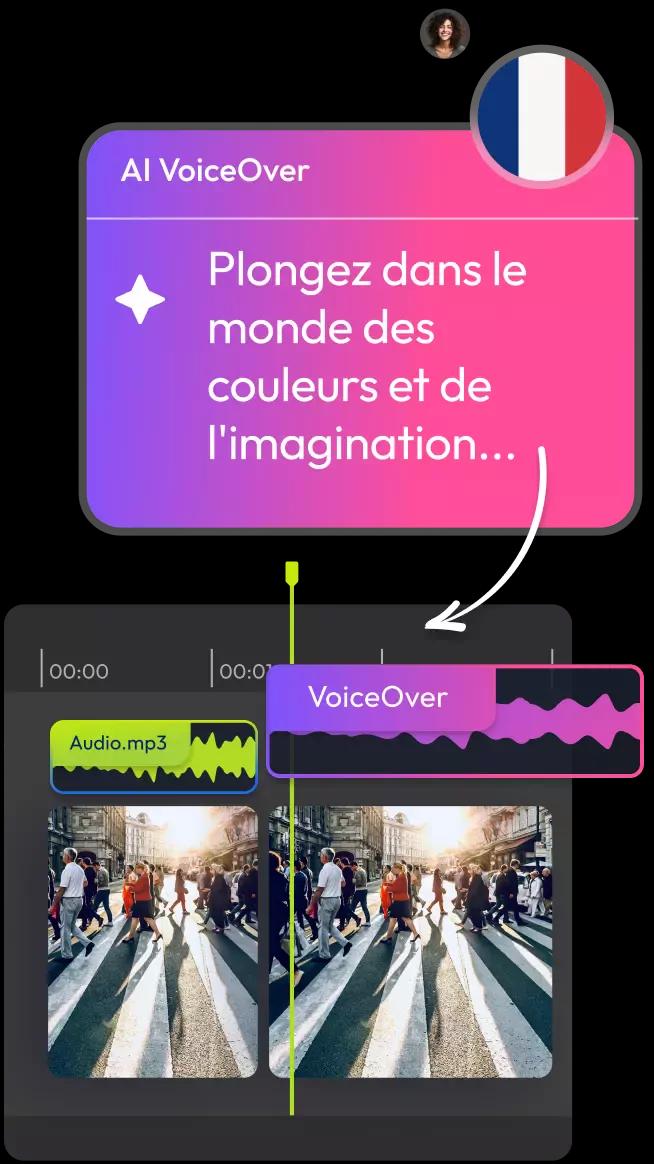
Create Voiceovers, Then Keep Editing
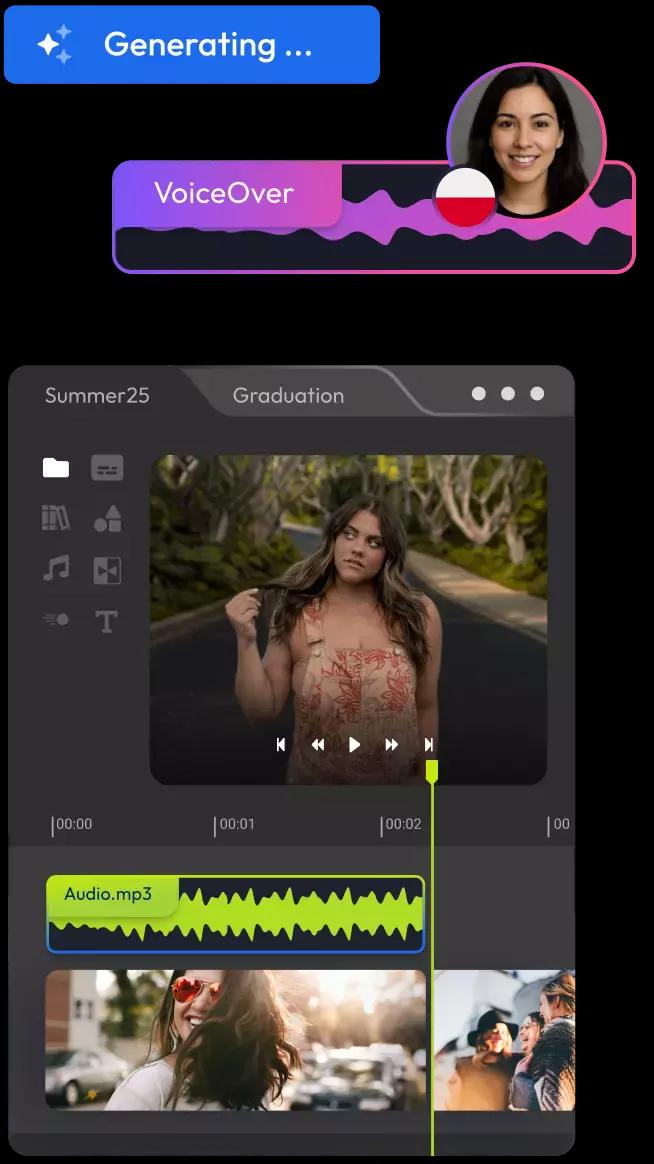
Don’t stop at narration. Flixier lets you trim clips, add subtitles, layer music, and export everything in one place. You can even repurpose your video for TikTok, Instagram, or YouTube. No extra tools needed. Your AI-generated voice over is just the beginning.
Who This Is For

Marketers
Create voiceovers for explainers, ads, or landing page videos in minutes. No need to book talent or wait on revisions.
See How It WorksCreators
Educators
Business Owners
Testimonial on Flixier’s AI Voiceover


Flixier is a great and intuitive platform - not only to edit video content but also for text to speech applications: they have the best AI Voices I ever found on the net!

Still have questions? We got you!
An AI voice over is a computer-generated narration created from written text. Instead of recording your voice, you type a script and choose from natural-sounding voices. Tools like Flixier’s AI text to speech engine make it easy to create voiceovers in seconds, no mic required.
Just upload your video, write or paste your script, and use Flixier’s text to voice over generator. Choose a voice, preview the result, and sync it directly on your timeline, all in your browser.
You can use Flixier’s AI-generation tools like VideoGPT or image to video to create AI videos and then add voiceovers with different voices, styles, and tones. All in one tool.
You can use Flixier for TikTok voiceovers. You can generate voiceovers in different tones and formats, then resize your video for TikTok, all in one place.
Yes. Flixier supports 100+ languages and accents, including American, British, Indian, Spanish, German, and more. You can choose voices with different tones, genders, and pacing to match your video’s style.
Both. You can use it as a standalone Voice Over Maker or take it further. Trim clips, add music, generate subtitles, and export social-ready content, all in one platform.
MoreVoiceover Tools
Articles, tools and tips
Try Flixier’s AI Voice Over Generator
Add natural-sounding voiceovers to your videos in minutes. No mic. No downloads. Just type your script, pick a voice, and bring your content to life.
