Farmer's Market
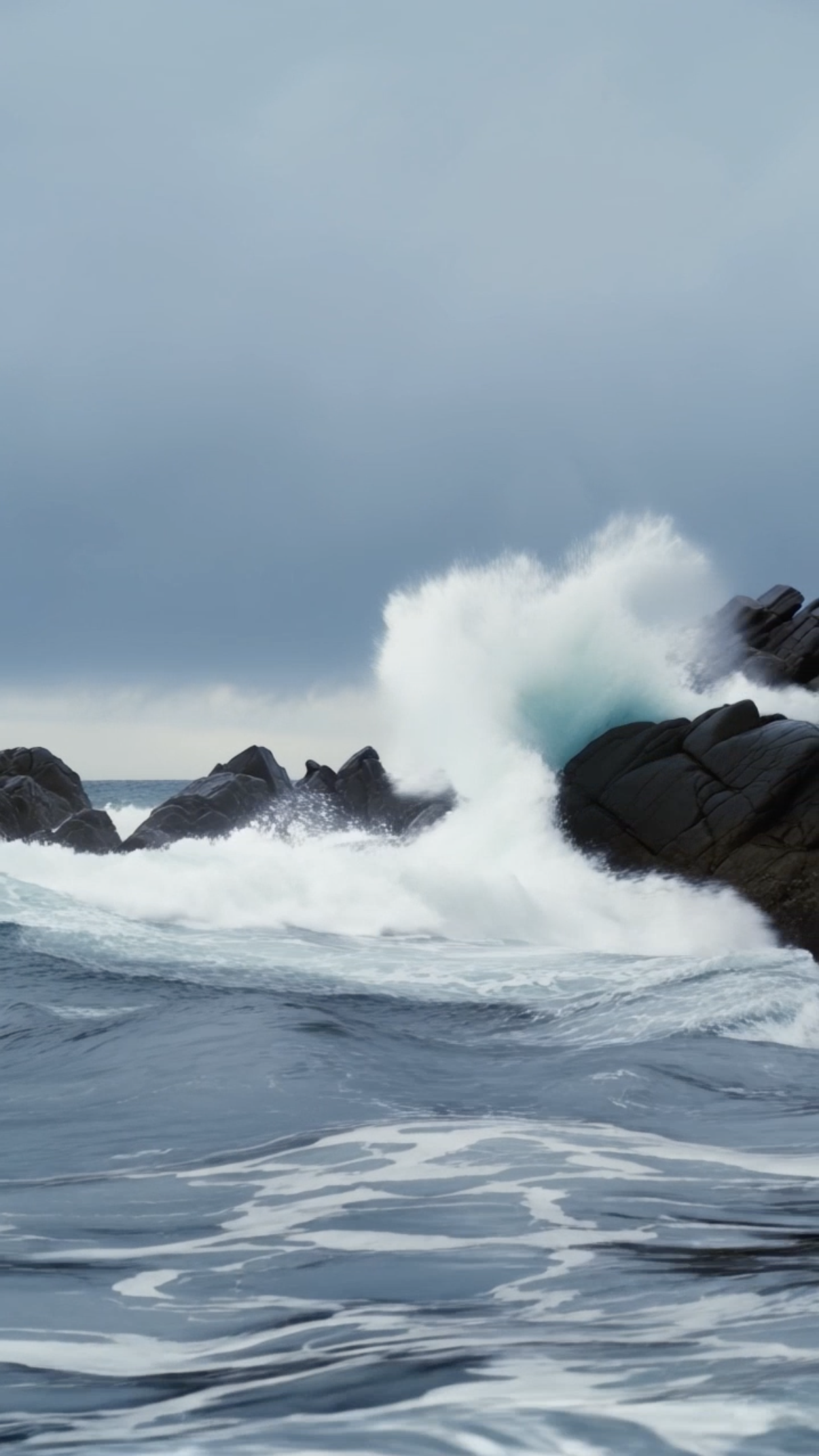
Stormy Coastline

Model Switch Reel, Simple Action Street Walking

Library Light Beam
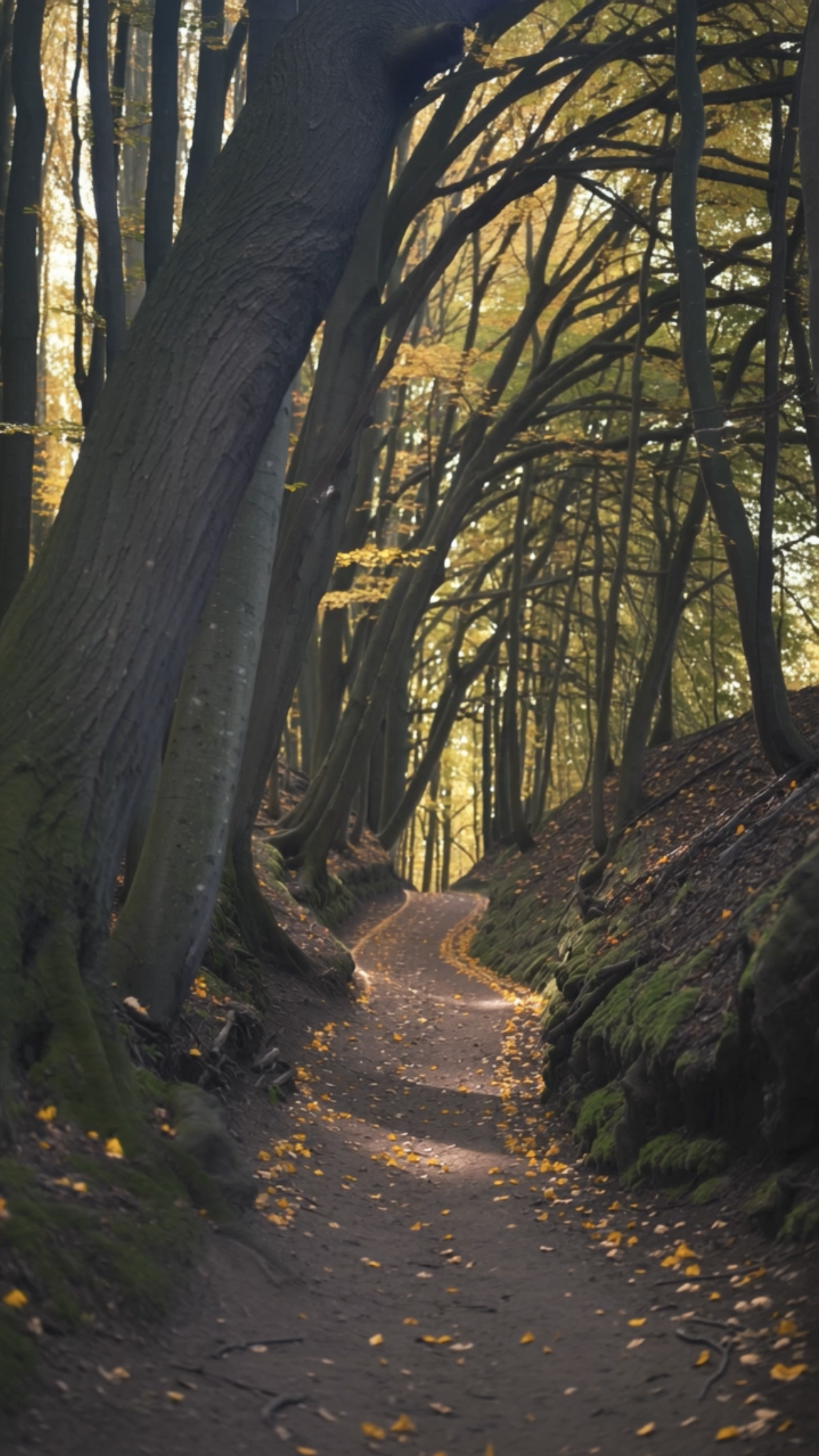
Forest Walk
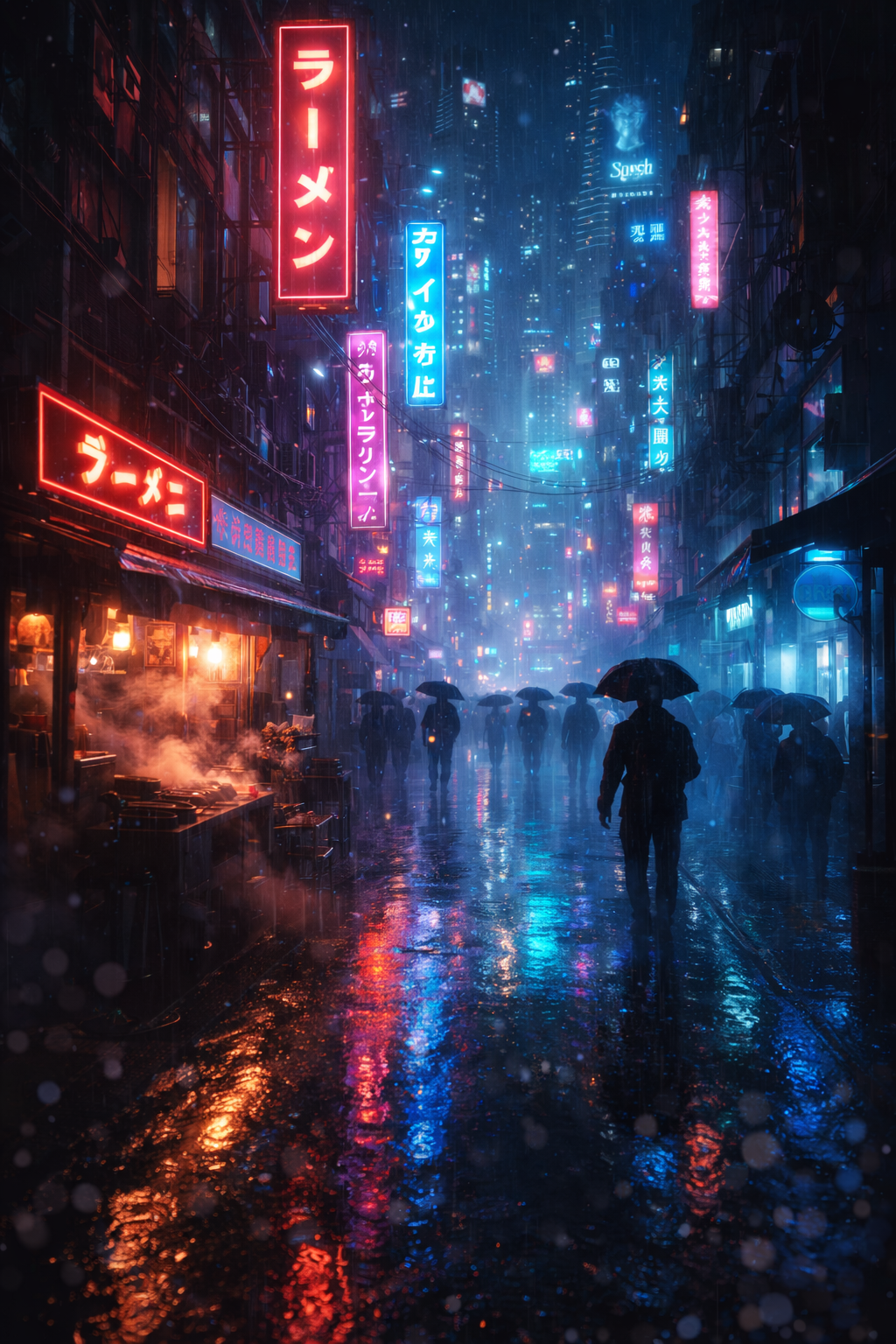
Bladerunner Megacity FPV Drone City Street
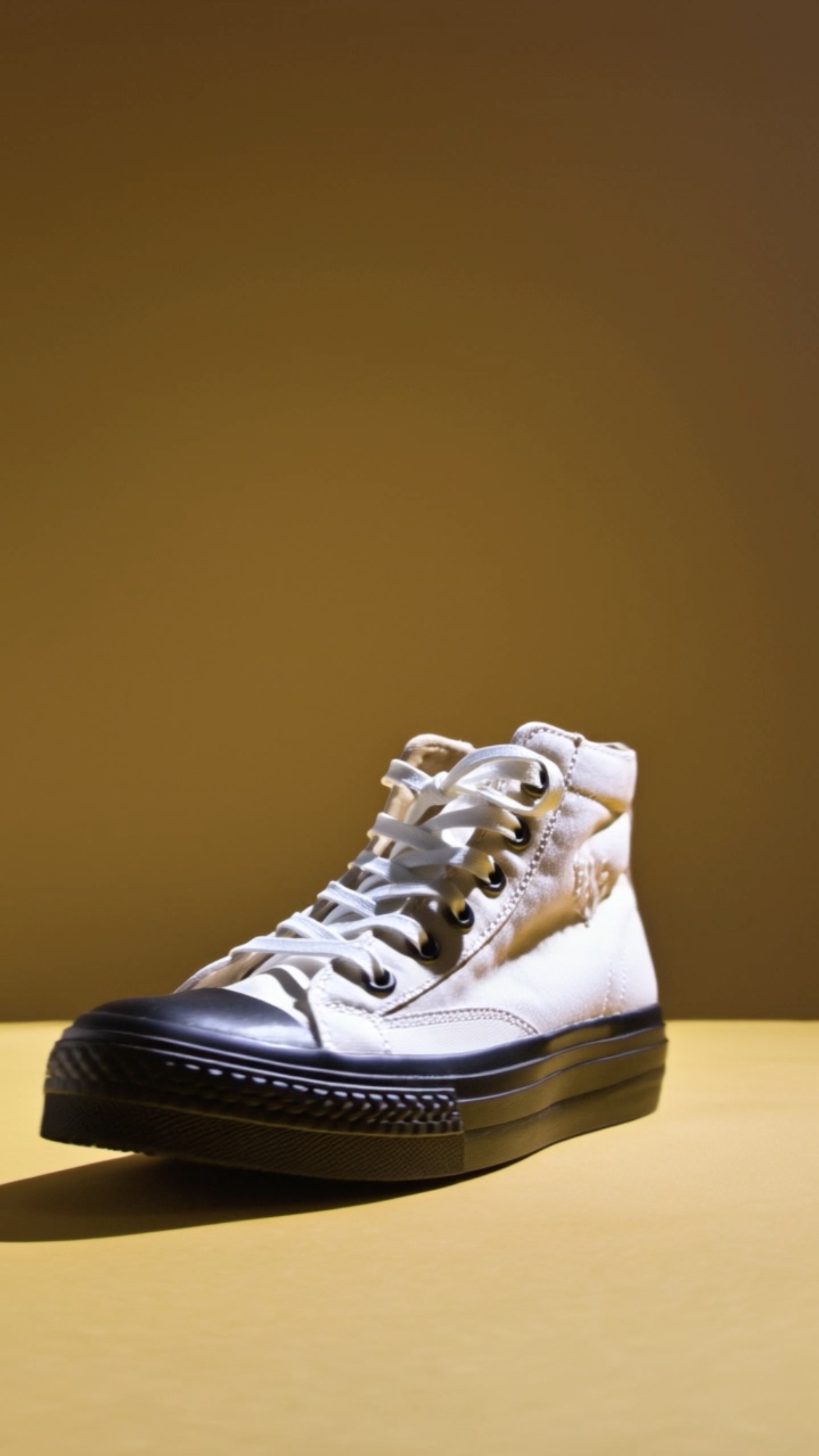
Shoe Product Close‑up
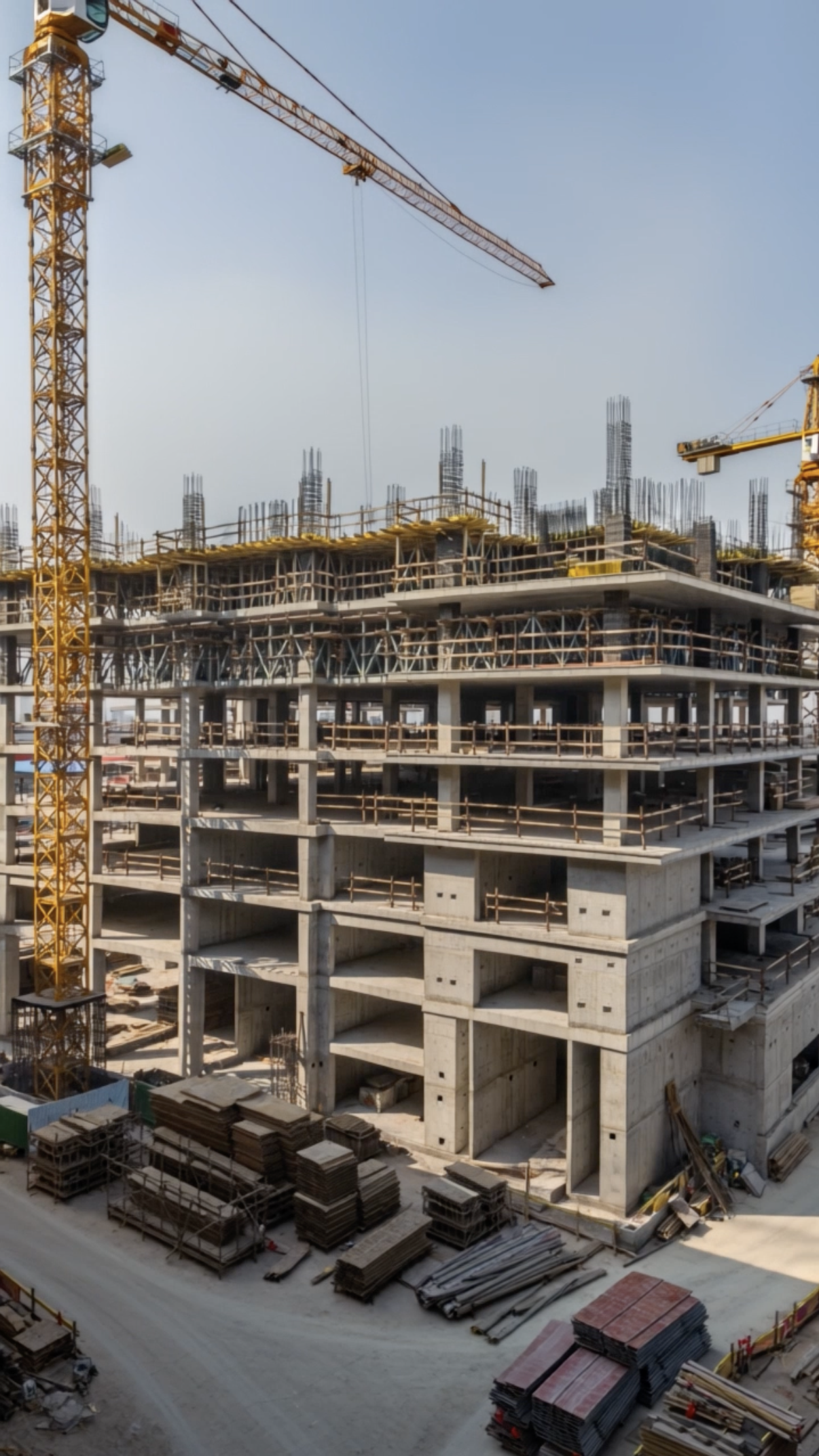
Time‑lapse Construction

Gym Hero Reel Dumbbell
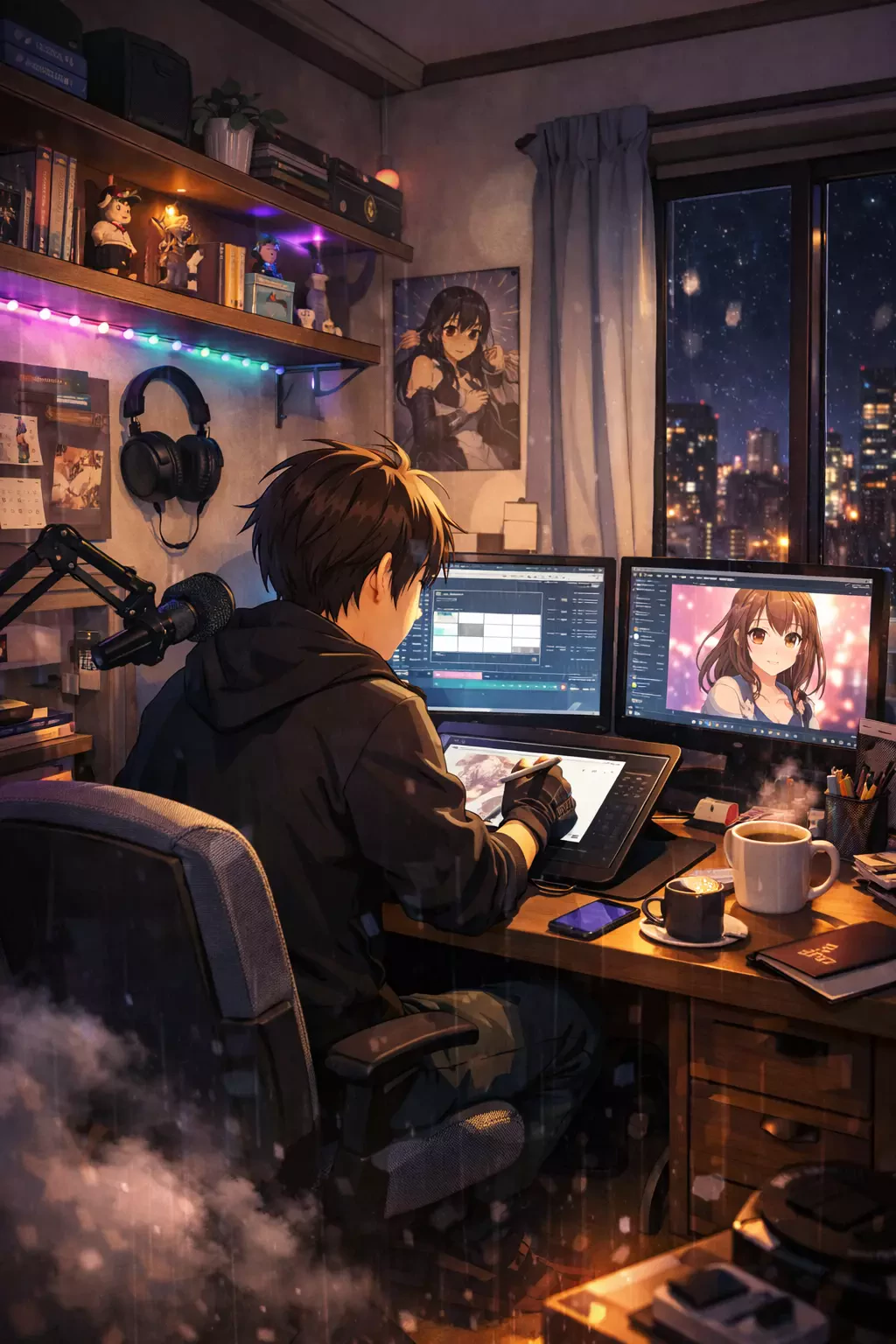
Anime Slice‑of‑life Creator in Bedroom Studio Drawing
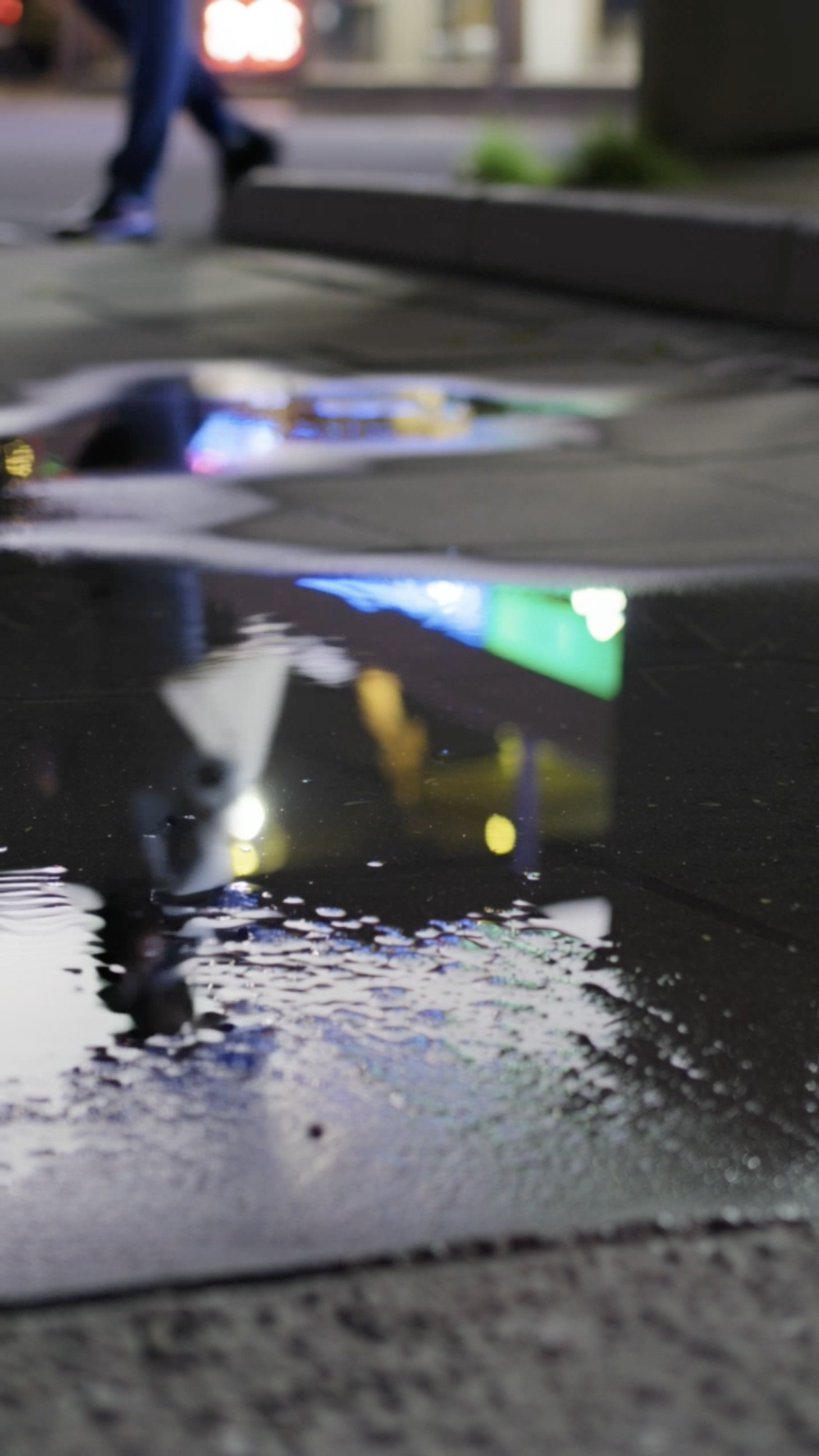
Puddle

Nature Macro Leaf
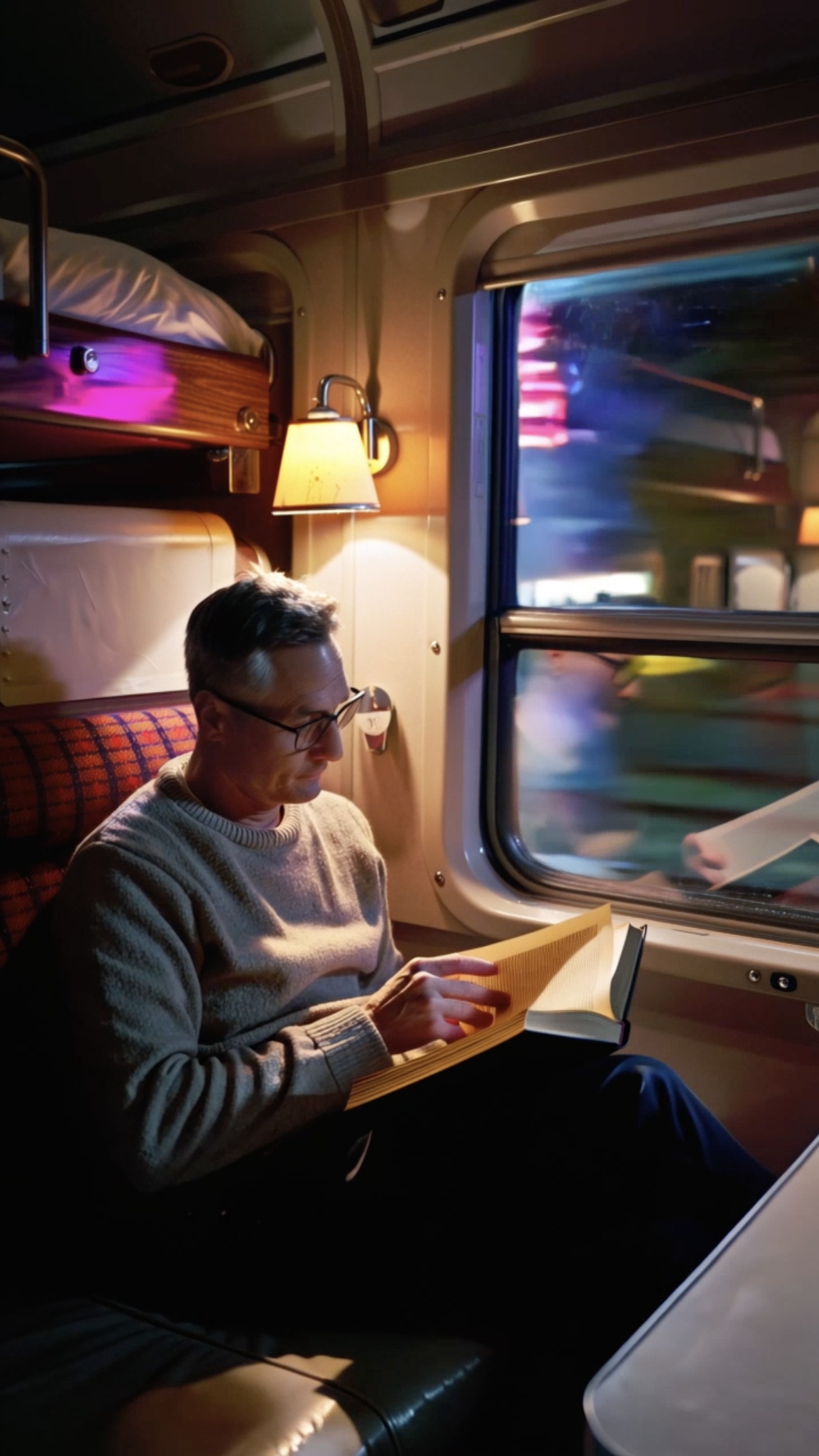
Vintage Train Interior
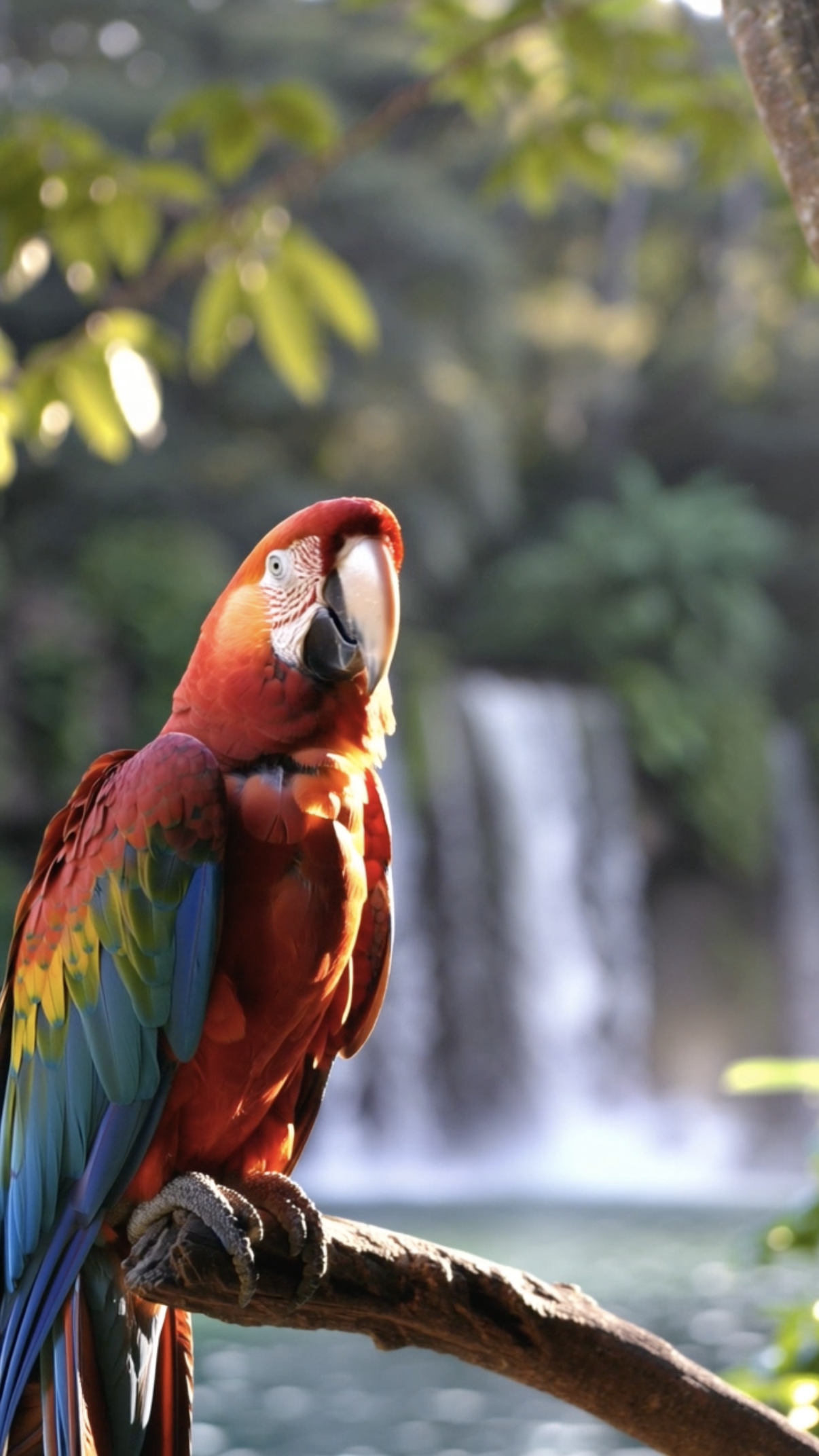
Parrot

Stop‑motion Clay
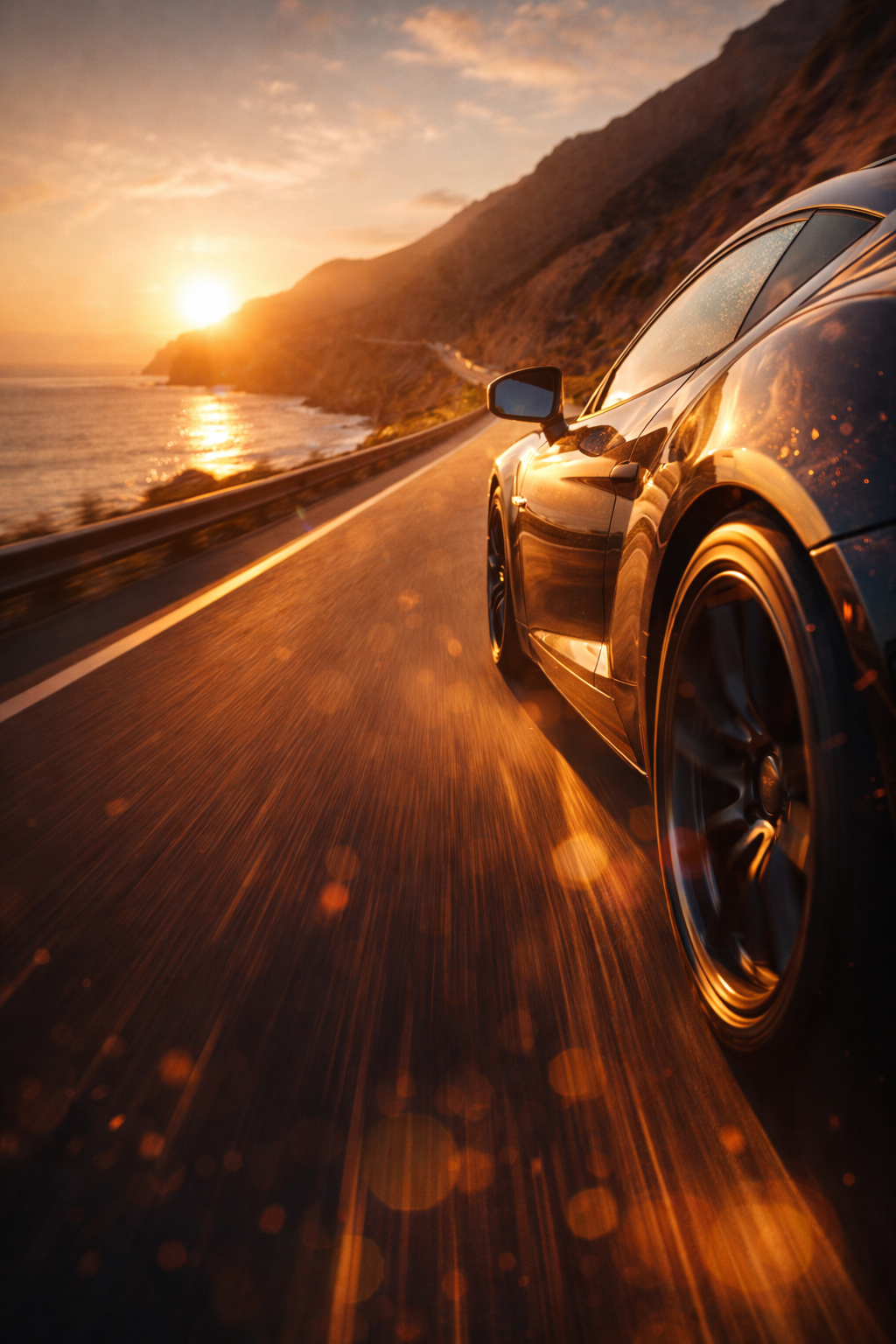
Performance Car on Open Road Sunset Cliff Road
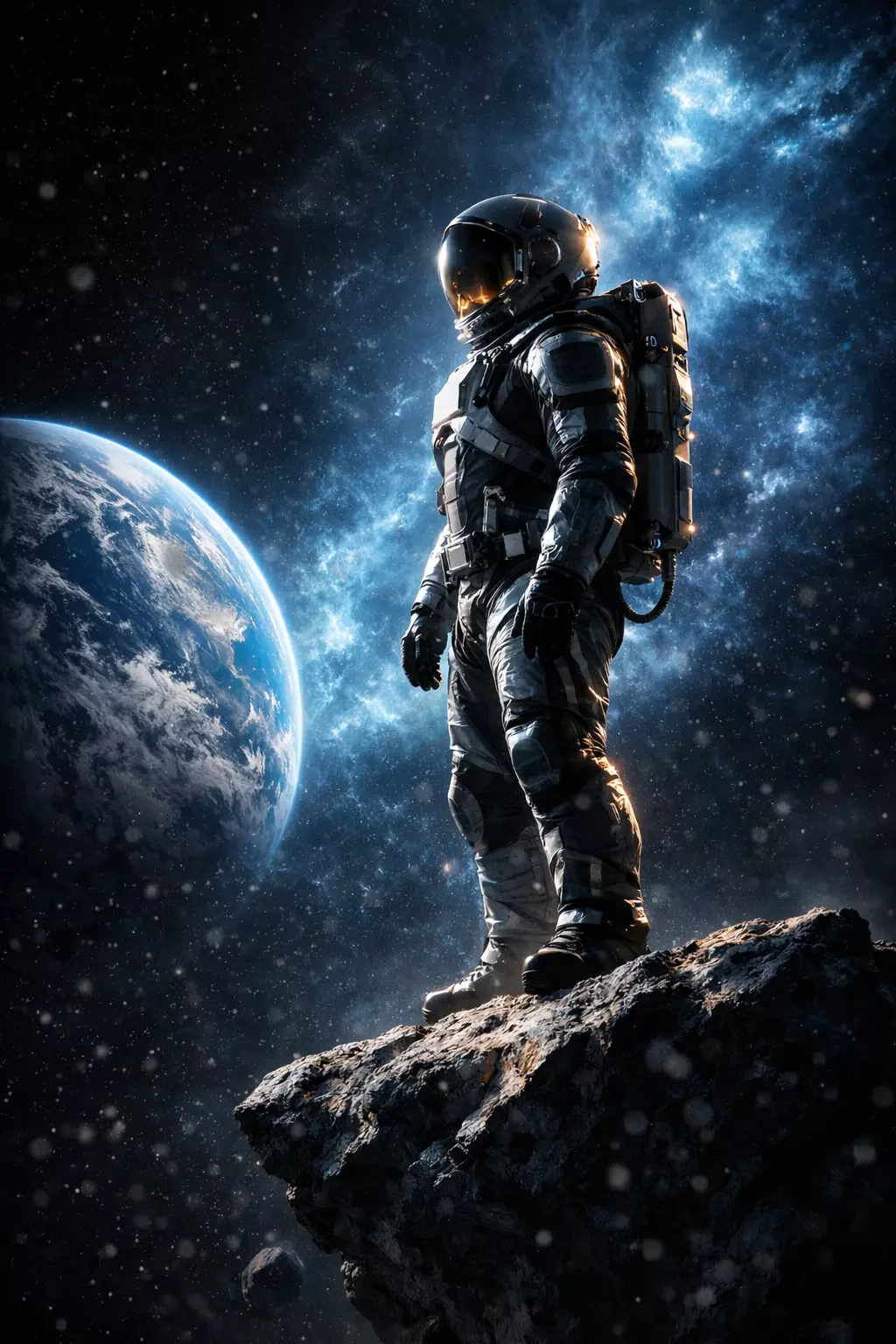
Astronaut Mission Planets
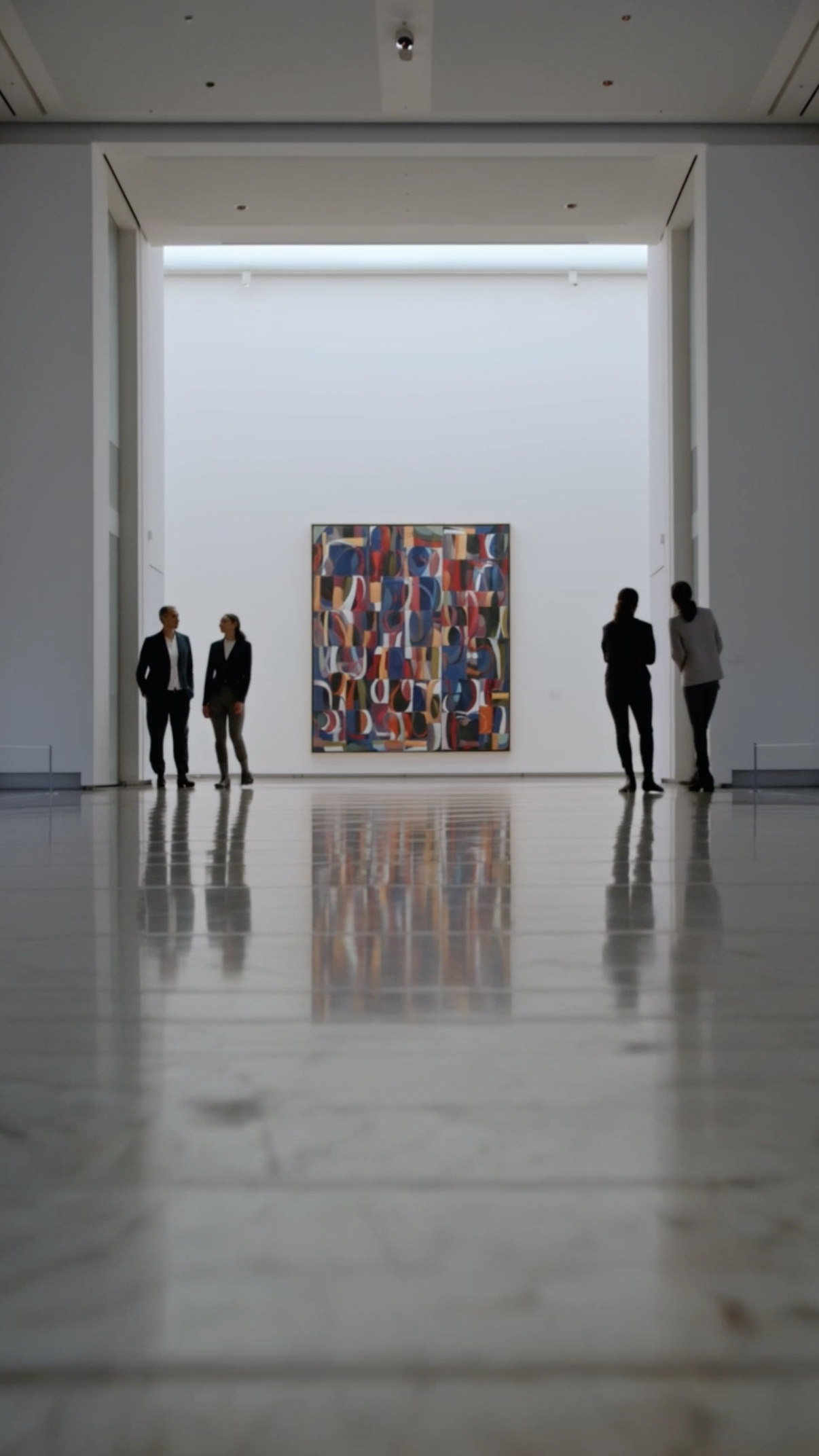
Museum Art Reveal
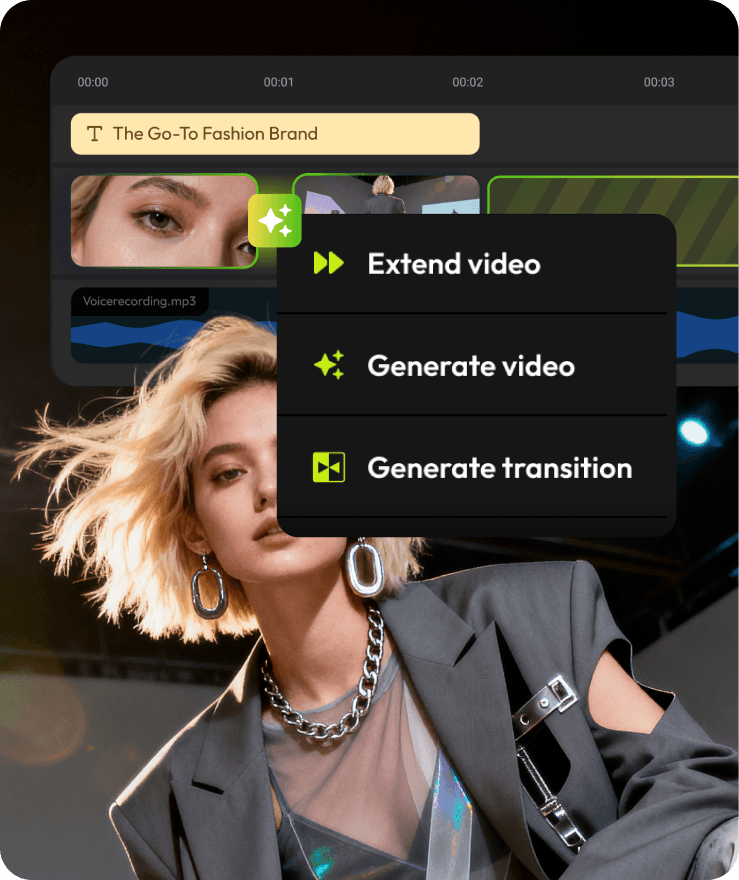
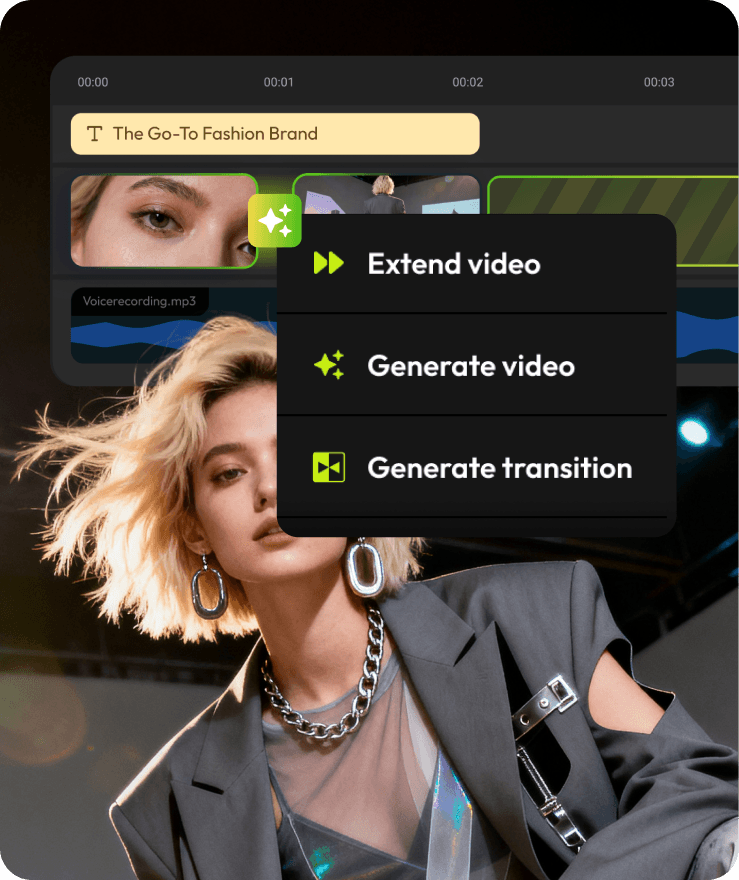
AI Generation, Finished in the Timeline
Create stunning AI Warp Transitions using Flixier's AI-powered generator. Choose from leading AI models to generate cinematic AI Warp Transitions, then shape the result inside a real editing timeline.
Where Warp Transitions Work Best
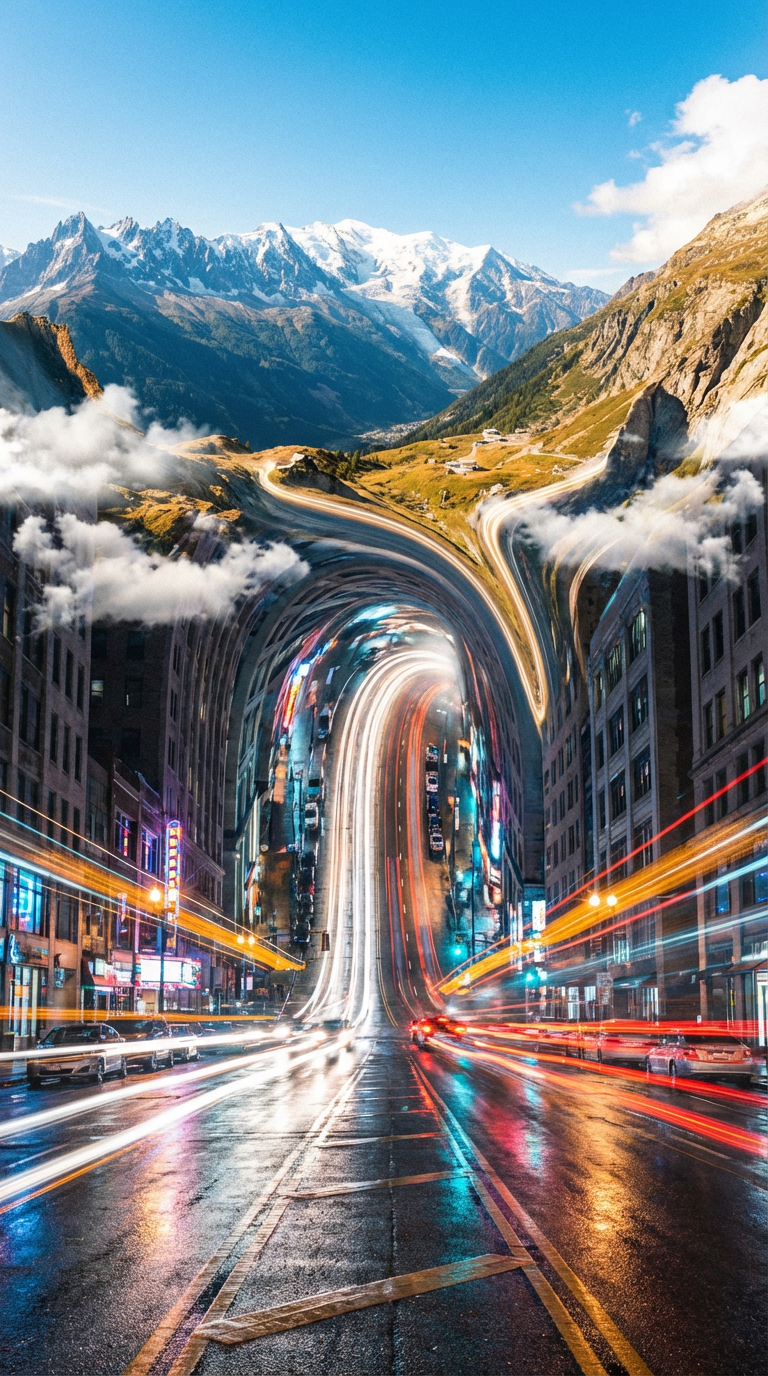
Cinematic scene transitions
The first three seconds decide everything. Drop an AI warp transition at the top of your video and give viewers a reason to stick around.
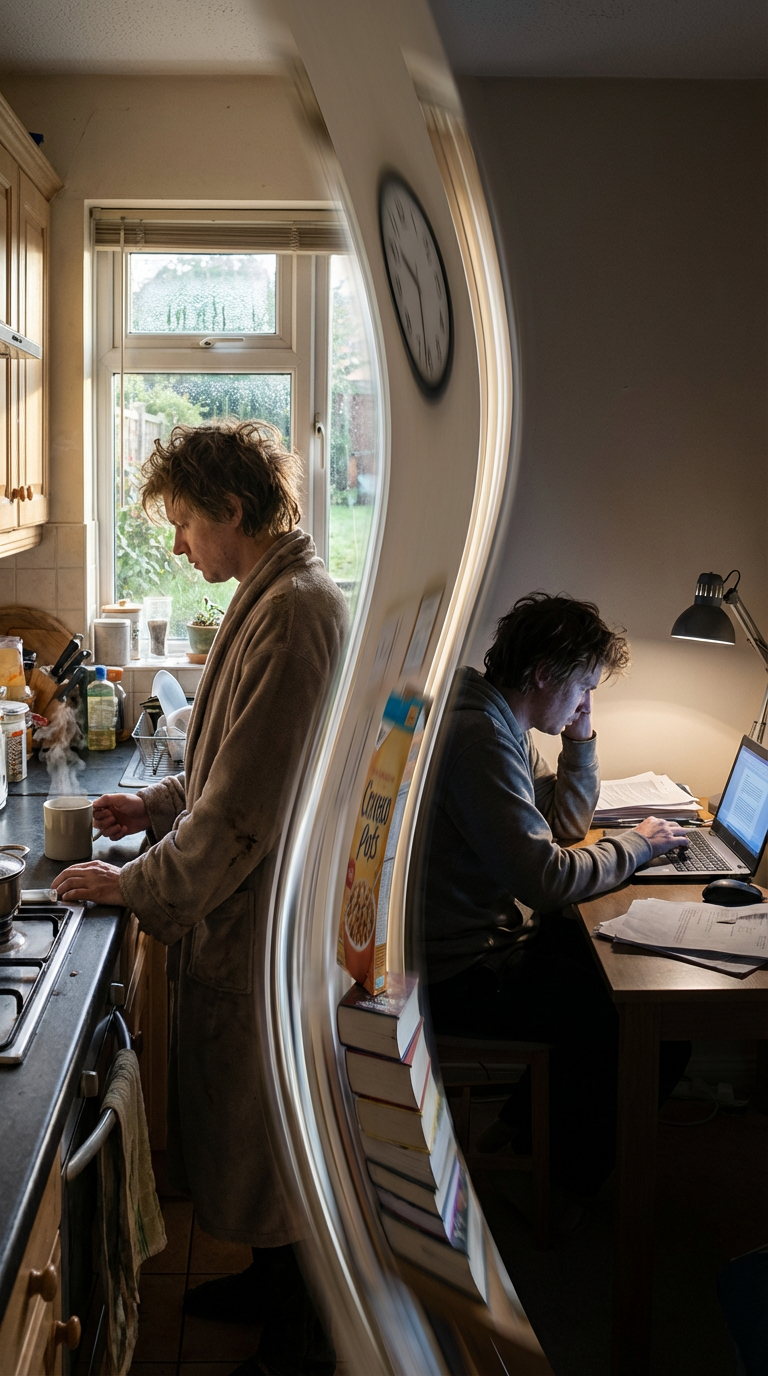
Storytelling and narrative videos
Create a sense of progression by visually evolving one moment into another.
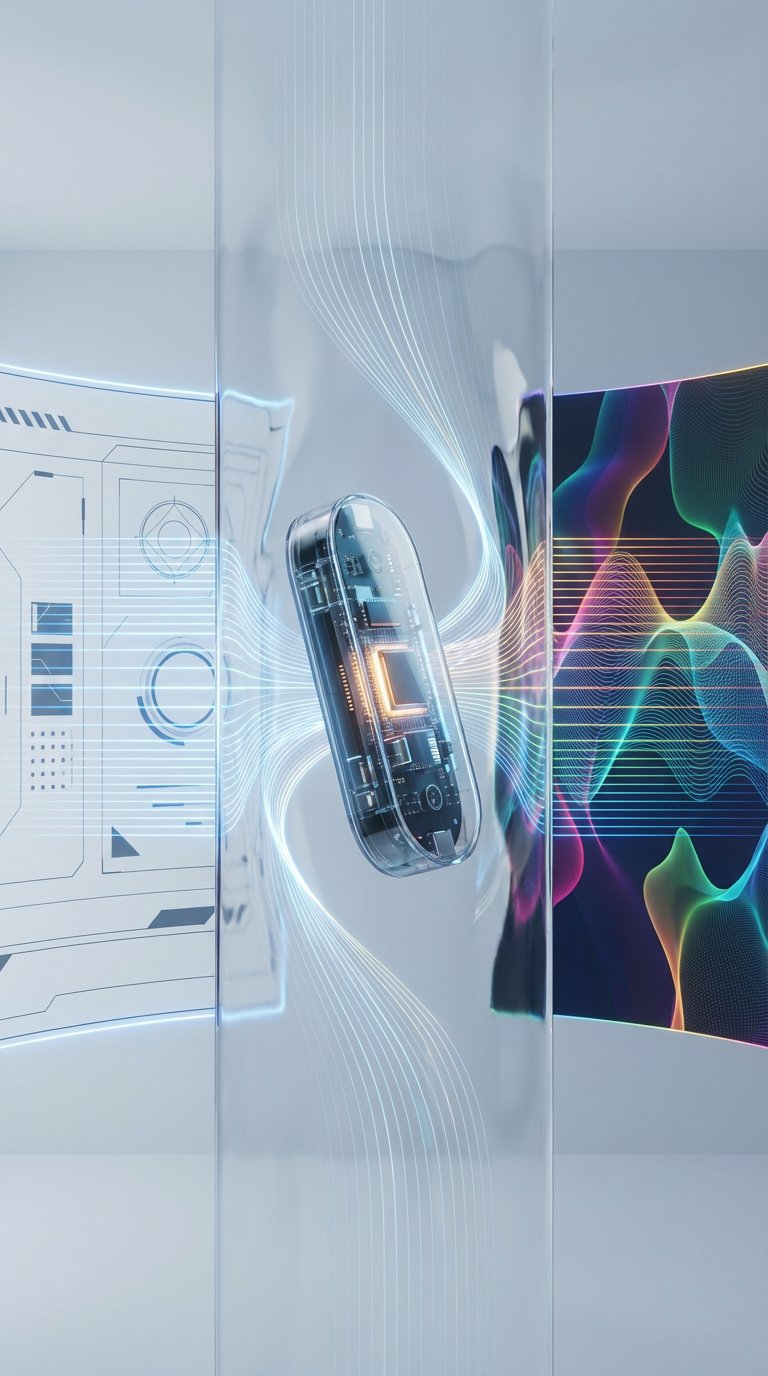
Music Videos
Product and concept videos
Transition between features, ideas, or visuals in a way that feels connected and intentional.
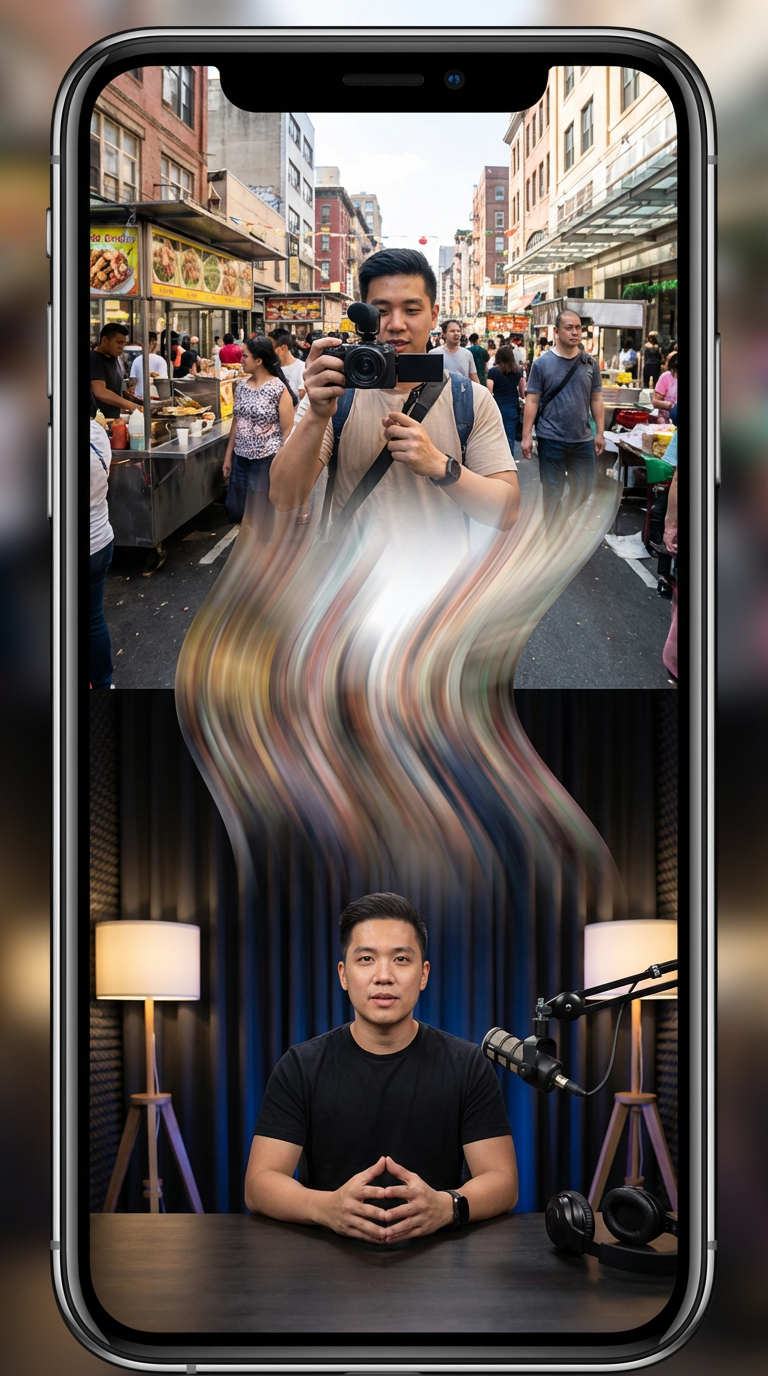
Gaming Highlights
Social media content
Stand out with smooth, visually engaging transitions built for TikTok, Reels, and Shorts.
Recommended AI Models for Warp Transitions
Different AI models produce different warp styles. Choose based on how smooth, fast, or controlled you want the transformation to feel.
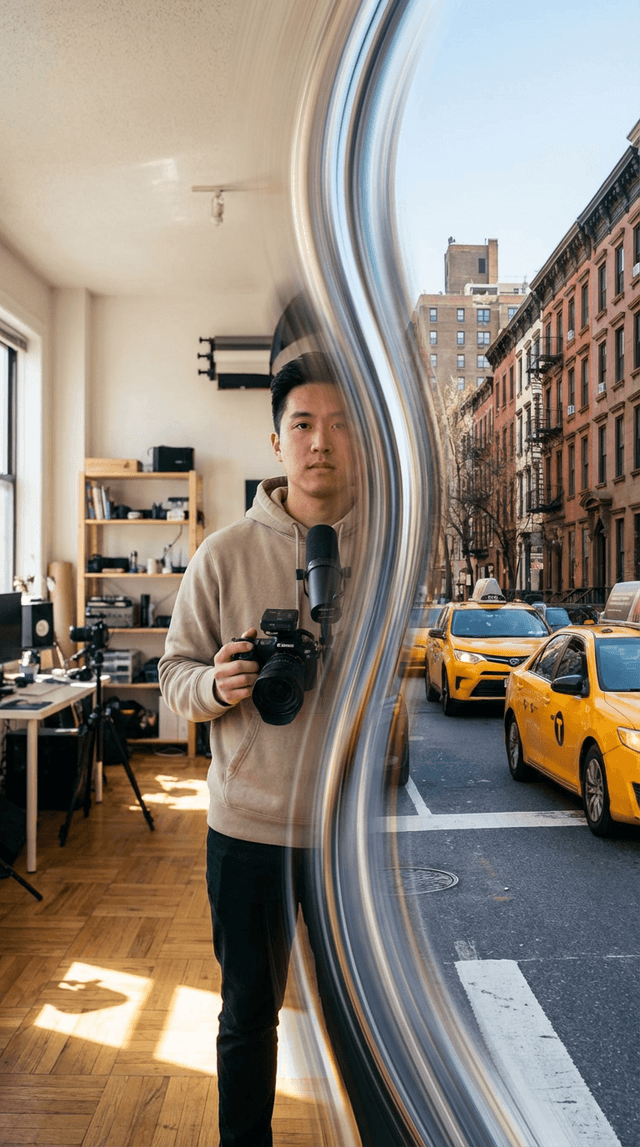
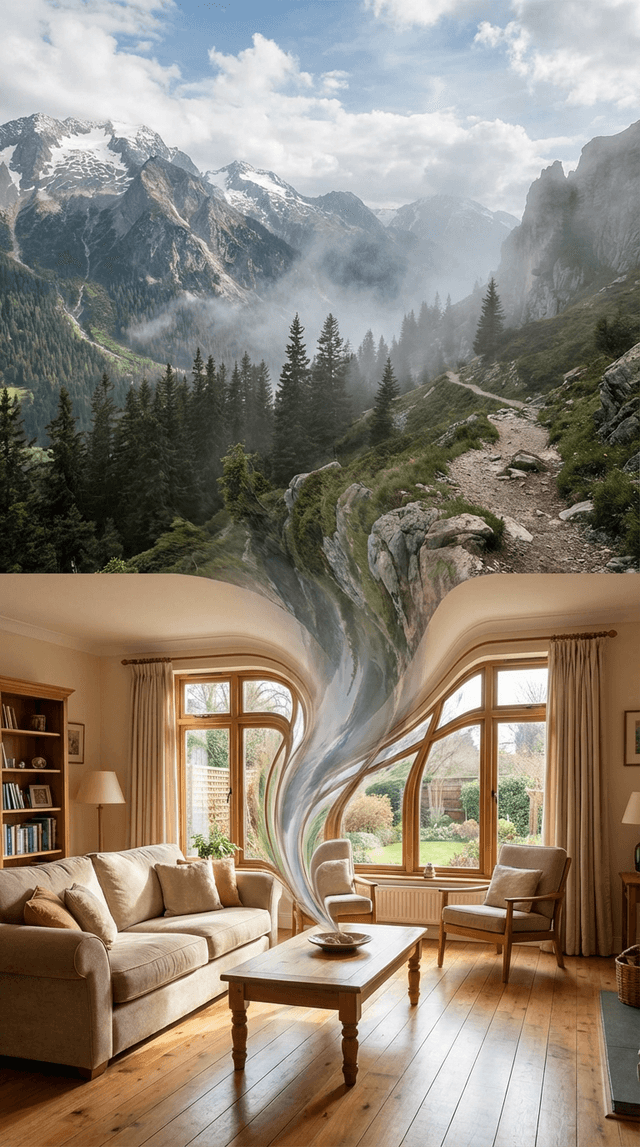
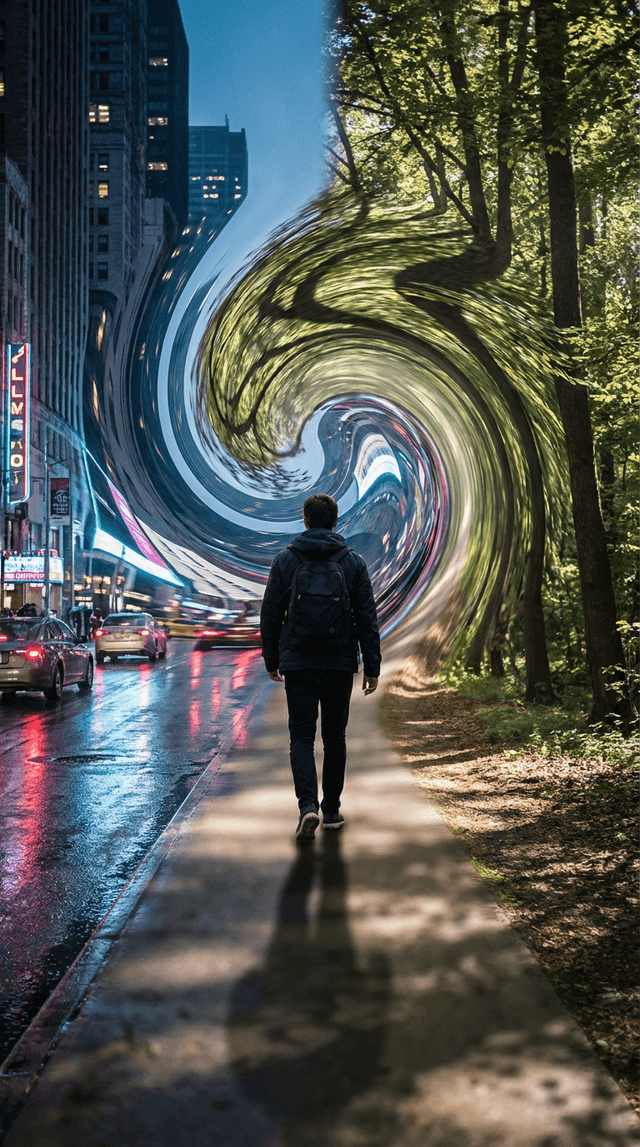
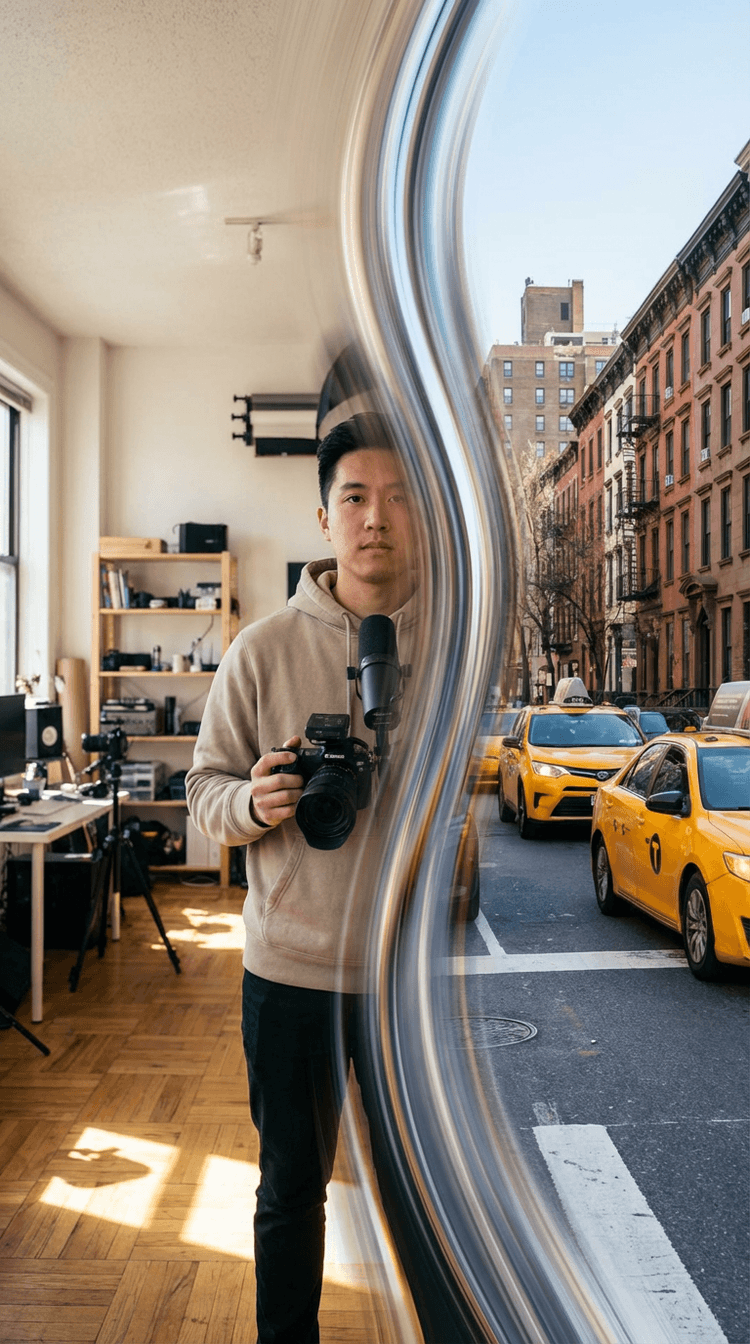
Kling 3.0
Fast and reliable for generating smooth warp transitions, ideal for quick edits and social content.
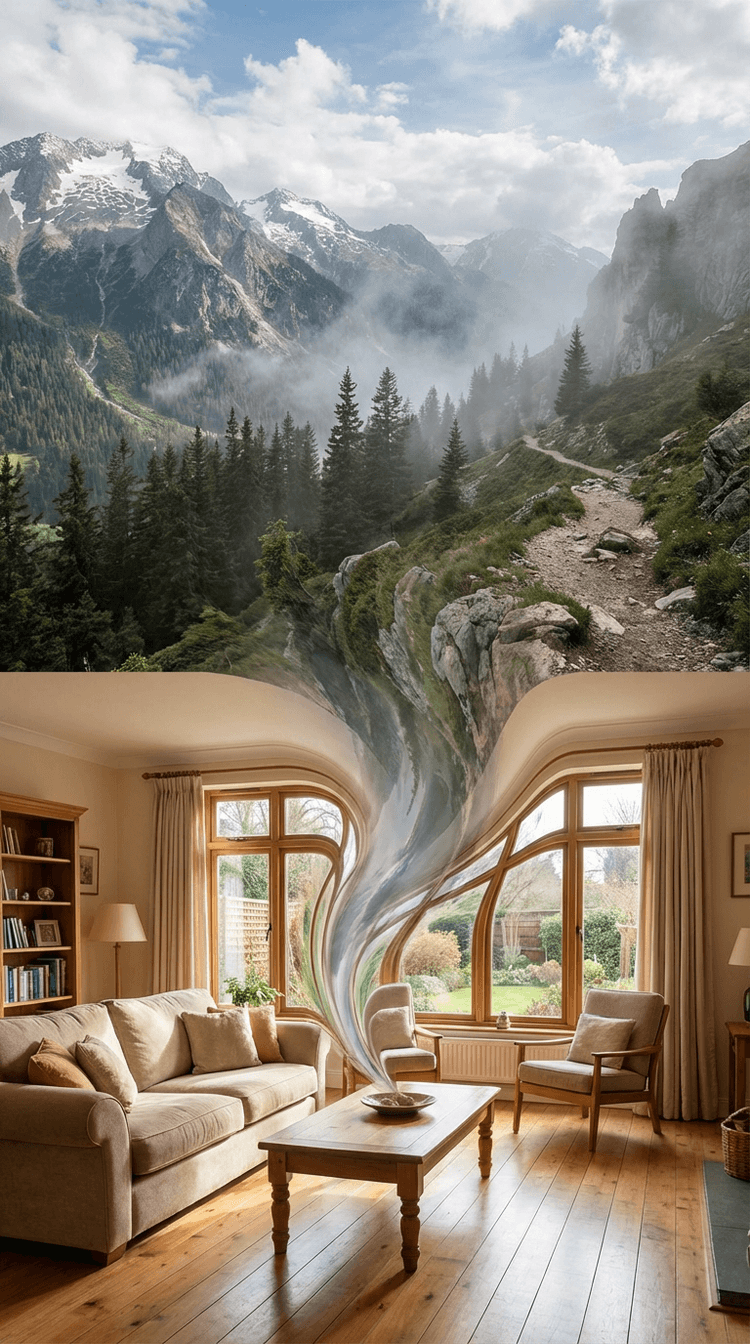
Veo 3.1
Best for realistic transformations using first-frame and last-frame inputs, helping you create seamless scene transitions.
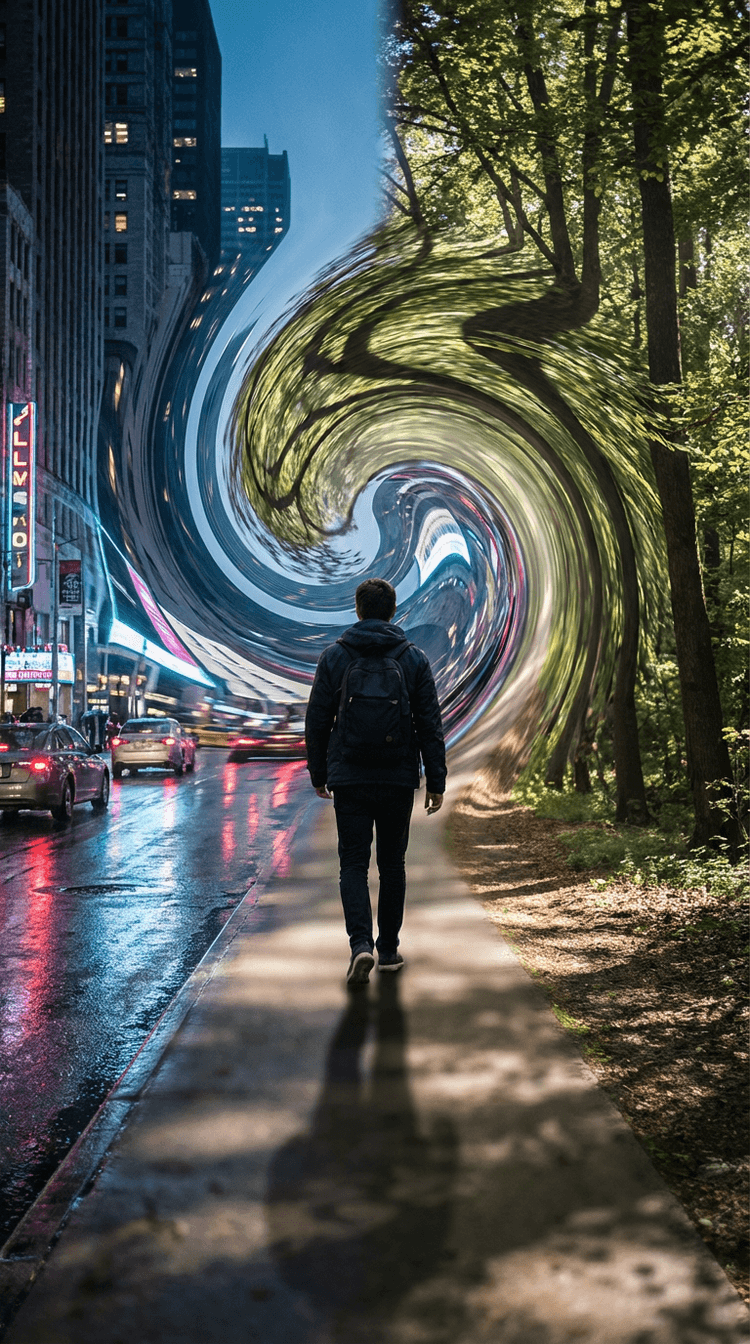
Runway Gen-4 Turbo
Strong for controlled transformations, giving you more precision over how scenes blend and evolve.
How to Create an AI Warp Transition
AI Warp Transition
FAQs
How do I create an AI warp transition?
In Flixier, you can generate a warp transition directly between two clips in your timeline. Click between clips, choose an AI transition, and Flixier will generate a smooth transformation based on your footage. You can then refine timing and continuity inside your project.
What’s the difference between warp and other transitions?
Warp transitions transform one scene into another instead of cutting or sliding between them, creating a more continuous visual flow.
Can I edit the transition after generating it?
Yes. You can trim, adjust timing, and refine how the transformation behaves as part of your full video.
What makes Flixier different from other AI tools?
Flixier keeps AI generation inside a real editing timeline, so transitions can be refined and connected as part of a complete video.
How long does it take to generate a warp transition?
Most warp transitions are ready in a few minutes, depending on the model and settings.
Why Create AI Warp Transitions Online with Flixier
Most AI tools stop at generation. Flixier helps you finish the video.


Related AI Transitions
Explore other AI transitions you can generate and refine inside the Flixier timeline.

“Most AI tools stop after generation. Flixier is the first place where I can actually turn those outputs into a finished video.”