Farmer's Market
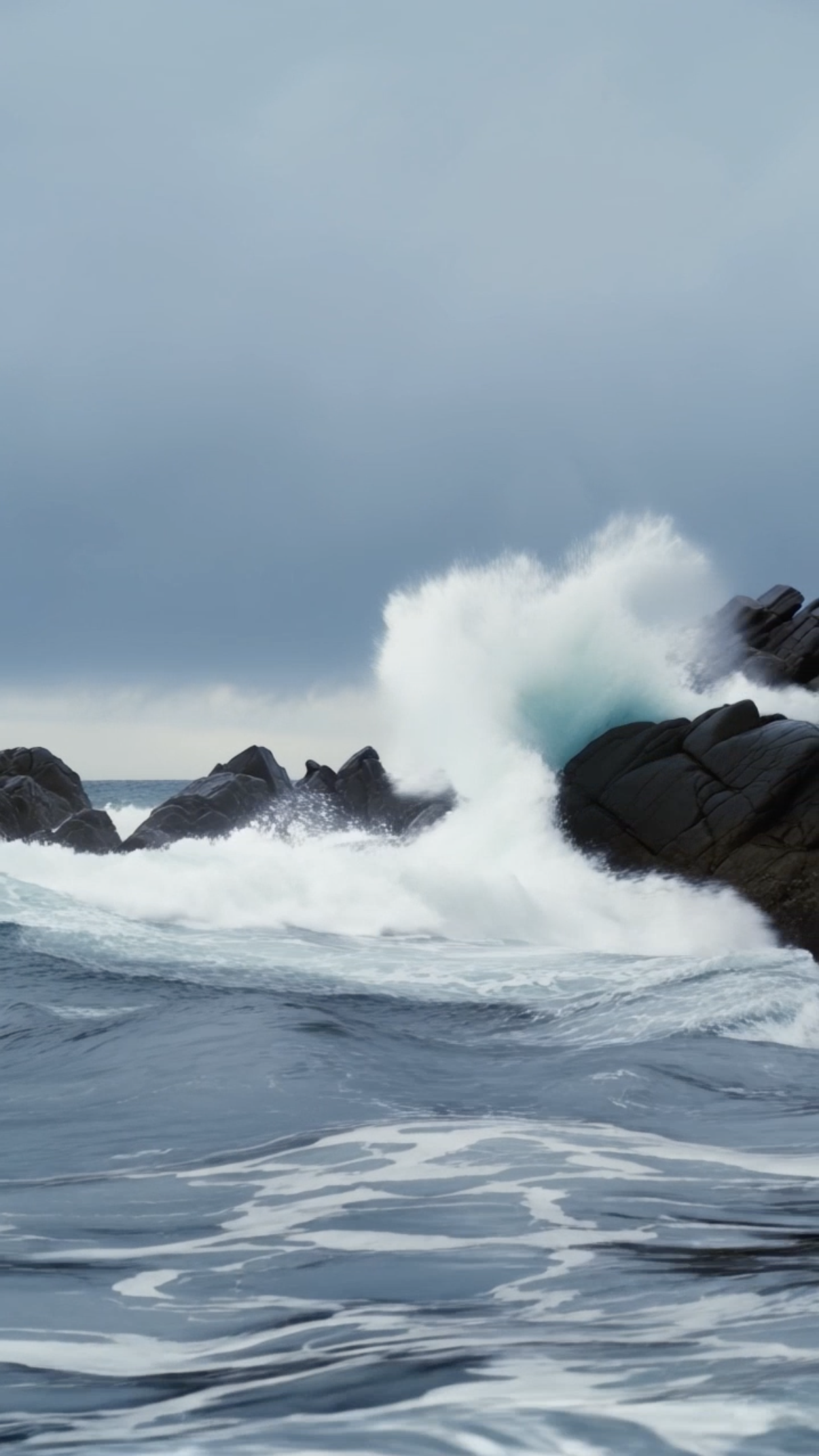
Stormy Coastline
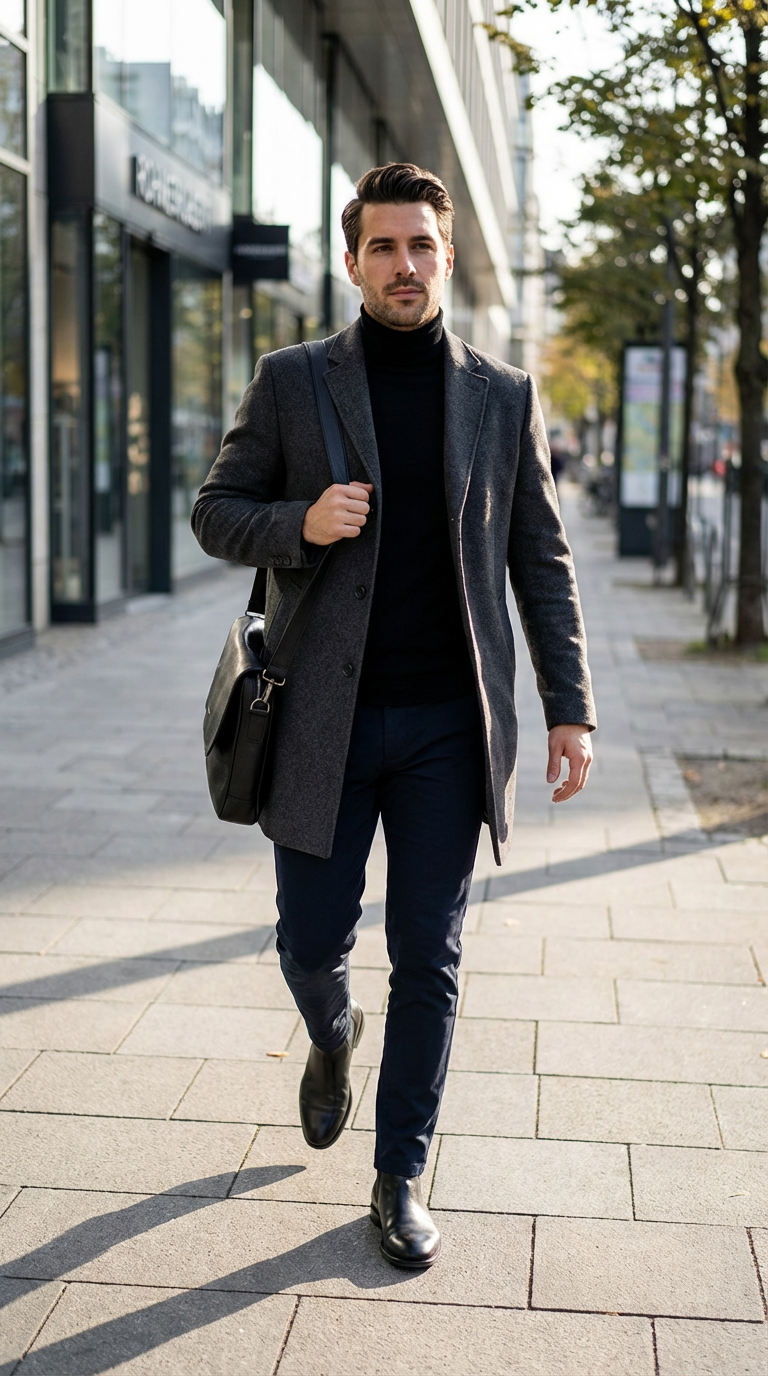
Model Switch Reel, Simple Action Street Walking

Library Light Beam
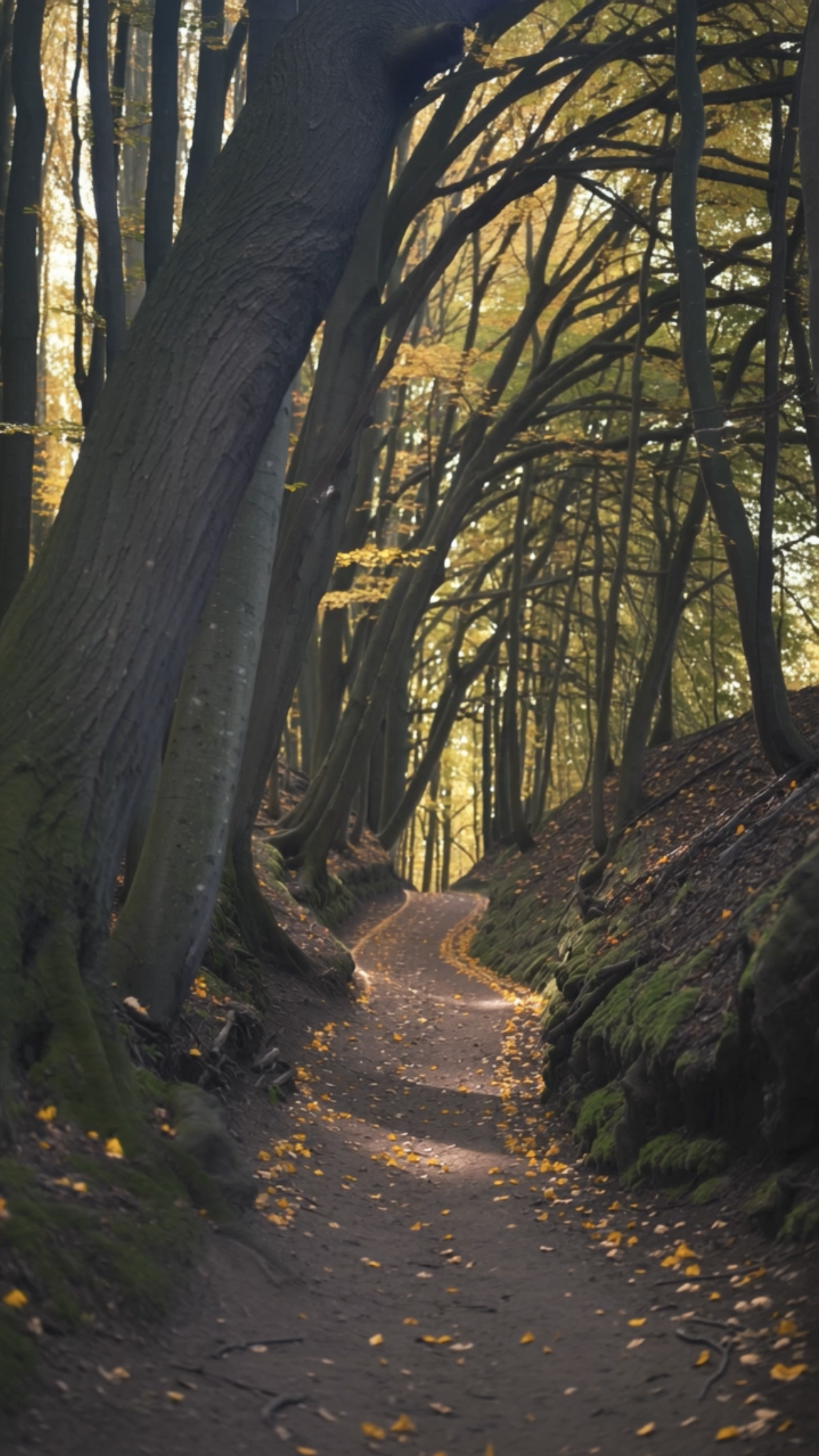
Forest Walk
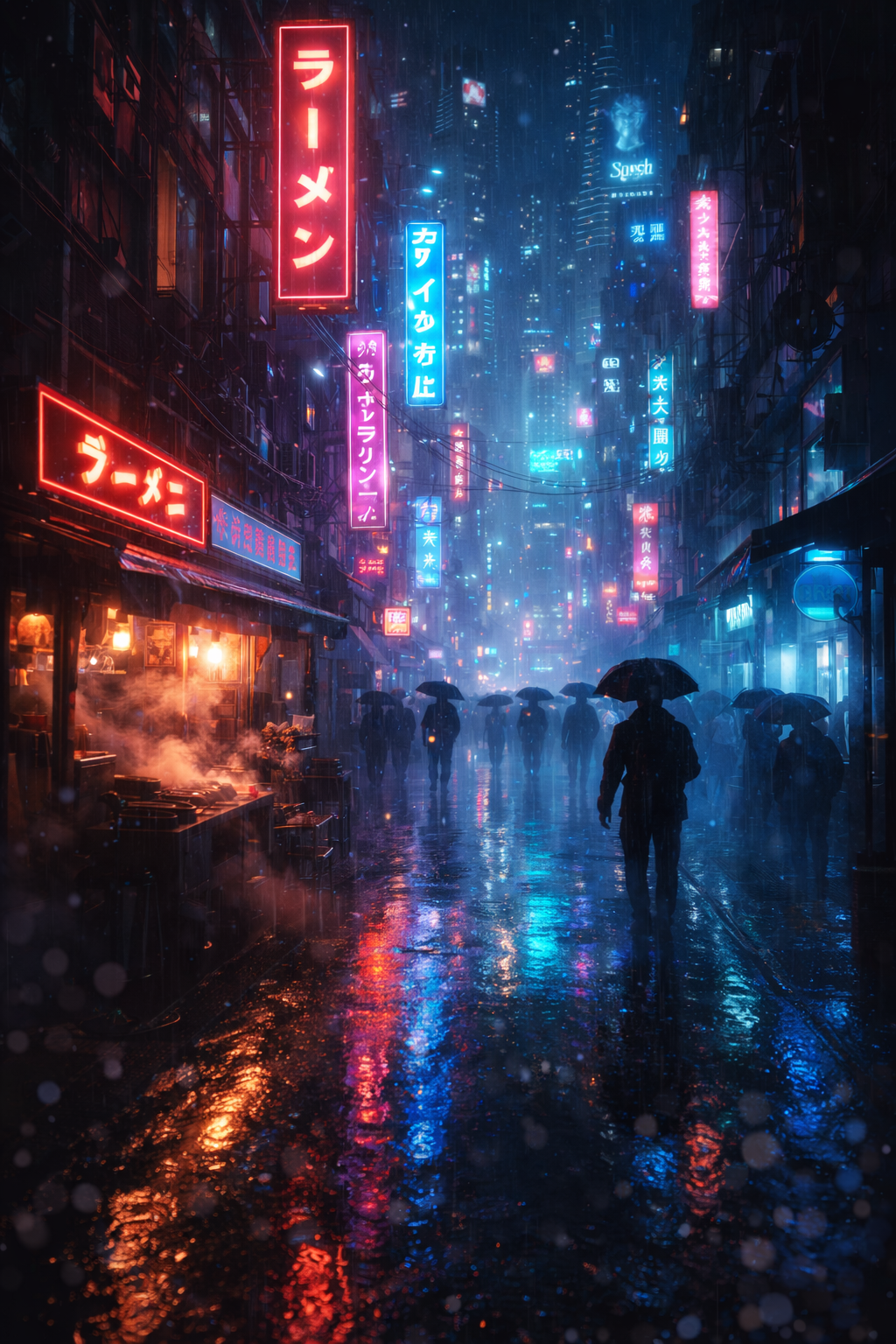
Bladerunner Megacity FPV Drone City Street
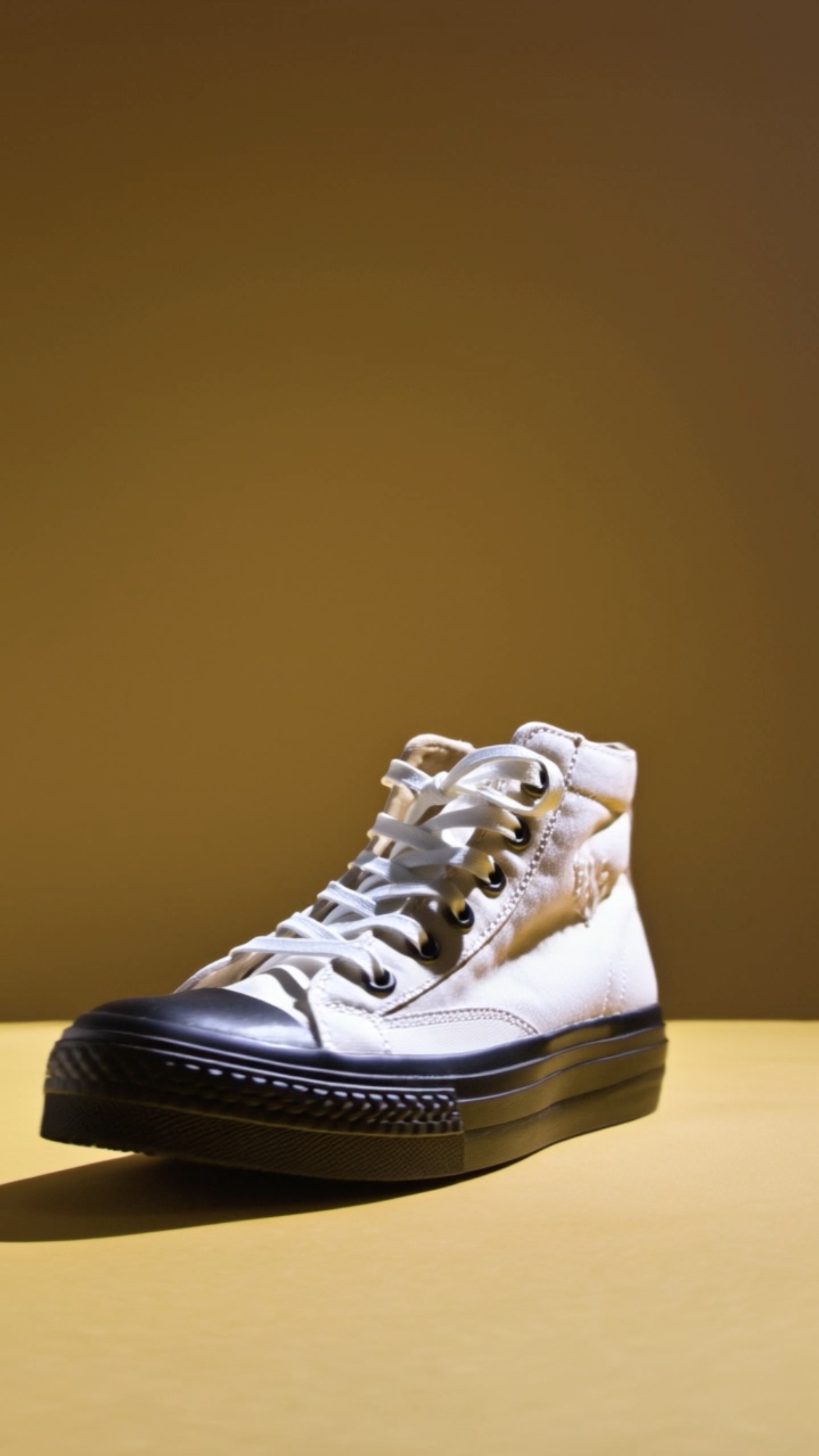
Shoe Product Close‑up

Time‑lapse Construction

Gym Hero Reel Dumbbell
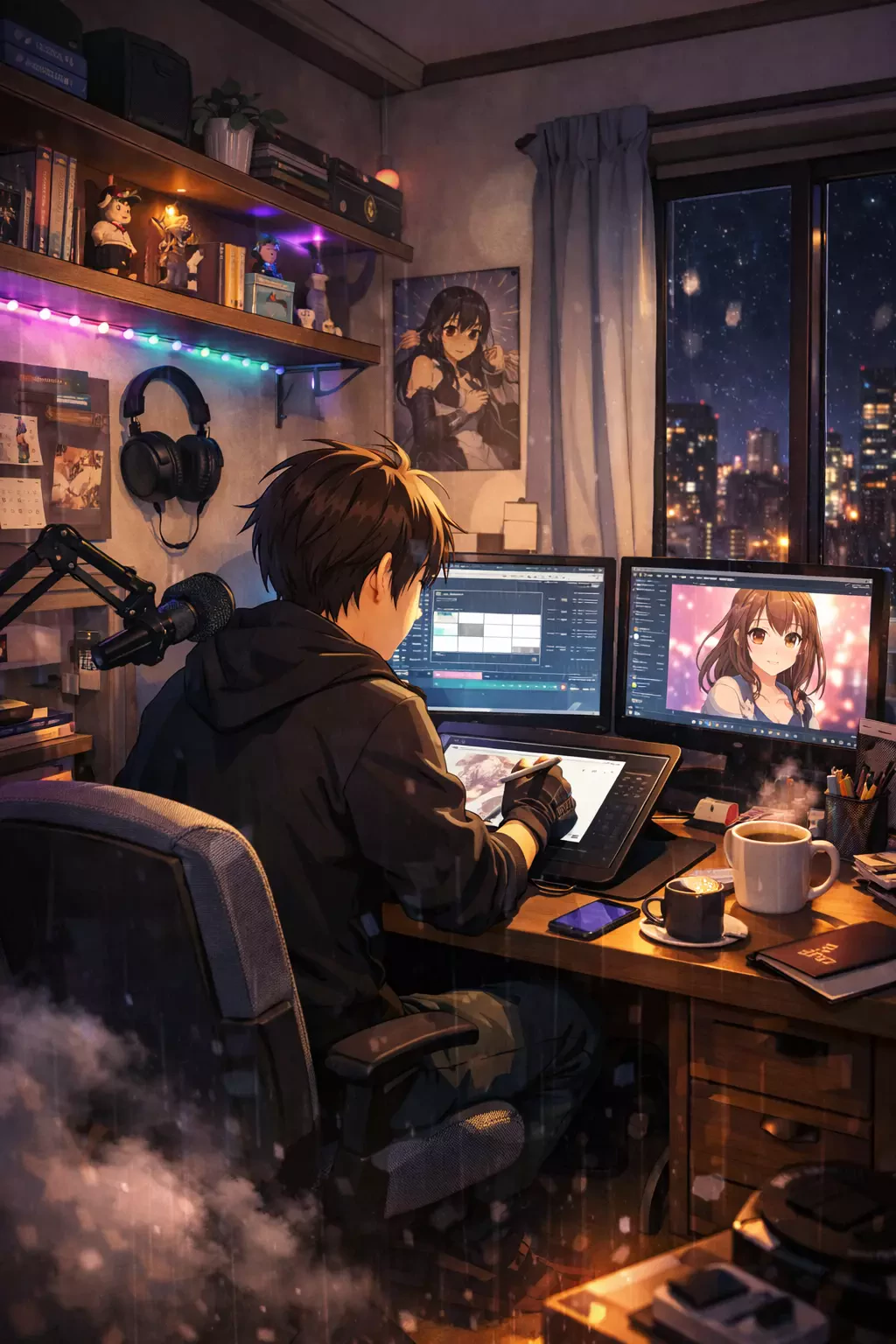
Anime Slice‑of‑life Creator in Bedroom Studio Drawing
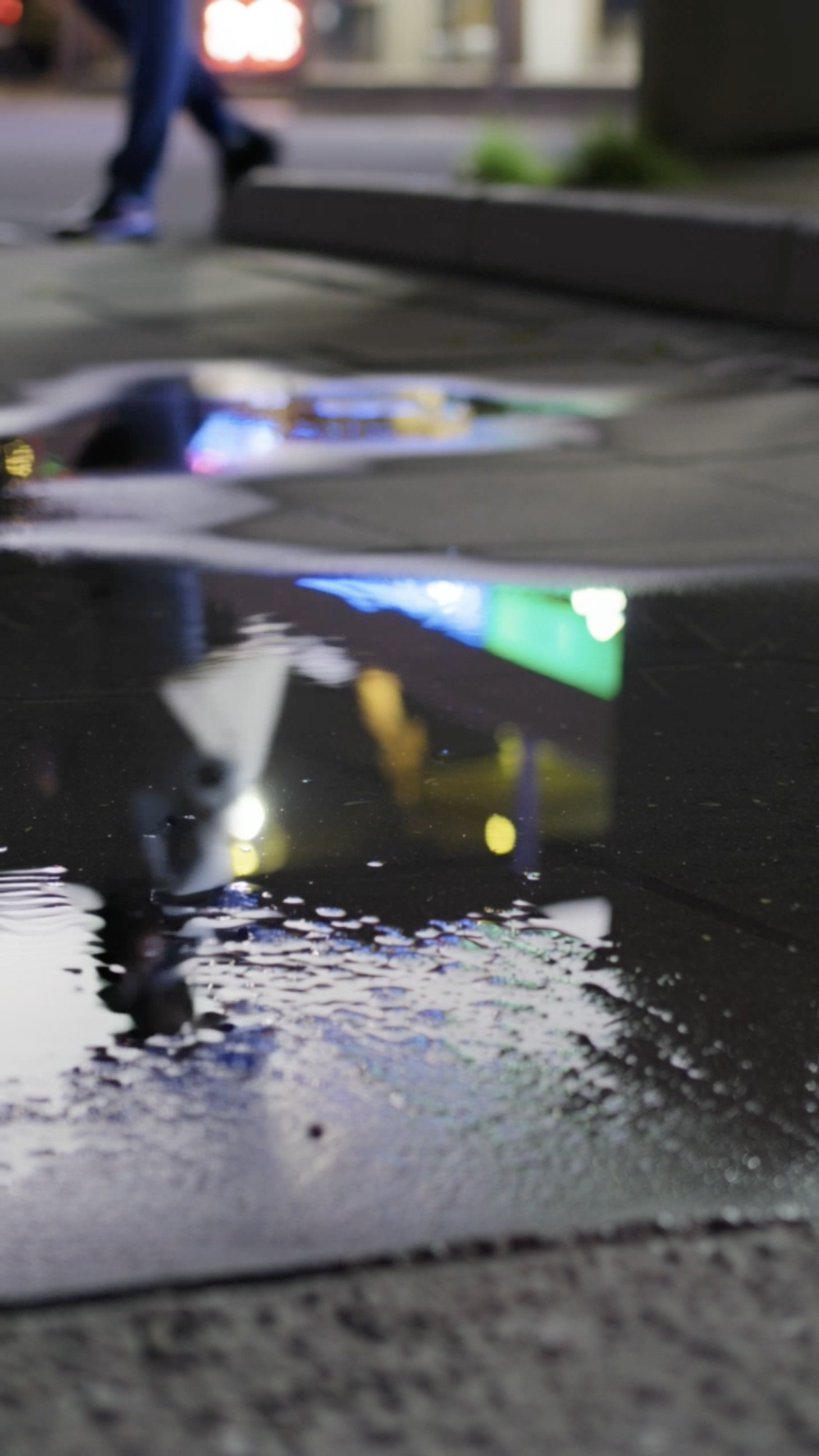
Puddle

Nature Macro Leaf
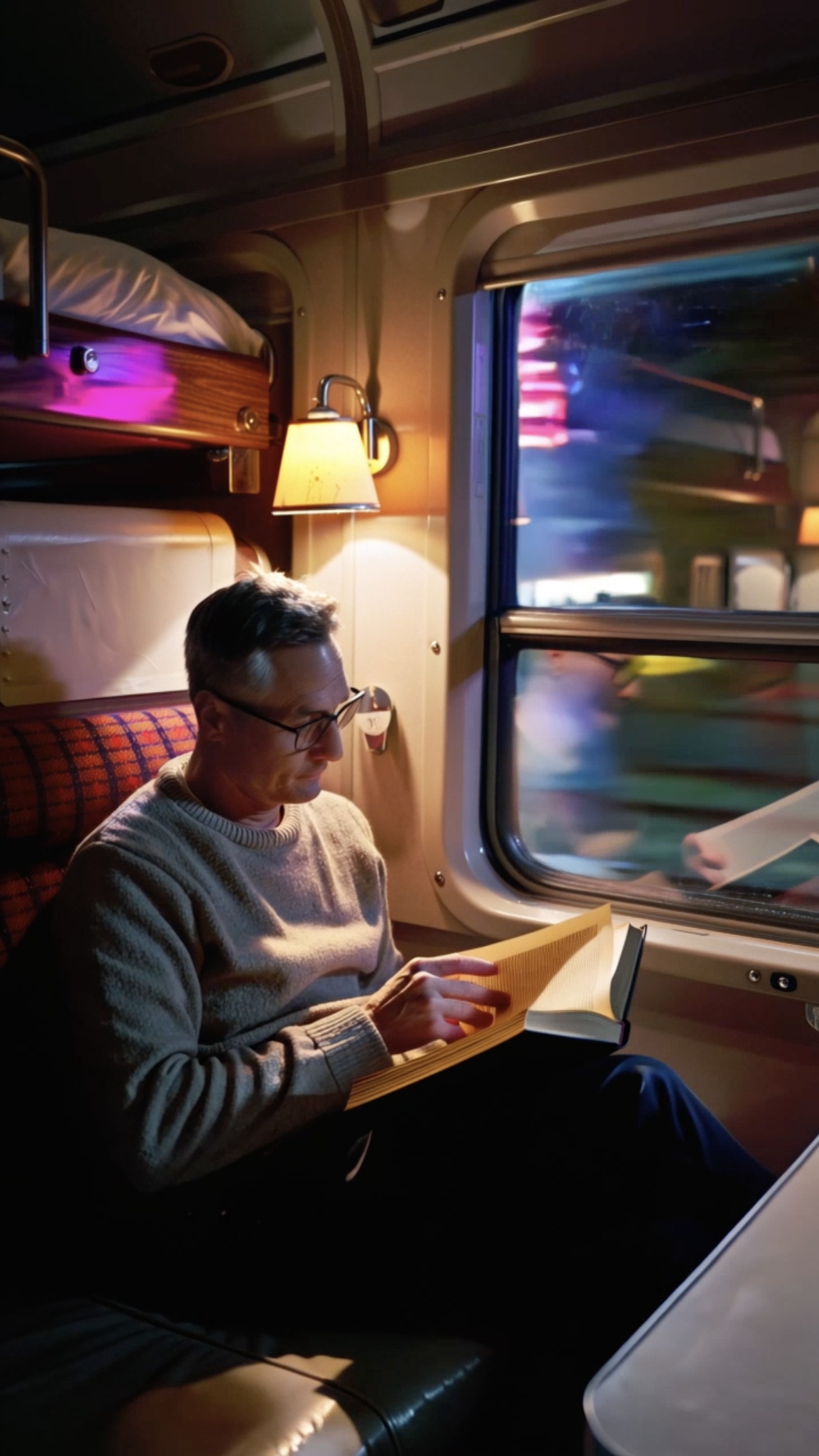
Vintage Train Interior
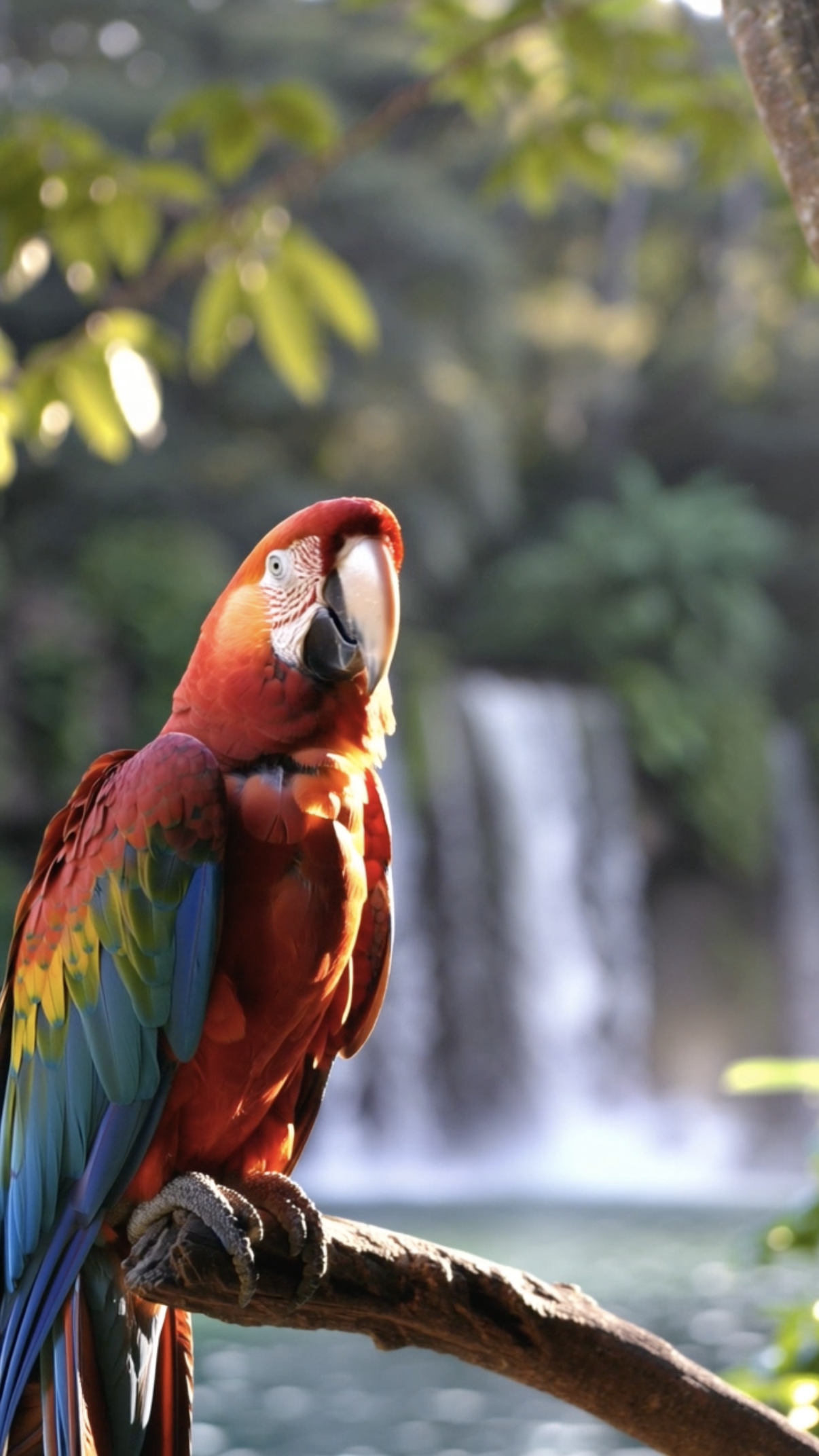
Parrot
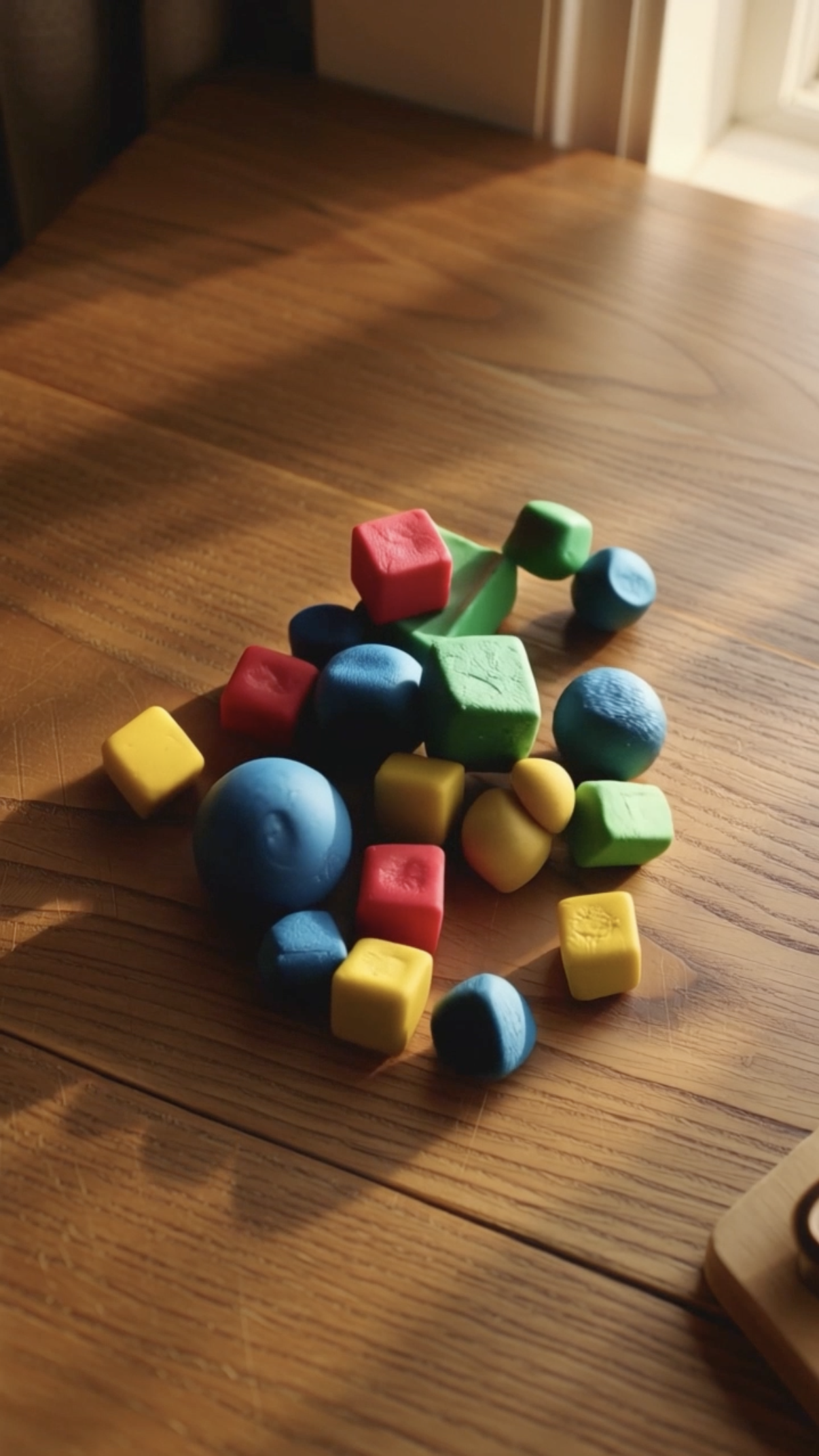
Stop‑motion Clay
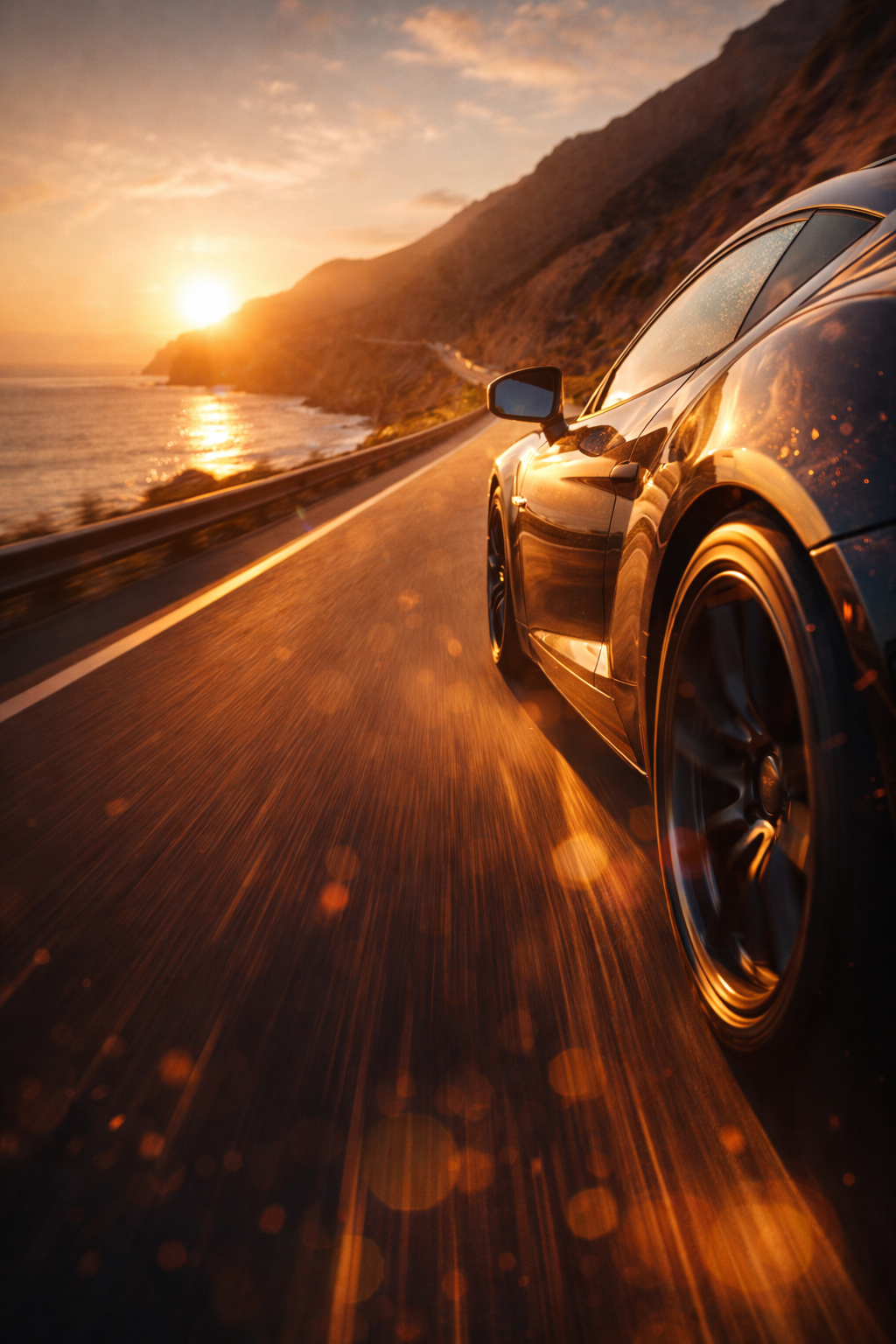
Performance Car on Open Road Sunset Cliff Road

Astronaut Mission Planets
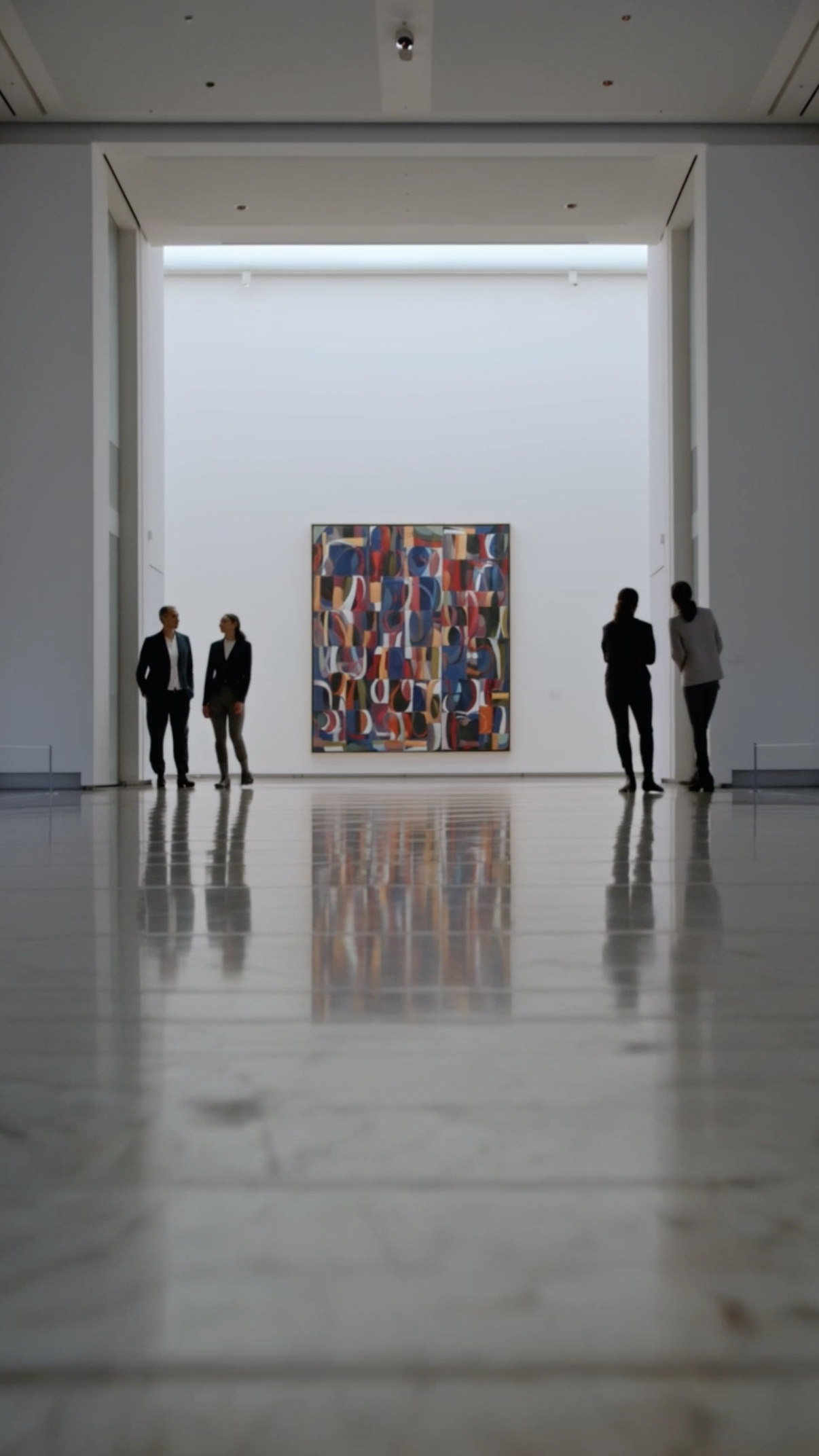
Museum Art Reveal
AI Generation, Finished in the Timeline
Create smooth AI morph transition effects using Flixier’s built-in generator. Explore different styles across AI models, then control how one subject transforms into another directly inside your timeline.
Where Morph Transitions Work Best
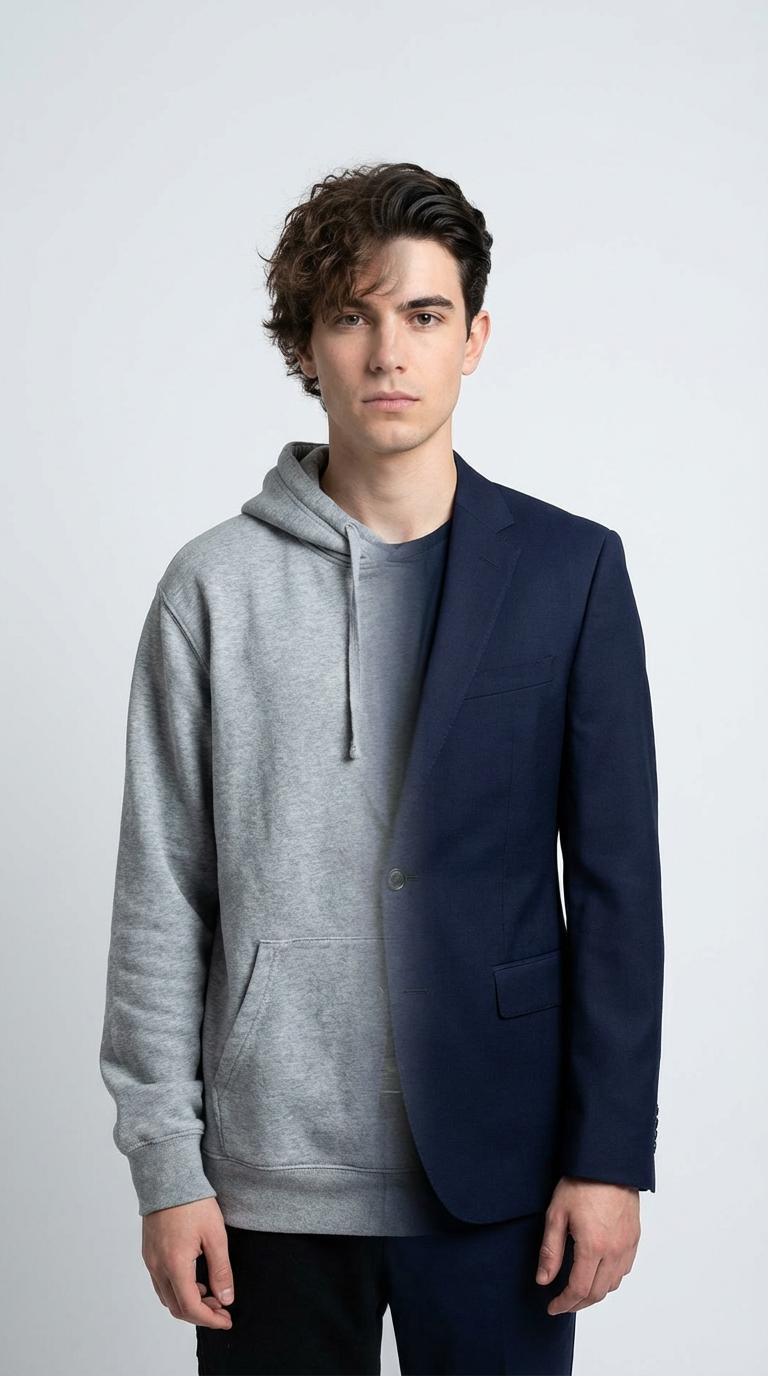
Before & After
Before and after transformations
Show clear visual changes by morphing one version of a subject into another.

Storytelling
Character or object transformations
Transform faces, objects, and visuals smoothly to create memorable storytelling moments that keep viewers watching.
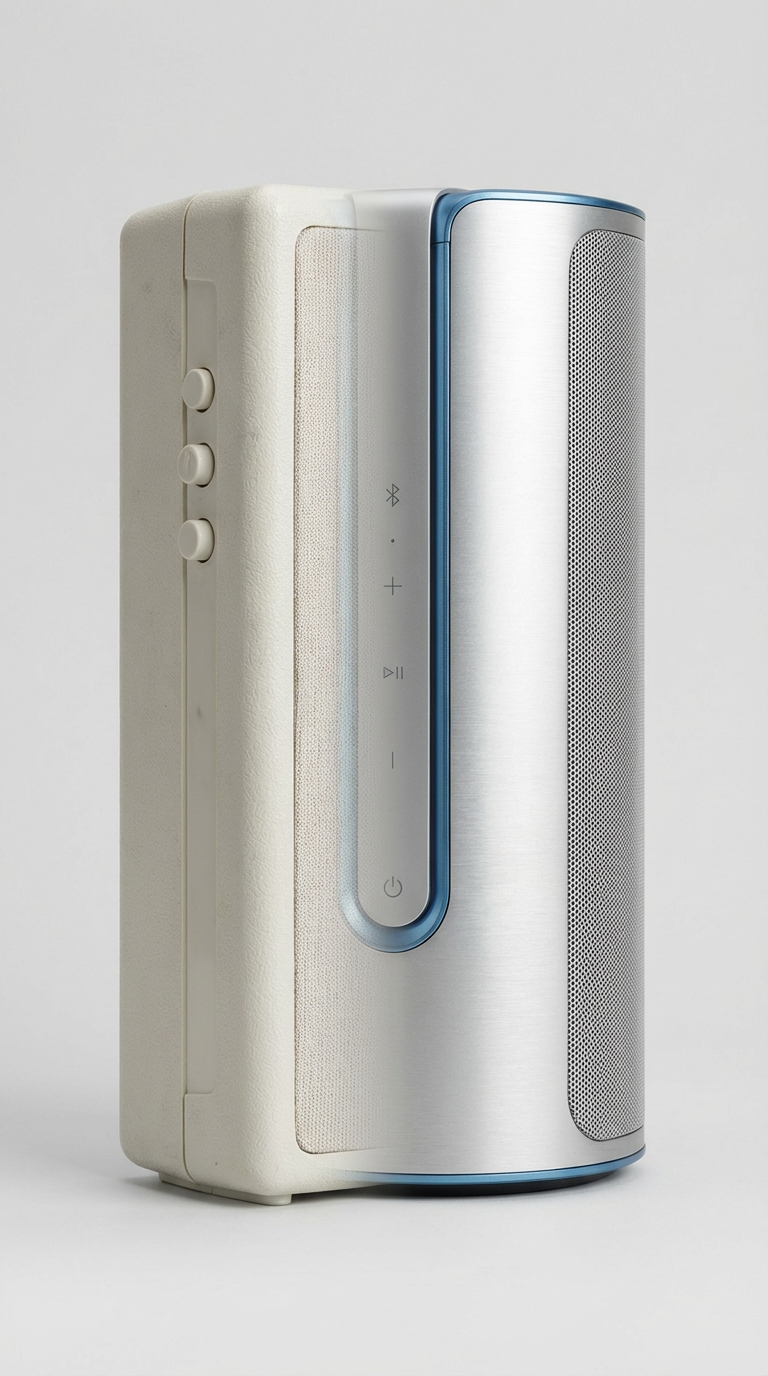
Product Marketing
Product evolution and comparisons
Highlight changes between product versions or features with seamless morphing.

Social Media
Social media content
Create eye-catching transformations designed for TikTok, Reels, and Shorts.
Recommended AI Models for Morph Transitions
Different AI models produce different morph styles. Choose based on how smooth, detailed, or controlled you want the transformation to feel.
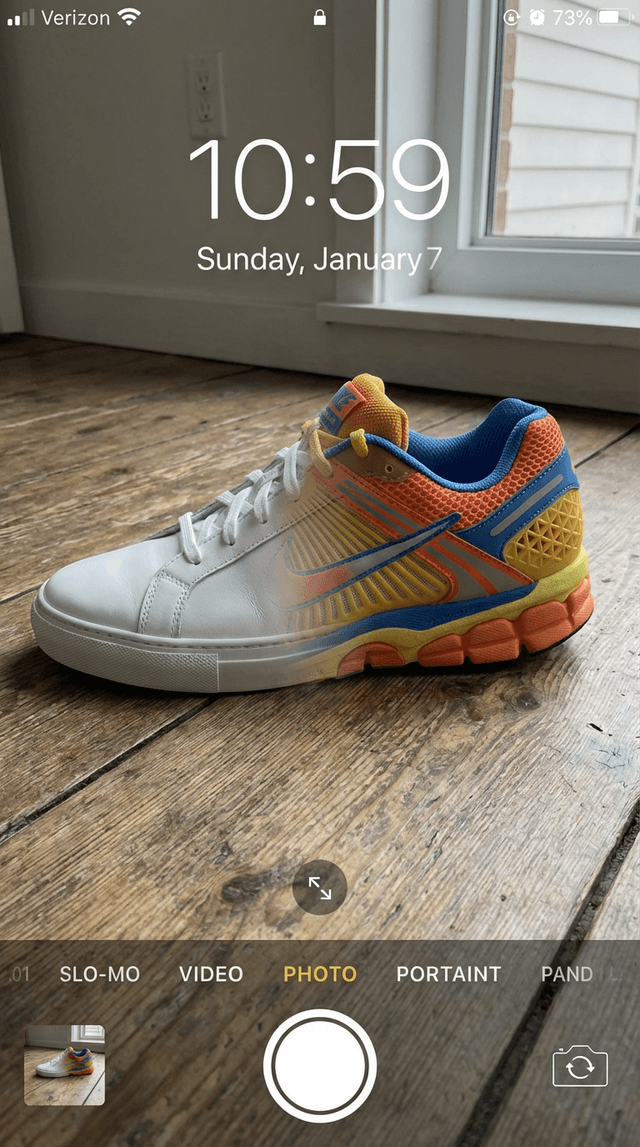

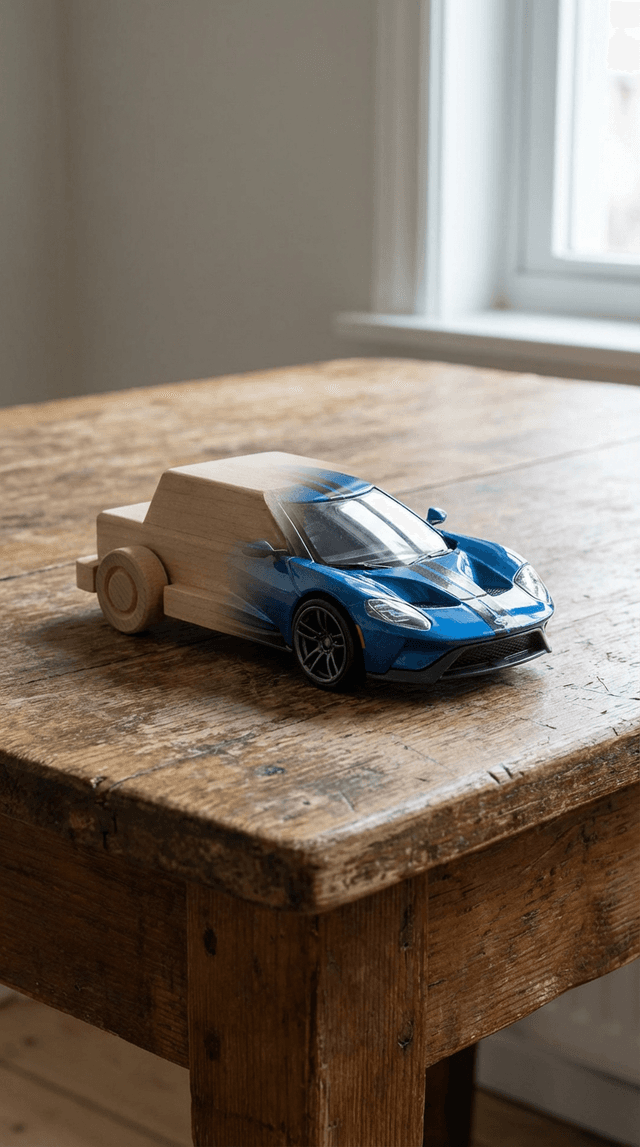
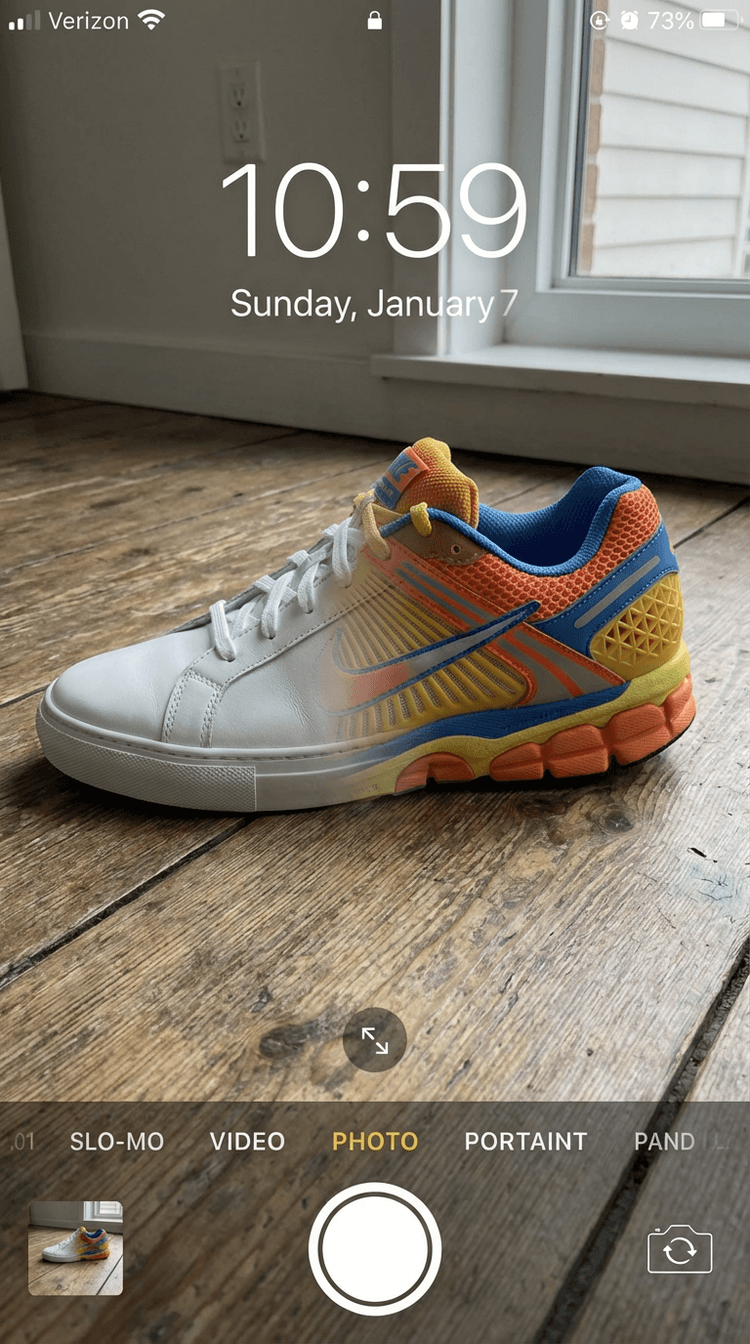
Kling 3.0
Fast and reliable for generating smooth morph transitions, great for quick edits and social content.

Veo 3.1
Best for realistic morphing using first-frame and last-frame inputs, helping you create clean subject transformations.
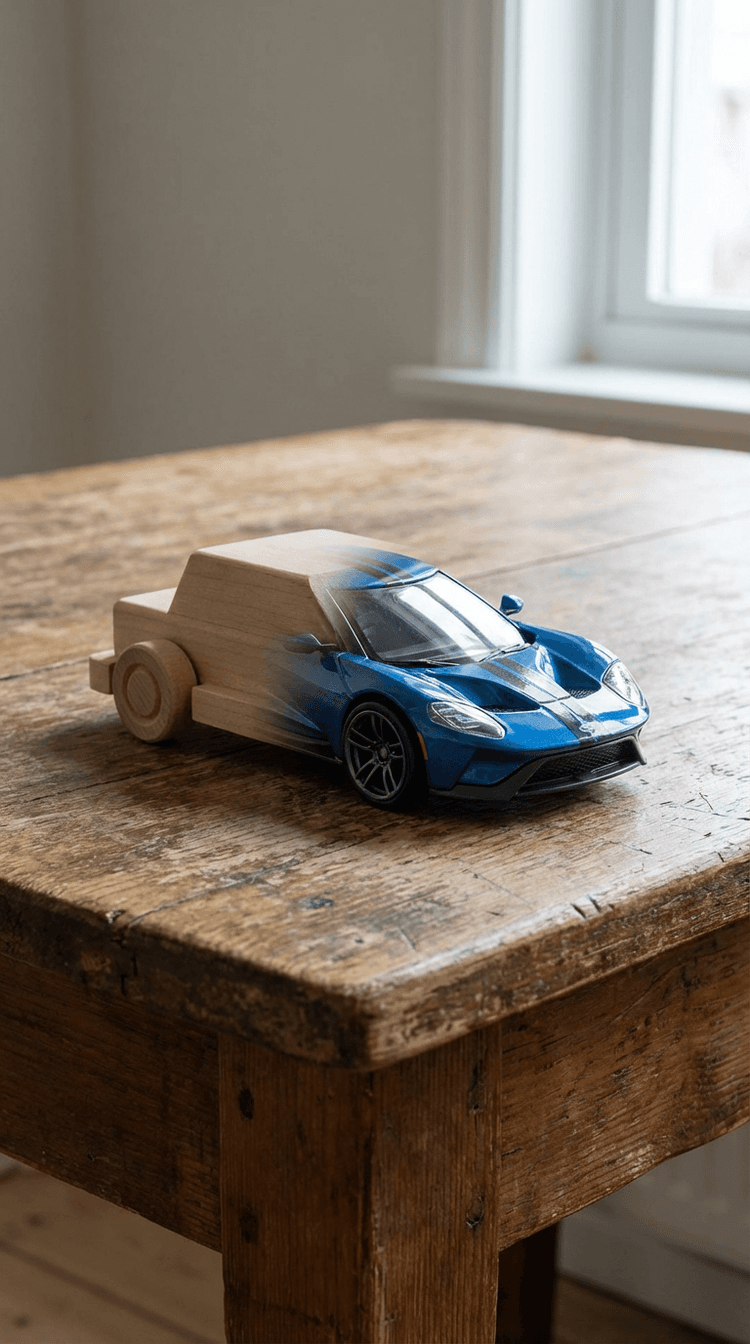
Runway Gen-4 Turbo
Strong for controlled morphing, giving you precision over how subjects evolve from one to another.
How to Create an AI Morph Transition
AI Morph Transition
FAQs
How do I create an AI morph transition?
In Flixier, you can generate a morph transition directly between two clips in your timeline. Click between clips, choose an AI transition, and Flixier will generate a smooth morph based on your footage. You can then refine timing and visual consistency inside your project.
What's the difference between morph and warp transitions?
Morph transitions transform one subject into another, while warp transitions focus on transforming entire scenes or connecting shots.
Can I edit the transition after generating it?
Yes. You can trim, adjust timing, and refine how the morph behaves as part of your full video.
What makes Flixier different from other AI tools?
Flixier keeps AI generation inside a real editing timeline, so transitions can be refined and connected as part of a complete video.
How long does it take to generate a morph transition?
Most morph transitions are ready in a few minutes, depending on the model and settings.
Why Create AI Morph Transitions with Flixier
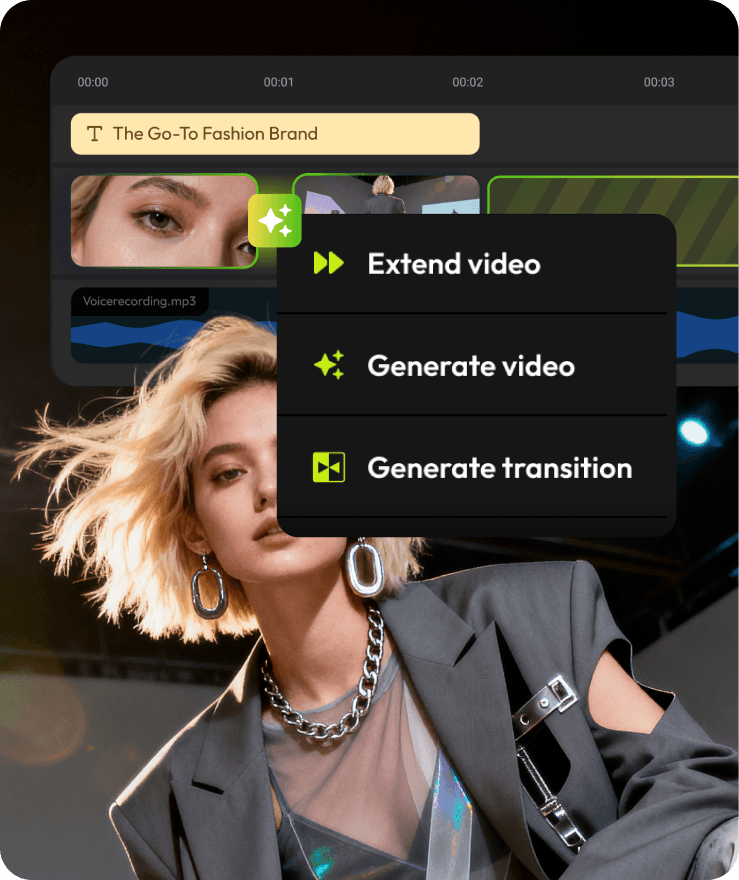
Most AI tools stop at generation. Flixier helps you finish the video.


Related AI Transitions
Explore other AI transitions you can generate and refine inside the Flixier timeline.

“Most AI tools stop after generation. Flixier is the first place where I can actually turn those outputs into a finished video.”