Online AI Audio Fixer
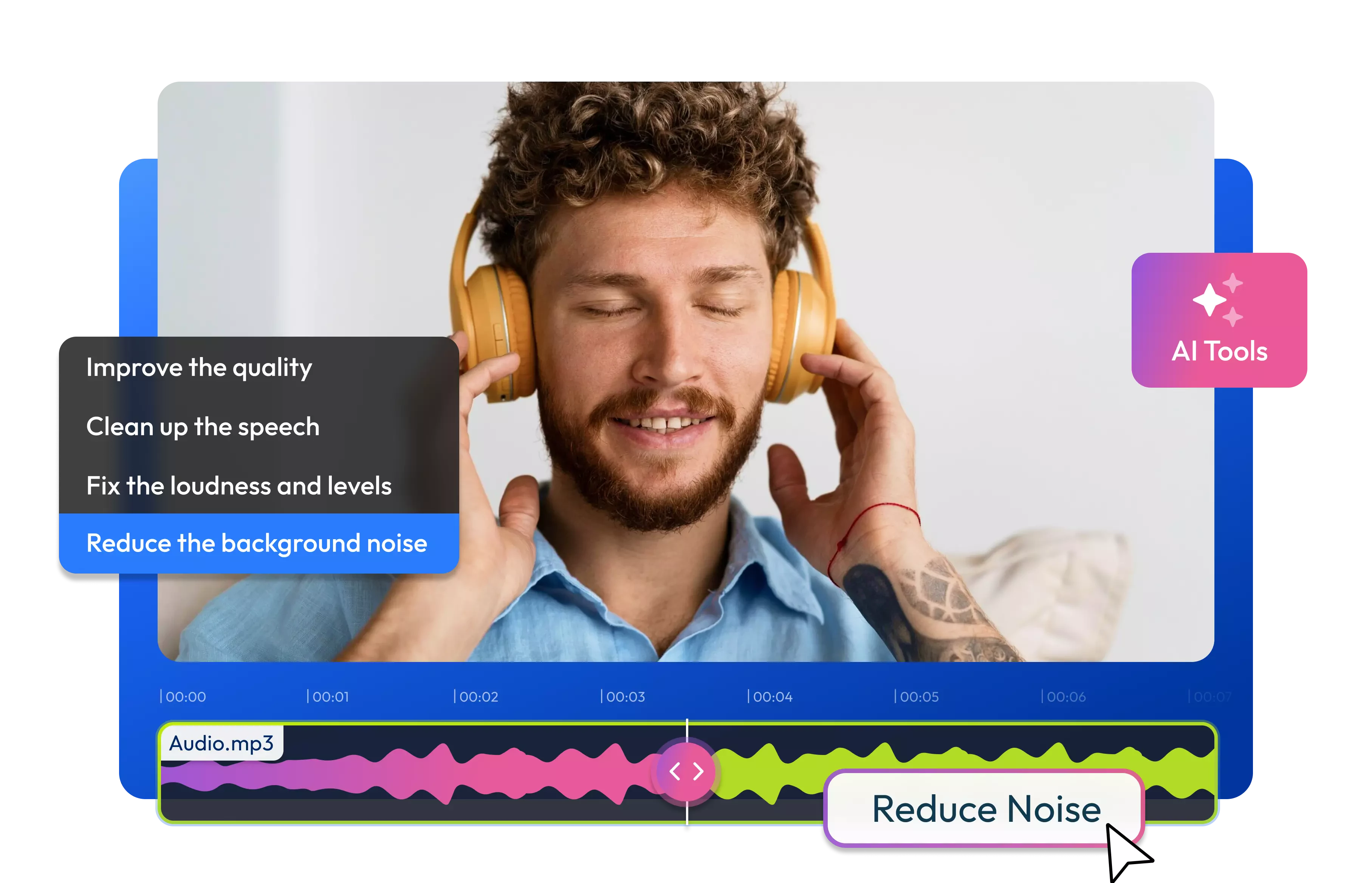
Reduce background noise and reverb, make speech clearer, and balance uneven volume in your audio or video directly from your browser.
Over 500,000 creators use Flixier every day including brands like:






Editing a podcast?

Building an online course?

How to Fix Audio with AI
Fix Common Audio Problems Online
Reduce Background Noise
Reduce constant sounds in seconds with AI such as fan noise, electrical hum, or background hiss. Choose Basic Denoise or Static Denoiser when you want to clean up unwanted noise without manually adjusting an equalizer.
Reduce Reverb and Echo
Apply the Remove Reverb profile when a voice sounds distant or was recorded in an echoey room. Flixier’s reverb remover reduces room reflections so speech is easier to understand in podcasts, interviews, voiceovers, and recorded lessons.
Balance Uneven Volume
Choose Audio Leveler to normalize the loudness when parts of a recording are noticeably quieter or louder than others. If you need to raise or adjust the volume manually you can use the video volume booster.
Make Speech Clearer
Use Speech Cleaner for podcasts and other voice recordings, or Voice Isolator when speech needs to stand out from surrounding sound. Flixier also includes a Breath Remover for reducing audible breaths and a Transcriber profile that prepares spoken audio for more accurate transcription.
Everything you need to create and finish AI videos
Unlike any tool
you've used before


“I have over 11 years in the broadcast industry, building teleproductive facilities, using high-end editing equipment. And this is better than anything else I've used in my lifetime.”

Still have questions?
We got you!
Import your audio or video into Flixier, select the recording, and open Enhance Audio from the Audio tab. Choose a profile based on the problem you hear, such as background noise, reverb, unclear speech, or uneven loudness. Apply the enhancement, listen to the result, and export the finished file.
Yes, Flixier includes Basic Denoise for general background noise and Static Denoiser for constant sounds such as hum, hiss, or fan noise. The result depends on the original recording, but these profiles can reduce distractions and make speech easier to hear without manually adjusting individual frequencies.
Flixier can improve some recordings by reducing noise, balancing loudness, restoring frequencies lost through compression, and making speech clearer. However, severely clipped or damaged audio may not be fully recoverable. For the best result, compare the available enhancement profiles and choose the one that suits the problem you hear.
Yes, you just have to import the video, select it on the timeline, and apply an Enhance Audio profile to its sound. You do not need to separate or convert the audio first. After processing, you can continue editing the video, add subtitles or music, and export the finished project as an MP4.
Flixier lets you try its audio enhancement tools before choosing a paid subscription. Available AI usage, storage, and export limits depend on your plan, so check the current pricing page if you need to process longer recordings or enhance audio regularly.
Articles, tools and tips
Reduce distracting noise and reverb, balance the volume, and make speech easier to understand before exporting your audio or video.
