Announcements
Find out about our latest product changes as we continue improving Flixier to enable your team to make amazing videos
New Subtitle Improvements - Linked Objects for Perfect Sync
While making cuts and changes to your video, the generated subtitles needed the same adjustments to bring them in sync. The same manual adjustments had to be made when adjusting video speed or using features such as Auto Rough Cut, Remove Silence, and other AI-driven editing tools.
To address this, we are introducing a significant upgrade: Linked Objects for Subtitles.
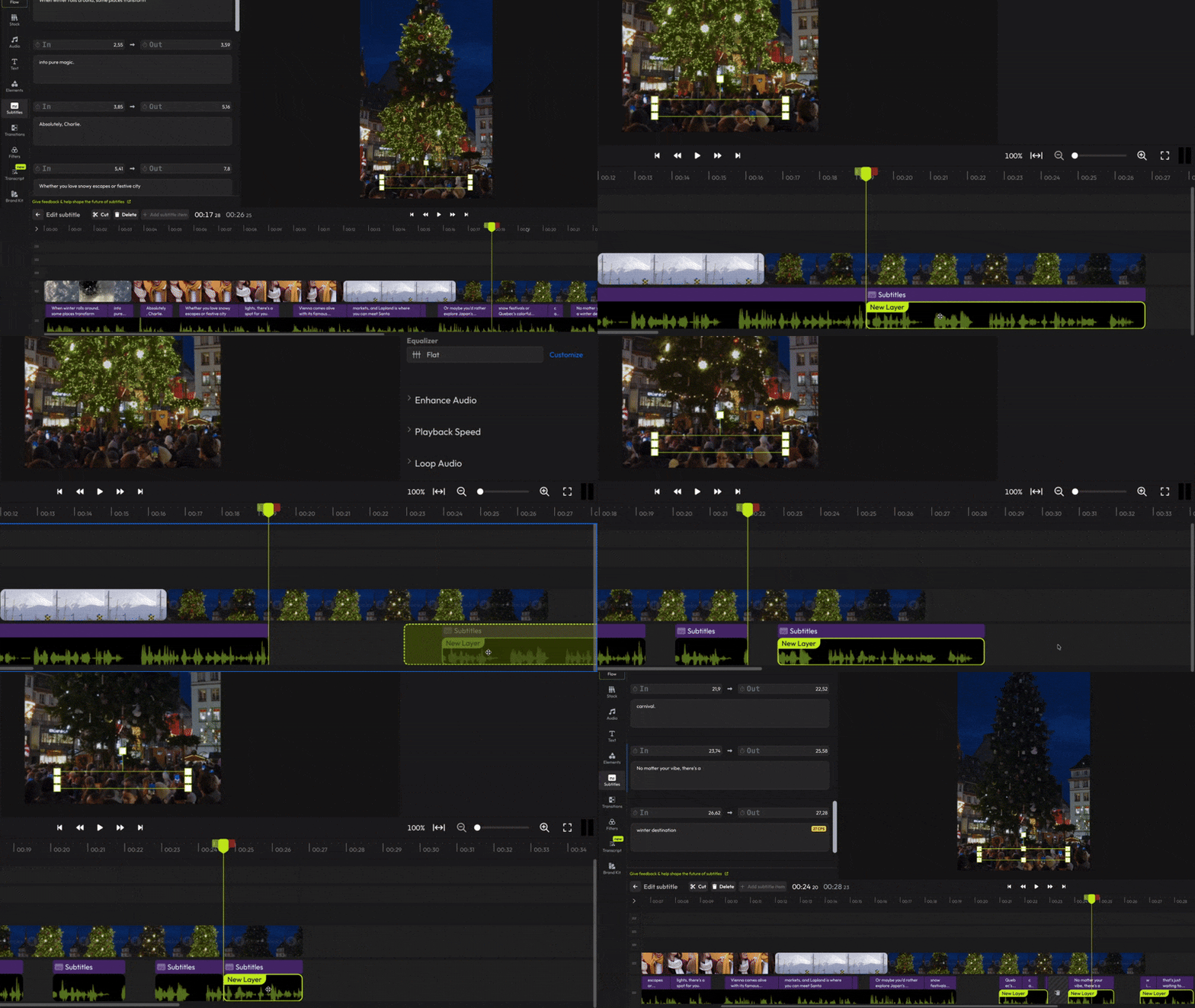
When subtitles are generated from a video, they are now automatically linked to it. Any change applied to the video cuts, trims, speed adjustments, or other structural edits is instantly reflected in the subtitle track. No drift. No manual retiming. Subtitles remain perfectly synchronized, regardless of how the video evolves.
Improved Subtitle Editing in the Subtitles Tab
Previously, subtitles could only be edited by selecting individual subtitle objects directly on the timeline. The Subtitles tab did not provide access to all subtitles across the project.
With this update, the Subtitles tab now lists all subtitles in the project in a single, centralized view. Subtitles can be reviewed and edited directly from this panel, without selecting each subtitle object on the timeline.
This change simplifies subtitle management, reduces manual navigation, and improves efficiency when working with projects containing multiple subtitle segments.
finished videos
