Crop WebM Videos Online
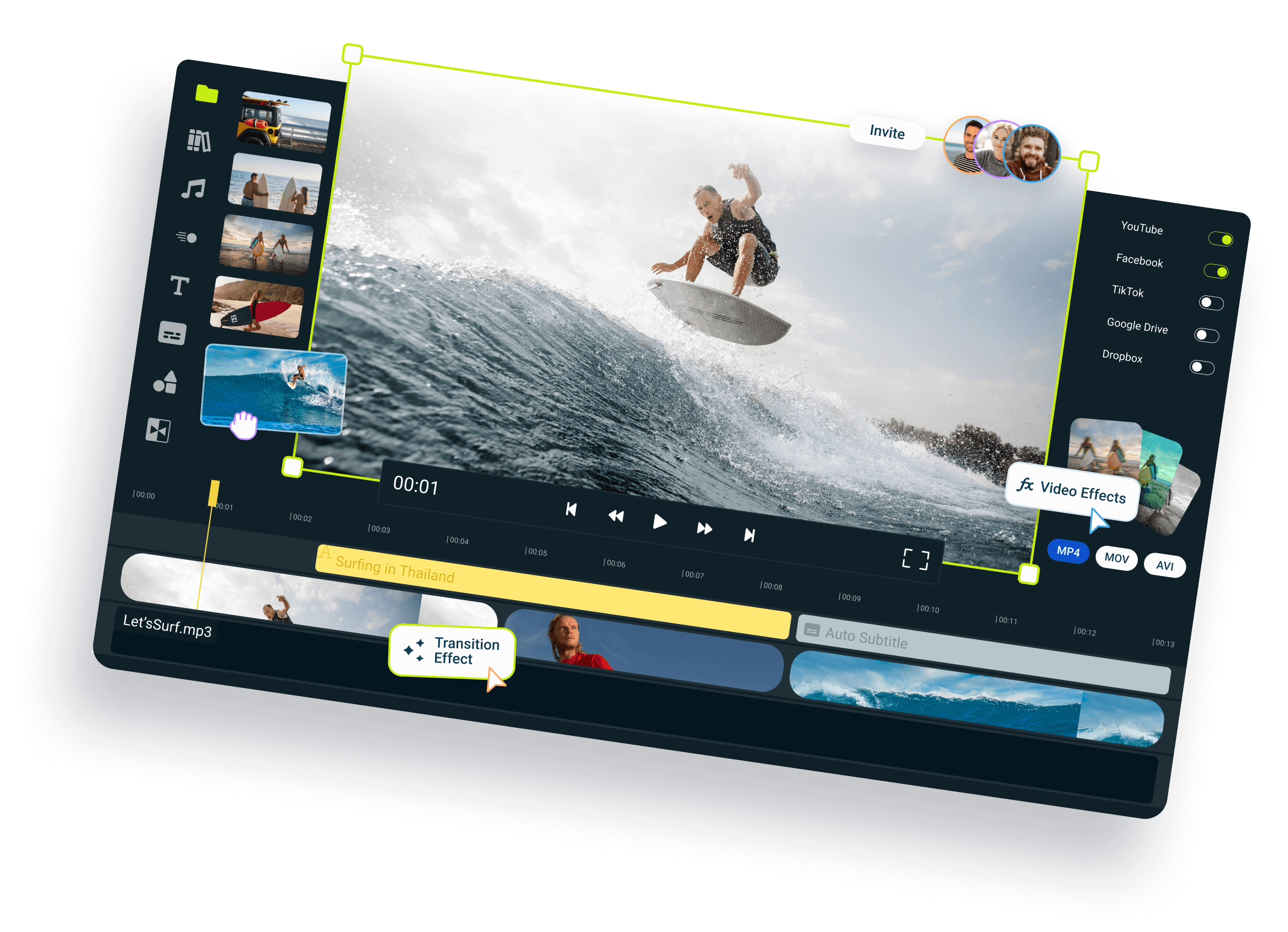
Crop WebM videos online for free. Choose an aspect ratio and drag the handles around the part you want to keep, or enter exact crop dimensions. Your video is processed directly on your device, with no app to install and no upload limits.
Over 1 million creators use Flixier every day including brands like:





How to Crop a WebM Video
Crop Your WebM to the Frame You Need
Choose an Aspect Ratio
Select vertical 9:16, square 1:1, horizontal 16:9, or portrait 4:5 based on where you plan to use the video. To change the dimensions while keeping the full picture visible, resize your WebM video instead.
Remove Unwanted Parts
Crop out empty space, black borders, distracting objects, or anything else near the edges of your WebM. Drag the handles around the area you want to keep and check the preview before processing the video.
Crop WebM Videos for Free
Crop your WebM video for free directly in your browser, with no software to install. The file is processed on your device, so there is no upload to wait for before you adjust the crop and download the finished video.
Crop Without Uploading
Your WebM is processed directly on your device instead of being uploaded to Flixier’s servers. Once you finish cropping, you can download the result immediately. If the finished file is still too large, use the WebM compressor to create a smaller version.
Who This Is For

Marketers
Reframe product demos, campaign clips, and advertisements for different platforms without recreating the original video.
See How It WorksEducators

Streamers
Social Creators
Everything you need to create
and finish AI videos
Still have questions?
We got you!
How do I crop a WebM video online?
Add your WebM video to Flixier, choose an aspect ratio, and select Fill frame. Drag the crop handles to choose which area remains visible, or enter the position, width, and height in pixels. Check the output dimensions, click Resize, and save the cropped video to your computer.
Can I crop a WebM video to a specific aspect ratio?
Yes. Flixier includes vertical 9:16, square 1:1, horizontal 16:9, and portrait 4:5 presets. Choose the ratio that matches where you plan to use the video, then reposition the crop so the main subject or action stays visible inside the selected frame.
Can I enter exact crop dimensions?
Yes, simply use the X and Y fields to position the crop area, then enter its width and height in the W and H fields. This is useful when a website, advertisement, or other placement requires exact dimensions rather than one of the available aspect ratio presets.
What happens to the parts outside the crop?
When you select Fill frame, any part of the video outside the crop handles is removed from the finished version. Move and resize the crop until everything you want to keep is visible. The preview lets you check the framing before processing and downloading the video.
Is my WebM uploaded to Flixier’s servers?
No, our WebM cropper processes the video locally using your device, so the file does not need to be uploaded to Flixier’s servers. This removes the initial upload wait and lets you crop large WebM files without a file-size limit imposed by the tool.