Farmer's Market
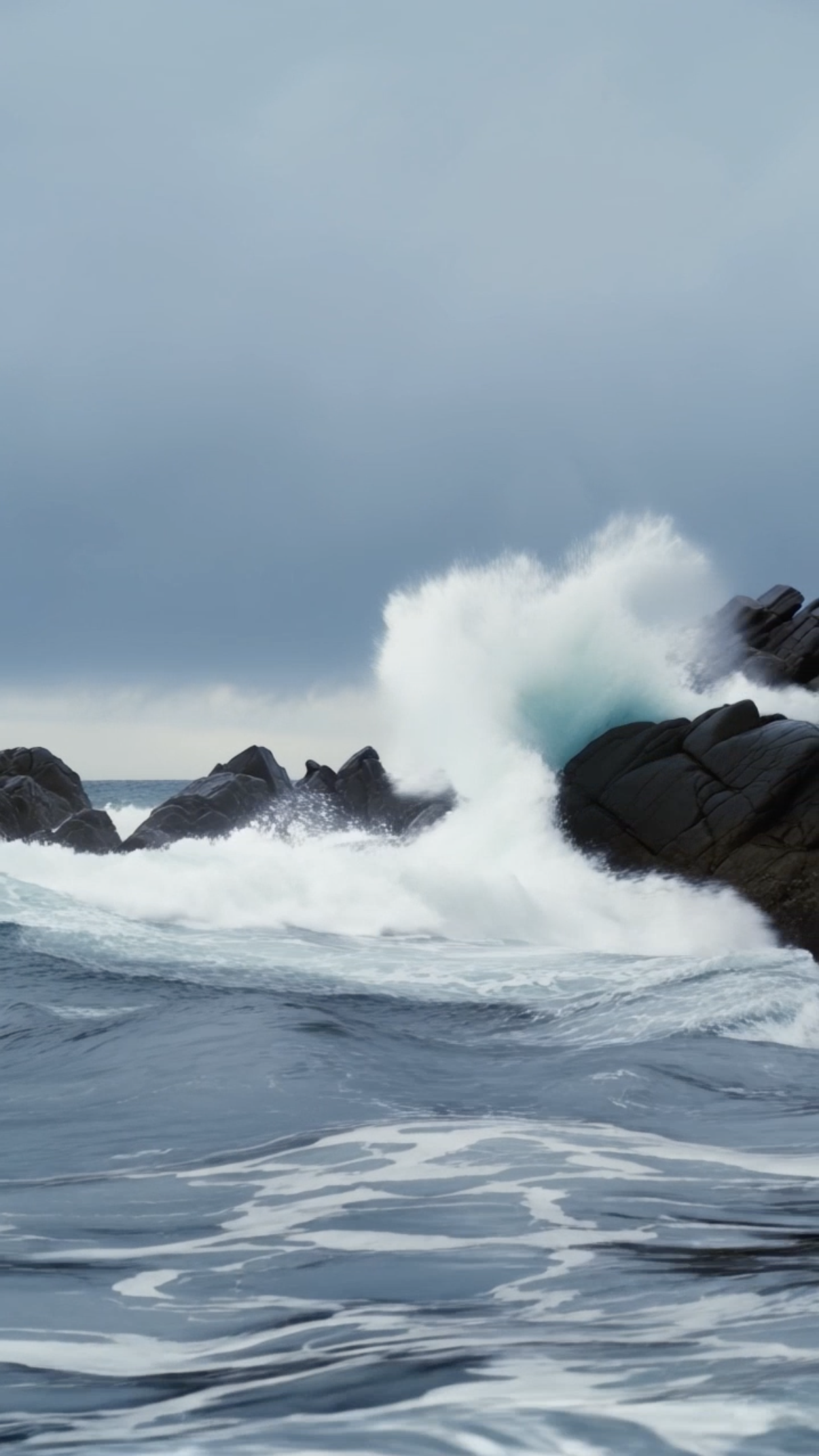
Stormy Coastline

Model Switch Reel, Simple Action Street Walking

Library Light Beam
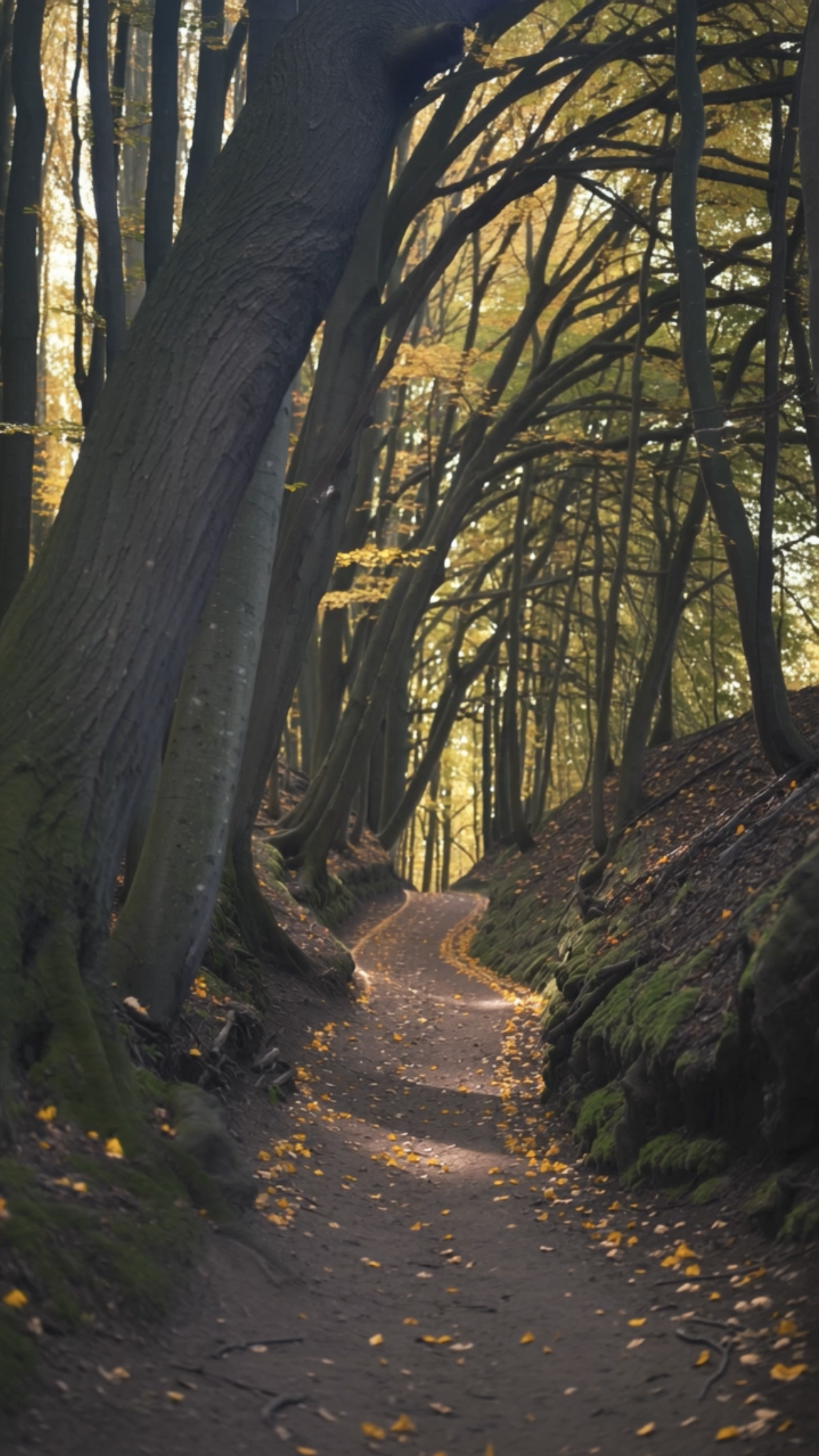
Forest Walk
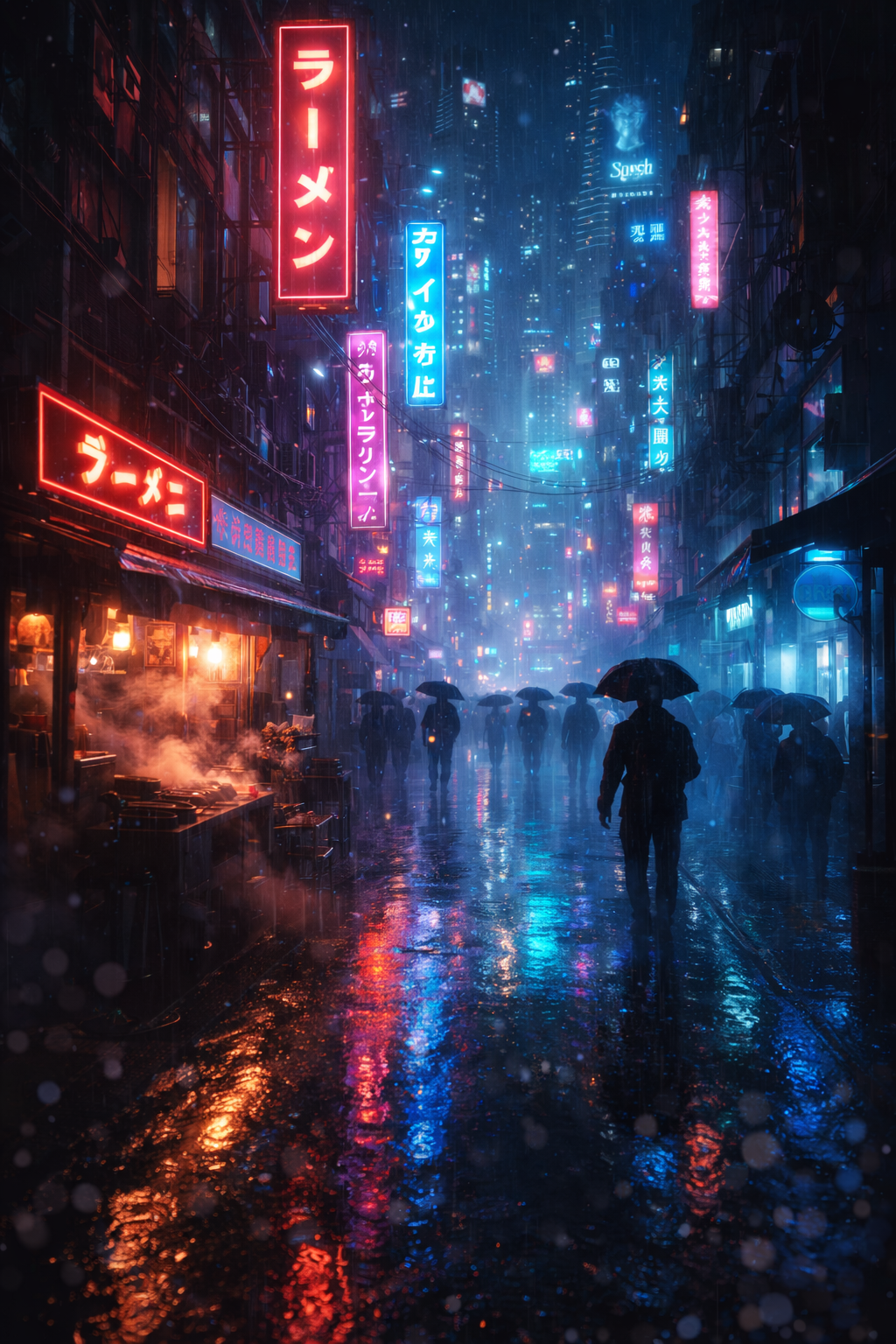
Bladerunner Megacity FPV Drone City Street
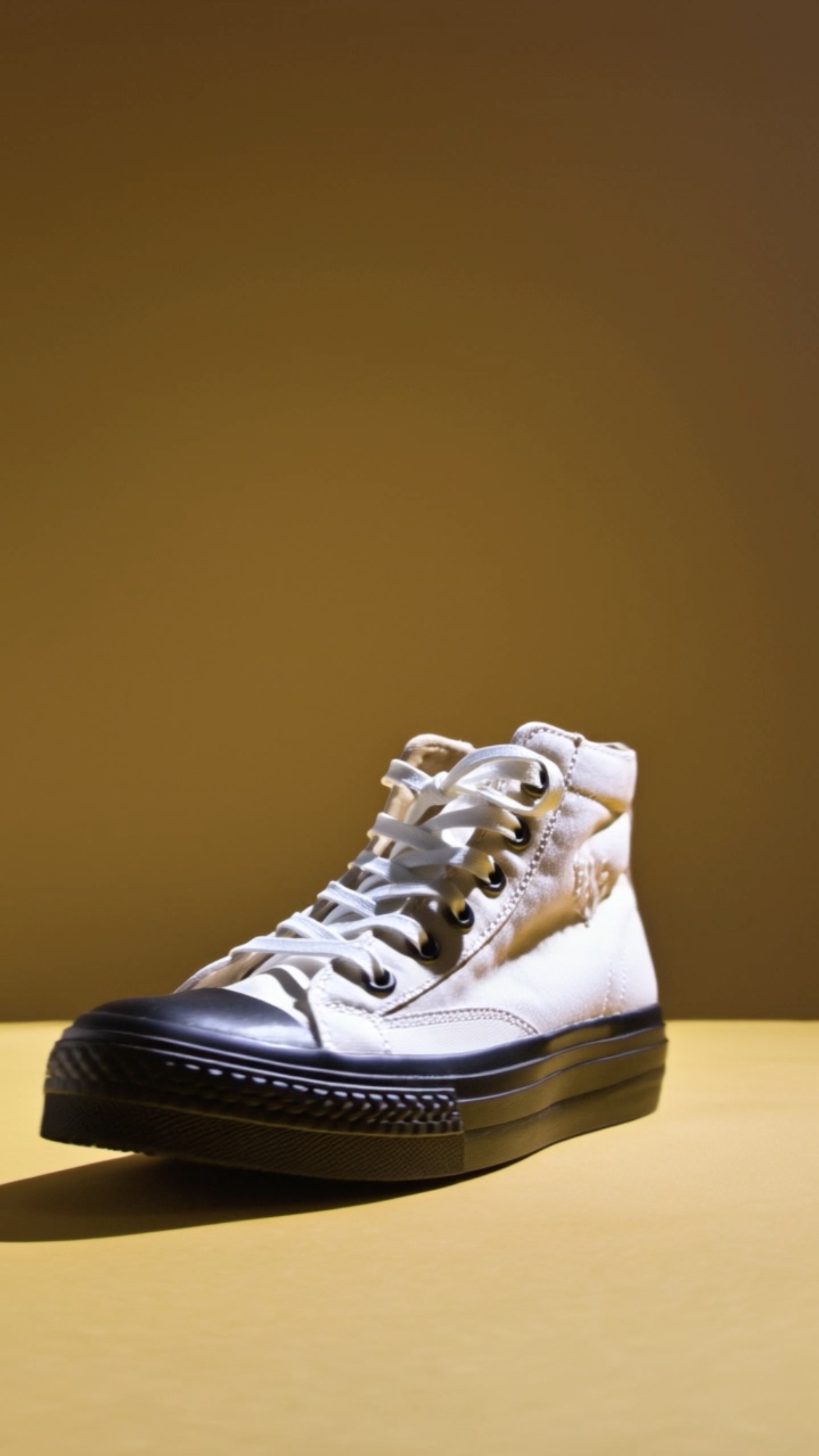
Shoe Product Close‑up
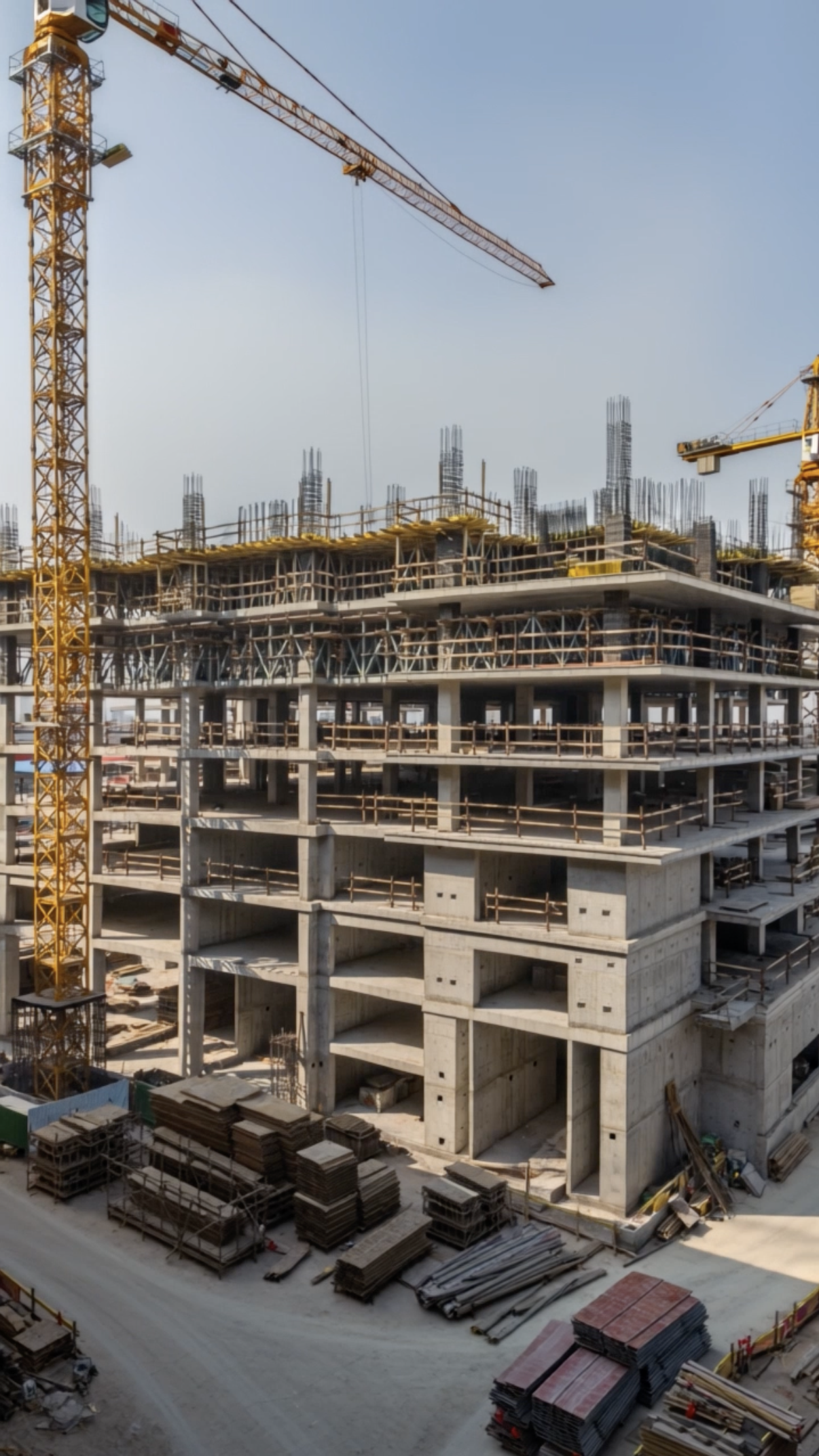
Time‑lapse Construction

Gym Hero Reel Dumbbell
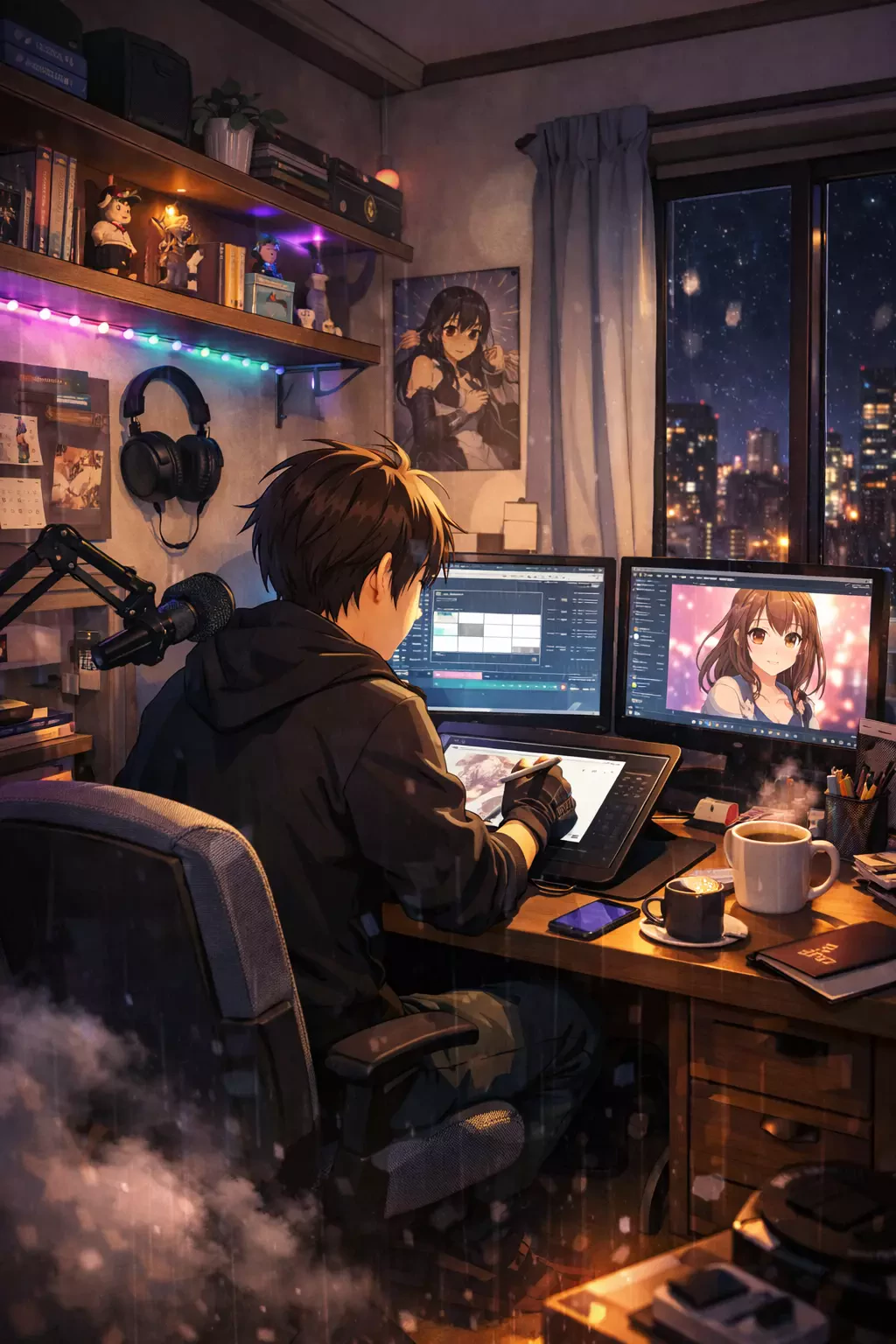
Anime Slice‑of‑life Creator in Bedroom Studio Drawing
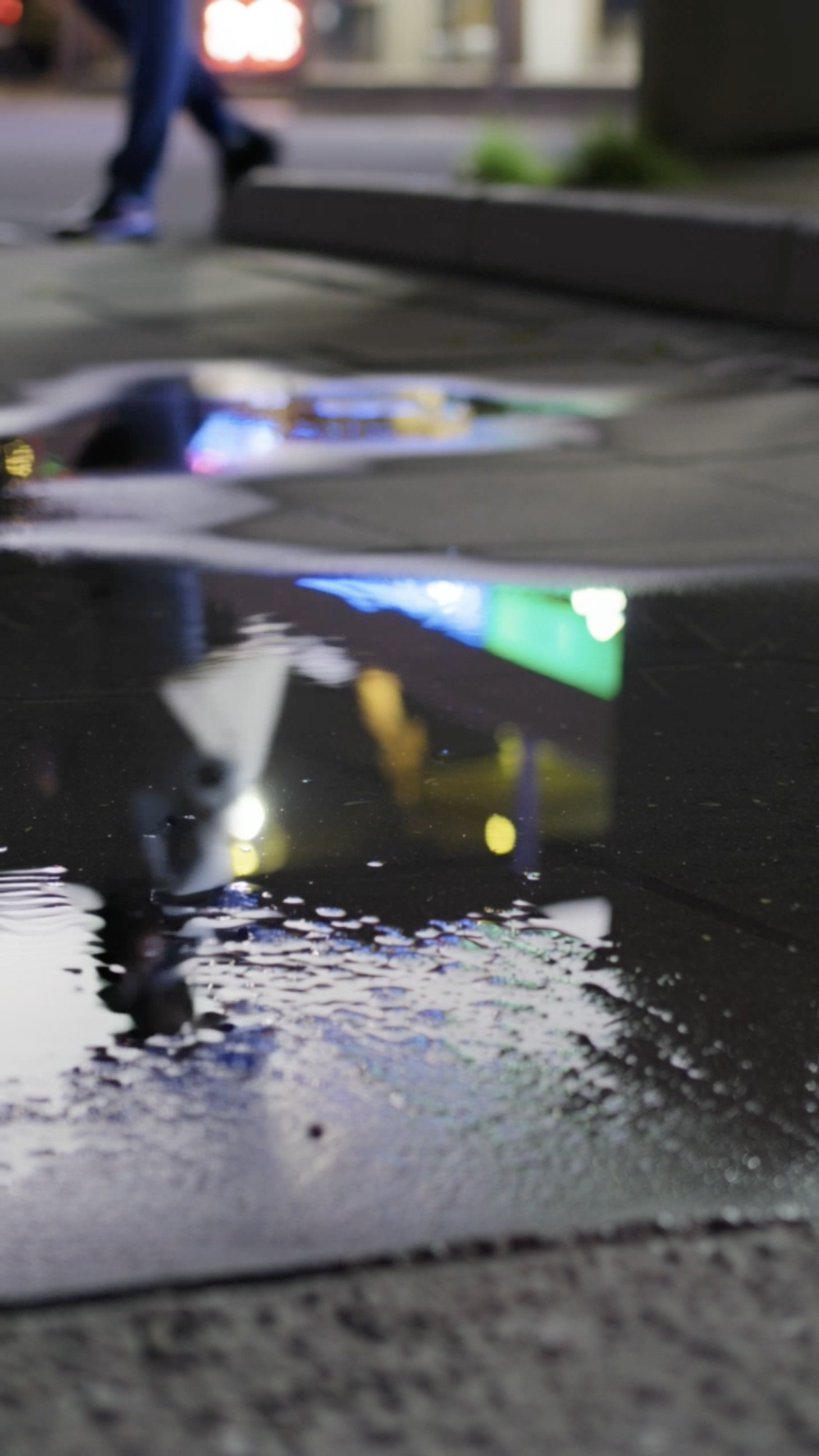
Puddle

Nature Macro Leaf
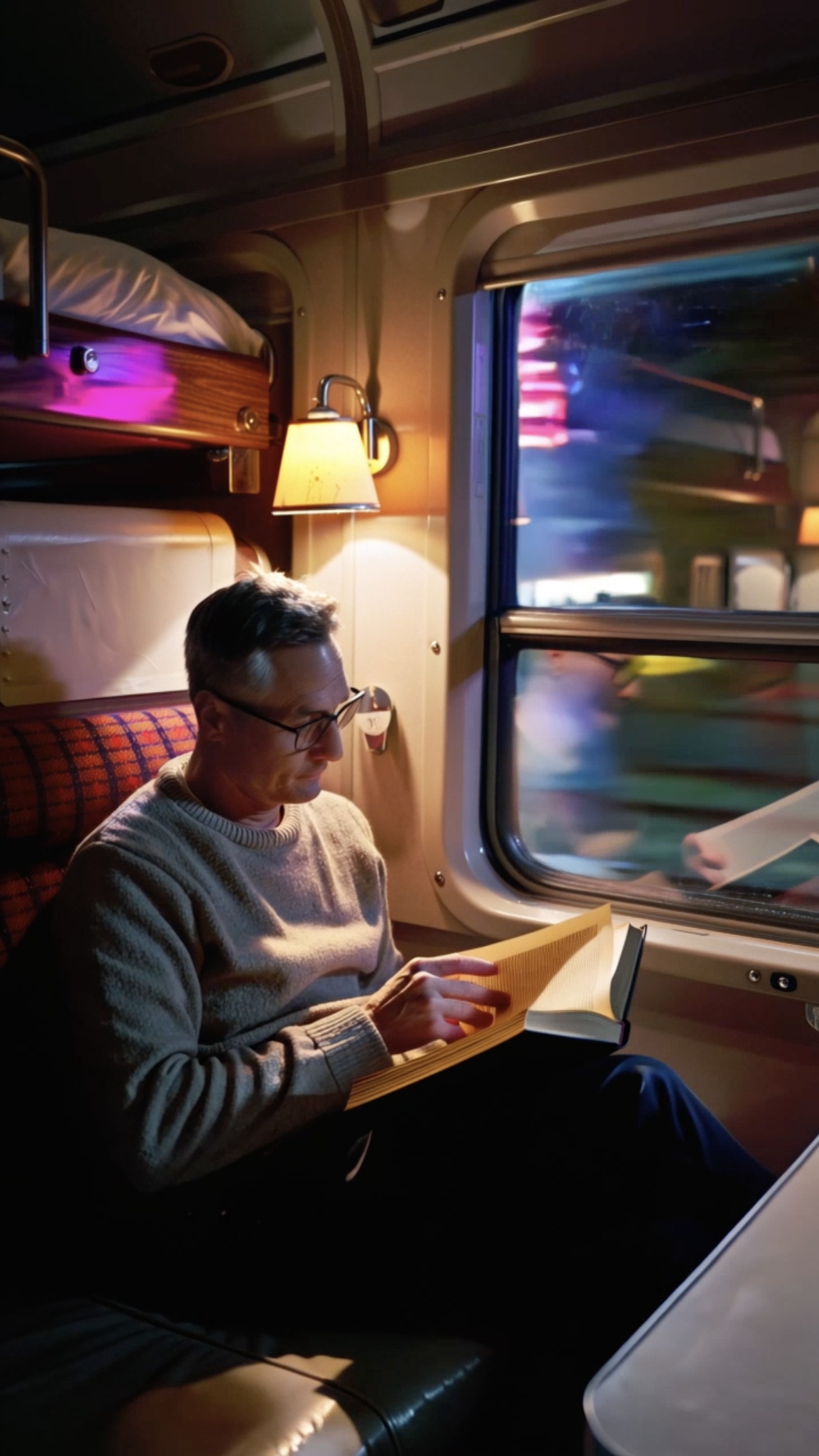
Vintage Train Interior
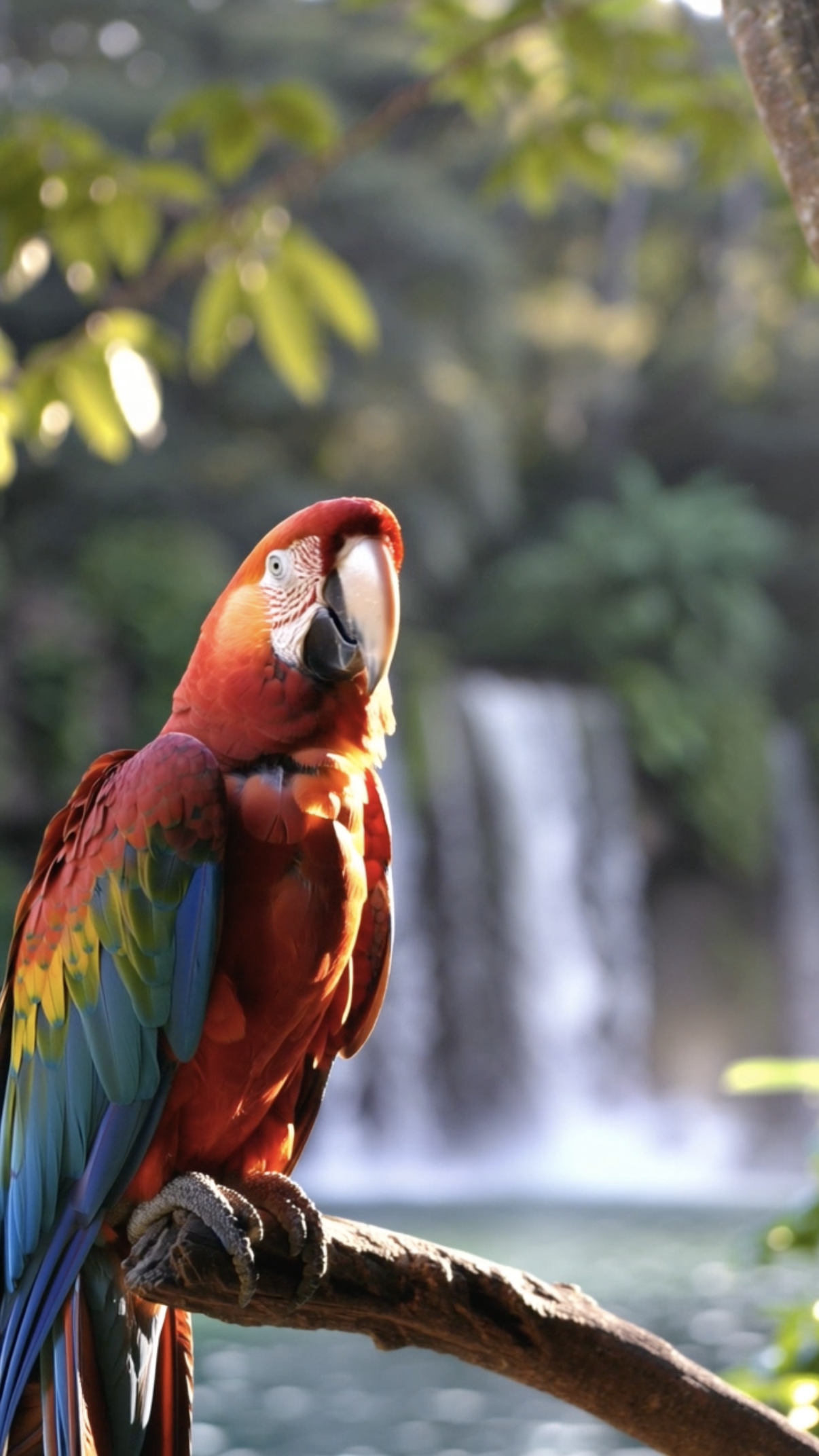
Parrot

Stop‑motion Clay
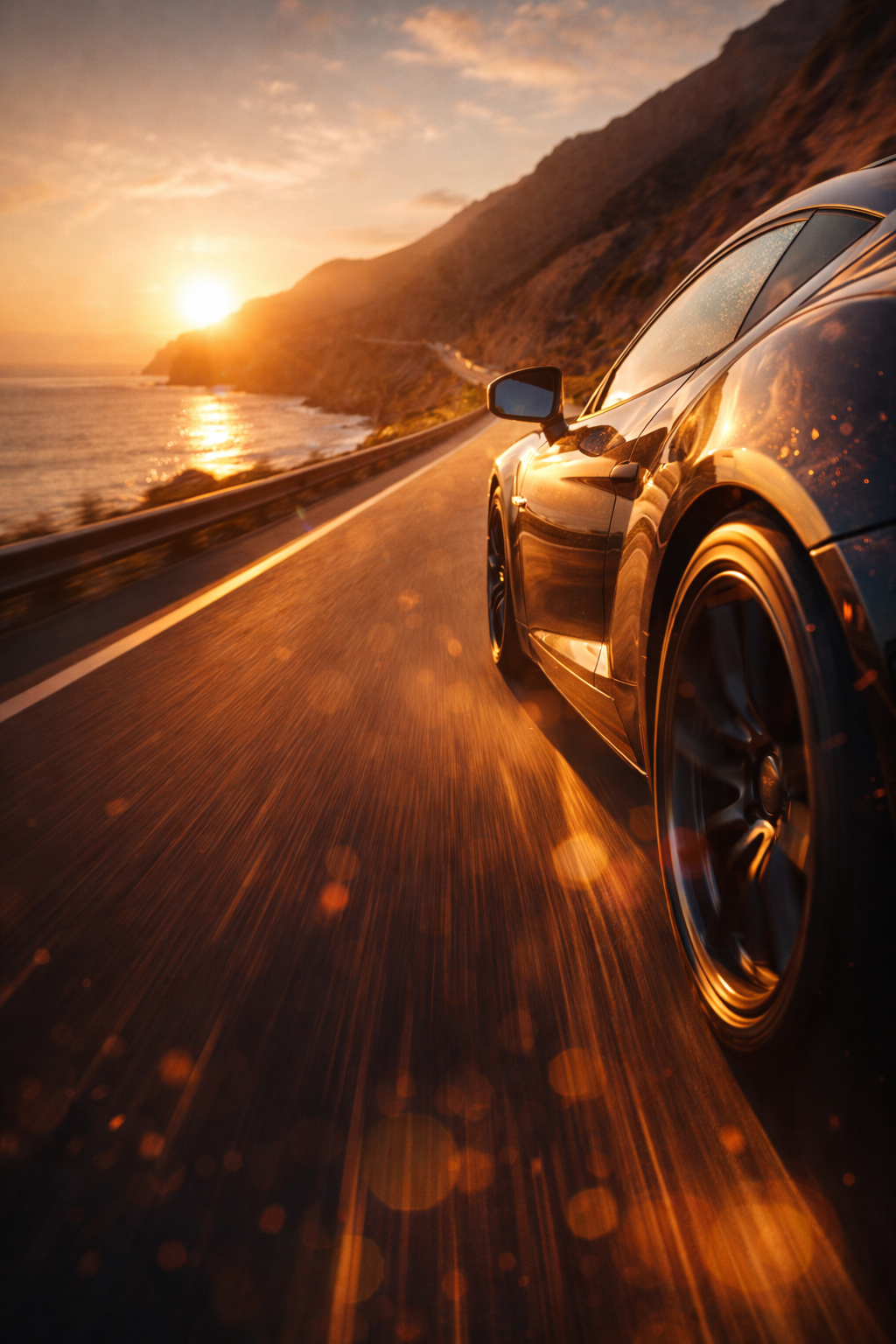
Performance Car on Open Road Sunset Cliff Road
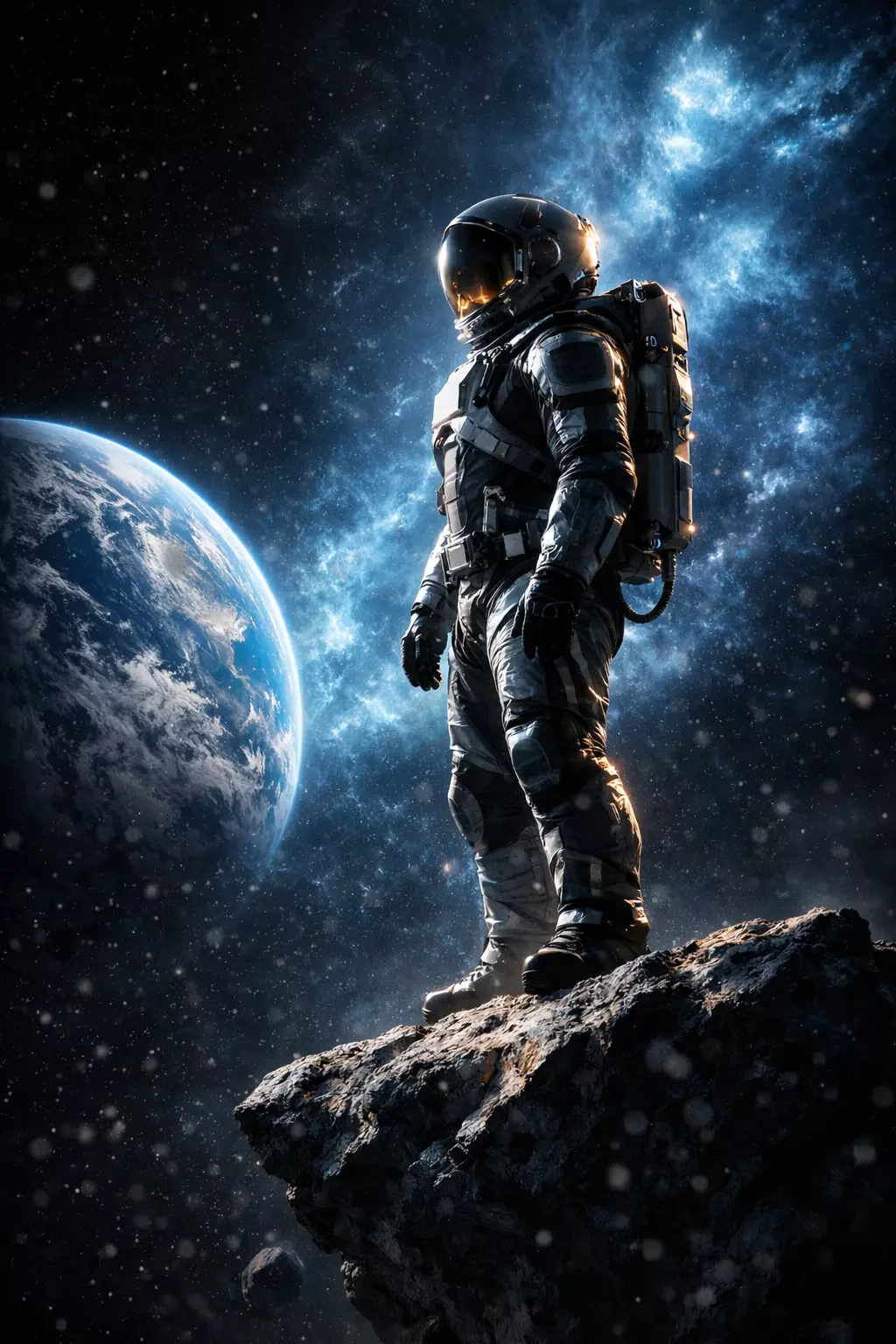
Astronaut Mission Planets
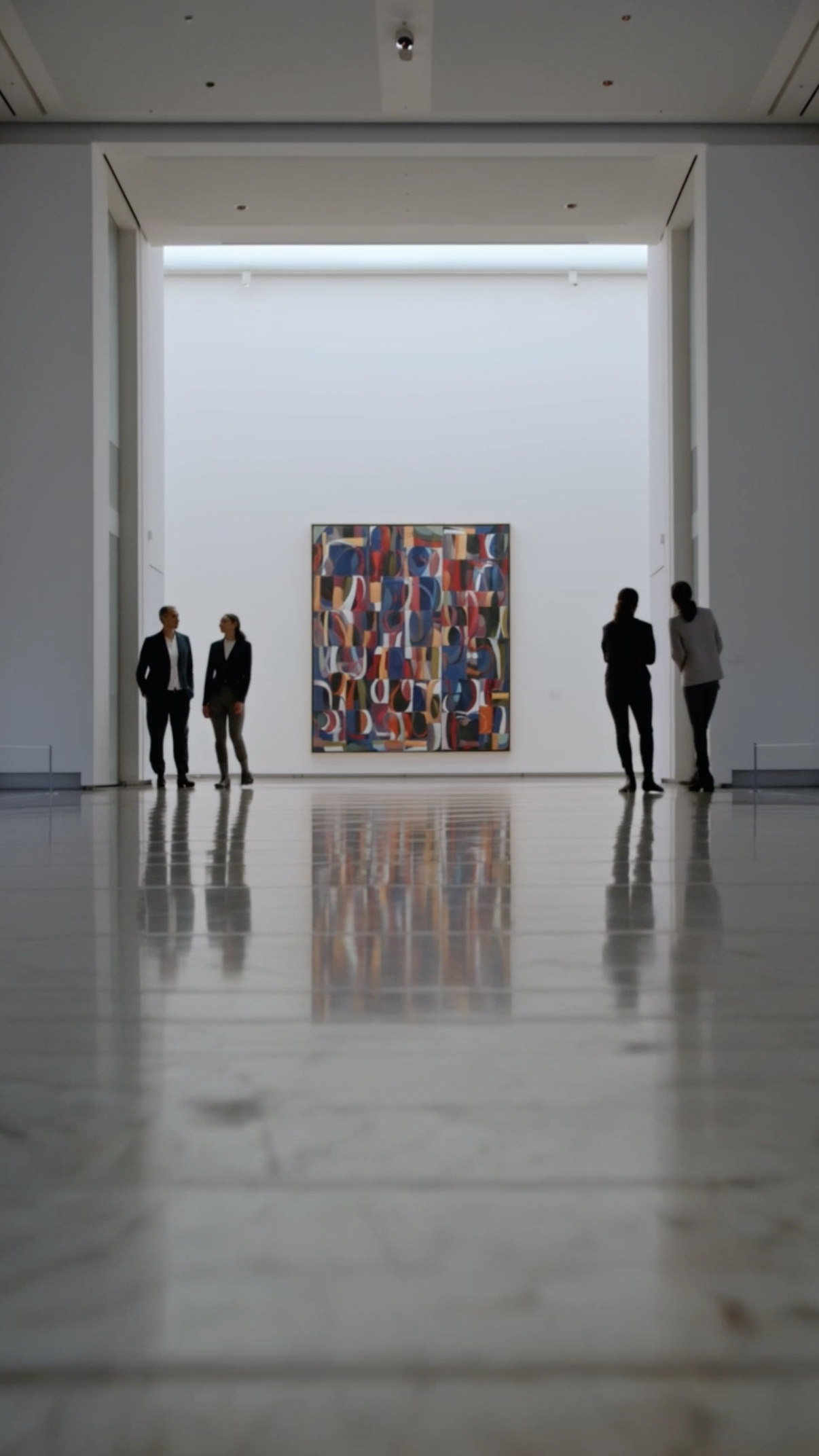
Museum Art Reveal
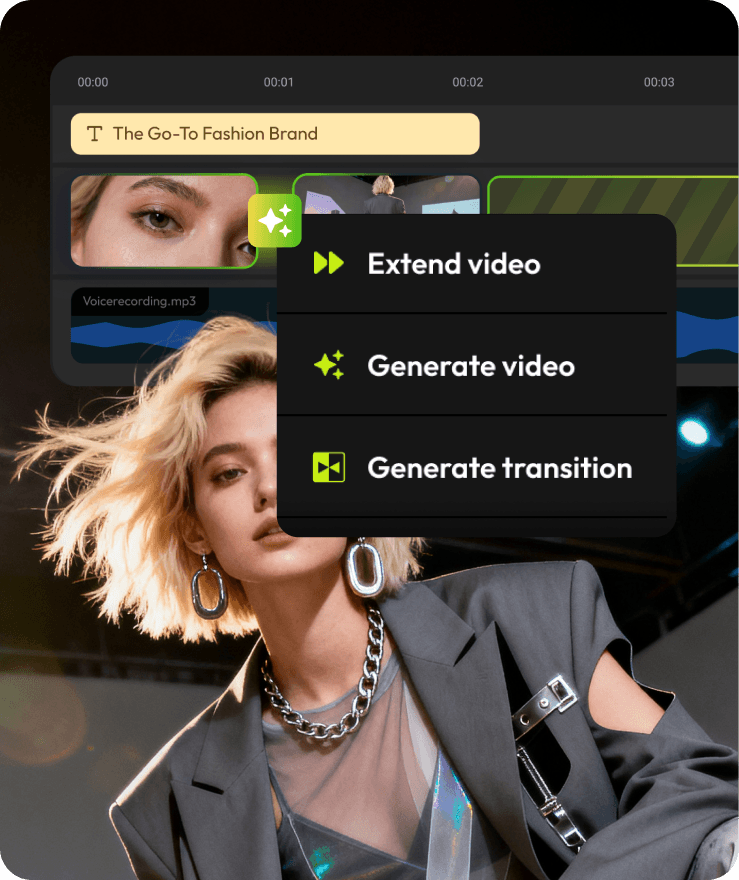
AI Generation, Finished in the Timeline
Create stunning AI Earth Zoom transitions using Flixier’s AI-powered generator. Choose from leading AI models to generate cinematic Earth zoom effects, then shape the result inside a real editing timeline.
Where Earth Zoom Transitions Work Best
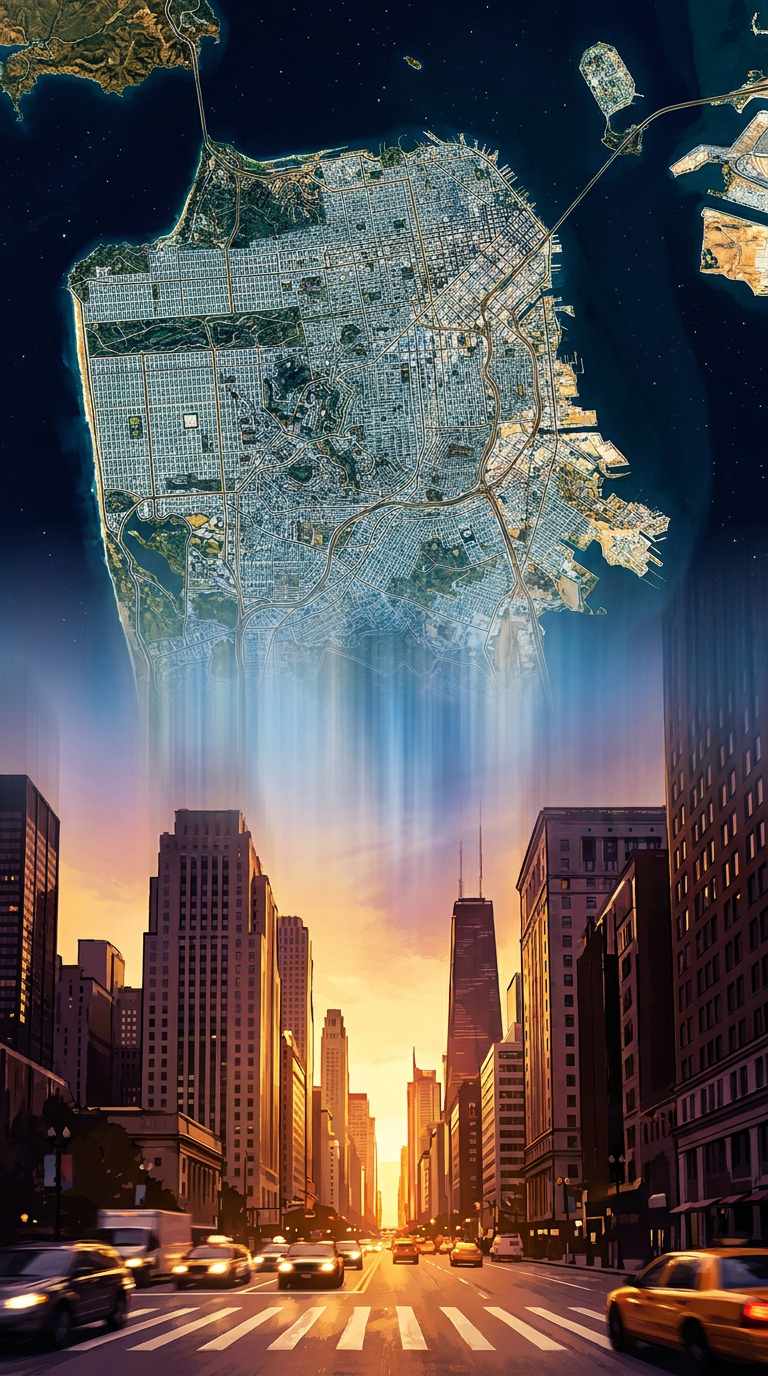
Travel and location intros
Travel and location intros
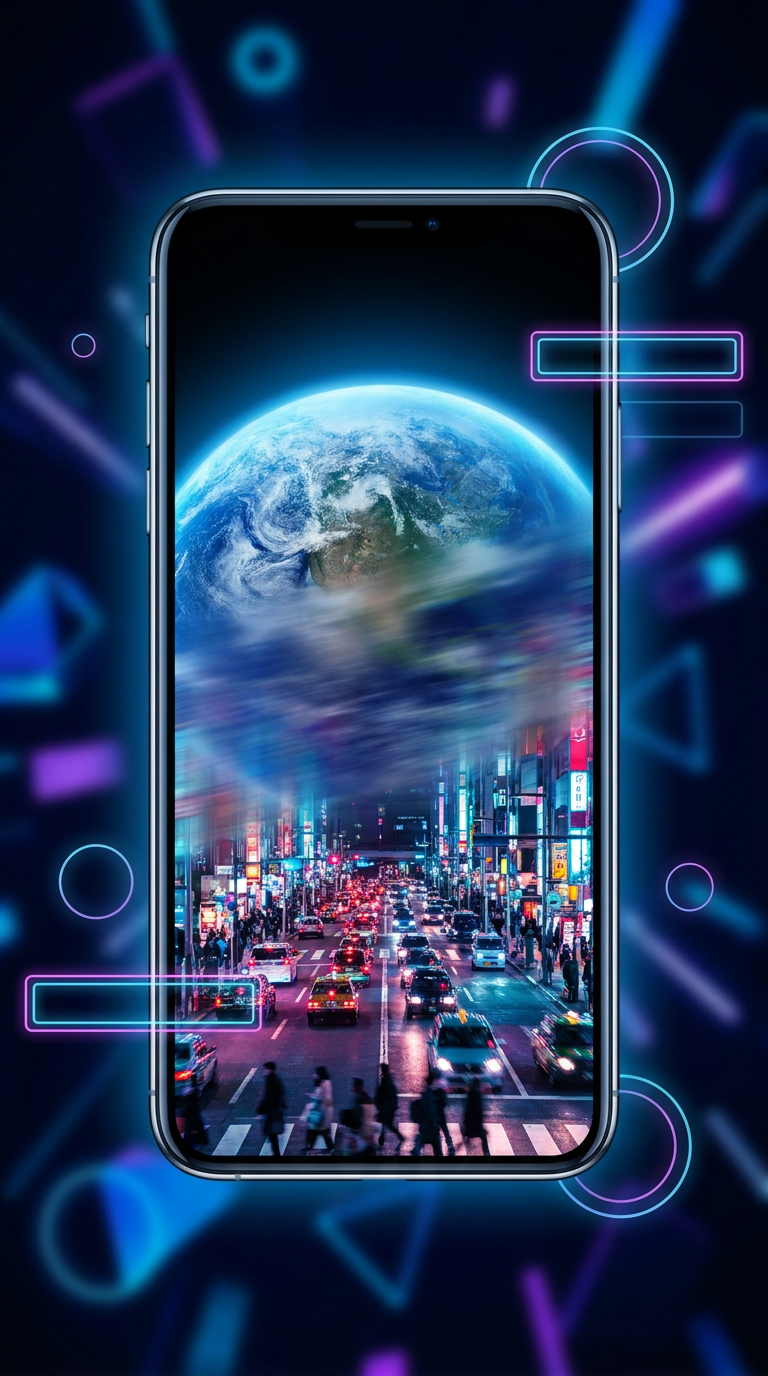
Use Earth zoom transitions to introduce cities, destinations, or regions with a cinematic sense of scale.
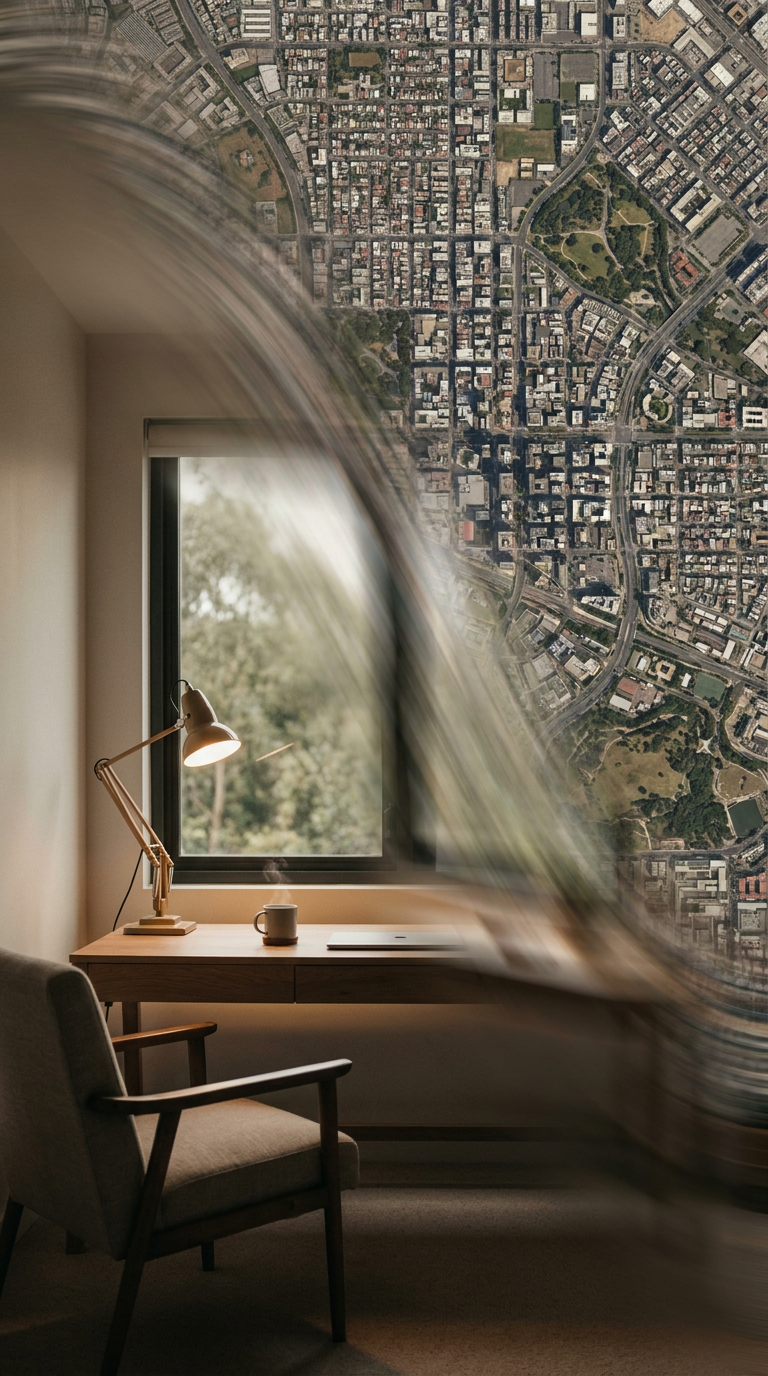
Story openers and scene changes
Story openers and scene changes
Create strong openings or smooth transitions between chapters in long-form or short-form videos.
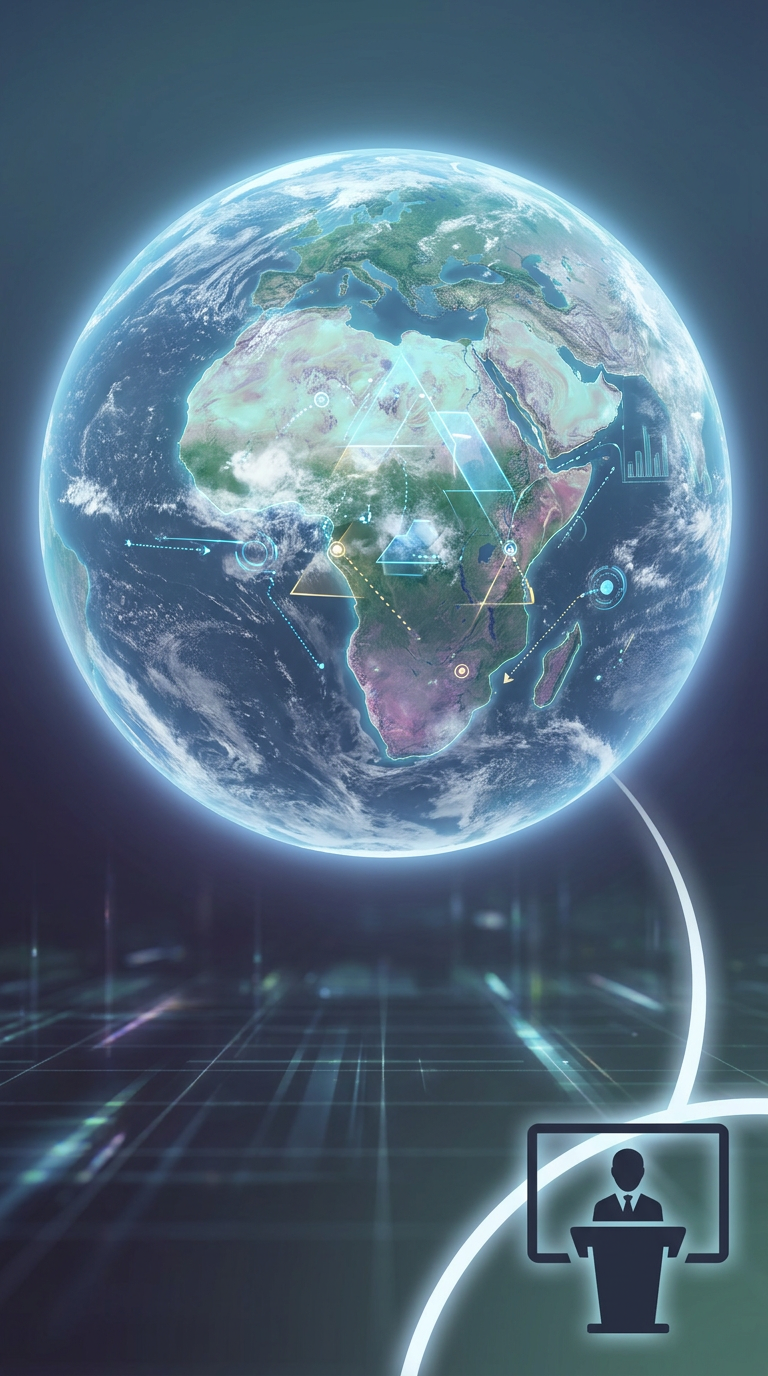
Educational and explainer videos
Educational and explainer videos
Show geographic context clearly when explaining global topics, history, science, or data.
Social media content
Social media content
Grab attention fast with visually striking Earth zoom transitions built for Shorts, Reels, and TikTok.
Recommended AI Models for Earth Zoom Transitions
Different AI models produce different Earth zoom styles. Here’s how to choose the right one for your video.
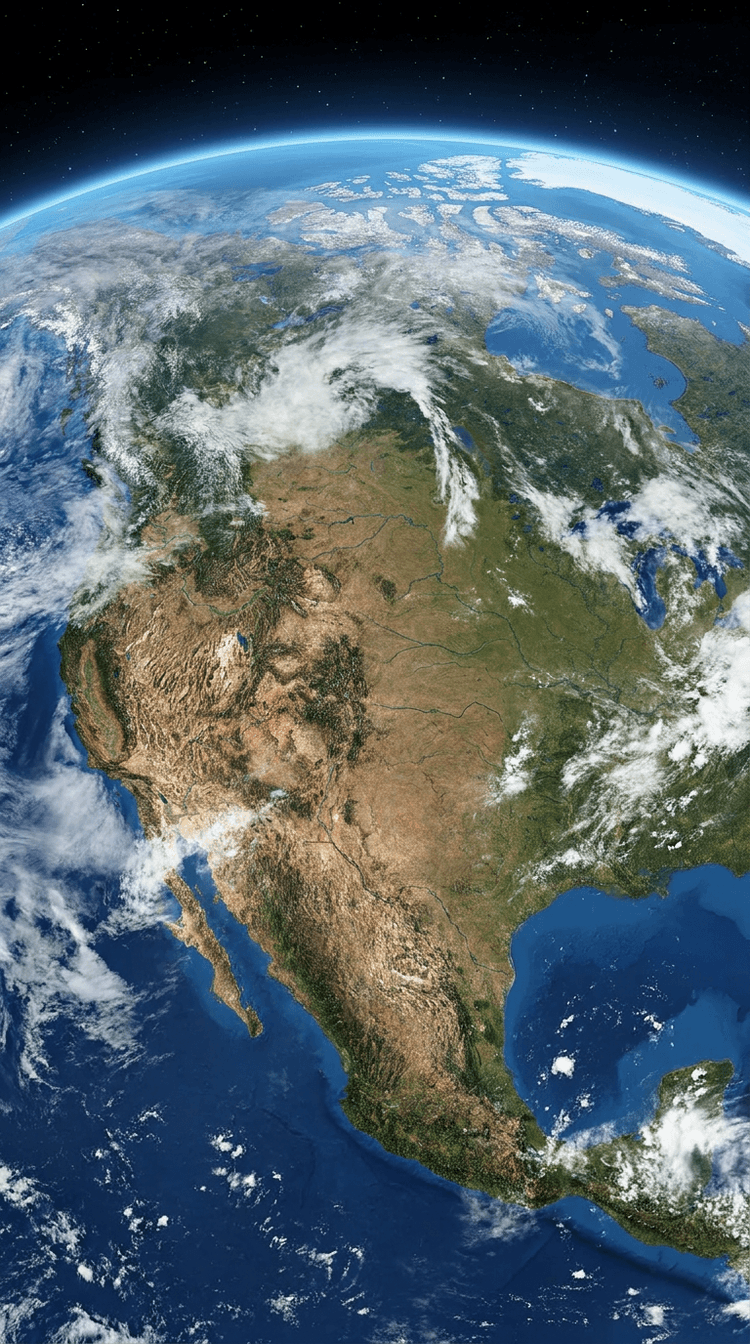
Runway Gen-4
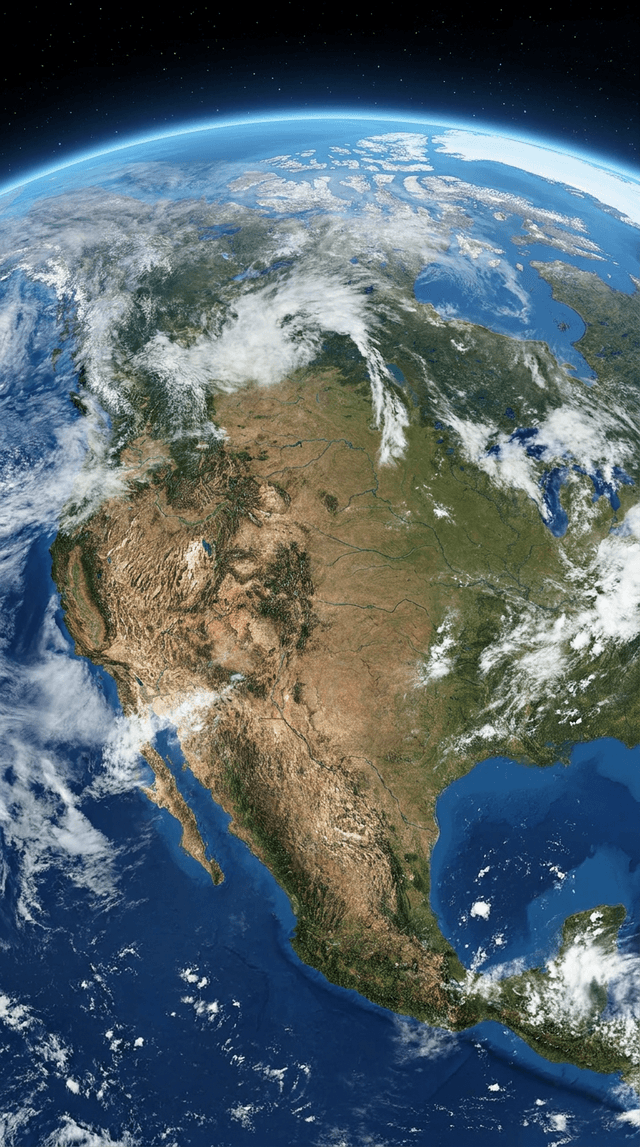
Best for cinematic Earth zooms with smooth motion, realistic lighting, and high visual detail. Ideal for story openers and polished edits.
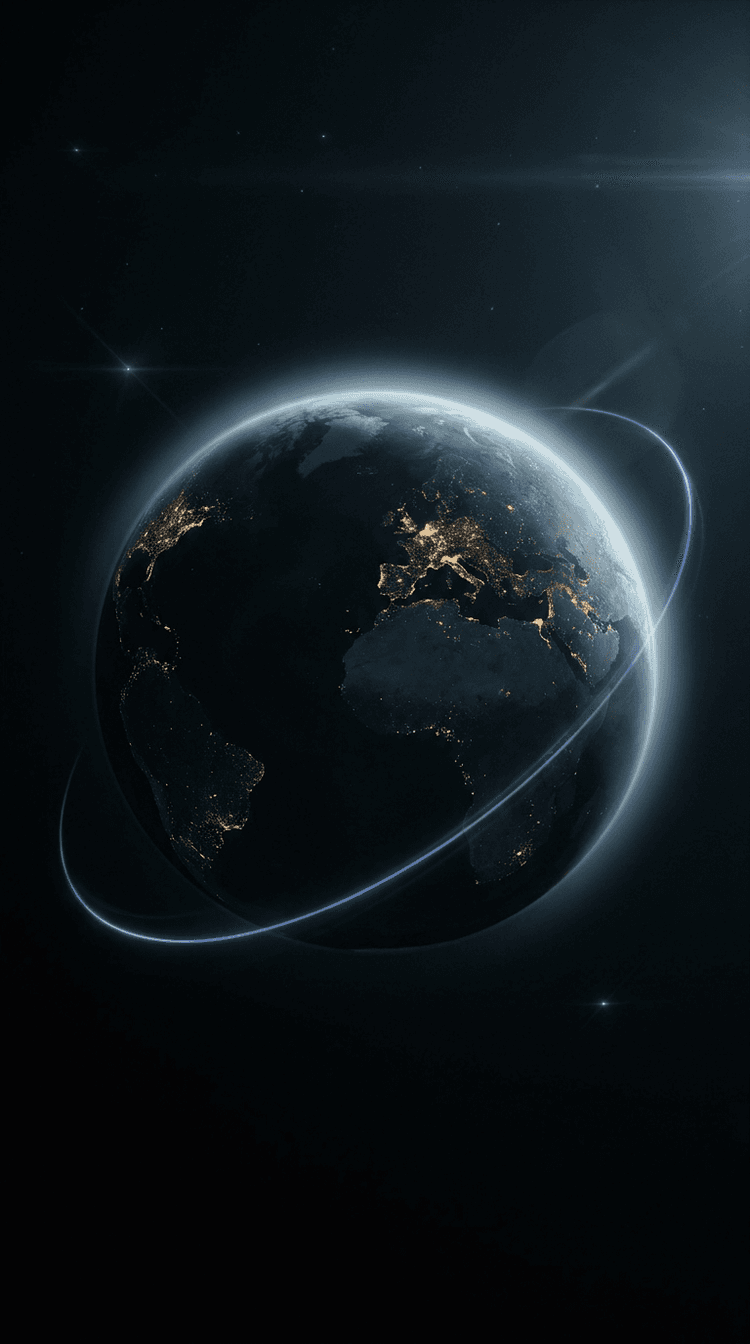
Kling
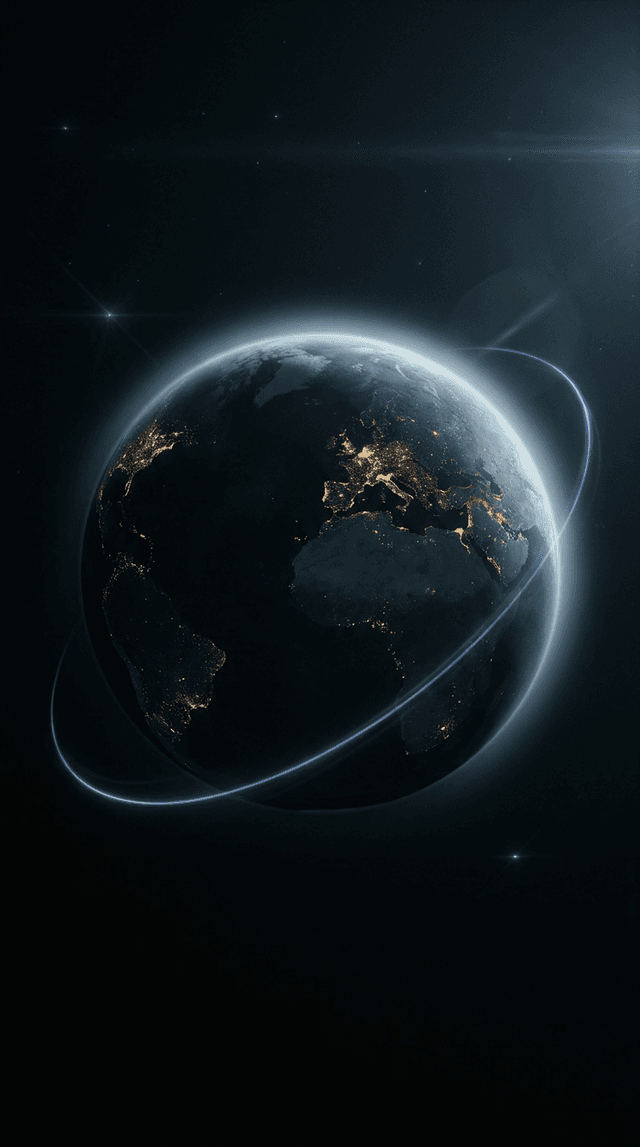
Faster generation with consistent results. Good for quick iterations, social content, and testing multiple variations.
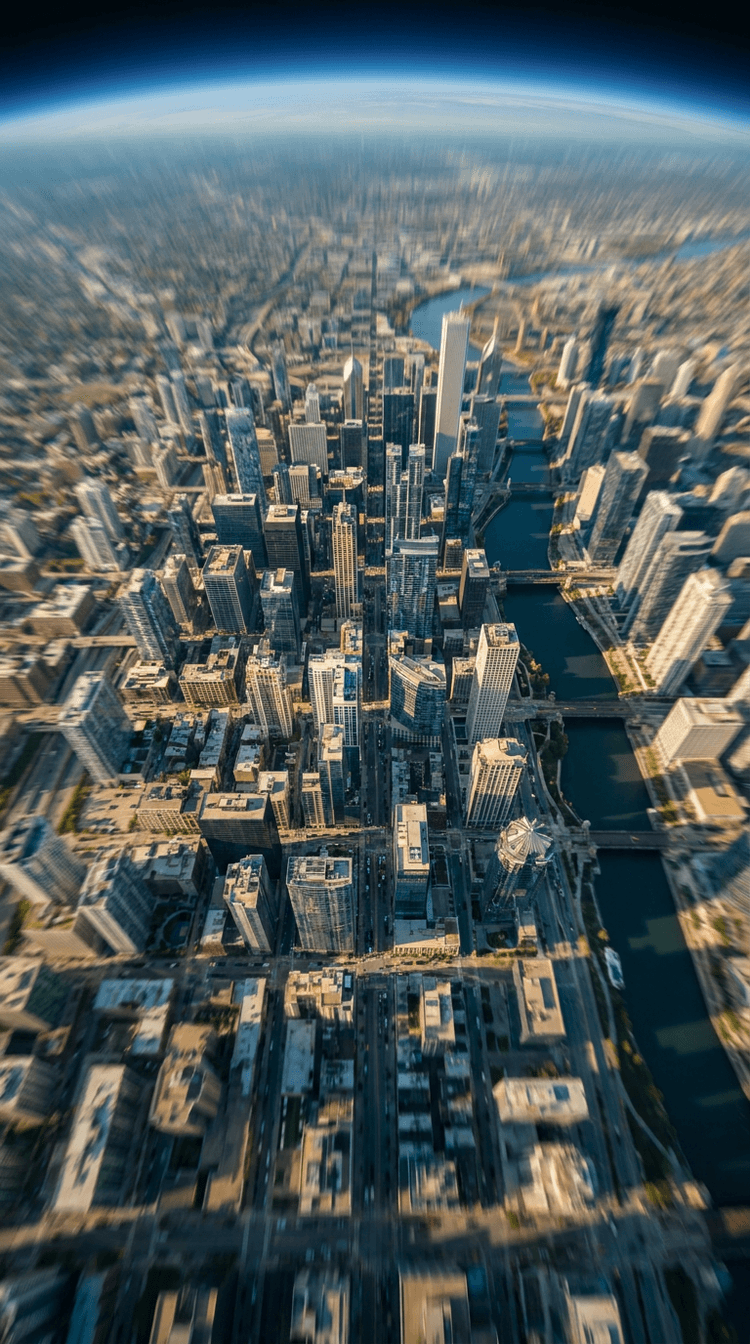
VEO 3.1
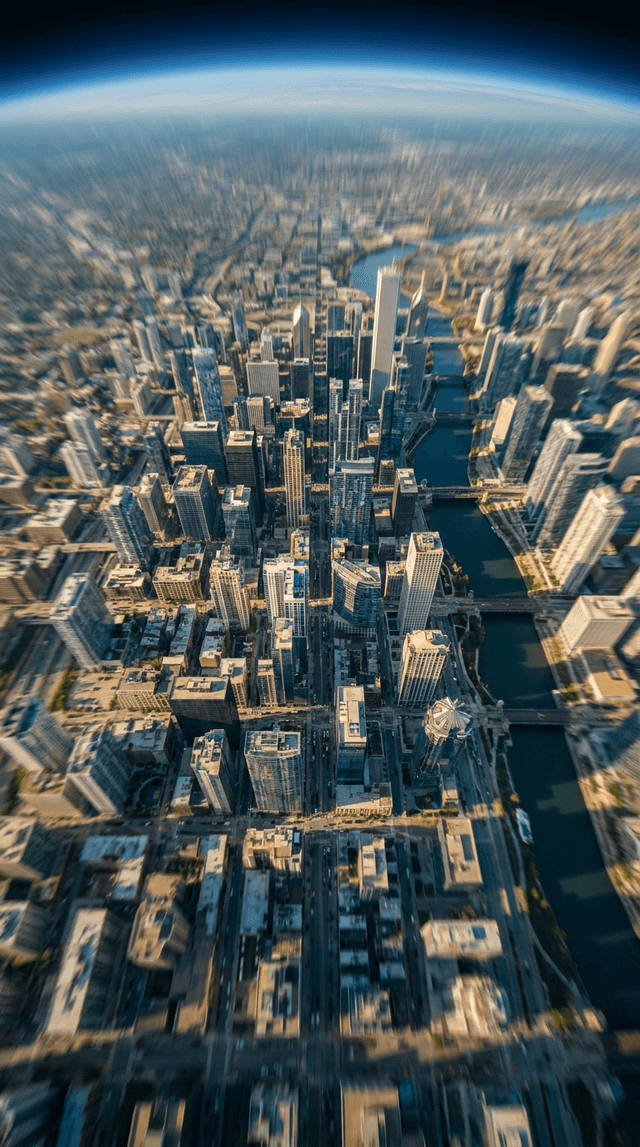
Best for realistic outputs, leveraging first frame and last frame controls for seamless movements and transitions.
How to Create an AI Earth Zoom Transition
AI Earth Zoom
Transition FAQs
How do I create an AI Earth Zoom transition?
Generate an Earth zoom transition with AI inside Flixier, then refine it directly in the timeline by adjusting timing, adding audio, captions, and visual polish.
What AI models work best for Earth Zoom transitions?
Cinematic results usually come from models optimized for smooth motion and realistic lighting. Faster models work well for quick iterations and social content.
Can I edit the Earth Zoom transition after generating it?
Yes. You can trim, adjust pacing, add voiceover or captions, and polish the visuals inside the same project where the transition was generated.
What makes Flixier different from standalone AI generators?
Flixier keeps AI generation inside a real editing timeline, so transitions can be refined and connected as part of a complete video, not exported as isolated clips.
How long does it take to generate an Earth Zoom transition?
Generation time depends on the model and settings, but most Earth zoom transitions are ready in minutes and can be edited immediately after.
Why Create AI Earth Zoom Transitions with Flixier
Most AI tools stop at generation. Flixier helps you finish the video.
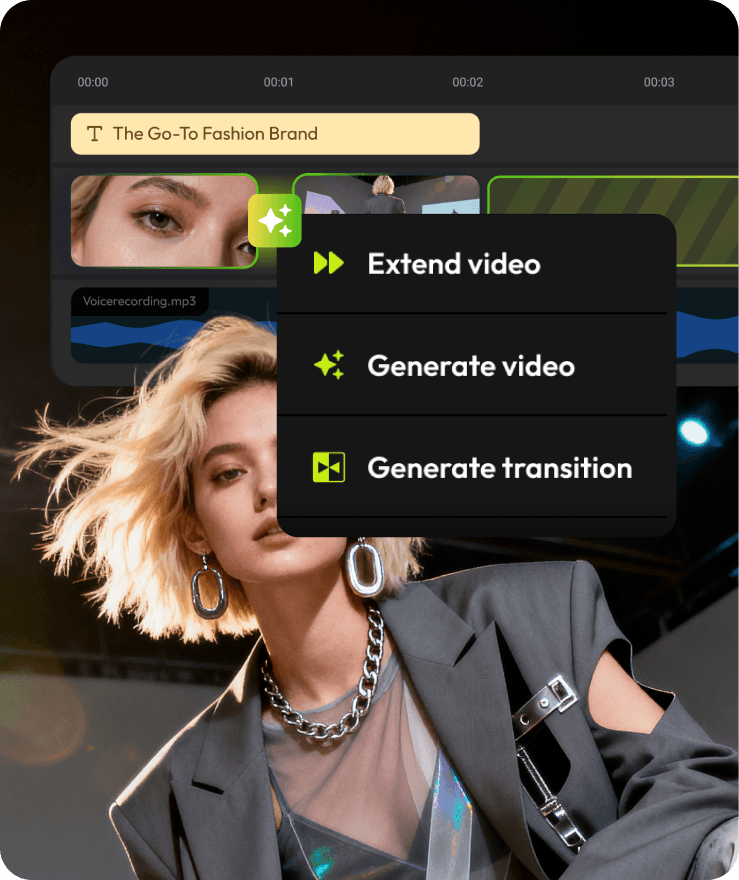


Related AI Transitions
Explore other AI transitions you can generate and refine inside the Flixier timeline.

“Most AI tools stop after generation. Flixier is the first place where I can actually turn those outputs into a finished video.”