Compress Videos Online Free
Compress videos online without losing quality, regardless of their format!


Reduce video file size
Looking to compress and edit your videos without compromising quality? With our video compressor, you can shrink file sizes for seamless sharing via email, WhatsApp, or any messenger app. Upload your MP4, MOV, GIF, or other video formats and watch as Flixier works its magic, reducing your video size while maintaining top-notch quality. Whether it's for smoother sharing, easier uploads, or enhancing playback experiences, Flixier’s video compressor has got you covered. You can even cut or split them into multiple videos or convert them to vibrant GIFs or high-quality MP4s, all from Flixier's dashboard.
A fast & reliable online video compressor
Easily reduce the file size of your videos for improved sharing and streaming and to free up storage space on your device. With just a few clicks, you can experience faster downloads and uploads and ensure smooth playback. Compress your videos without losing quality directly in your browser.
Compress any video format
With Flixier's video compressor, you can forget about file format compatibility issues. Our online video editing tool effortlessly compresses all major video formats, including MOV, WEBM, MKV, AVI, or WMV. Additionally, it automatically converts videos to MP4, ensuring compatibility with a wide range of media players and mobile devices.
Compress videos while maintaining their quality
Flixier's online video compressor uses advanced technology that doesn't ruin your quality while compressing video files. Our fast and intuitive tool makes it easy to compress video online, no matter its format, file size, or device you're using. Get the best compression ratio and video quality in seconds thanks to cloud-powered technology.
Easily share videos with others
Do you have a large video file that you want to share with your friends on WhatsApp, Messenger, or via email? Flixier can compress your video without losing quality. Easily shrink large HD or 4K files and avoid dealing with size limits, delayed transfer times, playback issues, or email errors.
How to use our video compressor:
1
Open Flixier
To get started, tap the blue button above to open Flixier’s video compressor in your browser. You can upload your videos from your device, Google Drive, Dropbox, Box, or OneDrive. You can also bring in videos from YouTube or any other platform by simply pasting a link.
2
Compress video
Use the slider on the left side of the screen to select the compression level. You can reduce the frame rate of your video and choose a new resolution from the drop-down list below. Access advanced settings and switch between Bitrate and CRF compression, depending on which is best for their video.
3
Save or Share
When you’re finished compressing your video, click the Compress Video button. Thanks to cloud-powered technology, Flixier will take only a few seconds to compress your video, and then you can save it to your computer.

Why use Flixier to compress video files:

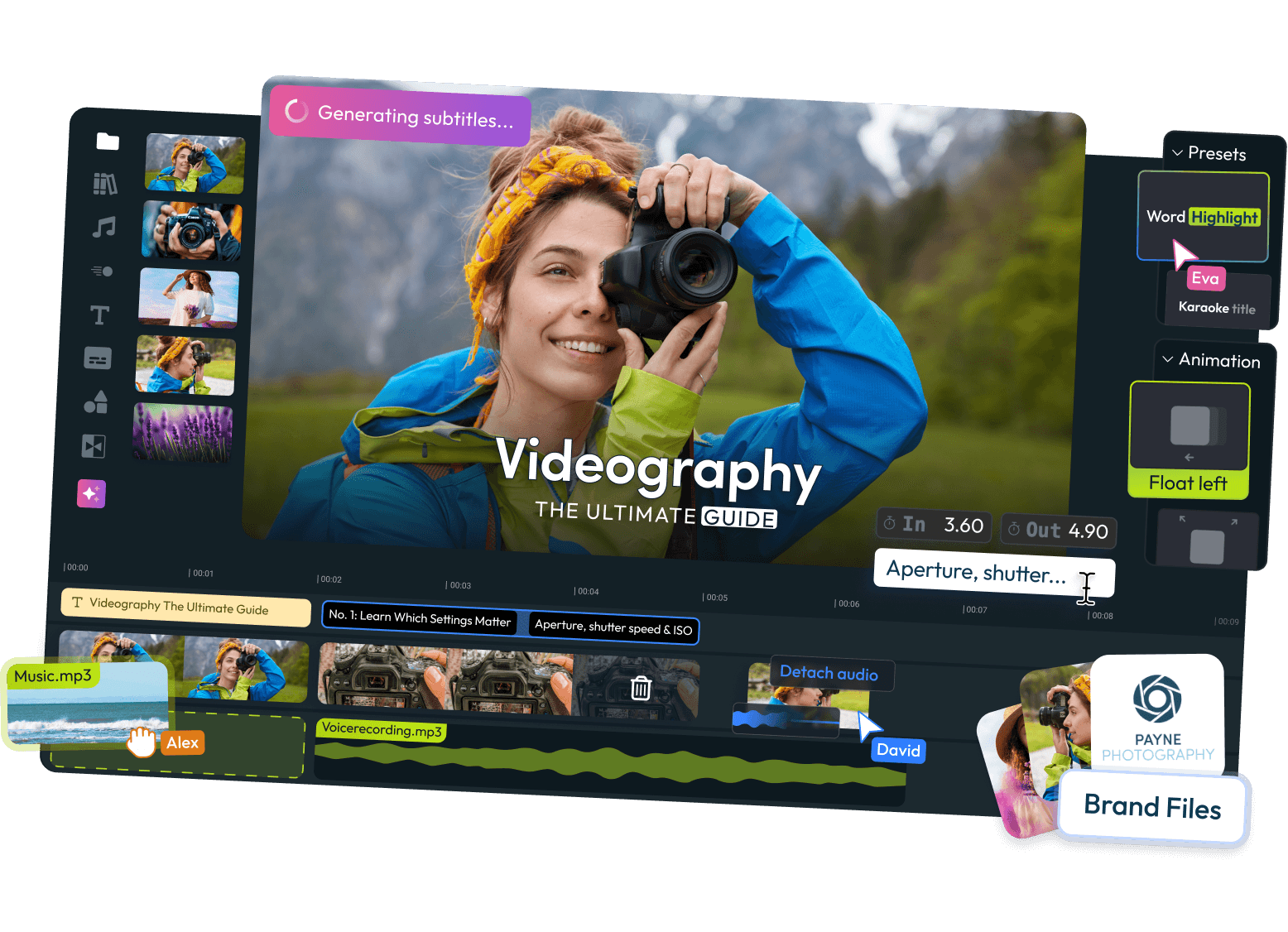
Edit, trim, or combine videos
All you need is a specific part of your video? Use Flixier to easily cut or trim videos and watch the video size shrink. Add in some captivating transitions, filters, sounds, or captions to take it to the next level. Then, share your creation with the world in just a few clicks.

Convert videos to MP4
Some video file types take up more space than others. That's why Flixier's video converter can automatically convert videos to MP4 and easily share your content while keeping all your edits in one place. Whether you want to trim videos, detach audio, or generate voice overs with AI, Flixier caters to every creator's needs.

More than an online video compressor
Join a community of content creators, video editors, entrepreneurs, or video enthusiasts who use Flixier’s online video editor to record and edit video and audio content. Go beyond video compression with advanced settings like audio enhancement, video cropping, content repurposing, recording audio and video directly from your device, adding subtitles and voiceovers in multiple languages, and much more.

Compress and share videos
Thanks to Flixier's social media integrations, after compressing videos, you can effortlessly show them off on Instagram, TikTok, YouTube, or any other platform straight from Flixier. This means faster uploads and smoother playback on any device. And with the video safe zones feature, your videos will always display flawlessly.
Need more than a video compressor?
Edit easily
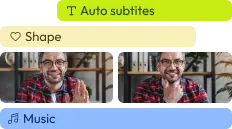
With Flixier you can trim videos or add text, music, motion graphics, images and so much more.

Publish in minutes
Flixier is powered by the cloud so you can edit and publish your videos at blazing speed on any device.

Collaborate in real-time
Easily collaborate on your projects with Flixier, we offer real-time feedback and sharing of projects.

You`re ingood hands
Over 1 million creators use Flixier every month including brands like:



















Frequently
Asked
Questions
Will compression ruin my video quality?
No, Flixier's video compressor uses cutting-edge compression technology to shrink your video size without compromising the quality of the video and audio.
How do I compress videos online for free?
Feel free to test out Flixier’s video compressor for free and easily compress your video file size directly in your web browser. You can select from a variety of compression options and see how it effectively reduces the video size.
Do I need a powerful computer to compress videos with Flixier?
No, while other video compressors might require powerful computers, Flixier’s video compressor runs completely on your browser. It doesn't matter if you're on your phone, tablet, computer, or laptop. You can easily free up storage space and make it super simple to edit and send videos from wherever you are.