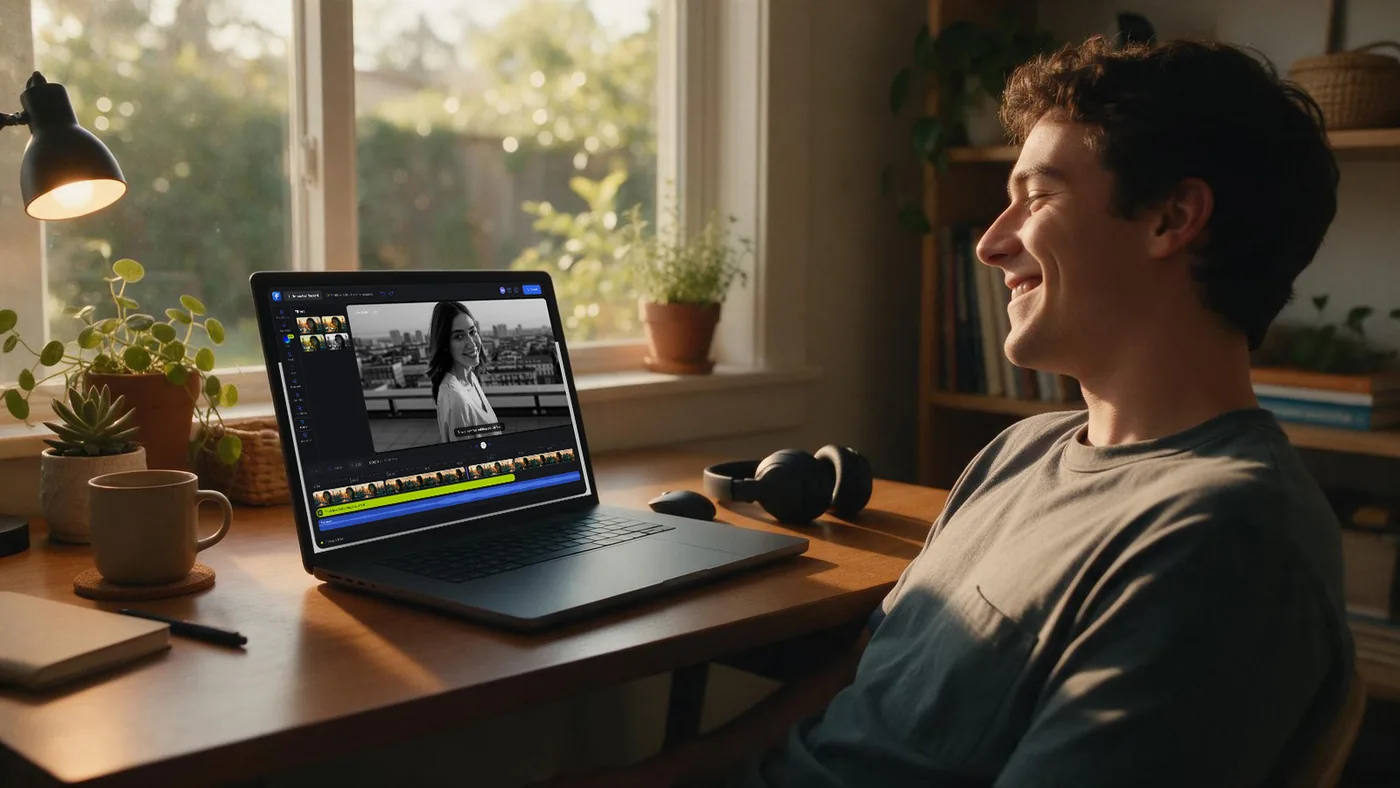
Audio Visualizer
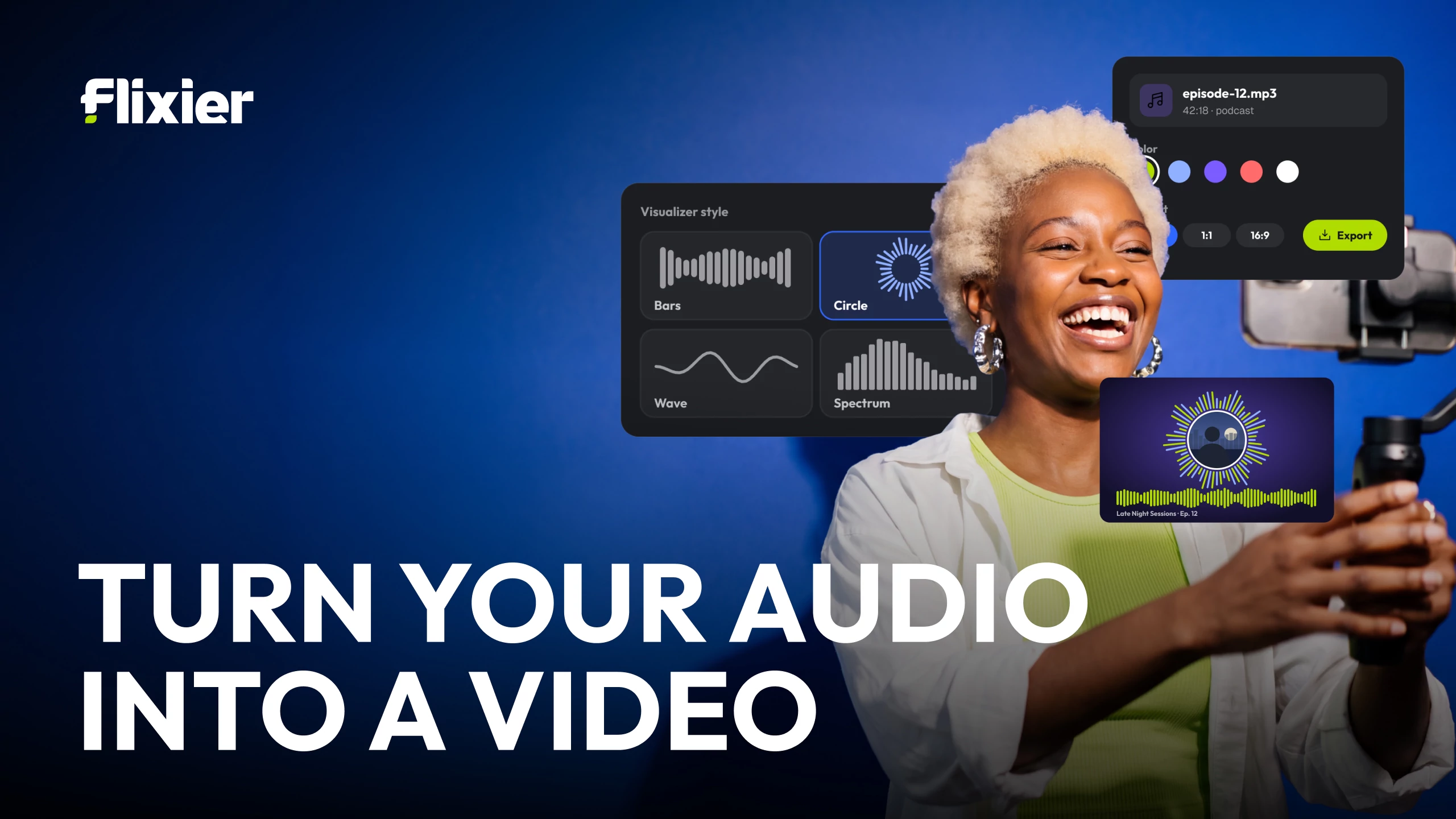
Turn a song, podcast, or voice recording into a video with an animated waveform that follows the audio. Add cover art, a background, and text, then export an MP4 for YouTube or social media. Create it in your browser, no install needed, and it’s free to start.
Over 500,000 creators use Flixier every month, including brands like:
 Vodafone







How to Make an Audio Visualizer Online
Upload Your Audio
Upload a song, podcast, or voice recording from your computer, cloud storage, or phone, then add it to the timeline.
Add the Waveform and Visuals
Open Elements, choose an animated waveform, and place it over your audio. Adjust its color and appearance, then add cover art, a background, and a title.
Export Your Video
Choose a size for YouTube, Instagram, or TikTok, then preview the result. Export your audio visualizer as an MP4 when it is ready to share.
Turn Songs and Podcasts Into Shareable Videos
Create Music Visualizers for YouTube and Social Clips
YouTube and social feeds are built for video, even when your content is a song. Add an animated waveform, cover art, and the track title, then turn your MP3 into an MP4 for YouTube, Instagram, or TikTok.
Promote Your Podcast With Audiograms
Cut out a useful tip, memorable answer, or funny exchange from a longer episode. Add a waveform, subtitles, and your podcast branding to create a short audiogram for Instagram, TikTok, or YouTube.
Help Listeners Recognize Your Content
Add cover art to your audio, then include the song, episode, artist, or guest name. Viewers can immediately see what they are listening to when the video appears in their feed.
Resize Your Video for YouTube, Instagram, and TikTok
Create a landscape version for YouTube or resize the same video for Instagram and TikTok. Reposition the waveform, artwork, and text so everything remains visible in the new aspect ratio.
Everything you need to create and finish AI videos
Why Use Flixier to Create an Audio Visualizer
Create a Video Without Filming Anything
Turn a finished song, podcast, or voice recording into a video using artwork, text, and an animated waveform. You can create something ready to publish with AI even when you have no footage.
Skip Animating the Waveform by Hand
Place the waveform over your audio and it automatically moves in sync with the sound. Adjust its appearance and color without creating animations manually or learning motion graphics software.
Clean Up the Audio Before You Share It
Enhance the audio to remove background noise or reverb and even out the audio in your podcast. The recording and visualizer will stay synchronised, in the same project.
Make Changes on One Timeline
Trim the audio, replace the cover art, update the title, or reposition the waveform without moving between different tools. Preview the complete video before exporting it as an MP4.
Still have questions? We got you!
An audio visualizer turns sound into an animated visual, such as a waveform that moves with the audio track. You can combine it with cover art, text, and a background to create a video from a song, podcast, or voice recording.
Upload your song to Flixier and add it to the timeline. Place an animated waveform over the audio, then add your cover art, track title, and artist name. Choose a landscape format and export the finished visualizer as an MP4 for YouTube.
Upload your podcast and trim it to the section you want to share. Add an animated waveform, subtitles, and your podcast artwork or guest name. Resize the video for the platform where you plan to publish it, then export it.
Export your audio visualizer as an MP4. This turns the audio, waveform, artwork, and text into a video you can upload to YouTube, Instagram, TikTok, or other platforms.
OtherAudio Tools
Articles, tools and tips
Publish Your Audio on YouTube and Social Media
Add an animated waveform, cover art, and text to your song or podcast, then export it as an MP4 for YouTube, Instagram, or TikTok.