Audio To Text Converter for High-Accuracy AI Transcription
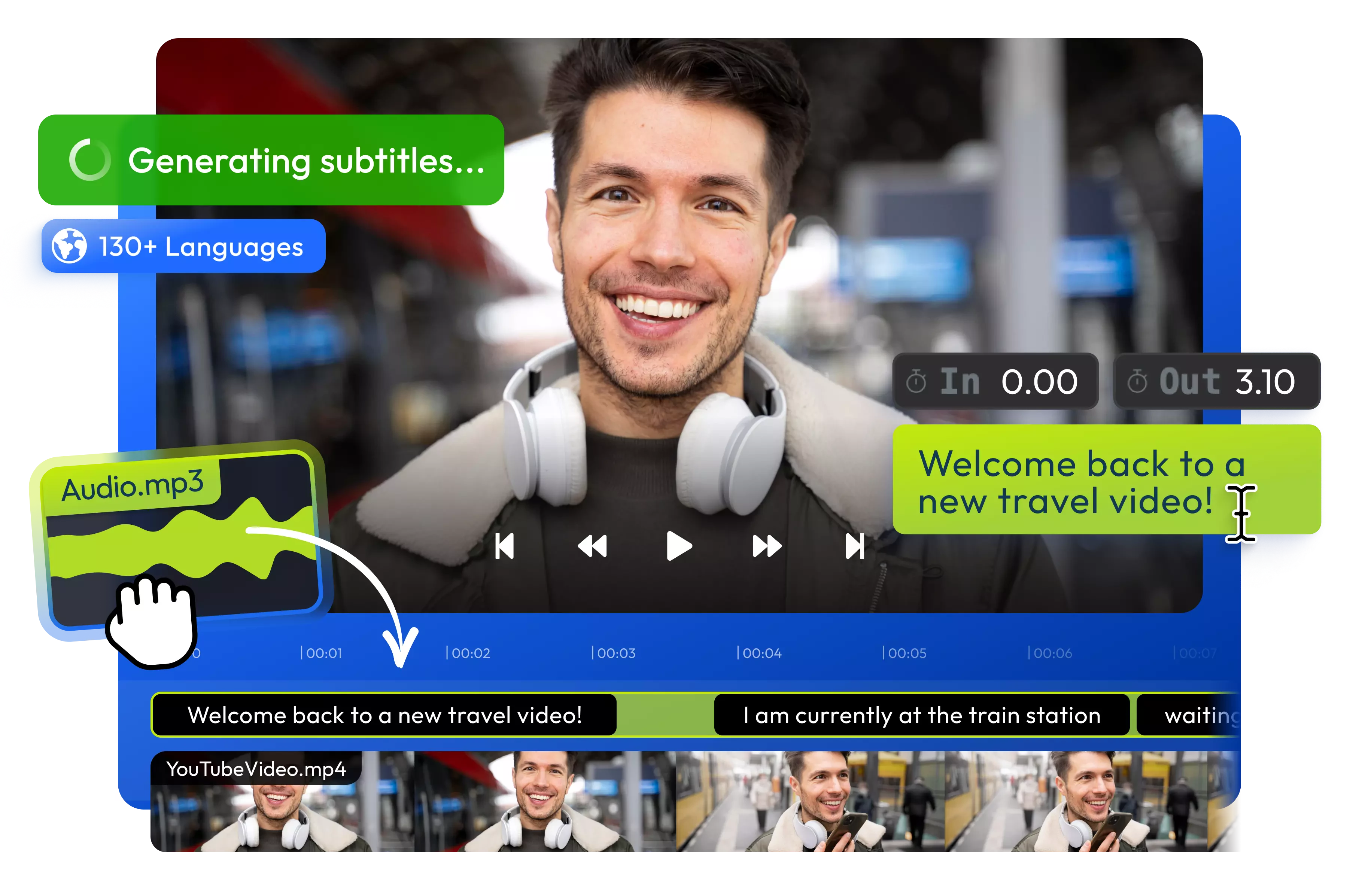
Use Flixier’s audio-to-text converter to process MP3, WAV, M4A, and other formats in seconds.Generate, edit, and translate your text entirely in your browser.
Over 1 million creators use Flixier every day including brands like:





Automate Your Transcription for Browser Based Workflows
Transcribe Any Format Instantly
Stop worrying about incompatible files. Our audio-to-text converter supports multiple formats, including MP3, WAV, FLAC and M4A. Upload your podcast, interview, or lecture files directly into the browser and let the AI handle everything without any extra downloads.
Edit Audio by Editing Text
After generating your transcript, you can bring your audio and its new text into the Flixier timeline. From there, our AI text-based editor lets you cut mistakes, “ums,” and awkward silences from your audio simply by deleting words from the transcript.
Clean Up Background Noise
For the highest accuracy, start with clean audio. If your recording has background noise, you can first generate your transcript with the standalone tool and then bring it into the full Flixier editor to use our AI Audio Enhancer, which removes static and improves speech clarity.
Translate Text Instantly
Easily reach a global audience. Once your transcript is ready, you can translate the text into over 100 languages. Download the translation as a separate text file, or as perfectly synced subtitle files (like SRT or VTT) to add to your AI-generated videos.
How to Use Flixier’s Audio to Text Converter
Who this is for

Marketers
Accelerate your localized campaign production. Transcribe promotional audio assets, instantly translate that text into over 100 languages, and generate perfectly synced subtitles for international distribution.
See How It WorksEducators

Business Owners
Social Creators

Unlike any tool
you've used before




I have over 11 years in the broadcast industry, building teleproductive facilities, using high-end editing equipment. And this is better than anything else I've used in my lifetime.

Need more than converting audio to text?
Edit easily
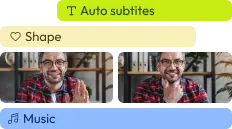
With Flixier you can trim videos or add text, music, motion graphics, images and so much more.
Publish in minutes
Flixier is powered by the cloud so you can edit and publish your videos at blazing speed on any device.

Collaborate in real-time
Easily collaborate on your projects with Flixier, we offer real-time feedback and sharing of projects.

Still have questions?
We got you!
What is an audio-to-text converter?
An audio-to-text converter is a tool that uses artificial intelligence to “listen” to spoken audio and automatically type it out into a readable document. Flixier’s tool does this natively in your browser, supporting everything from quick voice memos to full-length podcast episodes.
How fast does the AI transcription take?
Our cloud-based AI is incredibly fast. Unlike manual transcription which can take hours or days, our automated system delivers a highly accurate text file in a fraction of the time.
Is there a free audio-to-text converter?
Yes! Flixier functions as a free audio-to-text converter, allowing you to upload your files, generate up to 5 minutes of automated transcripts per month. This lets you test the speed and accuracy of our AI tools firsthand before committing to a premium plan to unlock full, limitless export and download capabilities.
Does the transcription include timestamps?
Absolutely. When you use our transcription software, the generated text is perfectly synced with your media. You can export your transcript as a TXT file with timestamps, omit them if you prefer a clean document, or download it in popular subtitle formats like SRT, VTT, and SUB.
Can I manually edit the transcription after it’s generated?
Yes. You can review and correct the generated text before downloading. You can manually edit the text to correct specific names, adjust the exact start and end timings of your captions, and customize the font, size, and color directly in the browser before you hit download.
What audio formats are supported?
Flixier's AI transcription engine processes various media formats. You can easily convert MP3, WAV, M4A, AAC, and OGG files, as well as extract text from video formats like MP4, MOV, and AVI.
How can I get the most accurate transcriptions?
For the highest accuracy, we recommend recording in a quiet environment with a quality microphone, as heavy background noise or cross-talk can confuse AI algorithms. If your recording is noisy, you can use Flixier’s full video editor to run the AI Audio Enhancer on the original file for better sound quality.