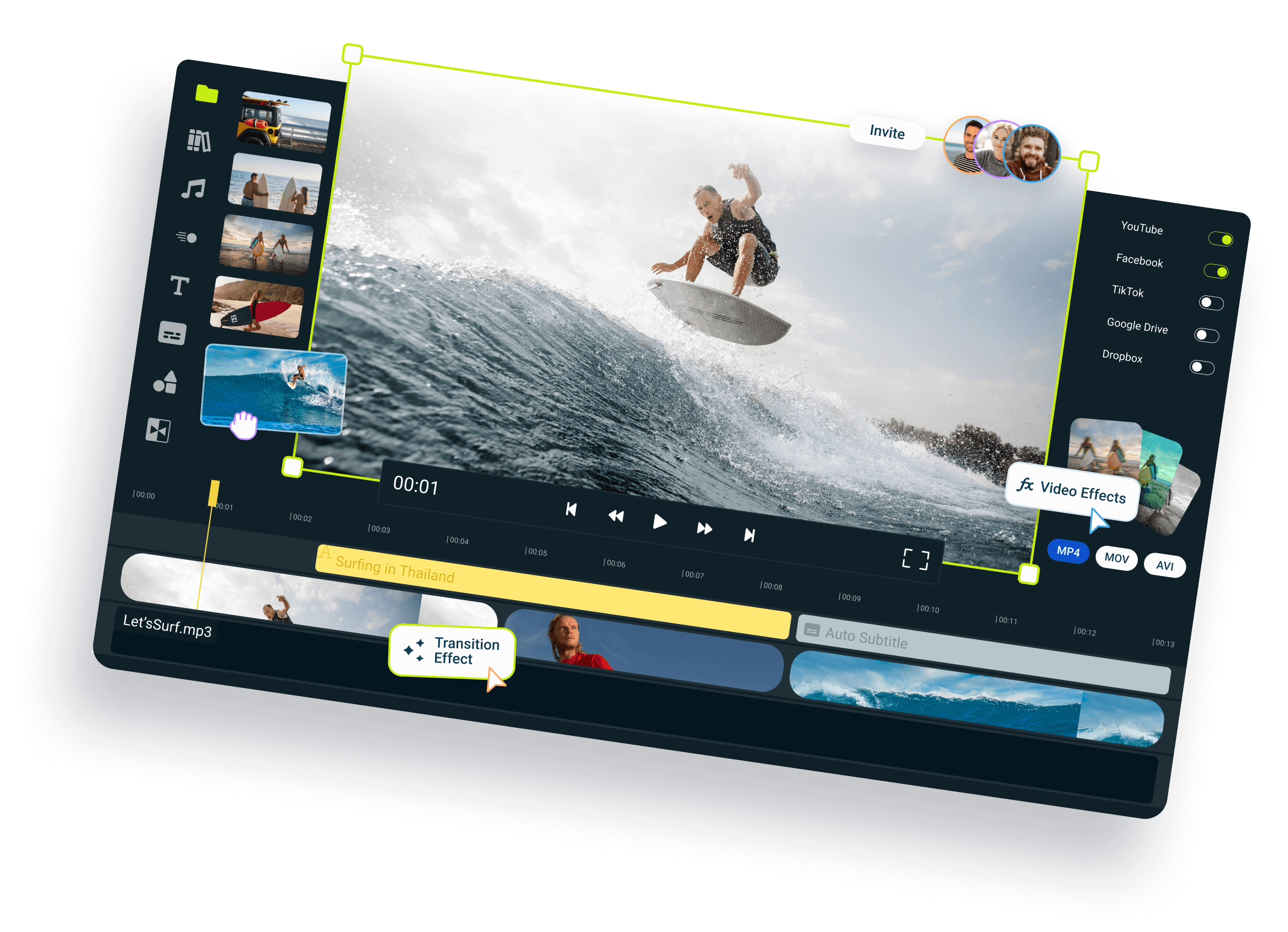
Generate & Translate Subtitles with AI
Make your videos more engaging with our professional auto subtitle generator. This cloud-powered utility allows you to generate automated subtitles in over 100 languages without downloading any software.
Over 1 million creators use Flixier every day including brands like:





Simplify Your Workflow with AI-Powered Subtitles

Automate Subtitle Generation
Create videos faster by using our AI subtitle generator which handles complex transcriptions in seconds. Flixier analyzes and creates perfectly timed captions that improve viewer retention and engagement.

Connect with Viewers
Improve engagement by adding subtitles to your videos directly within the timeline. Ensure your message is delivered clearly even in sound-sensitive environments where viewers watch without audio.

Refine and Edit Subtitles
Maintain complete creative control with the ability to edit subtitles online. You can adjust specific wording, correct specialized terminology, or refine synchronization to ensure your captions are polished and professional.

Translate Captions with Ease
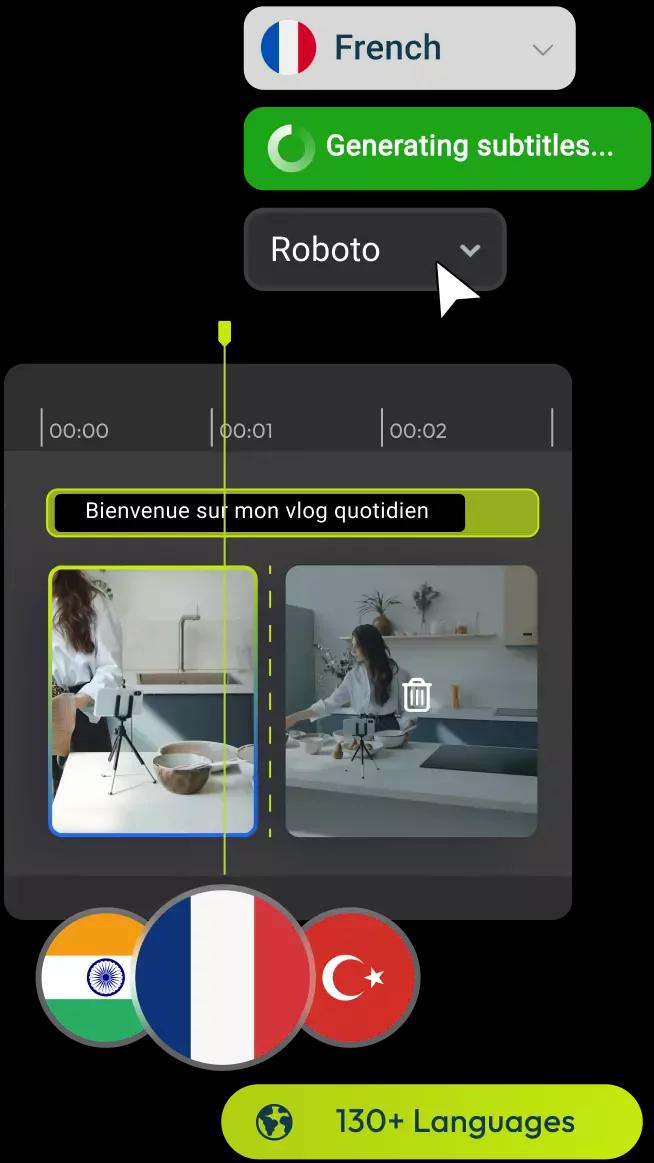
Expand your localization efforts by using Flixier to translate subtitles into over 100 different languages. Combined with our AI caption maker, this feature allows you to optimize your content for international markets without needing to hire translators.
How to Use Flixier’s Auto Subtitle Generator
Benefits of generating subtitles with Flixier
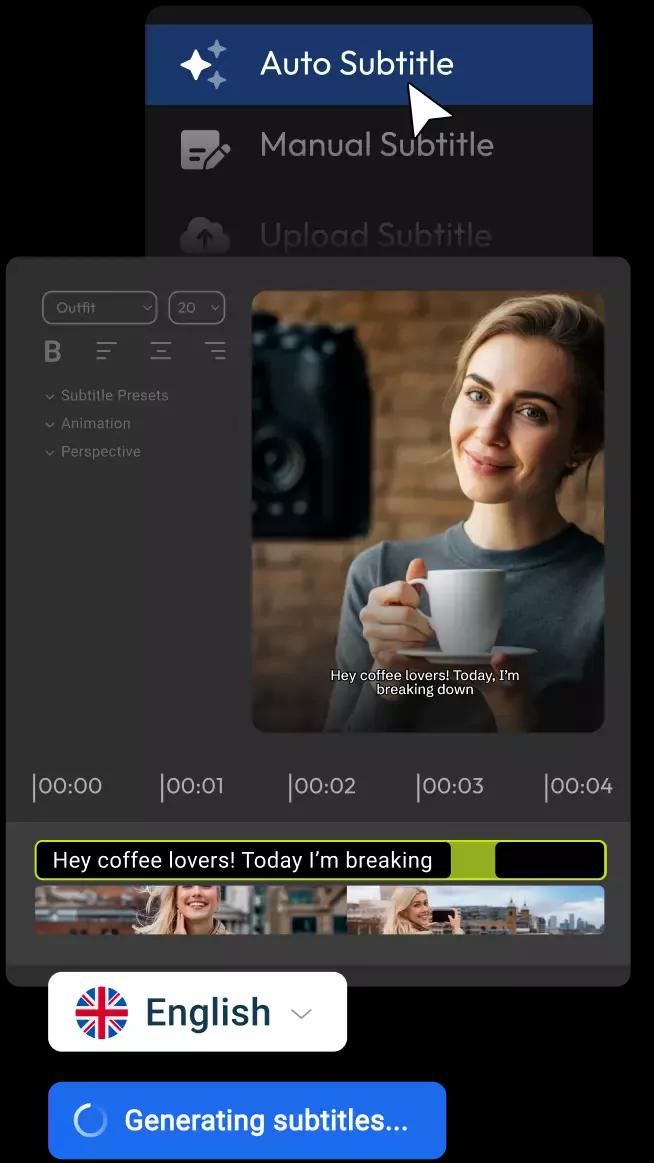
Generate Subtitles Automatically
Flixier’s AI caption generator saves you hours. Instead of typing everything manually, you can generate accurate subtitles in seconds, then make quick edits directly in your timeline. No transcripts, no syncing headaches.
Full Control Over Styling and Timing
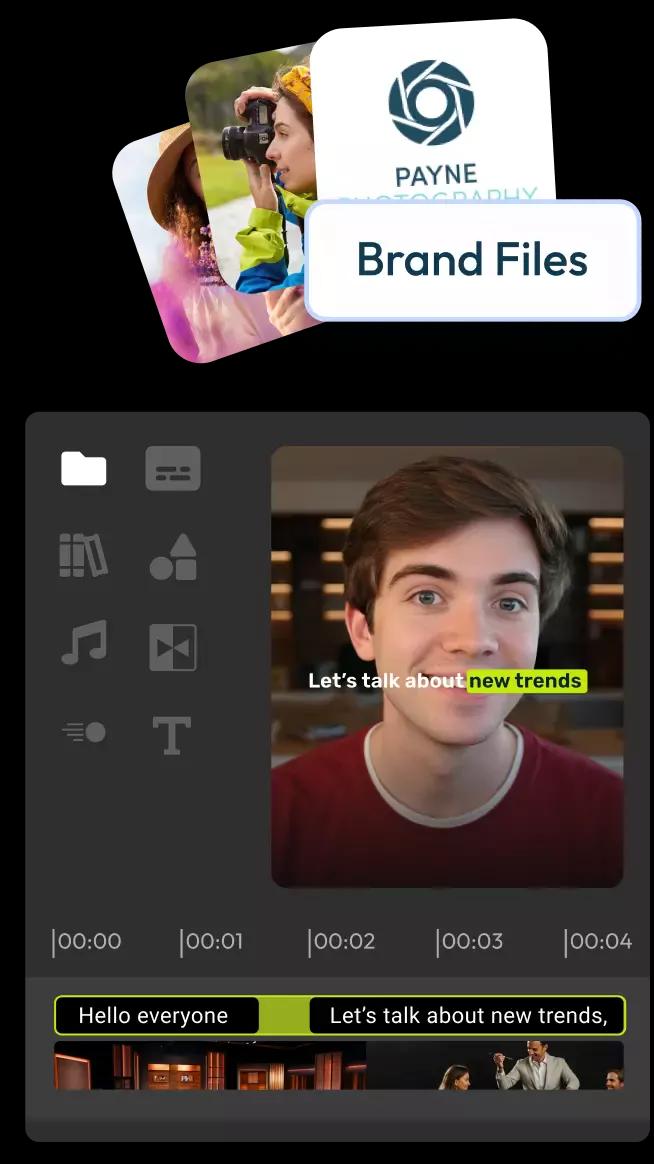
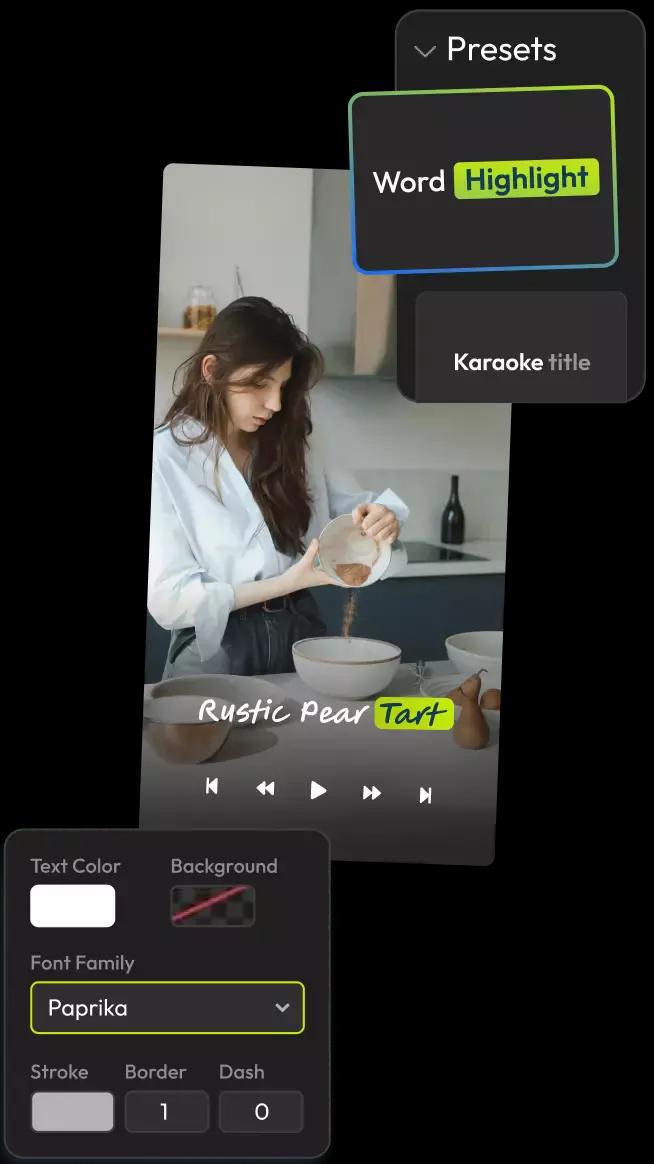
Customize your captions to fit your brand. With Flixier, you can edit text, fix timings, change fonts, and style everything visually, right inside the video editor. It’s everything free subtitle generators skip over.
Who This Is For

Marketers
Improve brand recall and ad performance with accurate subtitles that drive conversions. Create high-impact promotional videos optimized for global social platforms.
See How It WorksSocial Creators

Educators

Business Owners

Testimonial on Flixier’s Translate & Add Subtitles




By and large, I am not a fan of the industry mythos that AI is the silver bullet, but when I needed captions added to my offline video in less than 30 minutes, the hour of Auto Subtitle Generation that comes with a month of Flixier Pro did the job and got me to the presentation on time!

Still have questions?
We got you!
How do I auto-generate subtitles for a video?
To generate subtitles, upload your file to the Flixier dashboard and right-click directly on the timeline, then choose Generate subtitles. Our AI engine will analyze the audio track and produce a synchronized text layer in seconds.
How accurate are AI-generated subtitles?
The auto subtitle generator uses speech recognition to provide high accuracy even with diverse accents. For specialized terms or names, our interactive editor allows you to make quick refinements to ensure every word is perfect before you export.
What languages does the auto subtitle generator support?
Flixier supports automated transcription and translation in over 100 languages, including English, Spanish, French, Mandarin, and many more. This vast language library makes it easy to localize your content for a truly global audience with a few clicks.
Can I edit auto-generated subtitles before exporting?
Absolutely. Once the AI generates the text, you can use our built-in subtitle editor to change the wording, adjust the timing of individual blocks, or customize the font, color, and placement to fit your video's style.
Is the auto subtitle generator really free?
Flixier offers a functional free tier that allows you to experience our professional automated subtitling tools directly in your browser. This enables you to generate, edit, and export captioned content without the need for expensive software or recurring subscriptions.