Change Video Aspect Ratio Online for Free
Our easy to use video ratio changer lets you create videos that look amazing on any social media platform in minutes
No account required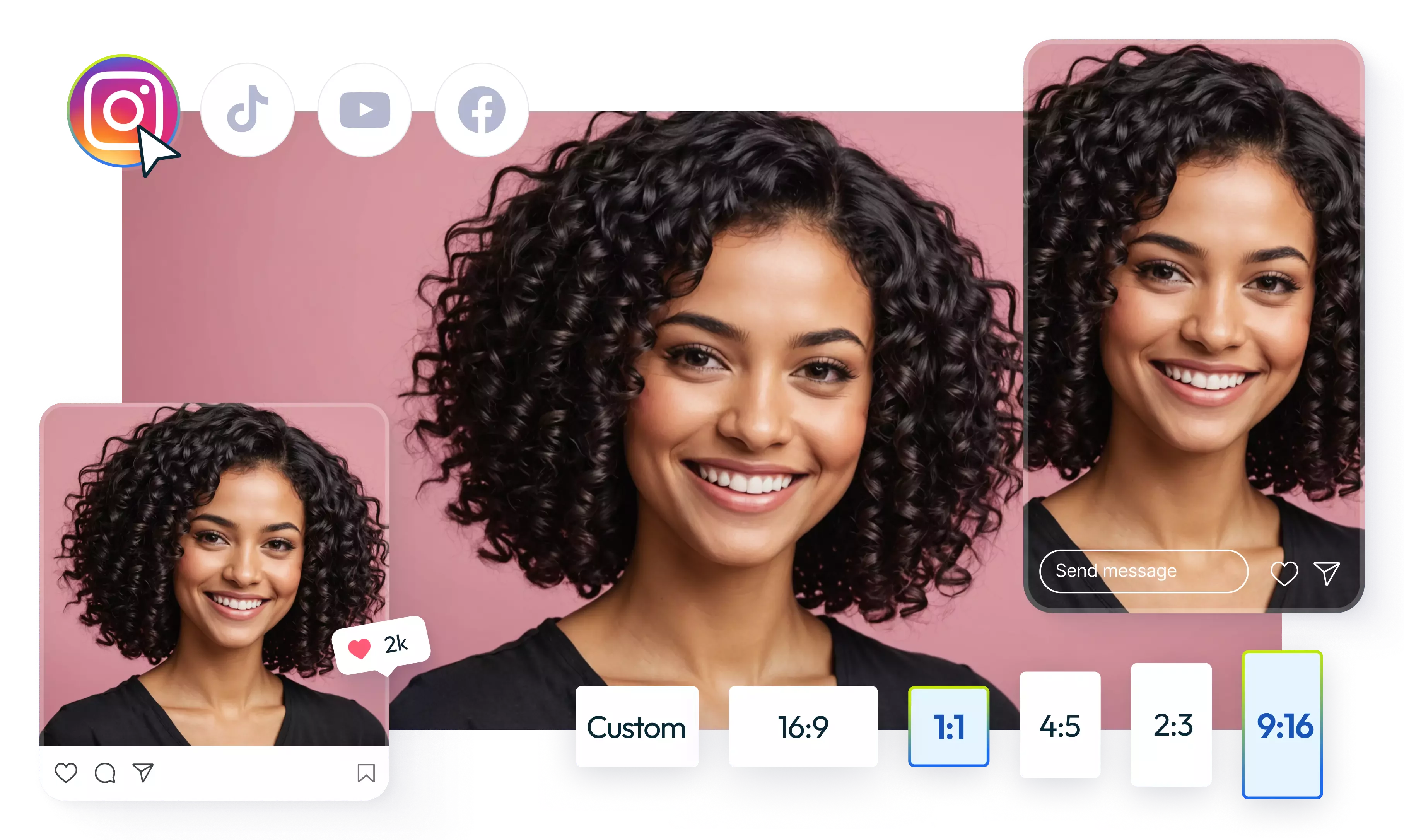
Change the aspect ratio of video
Given how many video ratio variations are needed to successfully post on all social media platforms it’s no wonder you might want to change the aspect ratio of your video. Flixier allows you to do that with an easy to use video editor that runs online.
All you have to do is bring over your videos and adjust a few settings. Our video ratio changer gives you the flexibility to make videos in any video aspect ratio from tall to square to landscape or, you can even define your own custom video ratios for special needs.
Change video ratio or resolution?
These two terms are a bit confusing and sometimes used interchangeably. Video resolution mainly refers to the quality of your video or how many pixels it contains. Video aspect ratio refers to the shape of your video (tall, landscape portrait). As an example you can have a square video or 1:1 video at any resolution, 720 by 720 or 1080 by 1080 are both square videos but at different qualities.
Change the aspect ratio of video online
Social media is a mess of different video sizes. When you need to crop videos for multiple platforms, opening desktop software is overkill. Flixier runs in your browser - upload your video, adjust the ratio, and you're done. Works on any computer that can open a web page.
Easily change the ratio of your video
Changing the ratio of a video should be quick, and in Flixier it is. Open the Crop section on the right side of the screen, click Easy crop, and choose a ratio from the dropdown: 16:9, 9:16, 1:1, 4:3, or 21:9. If none of them fit, choose Custom.
Edit your video aspect ratio super fast
Traditionally making changes to videos is a complex process, desktop video editors are power hungry and complex while online video editors are too basic and slow. We built a powerful cloud powered video editor that lets you edit your video aspect ratio at super speed on any computer, even on old or low powered ones.
How to change the aspect ratio of a video?
Add videos to Flixier
Bring your videos over to Flixier from your computer or directly from Google Drive, Dropbox or OneDrive. You can even import videos directly from Zoom, Twitch and YouTube. All these direct integrations are super fast so we recommend using them whenever possible.
Change the aspect ratio of your video
Go to the Crop section on the right side of the screen and click Easy crop. Pick a ratio from the dropdown (16:9, 9:16, 1:1, 4:3, or 21:9), or choose Custom to set your own. Your video crops to fit automatically.
Download your video
When happy with the result you can download the video on your computer by simply clicking the Export button at the top right of the screen. At this step the video will be processed super fast by our cloud computers and it will automatically download when ready. If you close your tab you will always find your video in the Export section of your Flixier dashboard.
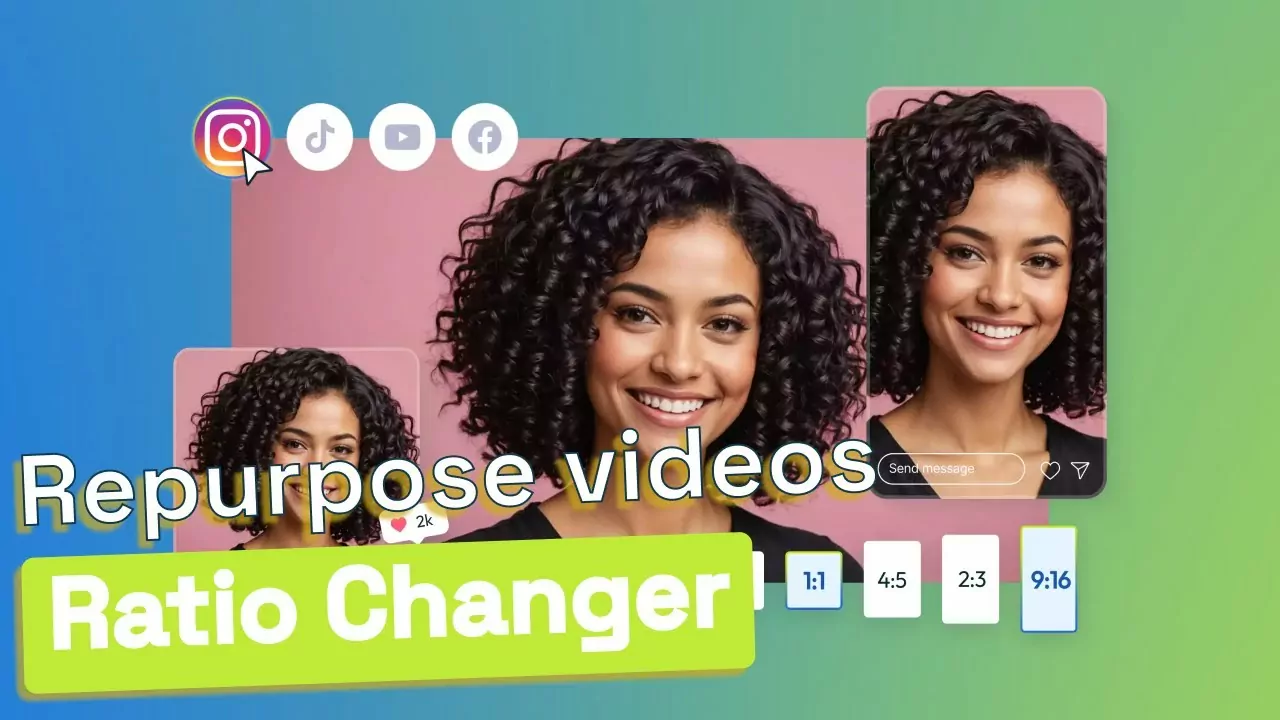
Why use Flixier to change the aspect ratio of a video
Vertical video maker
Vertical videos are all the rage these days thanks in big part to TikTok but also to Instagram stories. Our vertical or 9:16 video maker lets you create a video ready for these platforms. Just click Easy crop in the Crop section and select 9:16 from the dropdown.
Square video maker
Square videos were made popular by Instagram but Facebook uses them quite a lot on mobile too. To make a square or 1:1 video, click Easy crop in the Crop section and select 1:1 from the dropdown.
Landscape video maker
Landscape videos are still one of the most used video types around the world, from YouTube and Facebook to TV and film. Choose 16:9 for standard widescreen, 4:3 for the classic format, or 21:9 for an ultrawide, cinematic look.
Custom video ratio
Tall, square, and landscape are the most popular ratios today, but if you have special needs, choose Custom in the Easy crop dropdown to set your own ratio.
Need more than changing the aspect ratio of a video?
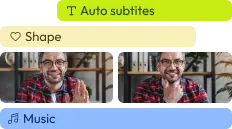
Edit easily
With Flixier you can trim videos or add text, music, motion graphics, images and so much more.
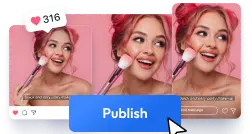
Publish in minutes
Flixier is powered by the cloud so you can edit and publish your videos at blazing speed on any device.

Collaborate in real-time
Easily collaborate on your projects with Flixier, we offer real-time feedback and sharing of projects.

You`re ingood hands
Over 500,000 creators use Flixier every month including brands like:
 Vodafone














Frequently
Asked
Questions
Import your video into Flixier, then go to the Crop section on the right side of the screen and click Easy crop. Choose a ratio from the dropdown (16:9, 9:16, 1:1, 4:3, 21:9, or Custom) and the video crops to fit automatically. Click Export to save it.
Import your video into Flixier, go to the Crop section on the right side of the screen, and click Easy crop. Select 16:9 from the dropdown and your video crops to fit automatically. Then click Export to save it, ready for YouTube or any widescreen player.
To know your aspect ratio you will first need to know your video resolution. You can find this by right clicking your video and selecting Properties on windows or Get Info on Mac. Next use a tool like this one that will calculate your ratio based on your resolution.
Import your video into Flixier, then go to the Crop section on the right side of the screen and click Easy crop. From the dropdown, select the 9:16 vertical aspect ratio. Your video will crop to fit automatically. Click Export to save a video ready for TikTok or Reels.
Other VideoResizing Tools
Articles, tools and tips
