Video Compilation Maker
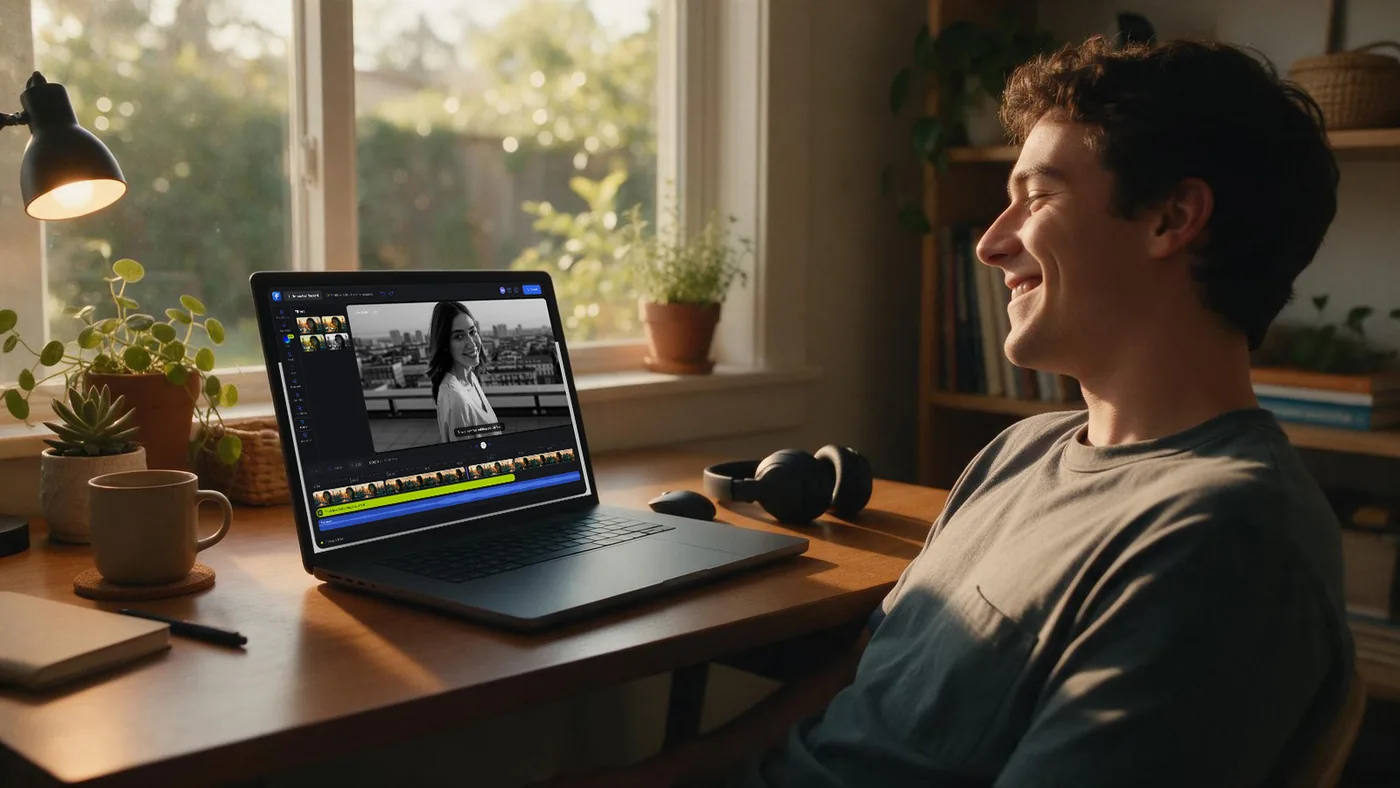
Make video compilations and share them online easily, using only your web browser!
No account required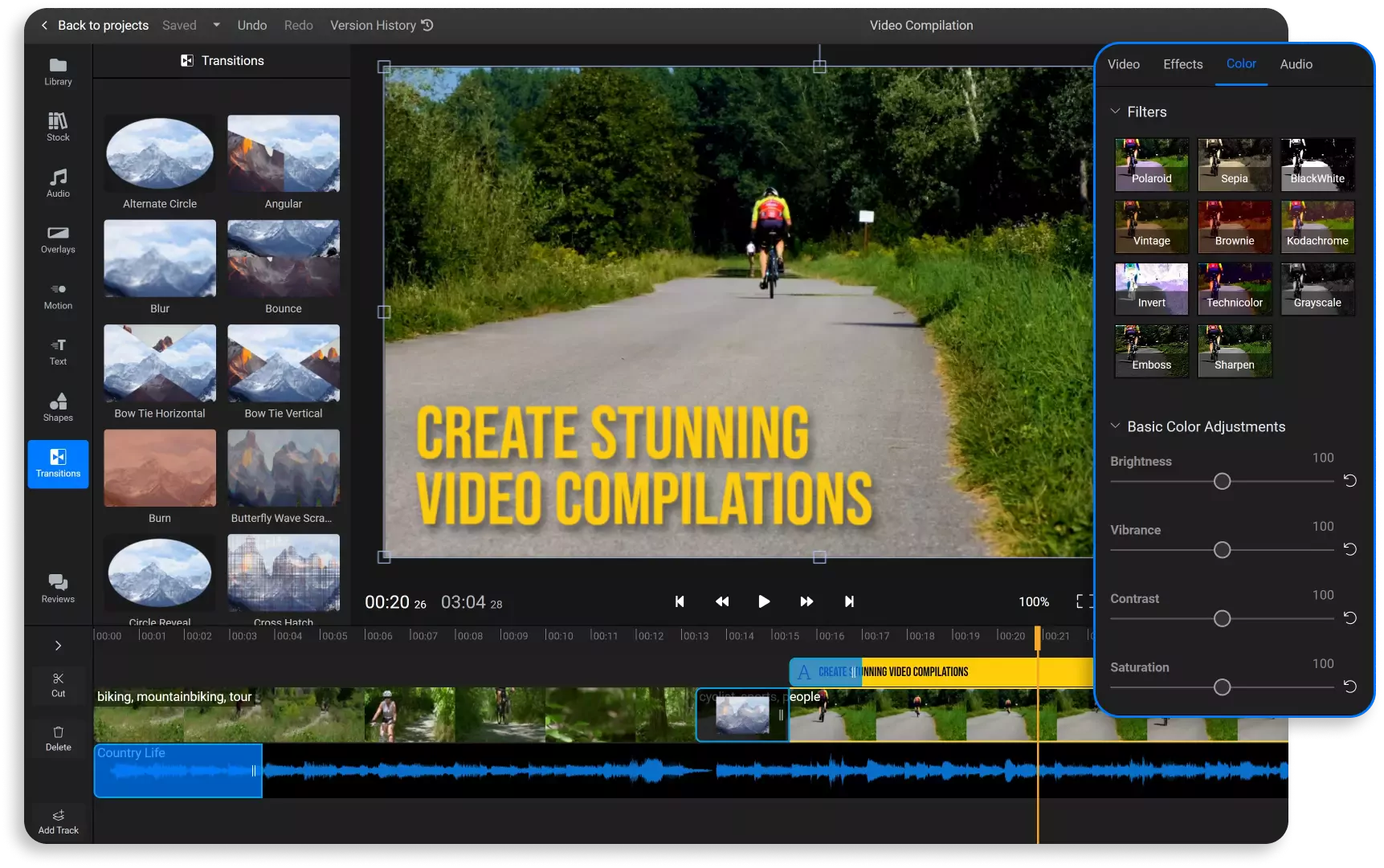
Save time with a drag and drop video and photo compilation maker
Create stylish video or photo compilations in minutes, without leaving your web browser. You don’t even need to have any advanced video editing experience! Flixier lets you create beautiful videos in minutes: just click on Get Started, drag over the videos and images you want to use and then start dragging and dropping everything into place.
You can choose from dozens of different transitions, apply filters and effects and set the mood with some music. When you’re done, you can save the video to your computer or publish it straight to YouTube or TikTok with just a few clicks, and the best part is that you don’t need to download or install anything to do any of this!
Compile videos in different formats
Flixier supports popular video, image, and audio formats, so you can upload your media and join your video clips without converting them first. Arrange videos, photos, and audio on the same timeline, then export the finished compilation as an MP4.
Add transitions and motion titles
Choose from different transitions to move from one clip to the next. You can also add a fade effect, include animated titles, or customize the text, font, colors, and timing to fit your compilation.
Edit your compilation online
Open Flixier in your browser to arrange your videos and photos, cut unwanted footage, or trim the beginning and end of each clip. Add text, adjust how long images stay on screen, and preview the complete sequence on the timeline.
Add music to your compilation
Upload your own track or choose one from Flixier’s stock library to add music to your video. Trim the track, choose where it starts, and adjust the volume so it works with dialogue and other sounds in your compilation.
How to create a video compilation?
Upload your media
Click on Get Started to open the Flixier editor in your browser. Drag over the videos, images and music that you want to use in your compilation to add them to your Flixier library. You can also import media from a number of different cloud storage services or paste in YouTube, SoundCloud and TikTok links to bring videos over that way.
Create your compilation
To merge your videos into a compilation, drag them over to the timeline at the bottom of the screen to compile them. Arrange them from left to right and drag on their ends to trim the duration. If you make two clips or images overlap on the same track, you’ll be able to add a transition between them. The Text tab allows you to add simple or animated text to your video compilation. Use the Stock and Audio tabs to find copyright free GIFs, videos, images and music that you can use in your clips for free.
Save and share your video compilation
When you’re done editing, click the Export button in the top right corner of the screen. Your video will be processed in a few minutes and saved to your computer. You can also choose to publish the video straight to your YouTube channel or TikTok account if you want to save time.
Why use the Flixier app to make video compilations?
Create video compilations easily
You don’t need advanced video editing experience in order to use the Flixier video compilation app. It’s designed to be intuitive for beginners, so you can jump right in. Buttons are clearly labeled and most things can be done by dragging and dropping. If you need help, you can always check out our Help Center or find short, to-the-point tutorials on our YouTube channel.
Set the mood with some music
Drag and drop a music track from your computer over to your Flixier library in order to add it to your video compilation. You can adjust the volume, add a fade-in or fade-out, cut out unwanted parts and even apply an equalizer. If you don’t know what track to use, open the Audio tab to search through a library of copyright free music tracks that you can use in your videos.
Create subtitles easily
Add subtitles to your video compilations in seconds with Flixier! All you need to do is right click a clip and select Generate Subtitle. Flixier will create a synchronized subtitle file that you will then be able to translate into different languages and add to your video compilation in order to make it more accessible, improve engagement and help it rank better on YouTube and TikTok. You can also merge subtitles if you've got separate files for each individual video.
Share your video compilations online
Give your video compilations a thumbnail, name and description and have Flixier publish the videos directly to your YouTube channel, Facebook page, or TikTok account once they’re done processing. This allows you to save time and focus on your next project, rather than spending time looking at upload progress bars.
Need more than a video compilation maker?
Edit easily
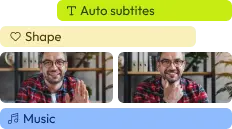
With Flixier you can trim videos or add text, music, motion graphics, images and so much more.
Publish in minutes
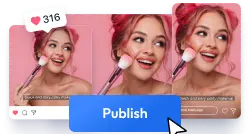
Flixier is powered by the cloud so you can edit and publish your videos at blazing speed on any device.

Collaborate in real-time
Easily collaborate on your projects with Flixier, we offer real-time feedback and sharing of projects.

You`re ingood hands
Over 500,000 creators use Flixier every month including brands like:
 Vodafone















Frequently
Asked
Questions
The ideal video length depends on what platform you’re posting it on. YouTube tends to reward videos longer than 8 minutes, while TikTok videos usually do best if they’re under a minute long. If you’re using Flixier to edit your video compilation, please keep in mind that your final video needs to be 10 minutes or shorter in order if you want to render it with the free version.
Yes, you can create a video compilation with Flixier’s Free plan. Free exports carry a watermark.
You can easily add music or sounds to your video compilation with Flixier. You can browse through hundreds of copyright-free music and sound effects by opening the Audio tab within the app, or you can upload your own sound effects and music from your computer. To add them to a video, just drag them down to the timeline and adjust their duration, volume and more!
Upload your clips and add them to the timeline. Arrange them in the order you want, trim unwanted footage, and add music or transitions. Preview the finished compilation, then export it as an MP4.
Other Video Compilation Maker Tools
Articles, tools and tips