Marathi to English Translation Audio
Translate Marathi audio to English quickly with Flixier
Over 1 million creators use Flixier every day including brands like:





Why use Flixier as a Marathi to English translation audio tool
Do More with Flixier
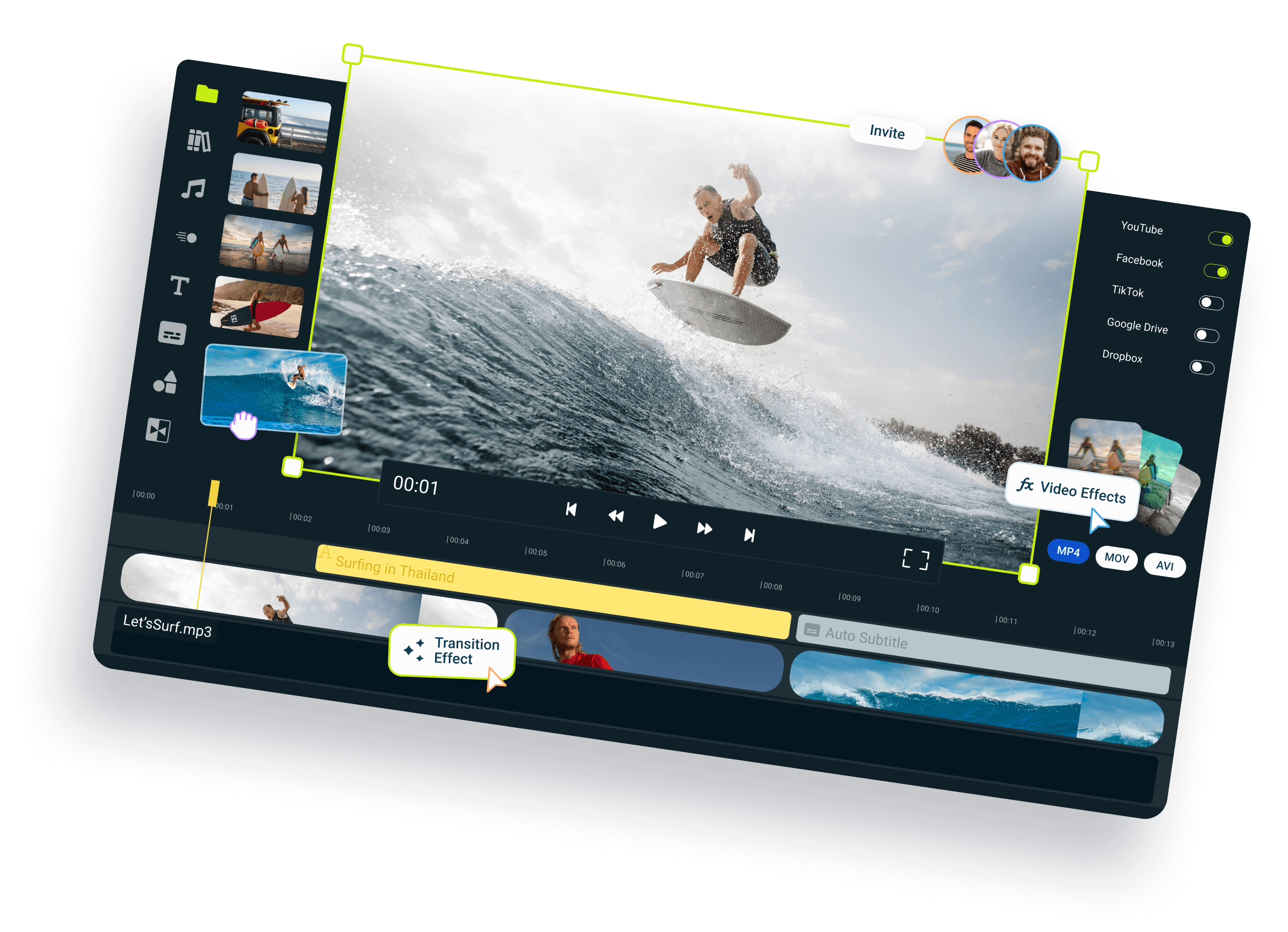
Flixier isn't just for changing Marathi audio to English. You can also make your translated videos even better with Flixier's editing tools. Add cool transitions and effects, fix colors, split audio, and add music to make your videos look professional.
Work Together with Others
Flixier is great for working with a team. You can share your projects with others who can add notes, make changes right away, or download the translated files instantly. It makes working together easy, even if you're far apart.
Quick and Easy
Flixier makes Marathi to English translation audio fast and simple. You don't need to wait for hours or deal with complex software. Just upload, translate, and you're done. What's more, you can do this from any device, anywhere in the world. Flixier is cloud-based, for ultimate convenience.
Cost-Effective Solution
Save money on professional translation services. Flixier offers an affordable way for Marathi voice to English translation that fits within your budget. You don't need to hire expensive translators or buy any software. With our online video editor, you can translate as much content as you need for a fraction of the cost.
How to translate Marathi audio to English:
1
1. Upload Your Marathi File
2
2. Make English Subtitles
3
3. Create English Audio

Who this is for

Educators

Business Owners

Social Creators

Need more than a Marathi to English translation audio tool?

Edit easily
With Flixier you can trim videos or add text, music, motion graphics, images and so much more.

Publish in minutes
Flixier is powered by the cloud so you can edit and publish your videos at blazing speed on any device.

Collaborate in real-time
Easily collaborate on your projects with Flixier, we offer real-time feedback and sharing of projects.

Still have questions?
We got you!
Is it possible to translate audio to English?
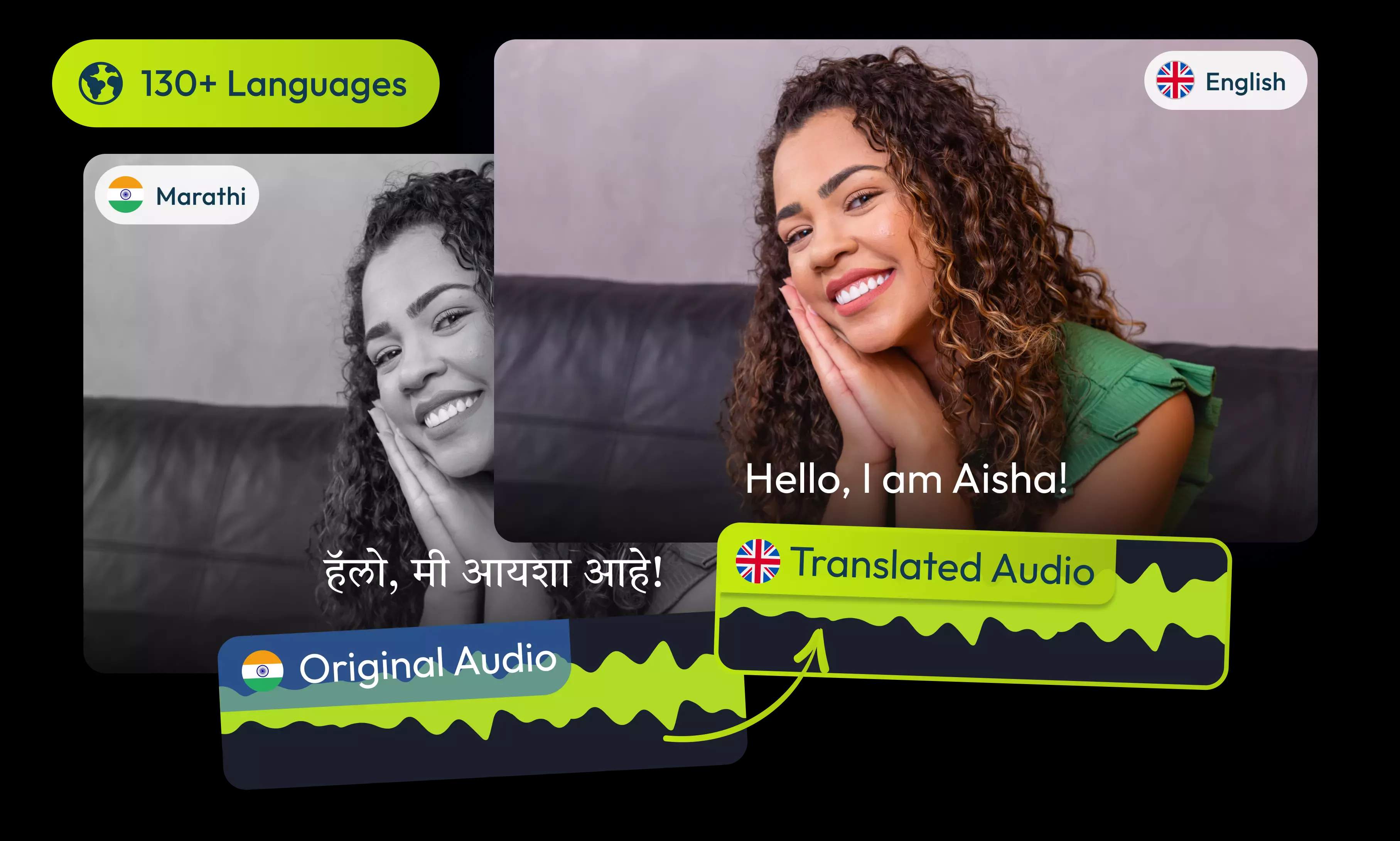
Yes, translating audio to English is possible using Flixier. All you have to do is upload your audio file, generate a transcript from it, translate it to English and then generate an AI voiceover.
How to convert Marathi audio into text?
To convert Marathi audio into text with Flixier, upload your audio file to the editor. Add it to the timeline, right-click, and select Generate Subtitles. This will create a text transcript of your Marathi audio.
How do you convert audio to another language?
To convert audio to another language using Flixier, upload your audio and generate a transcript. Then, use the translate feature to change the transcript to your desired language. Finally, use the text-to-speech function to create new audio in the target language.
Can I get a transcript for the translated audio?
When you translate your audio, Flixier first creates a text transcript. You can download this translated text file (like a .txt or .srt file) all by itself.
Can I edit the translated text before downloading the audio file?
Flixier lets you check out the translated text before you download it. You can read it, correct any words, and make any changes you like.
How many languages can I translate voices to?
Flixier can help you translate your audio into 100+ different languages and dialects. It's super easy to share your message with people all around the world.
Can I translate in different English dialects?
When you create your new audio, you can choose from many different voices. This includes different accents and dialects, so you can pick the one that sounds just right for your audience.